Ultrawide monitors force a trade-off most buyers don't expect: refresh rate versus panel type versus how much desk space you're willing to give up. The HP Omen 34c G2 walks straight into that argument as HP's refreshed take on the curved gaming display, aimed at anyone who wants one screen wide enough to retire a dual-monitor setup. This HP Omen 34c G2 review is a spec-based analysis using published manufacturer specifications and market comparisons. No hands-on testing was conducted. It's a 2025 revision built for gamers and remote workers chasing that one-screen setup, leaning on refresh-rate bragging rights and an aggressive curve to stand out among budget-conscious enthusiasts. That's a crowded lane — established ultrawide alternatives from major brands aren't going anywhere — so the real question is whether this particular mix of VA panel behavior and a faster panel earns its spot on your desk. What follows sticks strictly to the hardware: panel type, color and HDR standards, ports, and physical design, pulled from official documentation, so you can line it up against your own setup and gaming habits before you buy.
The Quick Take
The HP Omen 34c G2 is a solid pick for anyone who wants ultrawide immersion and a high refresh rate without stepping up to OLED or IPS Black pricing — as long as you already know you can live with VA's viewing-angle and HDR trade-offs.
Product Overview
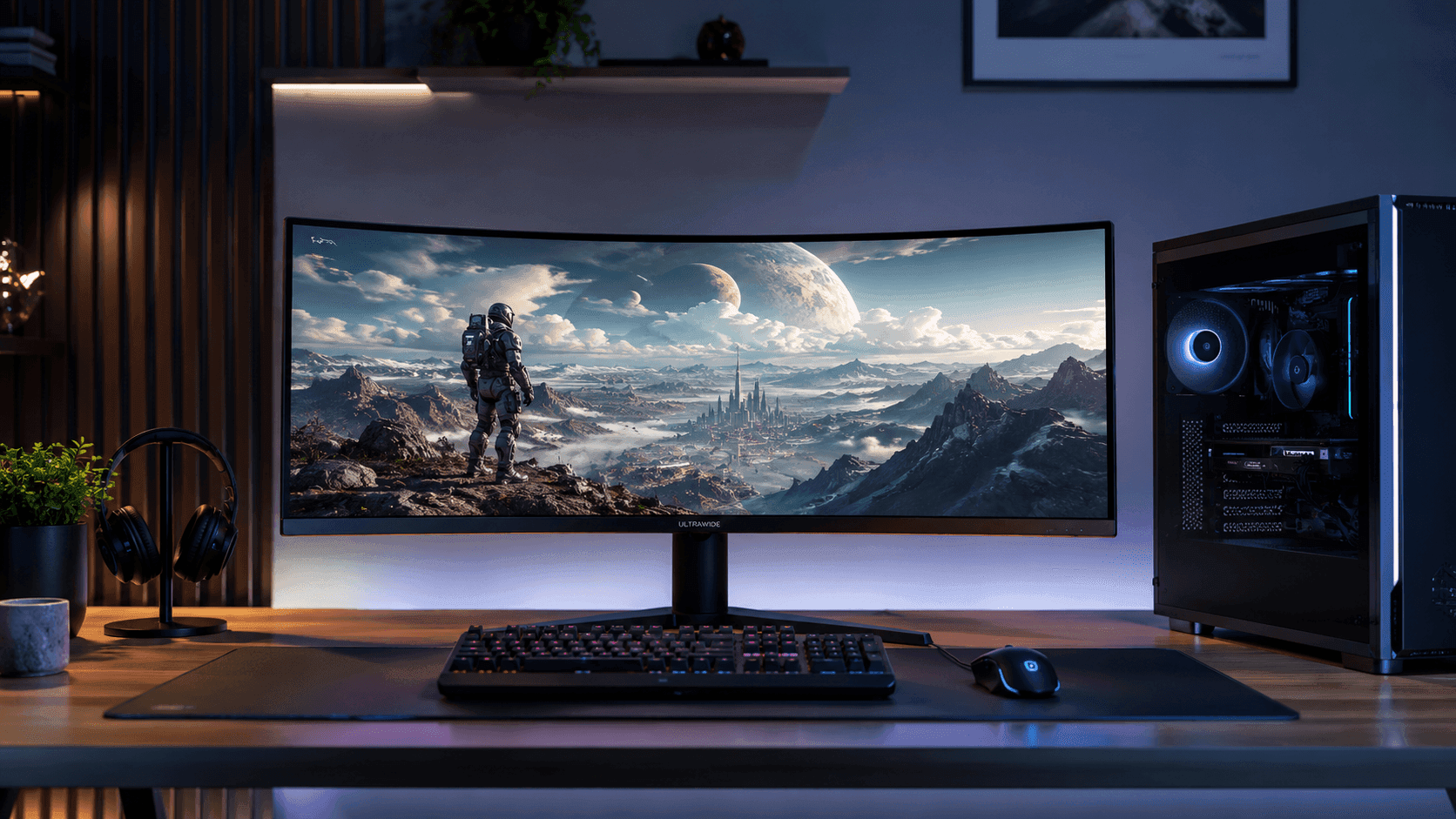
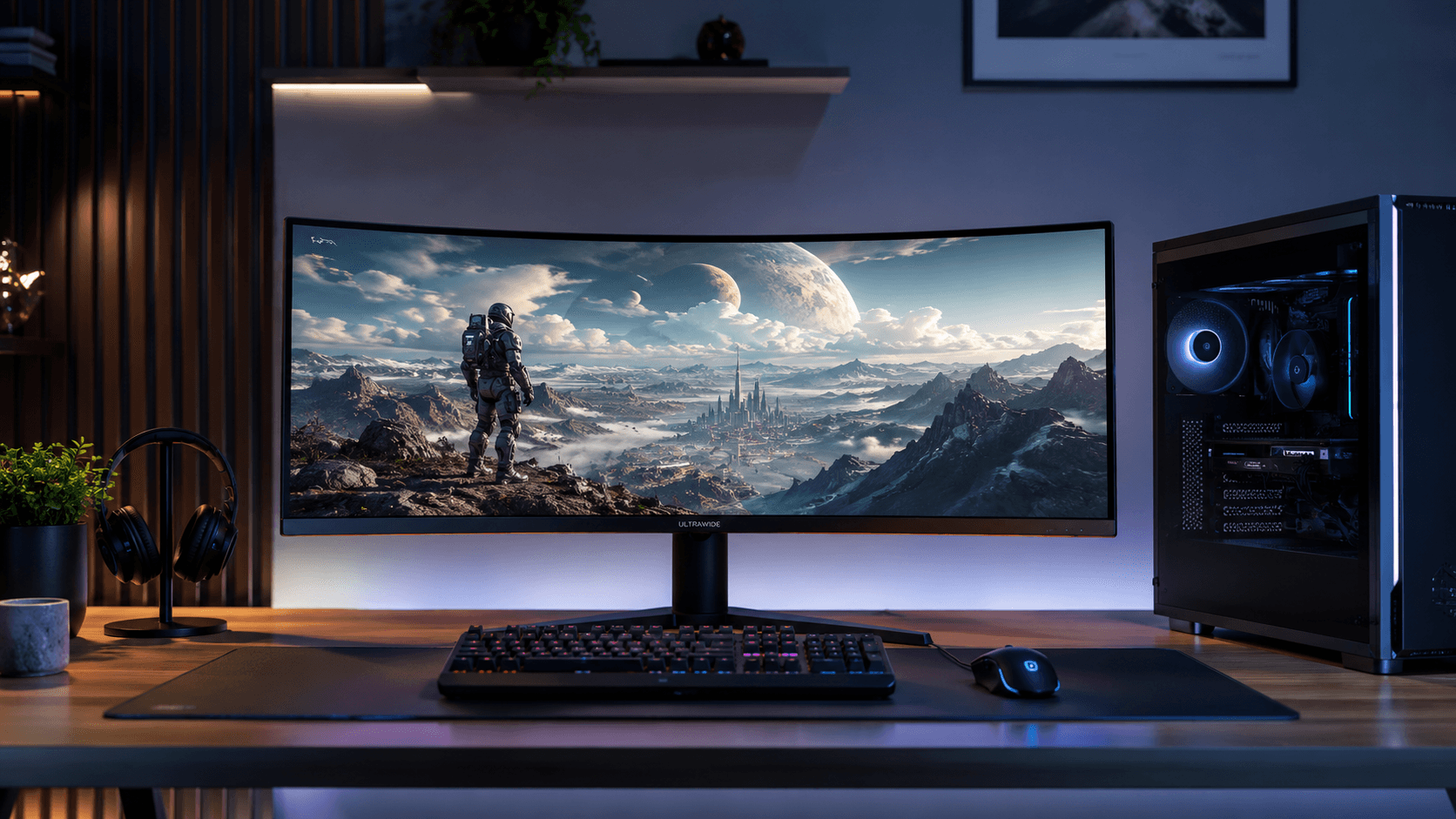
Start with the panel, since everything downstream depends on it. The Omen 34c G2 packs a 34-inch VA panel running WQHD resolution — 3440 x 1440 — in the now-familiar 21:9 aspect ratio, which works out to roughly 34 percent more horizontal real estate than a standard 16:9 widescreen. That extra width is the whole pitch for anyone doing serious multitasking: three windows side-by-side instead of two, with room to spare. VA panel technology is selected here primarily for its high native contrast ratio, which typically reaches 4000:1. In practice, that means noticeably deeper blacks in dark scenes than you'd get from a similarly priced IPS panel, which tends to look washed-out gray rather than truly black once the lights go down.
The 2025 revision bumps the refresh rate up to 180Hz, a step up from the 165Hz that defined the previous generation. That number matters more than it sounds: 180Hz means the screen redraws 180 times a second, which shows up as smoother motion tracking in twitchy shooters and racing sims. HP pairs that with a 1ms MPRT response time under the monitor's overdrive setting — though VA panels can still show a bit of dark-level smearing during the fastest transitions, MPRT rating aside. To mitigate screen tearing and stuttering, the display incorporates AMD FreeSync Premium technology, which synchronizes the monitor's refresh rate with the output of compatible graphics cards.
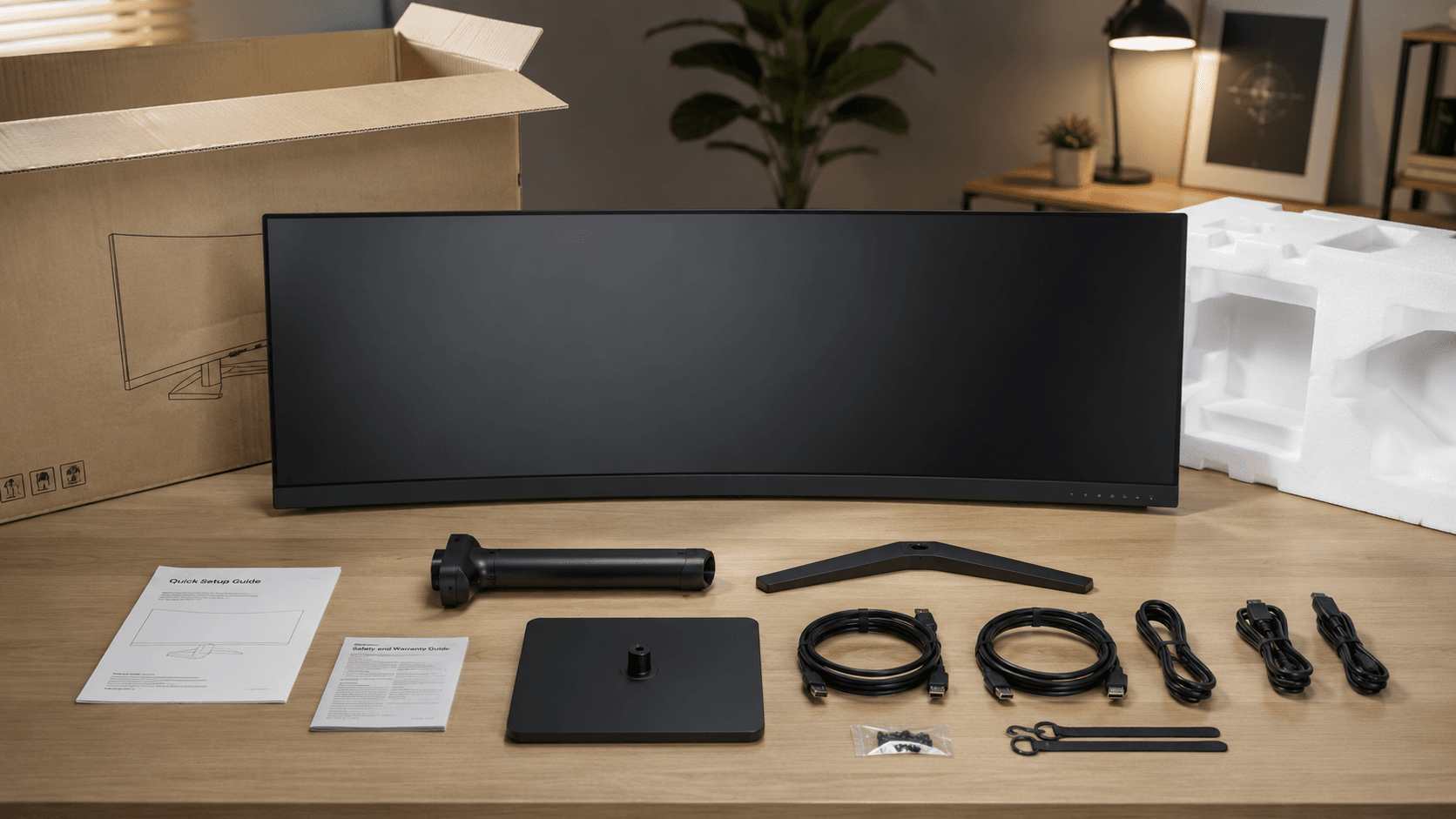
Physically, the curve is the headline. Bending a 34-inch panel brings its outer edges into your natural field of view instead of forcing your eyes and neck to hunt for them, and that's a bigger deal than curve skeptics tend to admit once you're actually sitting close to a screen this wide. On the HDR side, the panel carries VESA DisplayHDR 400 certification — an entry-level tier that guarantees at least 400 nits of peak brightness. It's a modest bump in brightness and color depth over standard dynamic range, but don't expect the local-dimming punch that higher HDR tiers deliver on bright highlights. The chassis itself skews minimalist rather than aggressive — no RGB theatrics, just a clean design that won't look out of place in a home office. The included stand tilts and adjusts for height, so you can dial in ergonomics without buying a third-party arm.
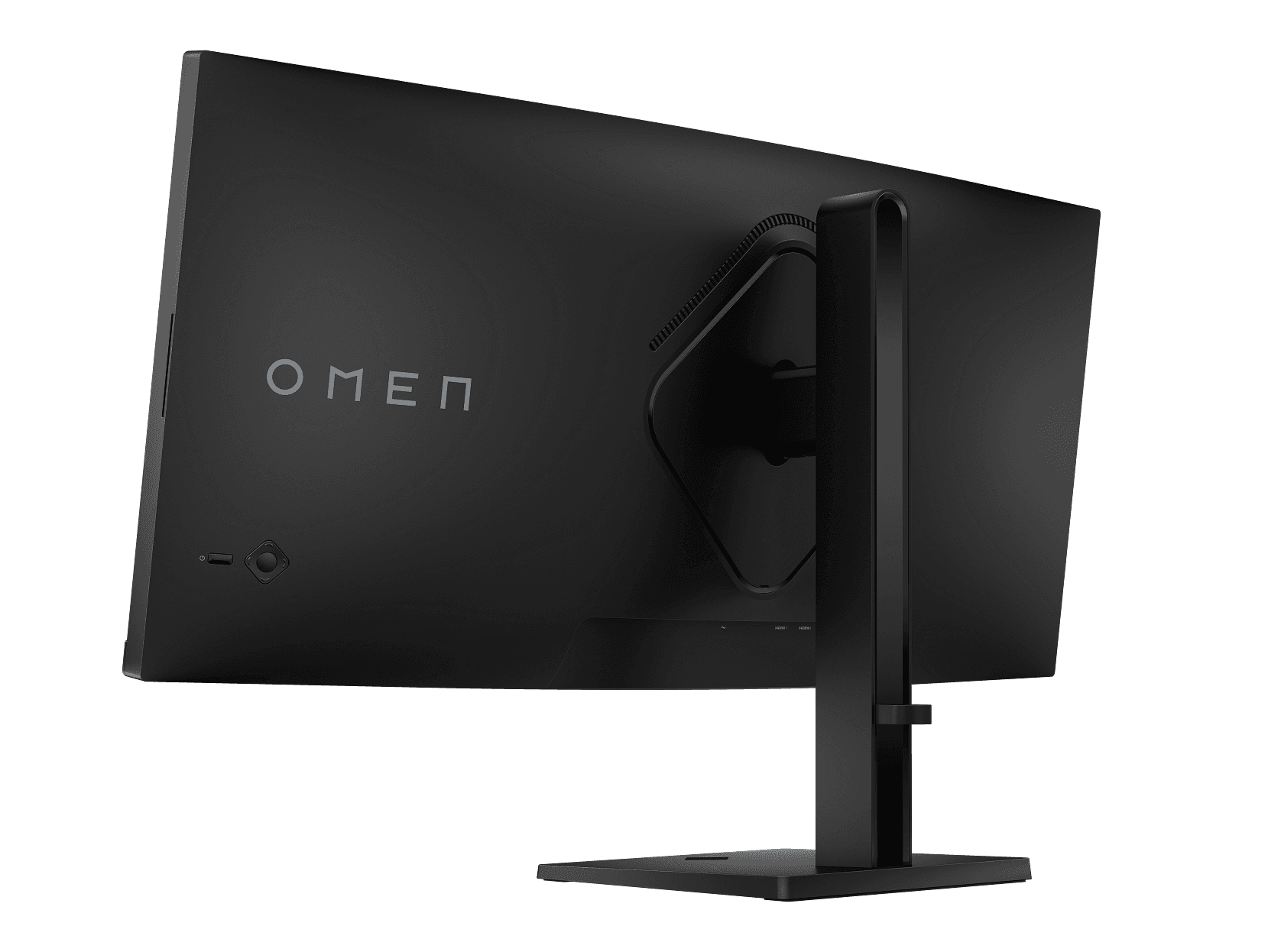
HP Omen 34c G2 Review: Key Specs and Compatibility
Connectivity here is functional, not flashy. The monitor features two HDMI 2.0 ports and one DisplayPort 1.4 input. If you want the full 180Hz at native 3440 x 1440, DisplayPort is non-negotiable — HDMI 2.0's bandwidth caps you at a lower refresh rate at this resolution, so plan your cable accordingly. Round it out with a 3.5mm audio jack for external speakers or a headset, and that's the entire port list.
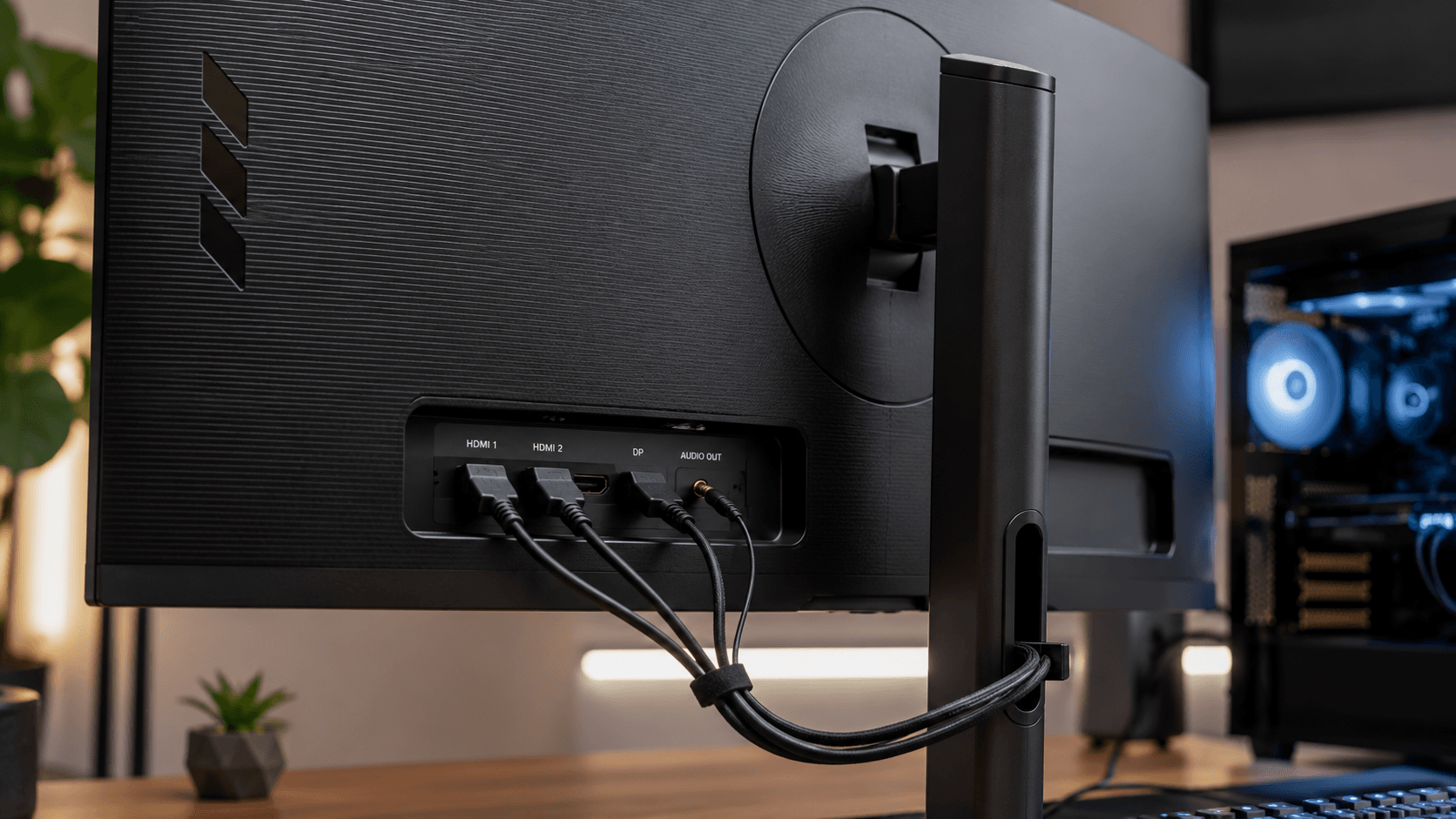
For mounting flexibility, the chassis supports a standard VESA 100 x 100 mm pattern, allowing you to swap the factory stand for a desk-mounted monitor arm. That's a useful option if your desk runs shallow and you'd rather reclaim space with a wall or clamp mount. In the market, this monitor lines up against the Gigabyte G34WQC, Dell S3422DWG, and ASUS TUF Gaming VG34VQL1B, most of which still top out at 144Hz or 165Hz — a gap that gives the Omen 34c G2 a real, if modest, edge in motion fluidity. What none of them offer, HP included, is USB-C power delivery or a built-in KVM switch; this is a dedicated display, not a docking hub, so buyers who want single-cable laptop charging should look elsewhere.
What Stands Out
Refresh rate is the headline spec, and for good reason. The jump to 180Hz in this 2025 revision is a real step up from the 144Hz and 165Hz numbers that define older budget ultrawides — expect tighter motion tracking and reduced input lag in competitive play. Paired with AMD FreeSync Premium, that higher ceiling holds up even when frame rates dip mid-fight, keeping screen tearing and stutter largely out of the picture.
Then there's the 1500R curve wrapped around that 34-inch VA panel — an aggressive bend meant to track your peripheral vision more closely than a flat screen ever could. It pulls you further into whatever you're looking at and keeps the edges of the display at a more consistent distance from your eyes, which matters over long sessions. The 3440 x 1440 WQHD resolution behind that curve delivers the same 21:9 math noted above: roughly 34% more real estate than 16:9, useful whether you're widening your field of view in a shooter or lining up three windows for work.
VESA DisplayHDR 400 certification rounds things out, guaranteeing a baseline HDR experience rather than a dramatic one. It won't deliver the brightness of higher HDR tiers, but it does mean the panel reads HDR signals correctly and pulls out more highlight detail and contrast than a standard dynamic range screen manages. Add the 1ms MPRT response time from pixel overdrive, and motion blur and ghosting stay in check — a real plus for anyone who wants visual clarity and quick reflexes to both matter.
Strengths
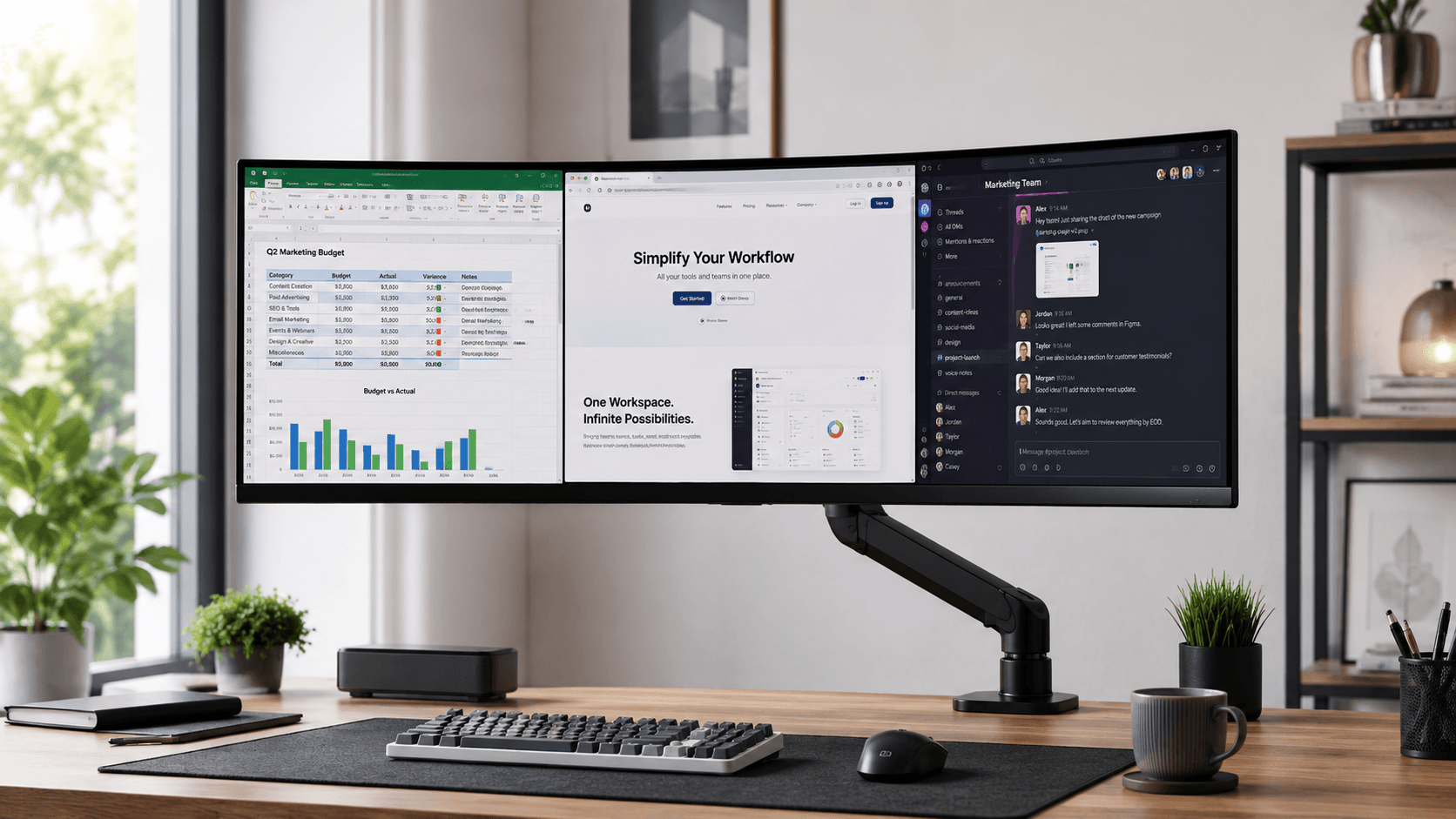
On paper, this monitor earns its keep as a genuine two-in-one setup. For remote work, that 34-inch canvas is the upgrade you don't realize you needed until you've used it: a spreadsheet, a browser, and a chat app can all sit side-by-side without reaching for a second monitor arm. VA's high static contrast ratio pays off here too — text stays crisp against a bright background, which makes long stretches of reading, coding, or writing noticeably easier on the eyes.
Flip over to entertainment and the same strengths carry through. Most modern cinematic content is shot in 21:9, so it fills this screen edge-to-edge with none of the black bars you'd get on a 16:9 display, and the 1500R curve makes that footage feel more enveloping. For gaming, 180Hz plus AMD FreeSync Premium keeps everyday sessions smooth, whether that's an open-world crawl or a fast-paced shooter, while the 1ms MPRT response time keeps moving objects sharp instead of smeared — a common complaint with older or cheaper VA panels. Put it together and you've got a reliable daily driver for anyone splitting time between work and serious gaming.
Weaknesses
Every strength here comes with an asterisk, and most trace back to the VA panel itself. Viewing angles are the big one: sit off to one side, or share the screen with a coworker, and you'll notice colors and contrast shift noticeably toward the edges — something IPS panels handle far better. The 1ms MPRT rating helps with motion clarity, but VA panels are still prone to minor dark-level smearing in the toughest scenarios, like a bright object crossing a near-black background at speed.
VESA DisplayHDR 400 is the other asterisk. It's an entry-level HDR tier, so don't expect the zone-based local dimming or blinding peak brightness that make Mini-LED and OLED HDR genuinely dramatic — this mainly means HDR content displays correctly, with a modest boost in color depth. There's also the practical matter of desk space: a curved 34-inch panel needs real depth to sit comfortably while leaving room for a keyboard and mouse pad, so shallow desks may need an aftermarket VESA arm to make it work. And running 3440 x 1440 at up to 180Hz isn't free — you'll want a genuinely capable graphics card, or you'll end up turning down settings just to hit that refresh ceiling.
Best Alternatives
If the VA trade-offs above give you pause, a few direct competitors are worth a look. The Gigabyte G34WQC runs the same 3440 x 1440 VA formula at a slightly lower refresh rate, and it's carved out a following among budget-minded gamers who want deep contrast without stretching their wallet. The Dell S3422DWG trades a bit of refresh-rate headroom for a sturdier stand and dependable FreeSync integration — a fair swap if ergonomics matter more to you than raw Hz. The ASUS TUF Gaming VG34VQL1B uses a different curve radius and leans on aggressive overdrive tuning to fight VA's usual smearing problem, appealing to buyers who like the TUF ecosystem's styling. None of these three beat the Omen 34c G2 on refresh rate out of the box — that's still its clearest advantage in this price tier — but if a sturdier stand or a different port layout matters more to your desk setup, either the Dell or the Gigabyte might fit better. All four monitors land in the same WQHD ultrawide category with DisplayHDR 400 and FreeSync-class adaptive sync, so the tiebreaker usually comes down to current pricing and how each one fits your desk.
Who Should Buy It
This monitor makes the most sense for gamers who want ultrawide immersion without paying OLED or IPS Black money. If your library leans toward sims, racing games, or sprawling open-world RPGs, the 1500R curve and 21:9 ratio genuinely change how immersive those games feel, and the 180Hz refresh rate keeps casual multiplayer and action titles fluid. It's also a solid fit if you're a remote worker or a student juggling multiple windows — that 3440 x 1440 canvas comfortably fits three apps side-by-side without the bezel gap of a dual-monitor setup. And if you tend to watch movies with the lights off, the VA panel's deep blacks will look noticeably better than a similarly priced IPS screen in that same dark room.
Who Should Skip It
On the flip side, competitive esports players chasing every millisecond in fast-paced shooters should probably pass. VA's occasional ghosting and dark smearing during quick transitions is exactly the kind of thing that costs you in high-stakes matches, where a fast IPS or OLED panel has the edge. Creative professionals doing color-critical photo editing, video grading, or print work should also look elsewhere — VA's narrower viewing angles mean colors shift the moment you're not sitting dead center. And if true HDR is the goal, this isn't it: DisplayHDR 400 only guarantees entry-level brightness, so anyone chasing blinding highlights and real local dimming should save up for a Mini-LED or OLED ultrawide instead.
Verdict
Bottom line for this HP Omen 34c G2 review: it's a targeted value play for gamers and remote workers who want ultrawide immersion without paying OLED or IPS Black prices. The high-contrast VA panel and 1500R curve deliver genuinely deep blacks and rich contrast, which makes dark, atmospheric games and movies look better than the price tag suggests. Bumping the refresh rate to 180Hz for this 2025 revision, combined with AMD FreeSync Premium, keeps fast motion fluid — a real win for players who still want the wide field of view that 3440 x 1440 WQHD resolution provides.
That said, the VA trade-offs aren't going away. The 1ms MPRT rating keeps ghosting mostly in check, but if you're sensitive to dark-level smearing, or you need wide viewing angles for collaborative design work, an IPS alternative will serve you better. DisplayHDR 400 gets HDR content on screen correctly without delivering the blinding highlights or local dimming of higher-end Mini-LED displays, so set your expectations accordingly. For everything else, the Omen 34c G2 earns its place as a balanced, budget-friendly centerpiece for a gaming setup or a clean home office: one screen instead of a bezel gap, more room to multitask, and a refresh rate that holds up under real gaming pressure. If contrast, screen real estate, and refresh rate matter more to you than color accuracy, this is a genuinely practical upgrade.
Sources & References
Specifications, pricing context, and claims in this analysis were cross-referenced against the sources below.
- OMEN 34 inch WQHD 180Hz Curved Gaming Monitorhp.com
- HP OMEN 34c Curved Gaming Monitor | HP® Official Sitehp.com
- HP Omen 34c G2 34-inch WQHD 180 Hz gaming monitor ...tomshardware.com
- Datenblatt Monitor HP Omen 34c G2 - Prad.deprad.de
- HP OMEN 34c G2 (2025) - GamingMonitorgamingmonitor.co
- OMEN by HP 34 inch WQHD 165Hz Curved Gaming Monitorhp.com
- HP OMEN 34c G2 goes official with a curved 180Hz 34 ...displayspecifications.com
- HP OMEN 34c (G2) monitor review: The safe ultrawide gaming optionwindowscentral.com
Frequently Asked Questions
The HP Omen 34c G2 features a high 180Hz refresh rate, delivering smooth visuals and reduced motion blur for fast-paced gaming.