
Every fall, students show up on campus with the wrong laptop for the work ahead. Not a bad laptop — just a mismatched one: a film major lugging a business ultrabook that chokes on a video export, a CS major watching Xcode builds crawl on integrated graphics. The problem is rarely broken hardware; it's hardware that doesn't fit the workload.
That mismatch gets worse once your major leans creative. Graphic design, video editing, and architecture all demand more than lecture slides ever will. A bargain laptop stalls rendering a 3D model or exporting 4K footage between classes; a workstation laptop weighs down your backpack and dies before your seminar starts. This is a spec-based analysis using published manufacturer specifications and market comparisons. No hands-on testing was conducted.
So how do you choose the best laptop for college without overpaying for hardware you'll never touch, or underbuying and bottlenecking your coursework? It comes down to matching processor, memory, display, and battery life to your actual workflow — not chasing the highest spec sheet in the store.

The Quick Take
Need something that survives a full day of classes without hunting for an outlet? An ARM-based machine like the MacBook Air M5 covers most majors, from writing-heavy classes to light photo editing. Need Windows-only software or a dedicated GPU for CAD and 3D work instead? Step up to a mid-range Windows machine or a dedicated creative laptop.
How to Choose the Best Laptop for College: A Step-by-Step Framework
Start with your coursework, not the spec sheet. If your classes lean toward graphic design, photo editing, or vector illustration, color accuracy matters more than raw horsepower, so put your money into the display. If you're doing 3D rendering, CAD, or multi-stream 4K editing, you need a dedicated GPU and a chassis built to dissipate heat, not a fast-looking processor.
Next, pick your operating system around your software, not your preference. macOS pairs well with creative suites and sips battery efficiently, so if your day is mostly Adobe apps, Final Cut, or Logic, that's a reasonable default. If your program requires Windows-only engineering tools or you want to game between classes, stick with Windows.
From there, check memory before the processor name. Sixteen gigabytes of unified memory or DDR5 RAM is the floor for creative workflows — go lower and you'll feel it the first time Photoshop, a browser, and Discord are open at once. Storage follows the same logic: 512GB is survivable, but budget for 1TB if you're storing project files or raw footage, since upgrading later isn't an option on thin-and-light machines.
Last, weigh battery life and weight like specs, not afterthoughts. A laptop that dies three hours into a lecture block or throws out your back on the walk to class undoes every good decision you made. Look for battery estimates in the 8-to-10-hour range and a keyboard and trackpad you'd want during a four-hour study session — you'll type on it far longer than you'll benchmark it.
Recommended Product Categories
Matching your major to a hardware tier saves you from two mistakes: overpaying for horsepower you don't need, or choking on your coursework. Here's how the categories break down.
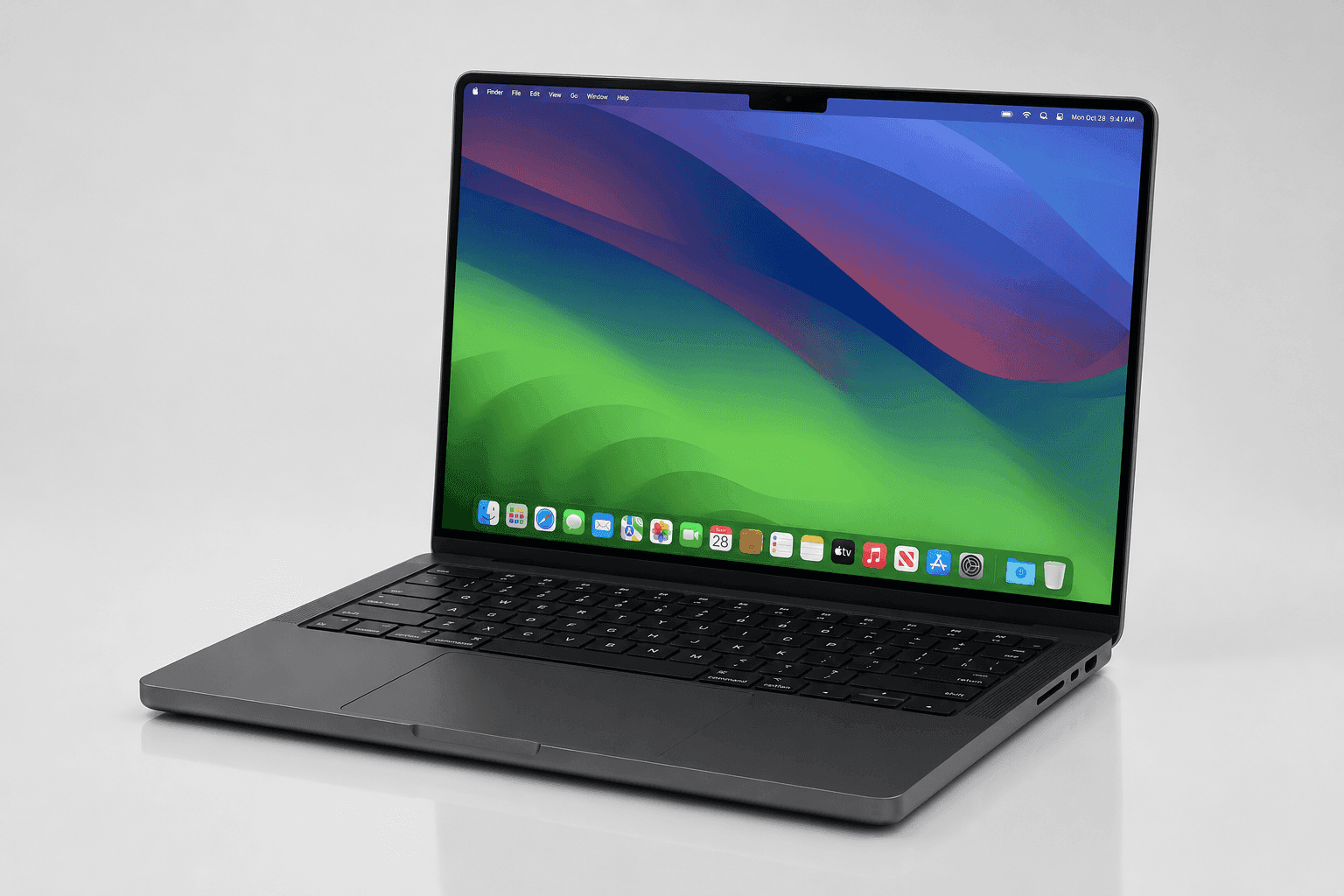
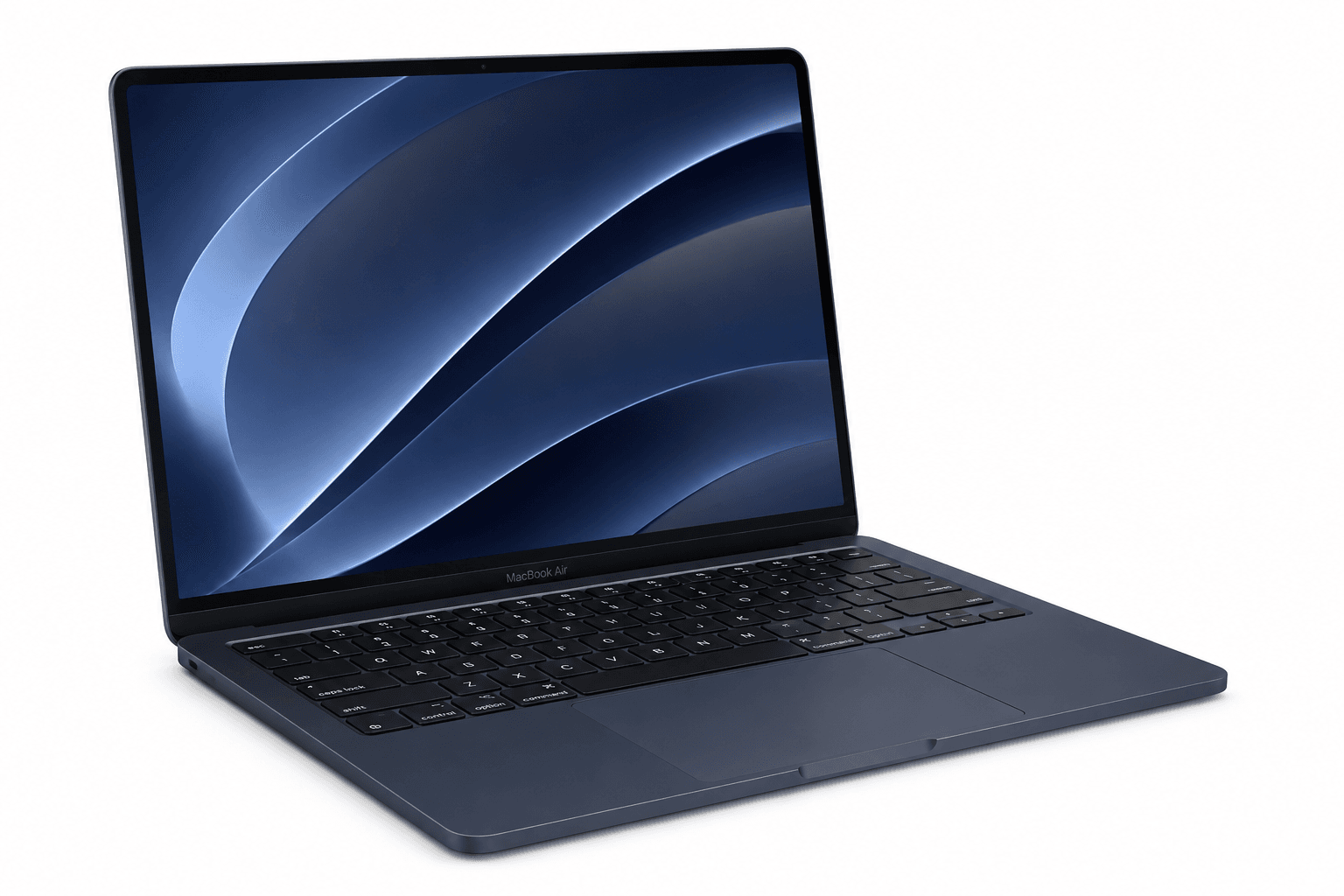
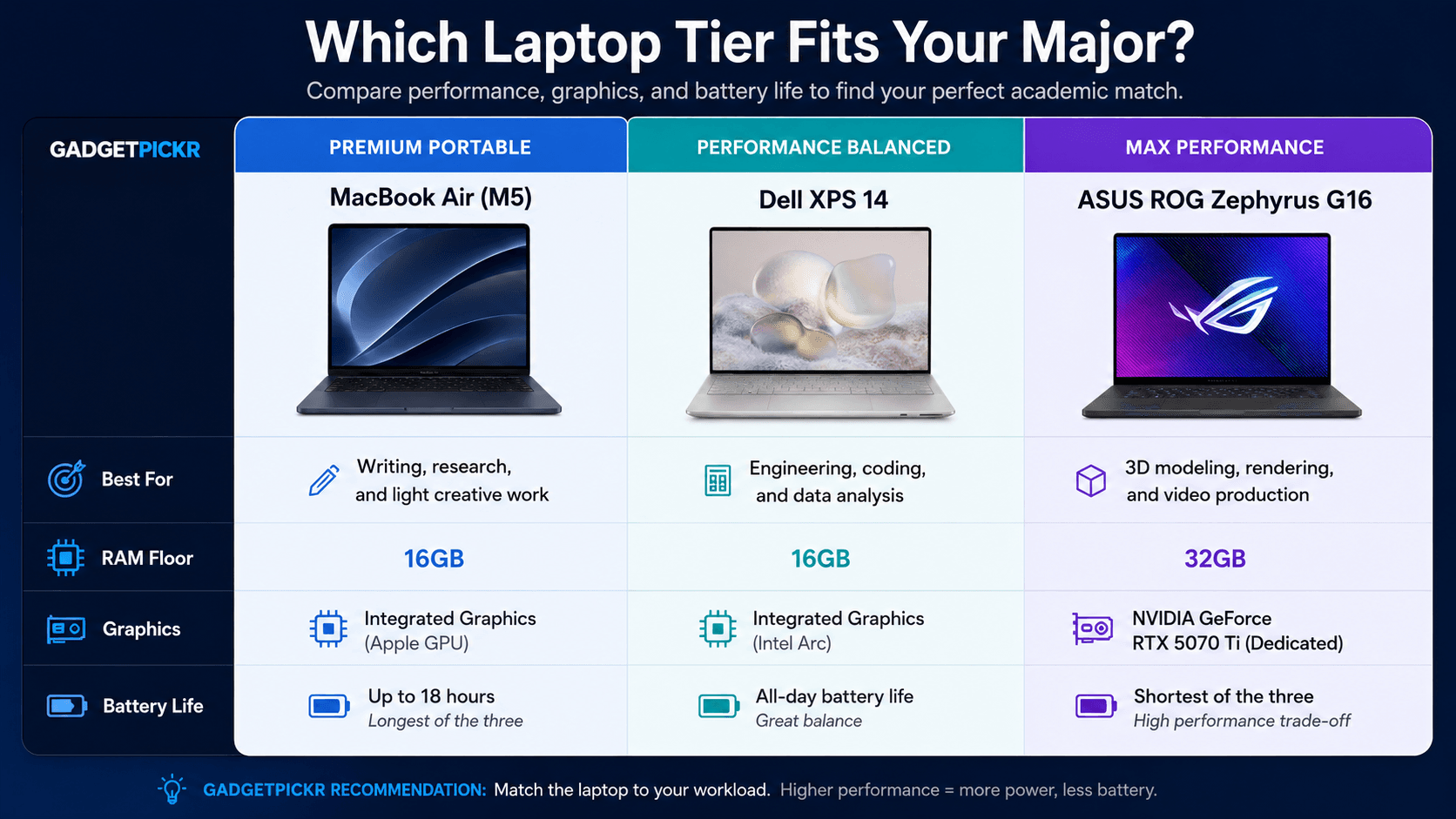
If you write essays, edit photos casually, and mostly live in a browser and word processor, a premium ultraportable is the move. The Apple MacBook Air (13-inch, M5, 2026) fits that tier: fanless and silent, rated for up to 18 hours of battery life, with a color-accurate Liquid Retina display — plenty for writing-heavy majors and light creative work.
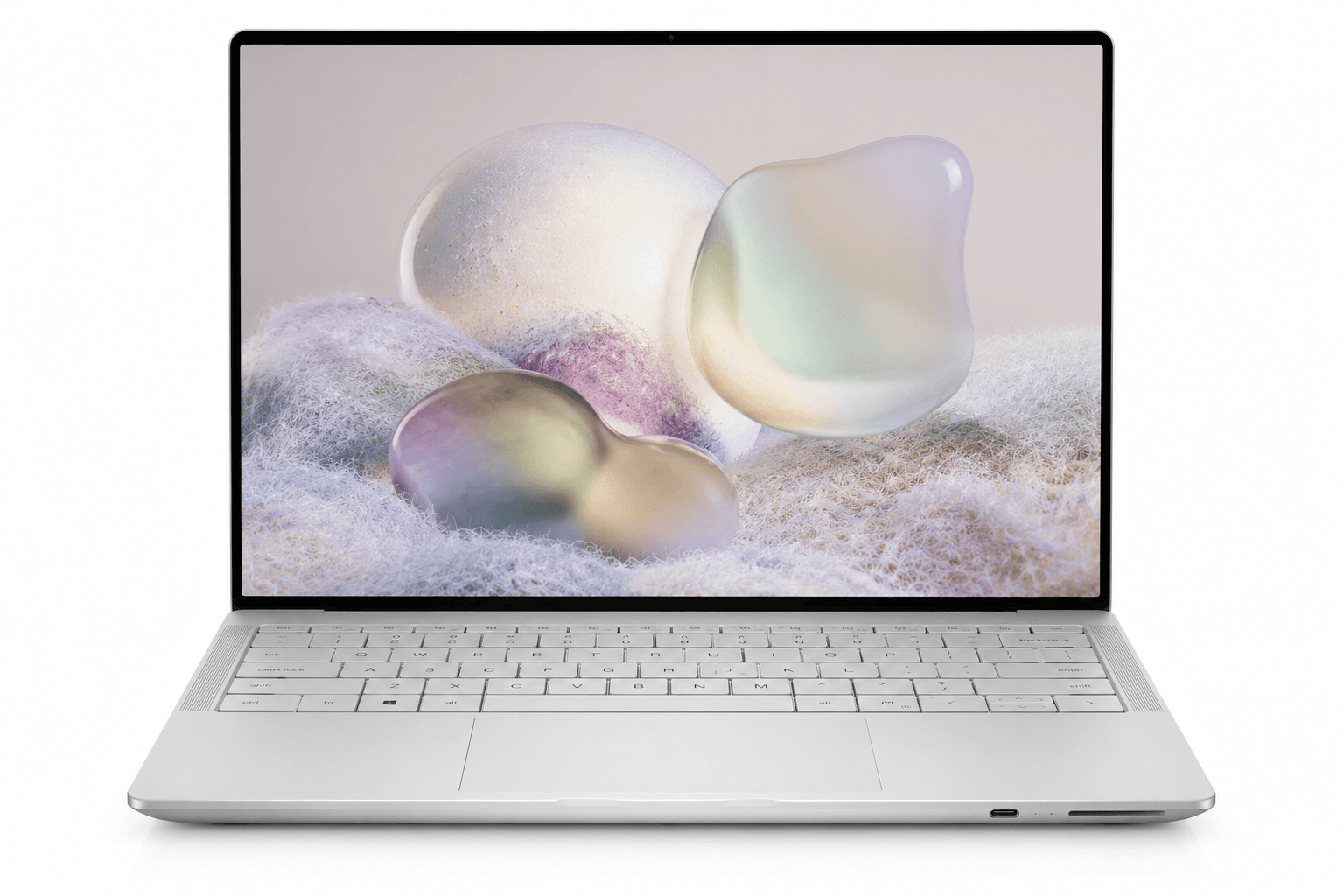
If your coursework leans into software engineering, data analysis, or moderate content creation, step up from an ultraportable. A mid-range capable machine like the Dell XPS 14 offers strong CPU performance with an Intel Core Ultra 7 processor, a display with up to a 120Hz refresh rate, and three Thunderbolt 4 ports for connecting external storage and high-resolution monitors.
For the top end — 3D animation, game design, heavy video production — you're in workstation-with-a-GPU territory. The ASUS ROG Zephyrus G16 (2025) GU605CR pairs an NVIDIA GeForce RTX 5070 Ti with an Intel Core Ultra 9 processor for rendering, plus a 240Hz OLED display for precise color. Skip this category unless your major demands it — you'll pay for power you won't touch in a writing seminar.
Common Mistakes
The most expensive mistake is pairing a fast processor with too little memory — a high-end chip choked by 8GB of RAM still stutters the moment you stack a browser, Discord, and a multi-layer Photoshop file. Sixteen gigabytes is the real baseline for creative work now; serious 3D rendering calls for 32GB.
Trusting a bright screen over a color-accurate one causes almost as much trouble. A display that looks great under dorm-room lighting can still have poor color gamut coverage, so your color grading looks different once you open the file elsewhere. Check for verified DCI-P3 or sRGB coverage — refresh rate alone tells you nothing about color.
Ignoring thermal design because a chassis looks thin rounds out the list. Ultra-thin laptops throttle under sustained load, exactly the moment you don't want your CPU slowing down mid-render. Heavy 3D modeling or video editing coursework calls for a slightly thicker chassis with real cooling, like the upgraded thermal design in the ASUS ROG Zephyrus G16, rather than the thinnest laptop on the shelf.
Buying Checklist
Before you check out, run through this list on the actual product page — every item here is something you can verify without leaving the spec sheet.
Check the RAM listed in the configuration options: 16GB should be the minimum you select, not the headline configuration's number. Check the display spec line for a color gamut percentage — look for DCI-P3 or sRGB coverage listed as an actual number, not just a resolution.
Check the port list for Thunderbolt 4 or USB-C count — two or more saves you from carrying a dongle bag for drives, tablets, or a monitor. Check whether the graphics section lists a dedicated GPU model, like an NVIDIA GeForce RTX card, or just "integrated" — that matters if your curriculum includes 3D modeling or CAD.
Finally, check the battery life number against your class schedule. A laptop rated below 8 hours will likely fall short in real-world use, so aim closer to 18 hours if you're away from an outlet all day. Match these checks to your coursework, and choosing the best laptop for college stops being a guessing game.
Keyboard and Trackpad Checks
Since you'll type on a built-in keyboard for hours during exam season, don't just glance at it on a store display — check the key travel and layout on the spec page. Shallow, mushy keys wear on you fast during a long paper-writing session, and a cramped layout with undersized arrow keys trips you up more than you'd expect.
The trackpad matters just as much for photo or video editing without a mouse. Look for a glass-surface trackpad with precision drivers rather than plastic — it affects how accurately you can make fine selections in editing software. A solid keyboard paired with an imprecise trackpad will frustrate you daily in a way a spec sheet never warns you about.
Sources & References
Specifications, pricing context, and claims in this analysis were cross-referenced against the sources below.
- CCS Laptop Recommendations 2026-2027 - Campus Officescampus.collegeforcreativestudies.edu
- 5 Best Laptops for Artists and Art Students in 2026 [updated]travisvermilye.com
- The 6 Best Laptops for College Students in 2026 - ny timesnytimes.com
- The best student laptops in 2026: our top tested picks for college ...techradar.com
- How to Choose the Best Laptop for College - Intelintel.com
- What's the best laptop for college students right now? : r/computerreddit.com
- What laptop specifications are best for running drawing and video ...facebook.com
- What Is The Best Laptop For College Students? - Delldell.com