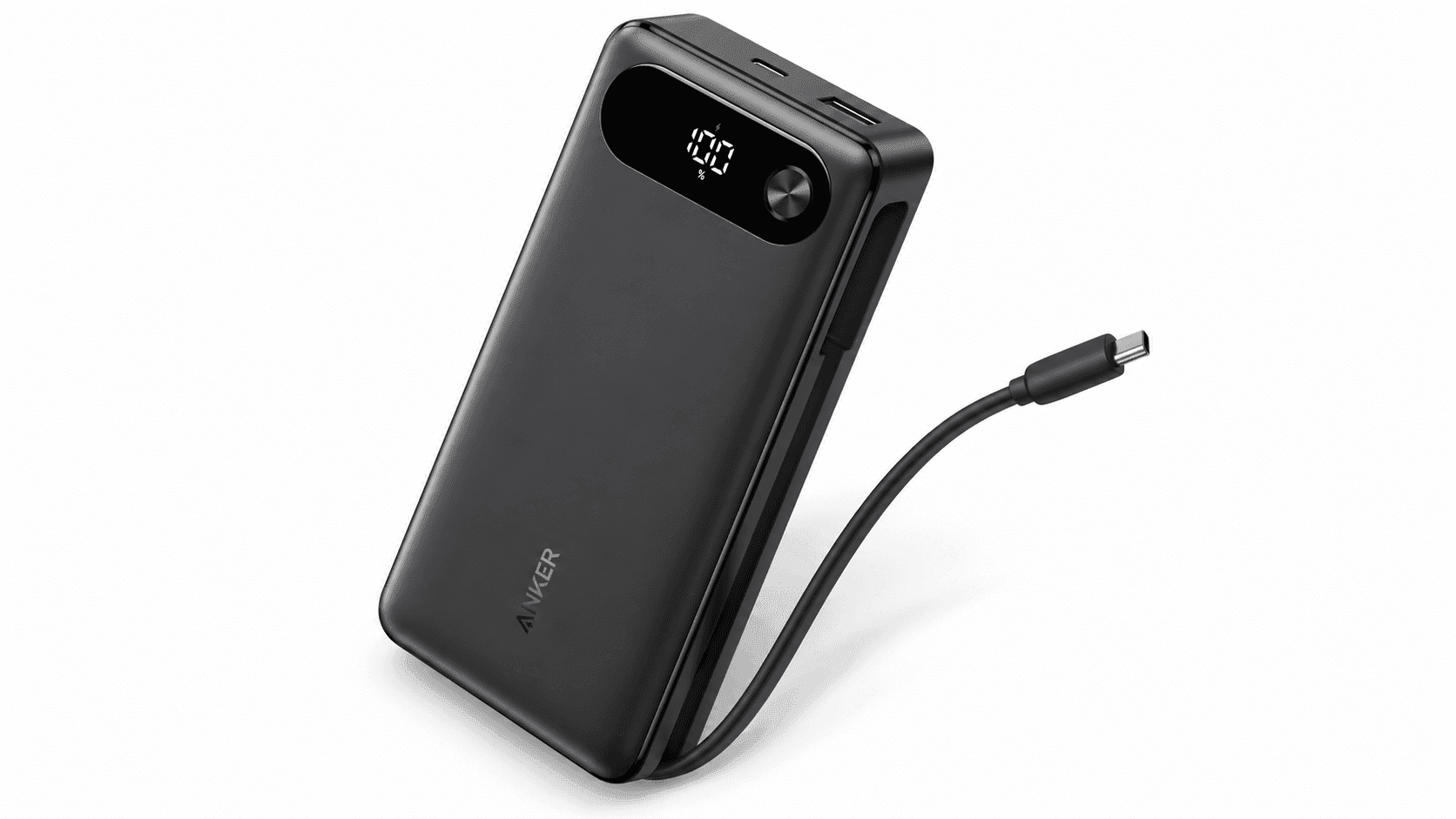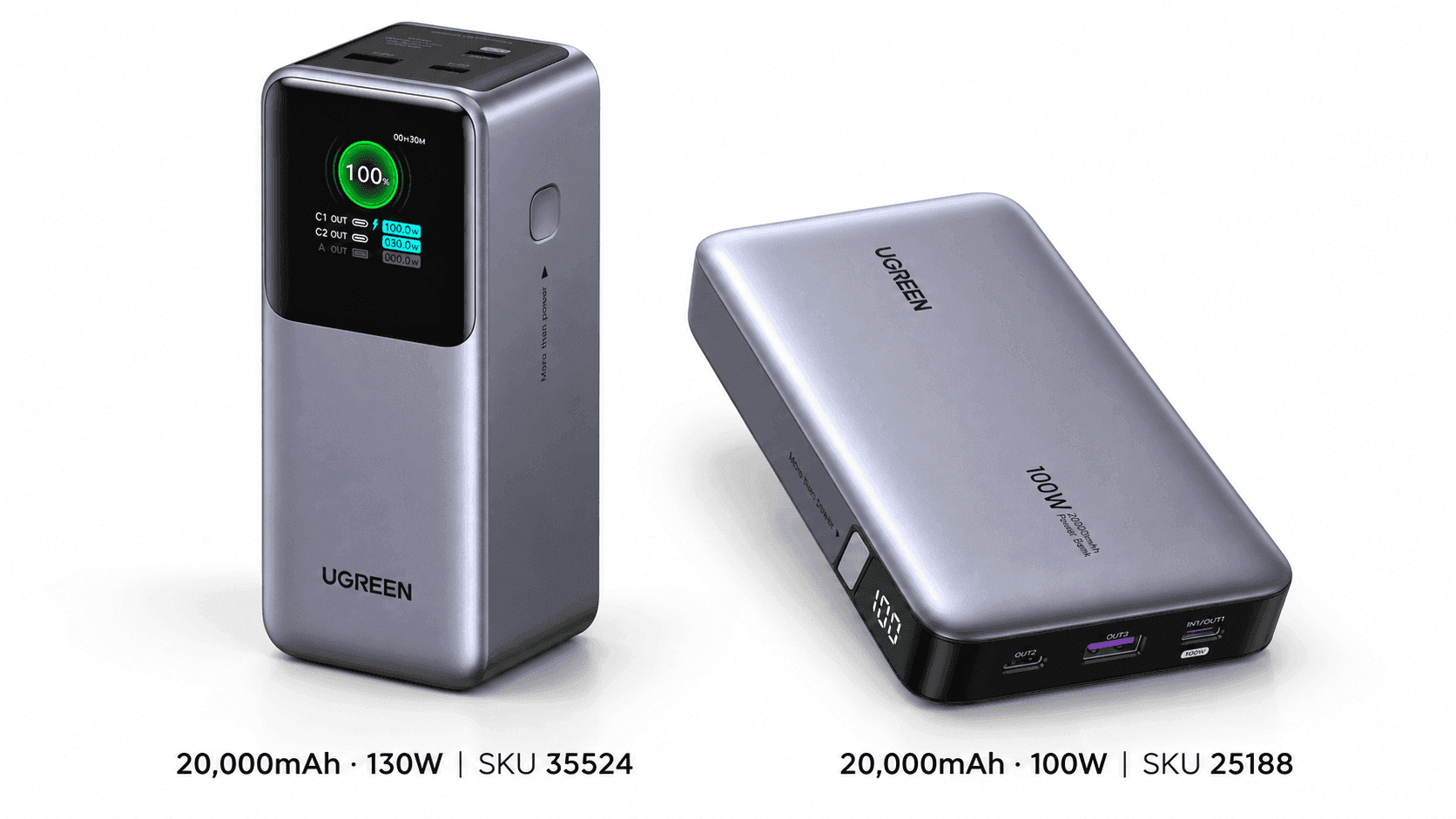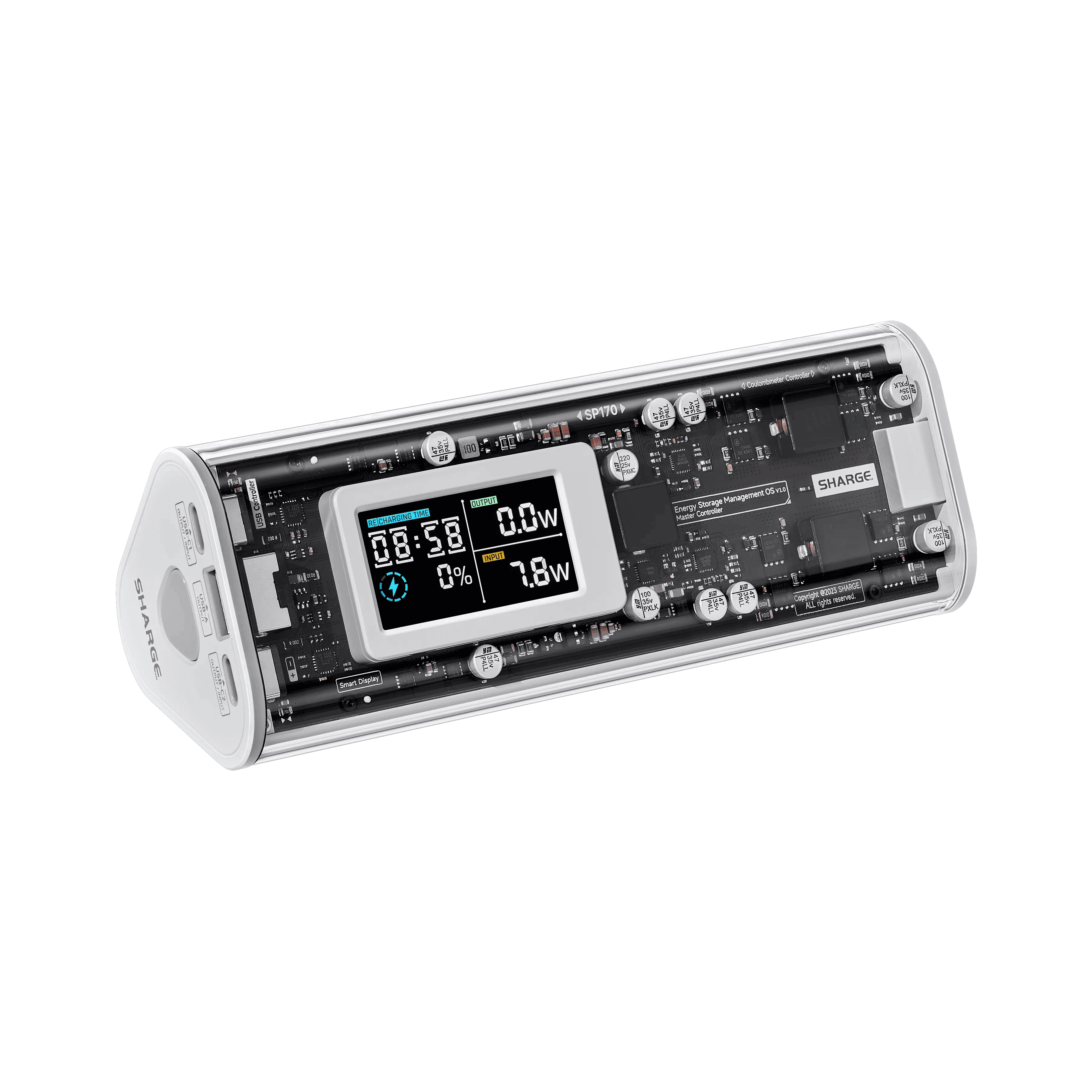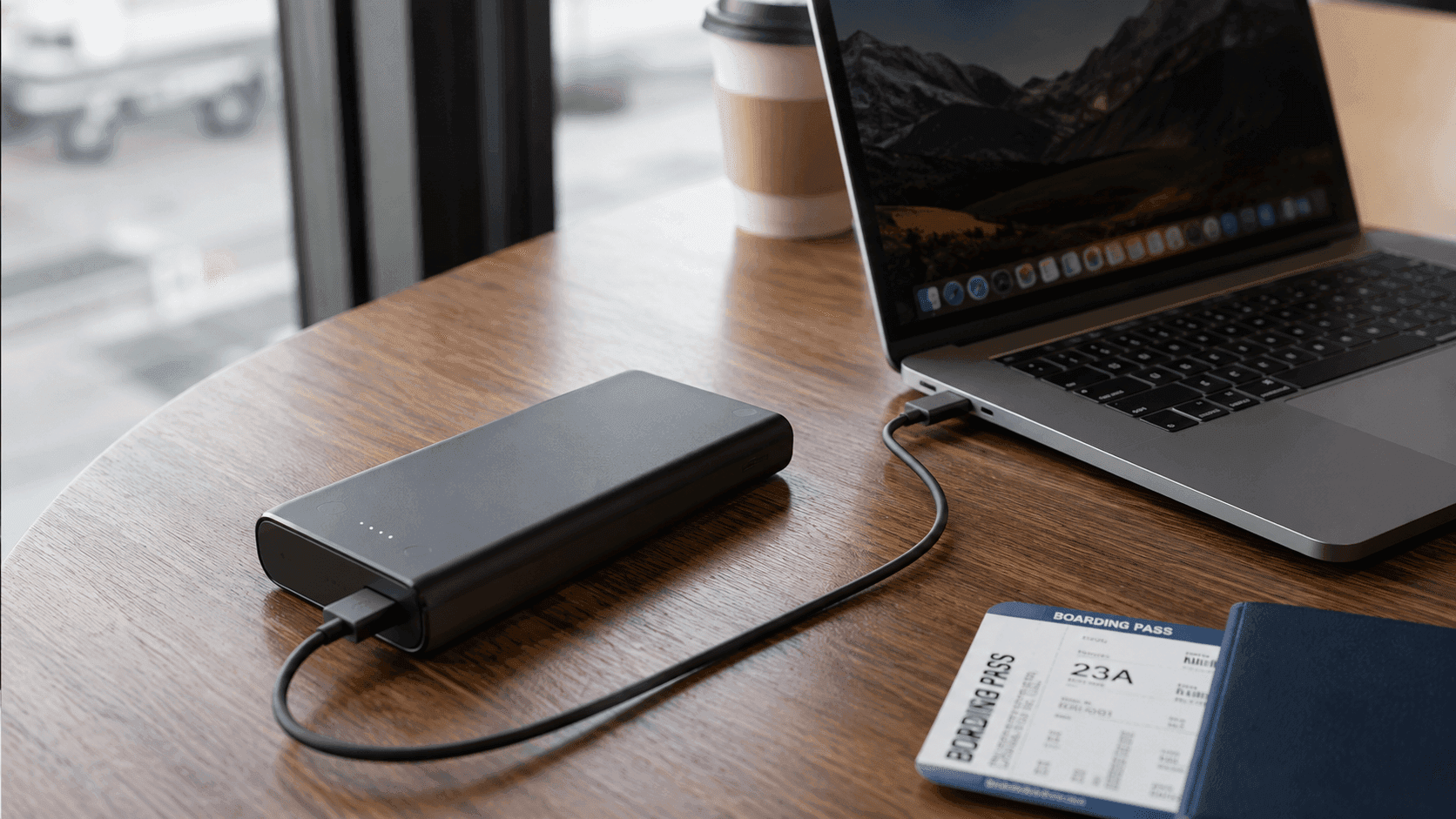
Your phone sips power. A laptop gulps it. That single gap explains why the charger that kept your handset alive through a layover does almost nothing for a 16-inch machine at cruising altitude. Working out how to choose a power bank for laptops comes down to three numbers that have to agree with each other: output wattage, total watt-hours, and the charging protocol printed on the spec sheet.
Most pocket-sized banks push 15W to 30W. Plug a working laptop into one of those and the battery percentage still falls — just more slowly. That is the trap: the port fits, the light comes on, and you are still losing ground while you edit a deck at 30,000 feet.
Keeping a MacBook Pro or a high-end Windows laptop alive through a long haul means targeting an external battery rated for at least 65W to 100W of USB-C Power Delivery (PD). Scaling capacity up brings its own headache. FAA and airline rules cap carry-on lithium-ion batteries at 100 watt-hours (Wh) — roughly equivalent to 26,800 milliamp-hours (mAh) at standard 3.7V battery cell ratings. Buy small and you run dry over the Atlantic. Buy big and security keeps it. Everything below is about hitting the window in between without hauling a brick.
The Quick Take
Three specs decide it: maximum single-port output wattage, total watt-hour capacity, and which charging protocols the ports actually speak. If you carry an ultrabook, the primary USB-C port needs to hit 65W. If you carry a 15-inch or 16-inch workstation, hold out for 100W or more over USB-C Power Delivery (PD 3.0) and check the watt-hour rating before you check anything else.
How to choose a power bank for laptops, step by step
Work through this in order. Power output first, capacity second, cable last — reversing that order is how people end up with a heavy pack that charges at half speed.
Start with your laptop's own wall charger and read the wattage off the brick. Ultraportables generally ask for 45W to 65W; 15-inch and 16-inch performance laptops such as the MacBook Pro or workstation PCs want 100W, sometimes 140W, over USB-C Power Delivery. Go beneath that number and your laptop charges slowly, stalls under heavy workloads, or quietly drains its internal battery while plugged in.
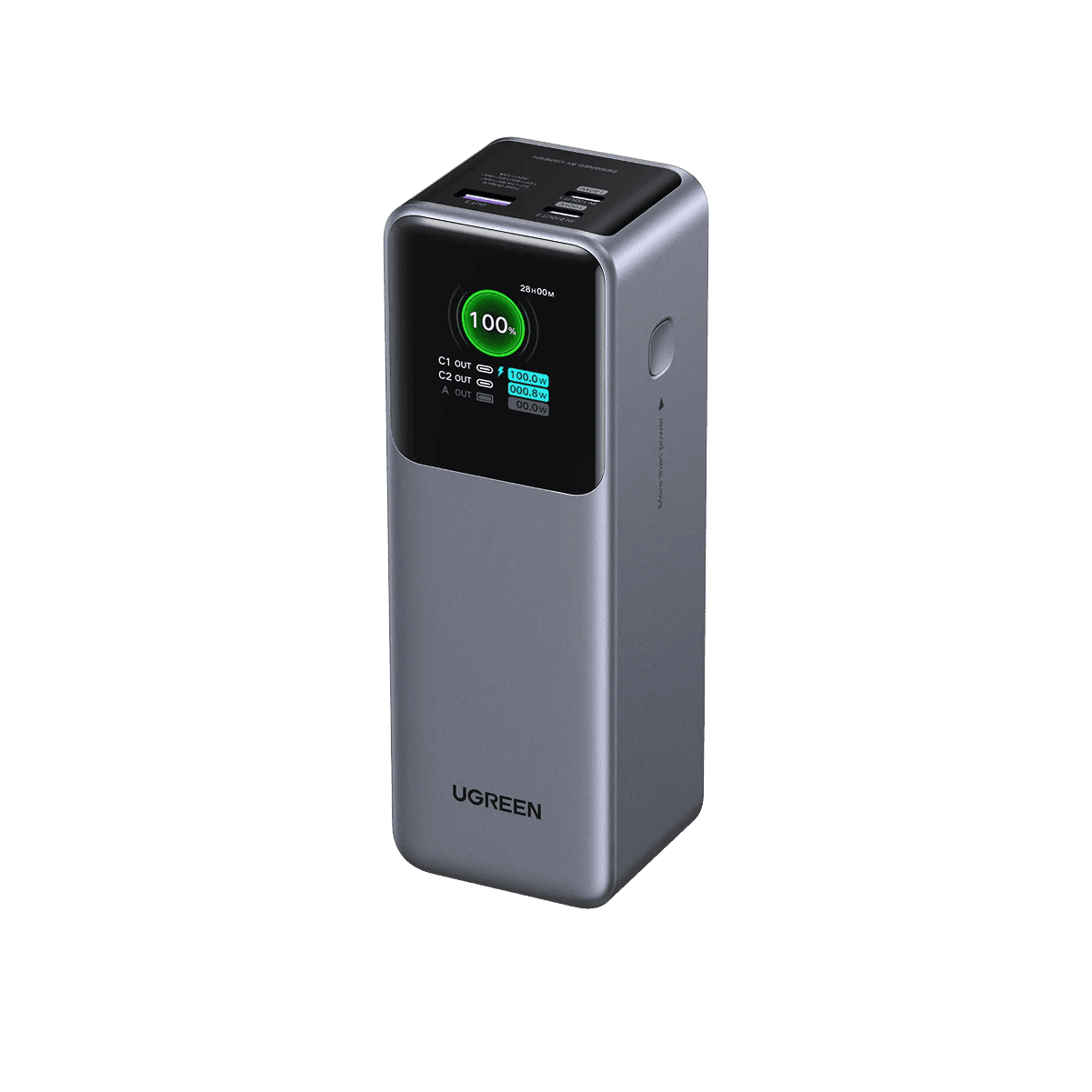
Now weigh capacity against what an airline will let you board with. To clear TSA screening without special permission, a pack must stay at or under 100 watt-hours. Converting watt-hours to milliamp-hours depends on internal cell voltage, typically 3.7V, which makes 27,000mAh the structural ceiling for standard carry-ons. The UGREEN Nexode 25000mAh (90Wh) and the Shargeek Storm 2 25600mAh (93.5Wh) both sit under that line while holding roughly one to two full laptop recharges.
Buy the cable in the same order. If your target charging speed is above 60W, the pack is only half the purchase.
Recommended product categories
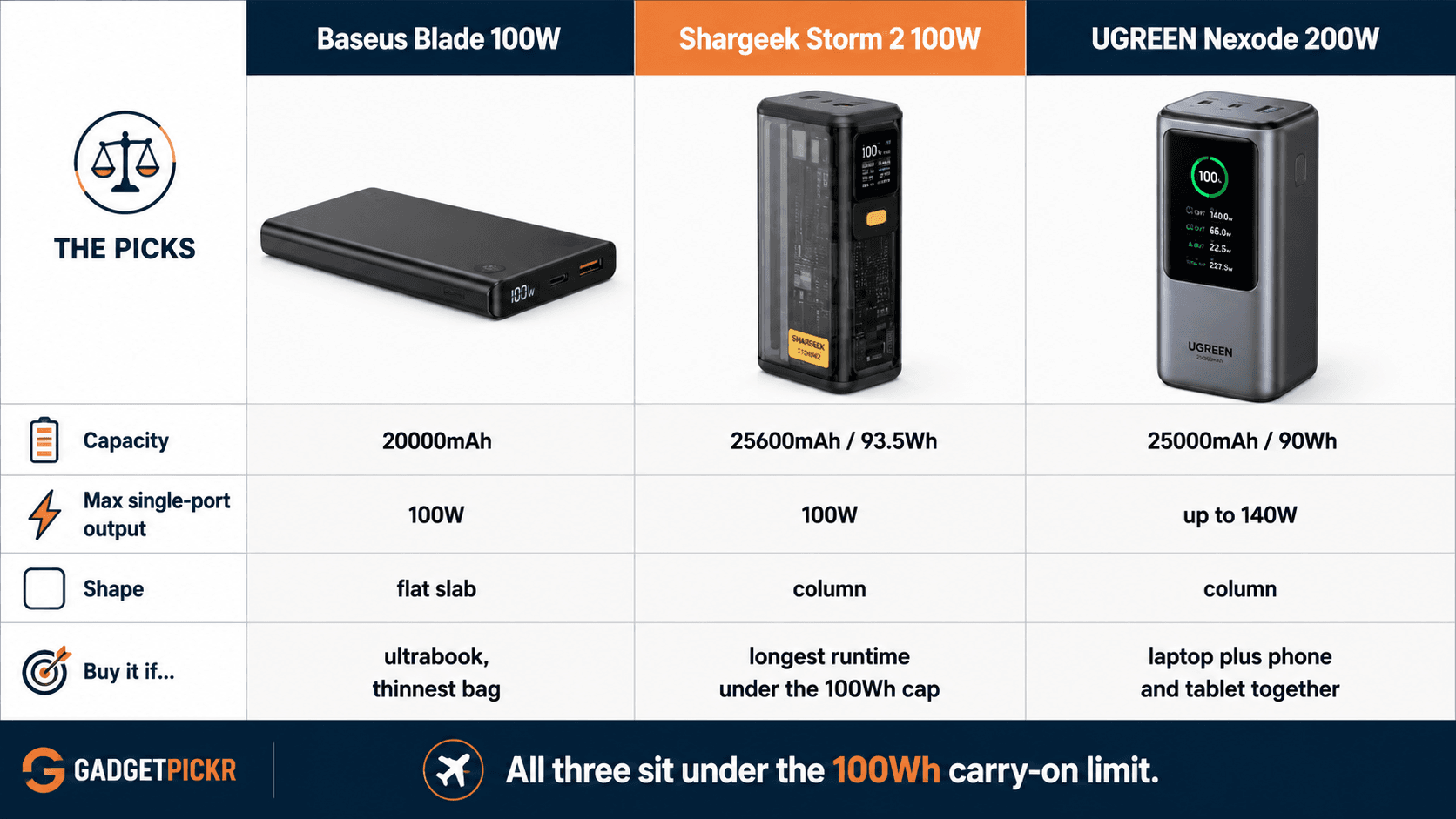
Travel packs for laptops sort into three practical tiers, separated by physical footprint, output ceiling, and how much information the thing gives you about what it is doing.
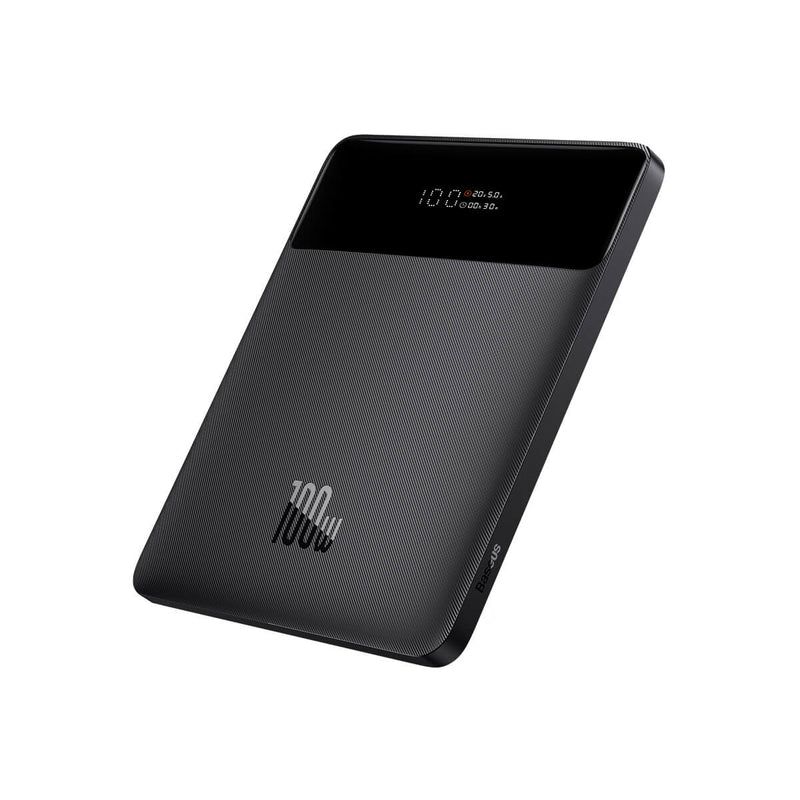
Ultra-slim desk and flight packs prioritise a low profile over reserves. If your bag is a thin sleeve and your machine is an ultrabook, this is your tier. The Baseus Blade 100W Laptop Power Bank is the shape argument in physical form — a flat slab that slides in beside a laptop rather than lumping up the bottom of a backpack. With 20000mAh of capacity and 100W maximum output, it fast-charges a single ultrabook without turning your carry-on into a gym bag.
High-wattage multi-device stations exist for the person travelling with a laptop, a tablet, and a phone, all of which need topping up before landing. The UGREEN Nexode 25000mAh 200W Power Bank uses USB-C Power Delivery to hit up to 140W on a single port while keeping total reserves at 90Wh, comfortably inside the airline limit. Packs at this level usually add a TFT display showing exact input and output wattage per port, which is how you catch a phone stealing headroom from your laptop.
Maximum-capacity packs sit at the third tier: as many watt-hours as regulations allow, 100W-class output, and the weight penalty that comes with both. The Shargeek Storm 2 25600mAh (93.5Wh) lives here. Choose it if runtime matters more than what your shoulder thinks.
Common mistakes
The most common error is assuming that a USB-C port means laptop charging. It does not. Laptops need specific Power Delivery protocols and enough wattage behind them; feeding a 100W-capable laptop from a 15W or 20W portable charger gives you glacial charging or nothing at all. Check the single-port output figure, not the port shape.
Cables are the second trap, and the expensive one. Carrying a high-output pack like the UGREEN Nexode 25000mAh 200W or the Baseus Blade 100W and pairing it with a garden-variety 3A USB-C cable pins your throughput at 60W. High-wattage charging demands a 5A E-Marker USB-C cable. One cable, half your charging speed.
Then there is power sharing. Charge a laptop and a phone together and the aggregate output splits across active ports, which can drop the laptop below its fast-charging baseline without any warning on screen. If you routinely charge two devices at once, buy for the combined draw rather than the headline number.
Last one, and it costs you the whole device: ignoring the aviation capacity limit. A pack over 100Wh without prior airline approval gets confiscated at the checkpoint, which is why units rated under 99.9Wh — the 25000mAh and 25600mAh models — are the safe bet for international flying.
Buying checklist
Six things you can literally check on a product page before you add to cart. Read your laptop's maximum power input first: compact laptops generally sit at 45W to 65W, while a 16-inch MacBook Pro or similar workstation wants 100W to 140W under load. Then find the pack's single-port wattage output and confirm it matches or beats your laptop's native charger.
Third, check the watt-hour rating against TSA guidance. Stick to options rated at 100Wh or below — typically 25,000mAh max — and carry-on approval stops being a question. If a listing shows only mAh and no Wh figure, treat that as a reason to keep scrolling.
Fourth, look at port distribution and how the manufacturer describes power allocation. Plan on charging a laptop plus secondary devices? Pick a pack with independent high-output USB-C controllers so the split does not throttle your primary machine. Fifth, add an E-Marker certified USB-C cable rated for 100W or 140W to the same order.
Sixth, check the pack's own recharge input. Units that accept high-wattage input refill their reserves in about an hour instead of overnight, which matters enormously on a one-night hotel stop. Weigh the physical profile last, once the electrical requirements are settled: a slab fits a sling, a column fits a backpack pocket.
Get those three numbers agreeing — wattage, watt-hours, protocol — and how to choose a power bank for laptops stops being guesswork and becomes a two-minute read of a spec table.
Recommended Products
Three packs, three different reasons to buy. Each one below is here as a worked example of a rule from the checklist, not as a blanket recommendation — match the pick to the laptop in your bag.
UGREEN Nexode 25000mAh 200W
Pros
- Up to 140W on a single USB-C port covers the heaviest mainstream laptops
- 200W total output leaves headroom when a phone and tablet are also plugged in
- 90Wh rating sits under the 100Wh carry-on ceiling with room to spare
Cons
- Reaching the top output figures requires a 5A E-Marker cable you may not own
- Column-shaped body takes up more bag depth than a slim flight pack
Shargeek Storm 2 100W 25600mAh
Pros
- 93.5Wh of reserves, close to the legal carry-on maximum
- 100W USB-C output handles most 13-inch to 15-inch laptops at full speed
- Roughly one to one-and-a-half full laptop recharges between wall stops
Cons
- 100W ceiling falls short of laptops that ask for 140W under load
- Highest capacity here also means the most weight in your bag
Baseus Blade 100W Laptop
Pros
- Flat slab shape slides into a laptop sleeve instead of bulking out a backpack
- 100W maximum output is enough for ultrabooks and most 14-inch machines
- 20000mAh capacity keeps it clear of airline watt-hour limits
Cons
- Smallest energy reserve of the three picks here
- Needs a 5A E-Marker cable to deliver its rated 100W
Sources & References
Specifications and claims in this analysis were cross-referenced against the sources below.
- UGREEN Nexode Power Bank 25000mAh 200W with Smart Digital ...us.ugreen.com
- Baseus Blade Series 100W Laptop Fast Charging Power Bank 20000mAh - Baseus Official Storebaseusofficialstore.com
- Baseus Blade 100W Power Bank Review (2026): The Slim Laptop Bank for Backpack Carry | The Tested Hubthetestedhub.com
- Baseus Blade 100W Power Bank 20000mAh Type C PD Fast ...baseusonline.com
- Baseus Blade Laptop Power Bank 100W 20000mAhbaseus.com
- Baseus Blade HD Laptop Power Bank 100W 20000mAhbaseus.com
- Baseus Blade laptop power bank review - slim but hopefully not shadythe-gadgeteer.com
- Baseus Blade 100W Power Bank, hands on - ZDNETzdnet.com
Frequently Asked Questions
Match your laptop's wall charger. Ultrabooks want 45W to 65W; 15-inch and 16-inch machines want 100W or 140W over USB-C Power Delivery. Anything less charges slowly or drains the battery while you work.