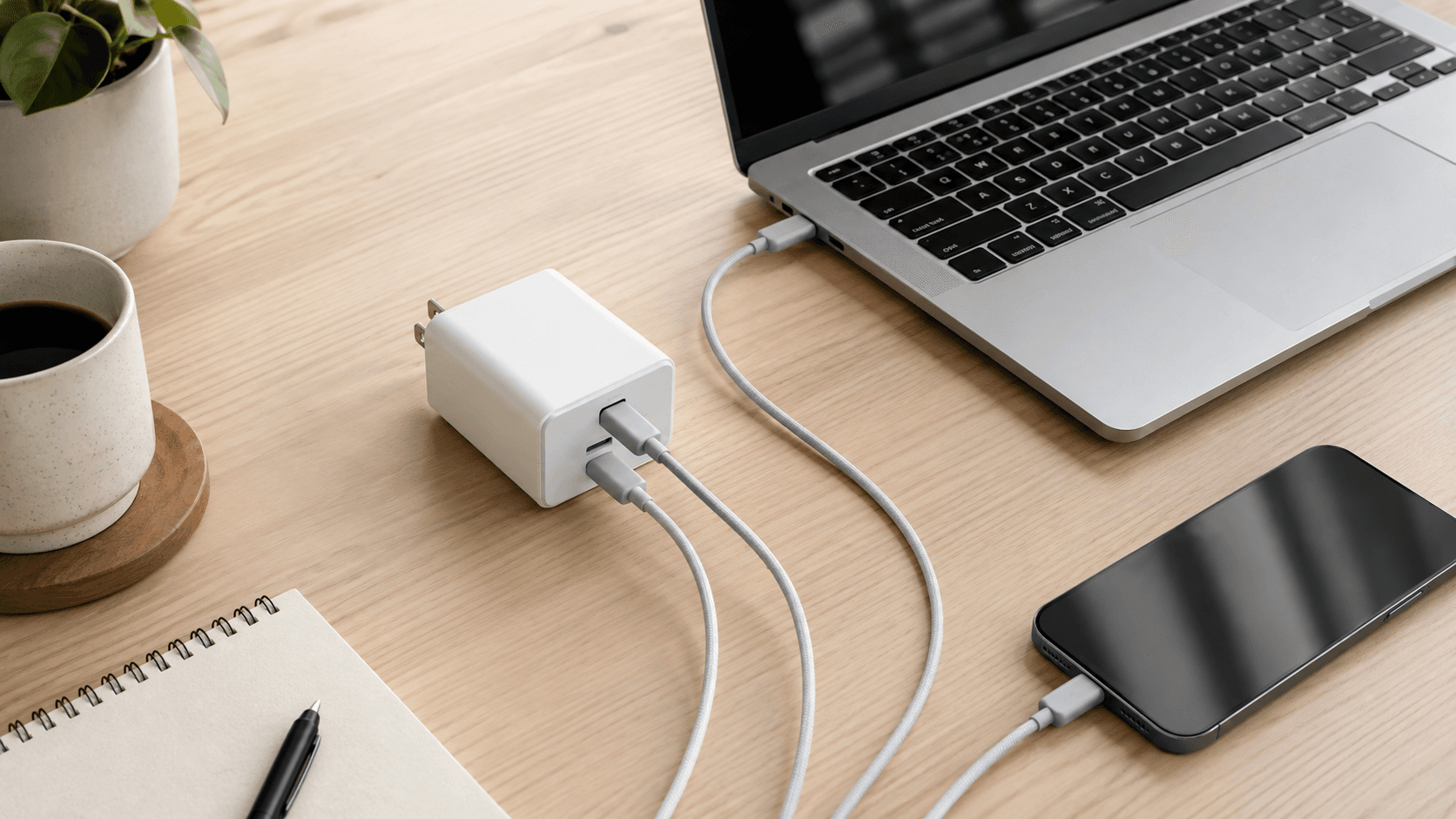
USB-C was supposed to end the charger drawer. Instead it filled it with identical-looking black bricks that behave nothing alike. Working out how to choose a USB-C charger for laptops comes down to reading three numbers correctly, not picking a brand. This is a spec-based analysis using published manufacturer specifications and market comparisons. No hands-on testing was conducted.
Here's the frustrating part. The adapter that shipped in your laptop box is usually bulkier than it needs to be and has exactly one port, so your phone waits its turn. Anyone who travels, works from a kitchen table, or shares an outlet strip with three other devices already knows that pain.
Picking a replacement means decoding USB Power Delivery (USB PD 3.0 and 3.1), Programmable Power Supply (PPS), total wattage, and how a charger splits that wattage across its ports. Go too small and your machine can lose charge during sustained workloads, or refuse to fast-charge at all. Go too big and you're carrying weight and paying for headroom your hardware will never request.
The sweet spot is a charger whose output matches your laptop's power envelope, speaks the protocols your other devices expect, and still fits in a jacket pocket.
The Quick Take
Match output to your laptop's rated wattage, confirm USB Power Delivery, and add PPS if an Android phone shares the charger. Compact gallium nitride multi-port models give you the best power-to-size ratio for a bag or a desk.
How to choose a USB-C charger for laptops, step by step
Start with the brick you already own. Flip it over, read the output line, and do the math: 20V at 3.25A means your laptop wants 65W. That number is your floor, not a suggestion.
Rule one: buy at or above that figure, never below. Extra headroom is harmless because the power controller only pulls what it negotiates for. Undershoot and you get slow charging, or a battery that quietly drains while the CPU is pinned.
Rule two: check protocols for every device that will share the charger, not just the laptop. Power Delivery 3.0 tops out at 100W; the Extended Power Range (EPR) spec pushes to 240W for hungry workstations. If your phone or tablet needs PPS or a proprietary standard like Quick Charge, and the charger lacks it, that phone falls back to a basic 5V or 9V profile. Total adapter wattage won't rescue it.
Rule three: read the per-port table on the listing, not just the headline number. A 100W block might hand 65W to its top USB-C port and divide the leftover 35W among the rest. If your laptop needs 65W and a second port steals from it, you've bought a slower charger than the box claims.
Recommended product categories
Your routine decides the category. Carry one laptop and nothing else? A single-port wall plug in the 45W to 65W range, roughly the size of a phone brick, is all you need. It's the lightest thing that will fully charge an ultrabook.
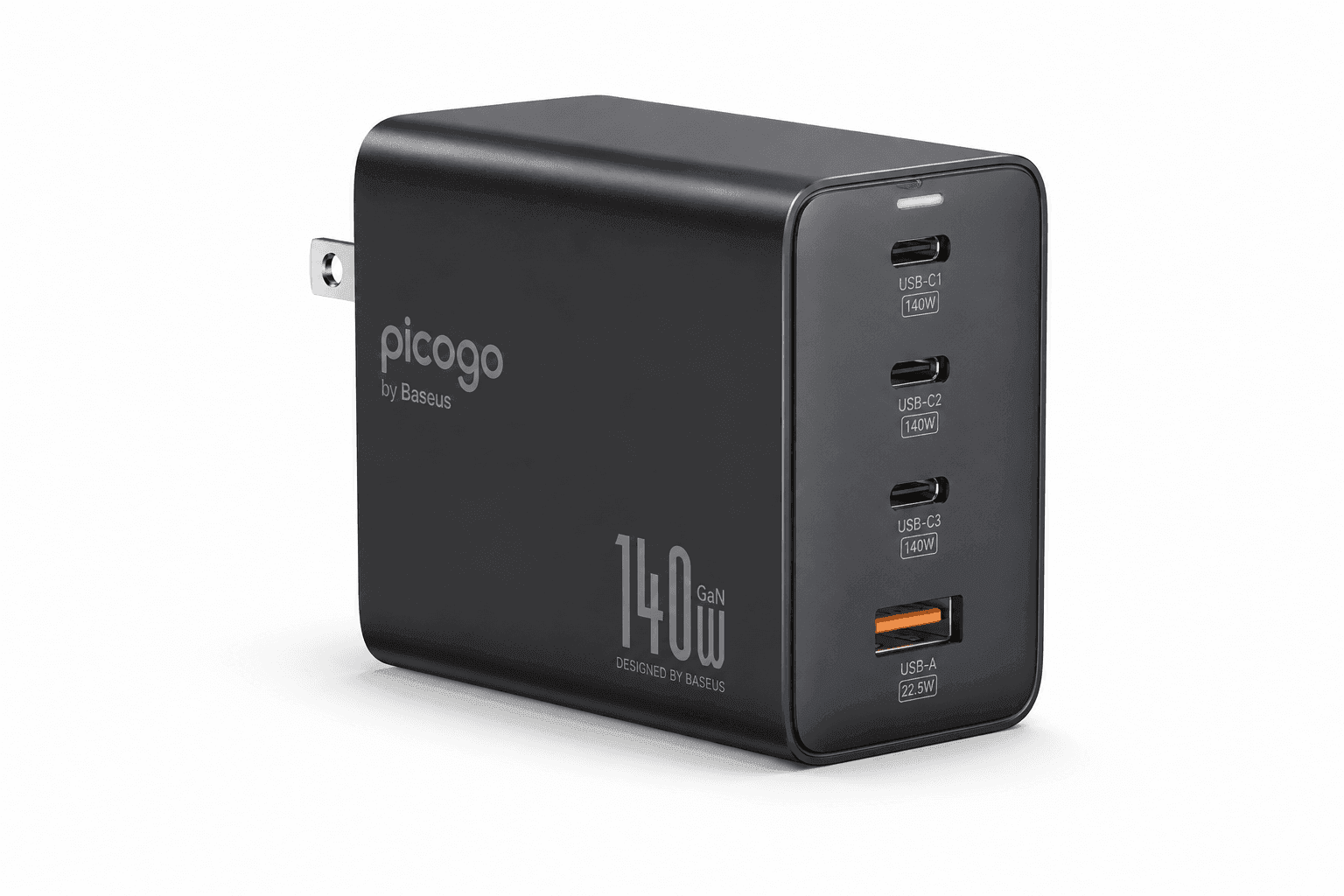
Charging three devices at one desk changes the answer. Multi-port stations let a single connected device pull peak output, then redistribute as accessories fill the other slots. For instance, the Picogo 140W 4-Port USB-C Charger includes a bundled Baseus 100W retractable cable, offering high aggregate output to run a laptop while concurrently fast-charging phone hardware.
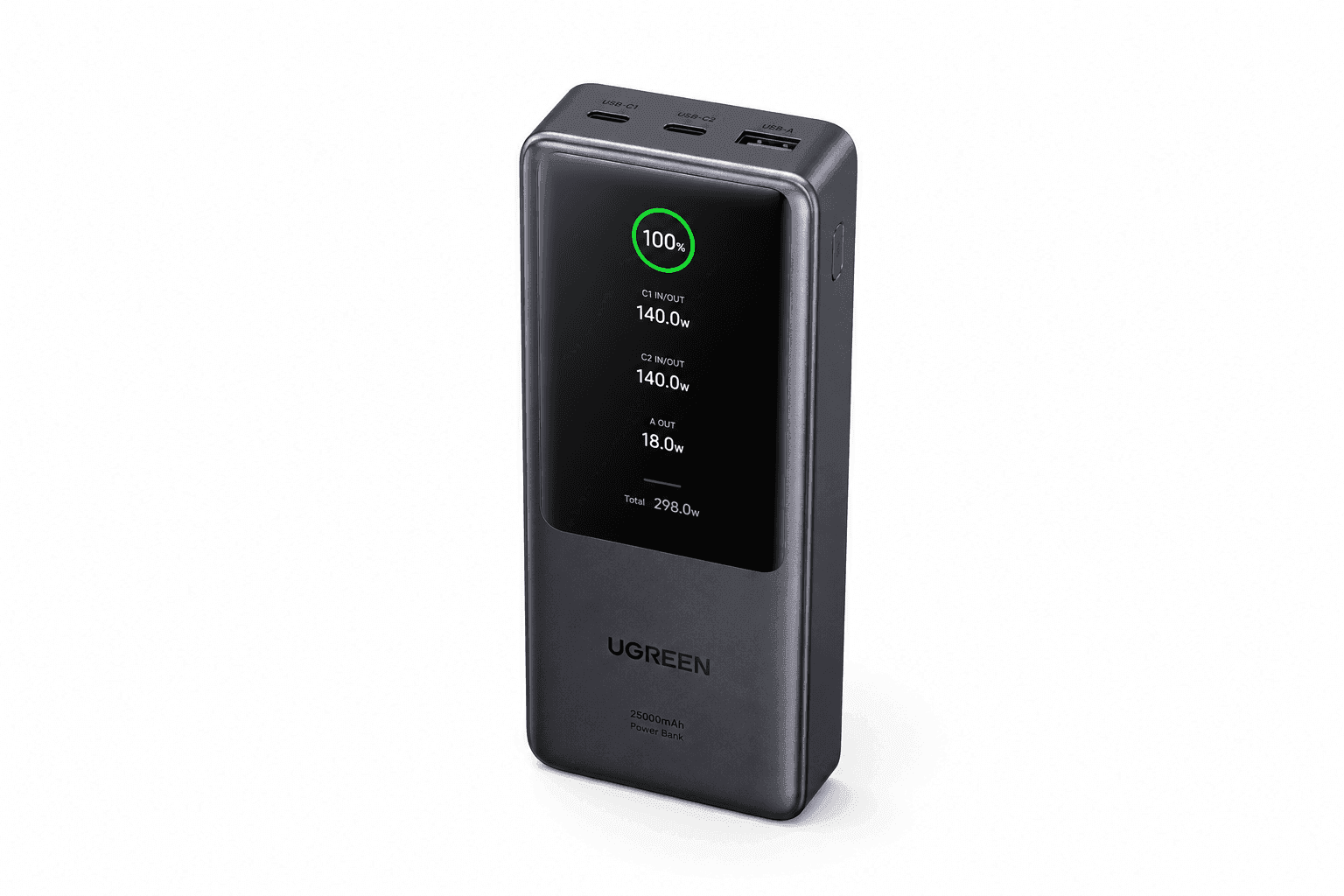
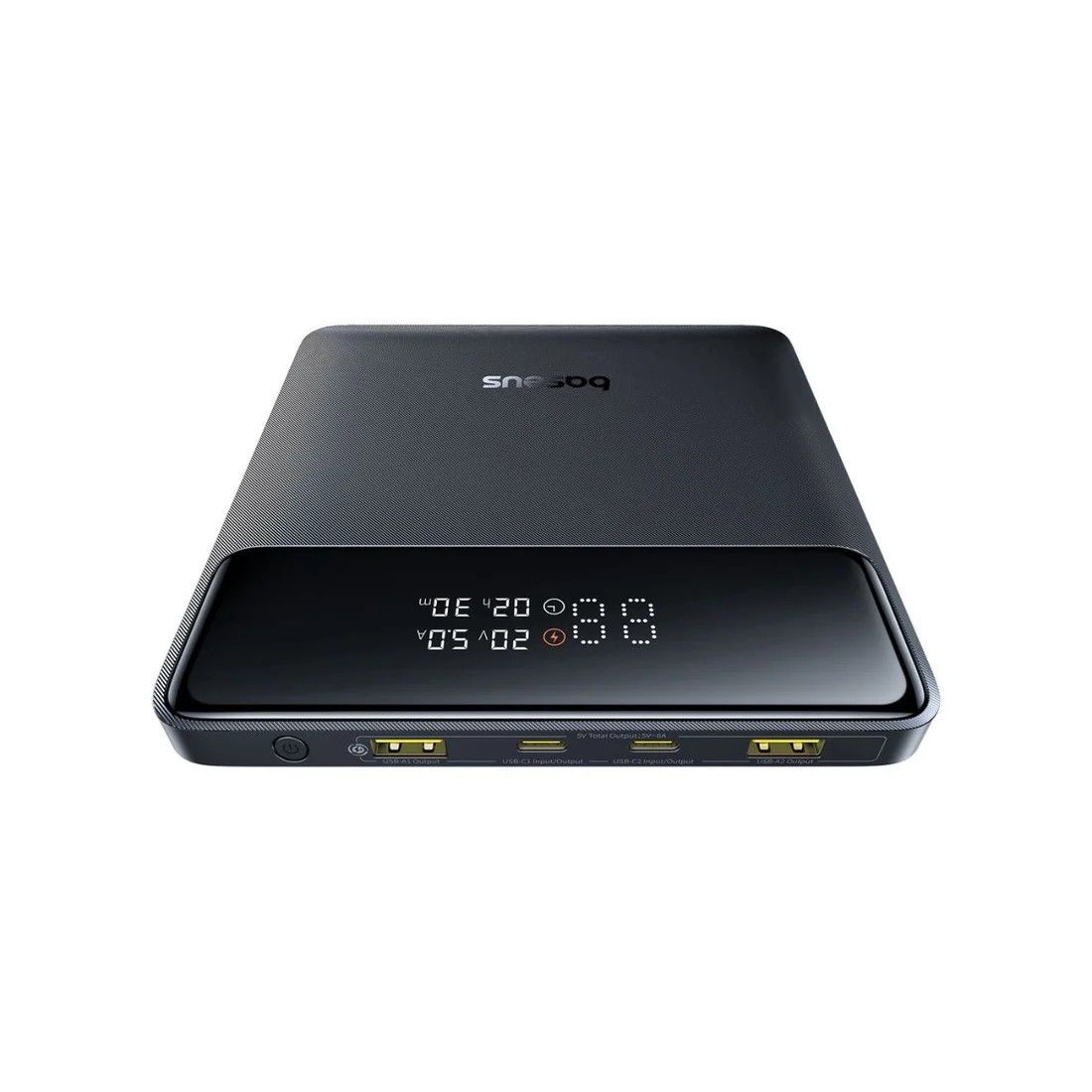
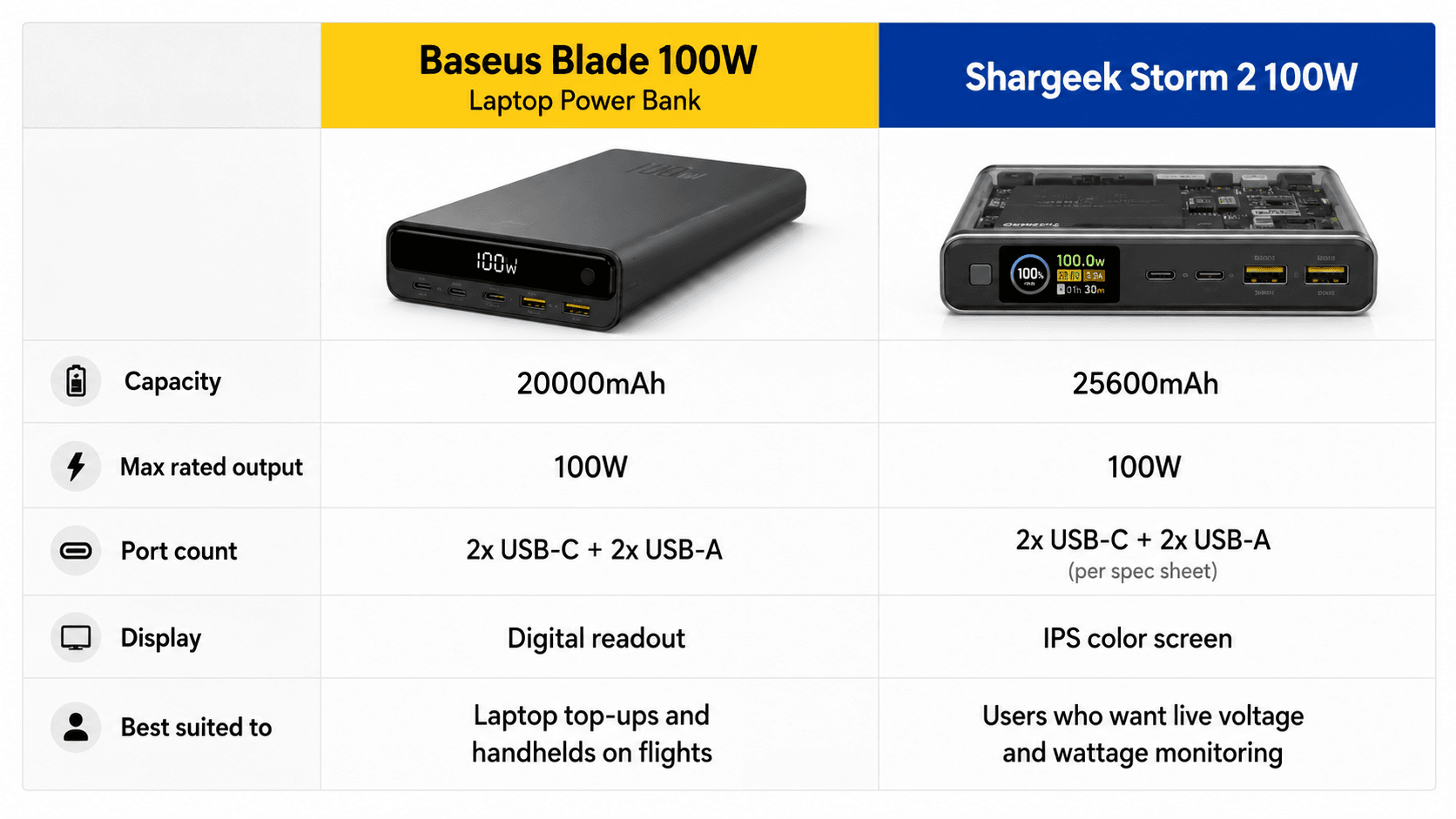
No wall outlet in sight? Then the category is high-capacity USB-C power banks. Heavy-duty portable units like the Baseus Blade 100W Laptop Power Bank feature a 20000mAh capacity and dual USB-C plus dual USB-A ports, making it suitable for extending laptop runtime or powering gaming handhelds on long flights. Enthusiast power banks such as the Shargeek Storm 2 100W feature a 25600mAh capacity and a dedicated IPS color screen for real-time voltage and wattage monitoring, giving users precise insight into output behavior across multi-device charge sessions.
Common mistakes
Mistake one: treating the number on the box as a per-port promise. A 140W adapter like the Picogo 140W 4-Port Charger almost never sends 140W down one cable once other cables are plugged in. Add a phone and a smartwatch, and the laptop port can drop to 65W or 45W. That's slow charging, or net drain, during heavy work.
Mistake two: pairing a high-wattage charger with whatever cable was in the drawer. Standard cables top out at 60W transmission. Above that you need a 5A cable with an E-marker chip, like the Baseus 100W Retractable USB-C Cable bundled with select adapters. Wrong cable, wrong speed, and nothing on screen tells you why.
Mistake three: shopping on total output alone and skipping PPS. Plain Power Delivery covers most laptops fine. Modern Android phones want PPS to hit their advertised speeds, so if a phone shares this charger, PPS is not optional.
Mistake four: assuming every port on a power bank is equal. Portable options like the Baseus Blade 100W Laptop Power Bank require using specific primary USB-C ports to achieve their maximum rated throughput, as secondary USB-C or USB-A ports offer lower power limits. Plug into the wrong hole and you'll blame the battery for a port's limits.
Buying checklist
Five things to verify on the product page before you hit buy. First, your laptop's rated input — ultrabooks generally need 45W to 65W, larger workstation machines want 100W or more. Compare that figure to the charger's single-port maximum.
Second, find the per-port breakdown in the listing photos or spec table. If the "one port used" figure covers your laptop but the "two ports used" figure doesn't, expect slower charging whenever your phone is attached.
Third, search the description for the letters PD and PPS. No PPS listed means no PPS. Fourth, check whether a 5A E-marker cable is included; if the spec sheet only says 60W or 3A, budget for a better cable.
Fifth, look at the physical shape — folding prongs for packing, and enough USB-C plus USB-A ports for everything in your daily carry. Get those five right and how to choose a USB-C charger for laptops stops being guesswork; it becomes a two-minute check on any product page.
Recommended Products
One pick that demonstrates the rules above: enough single-port output for a full-size laptop, four ports for the rest of the bag, and the right cable in the box so the 60W ceiling never bites you.
Picogo 140W 4-Port USB-C Charger with Baseus 100W Retractable Cable
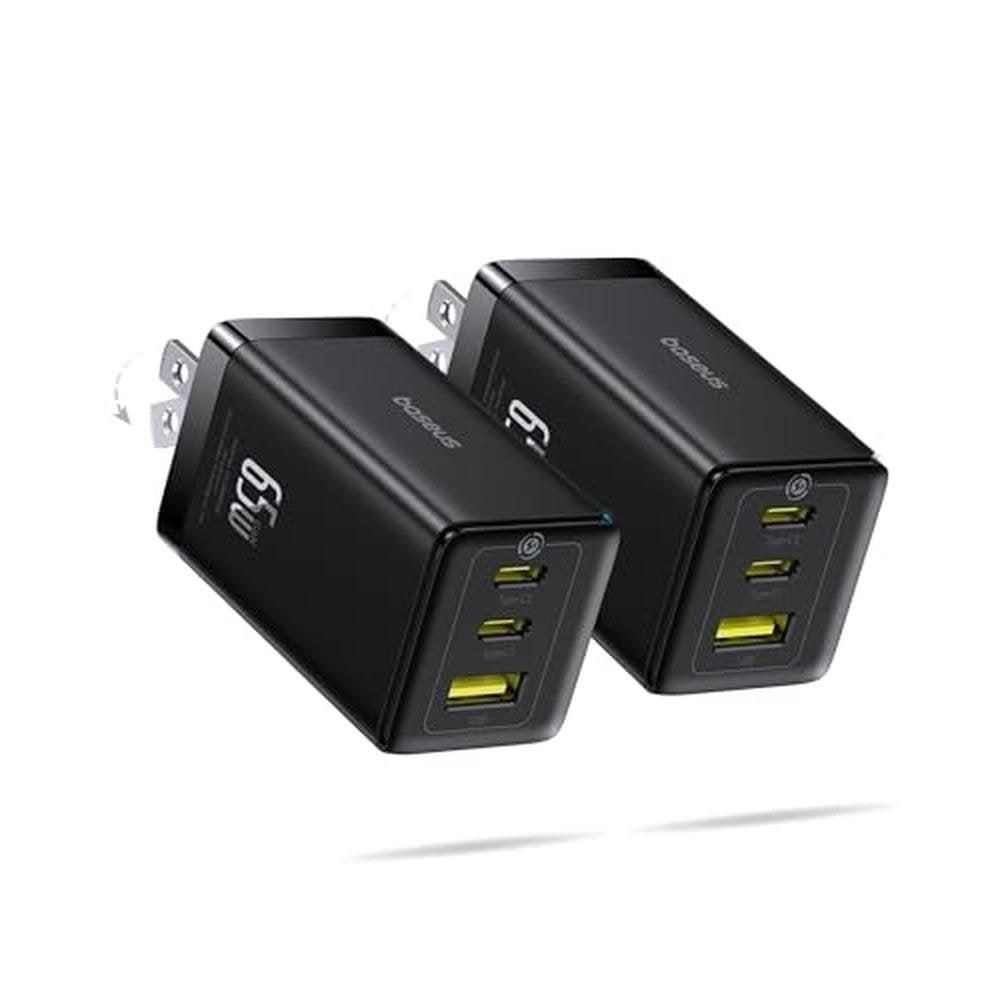
This one earns its slot on aggregate output and the bundled cable — it answers both the wattage rule and the cable rule in one purchase, which is rare at this position in the market.
Pros
- Four ports cover a laptop, phone, tablet, and earbuds from one outlet
- Bundled 5A retractable cable removes the 60W cable bottleneck
- High aggregate output leaves headroom for a full-size laptop
Cons
- Total wattage splits once the secondary ports fill up
- More brick than a single-laptop traveler actually needs
Sources & References
Specifications and claims in this analysis were cross-referenced against the sources below.
- Data sheeth20195.www2.hp.com
- Buy USB-C laptop charger?coolblue.nl
- HP 65W GaN LC USB-C Laptop Chargerh20195.www2.hp.com
- USB-C Power Delivery: Fast Charging Up to 240W | Belkin USbelkin.com
- 65W vs 100W vs 140W USB-C Charger: Guide | ChargeTechLabchargetechlab.com
- 10 Best GaN Chargers (August 2026) – Tested & Reviewedwhoismcafee.com
- [Review] Baesus 65w GaN 6 port charger (2 USB C, 2 USB A, 2 grounded outlets)xdaforums.com
- ASUS 65W USB-C Adapter|Adapters and Chargersasus.com
Frequently Asked Questions
Read the output line on your original brick. Ultrabooks typically want 45W to 65W; workstation machines want 100W or more. Buying above that number is safe, since the laptop only draws what it negotiates.