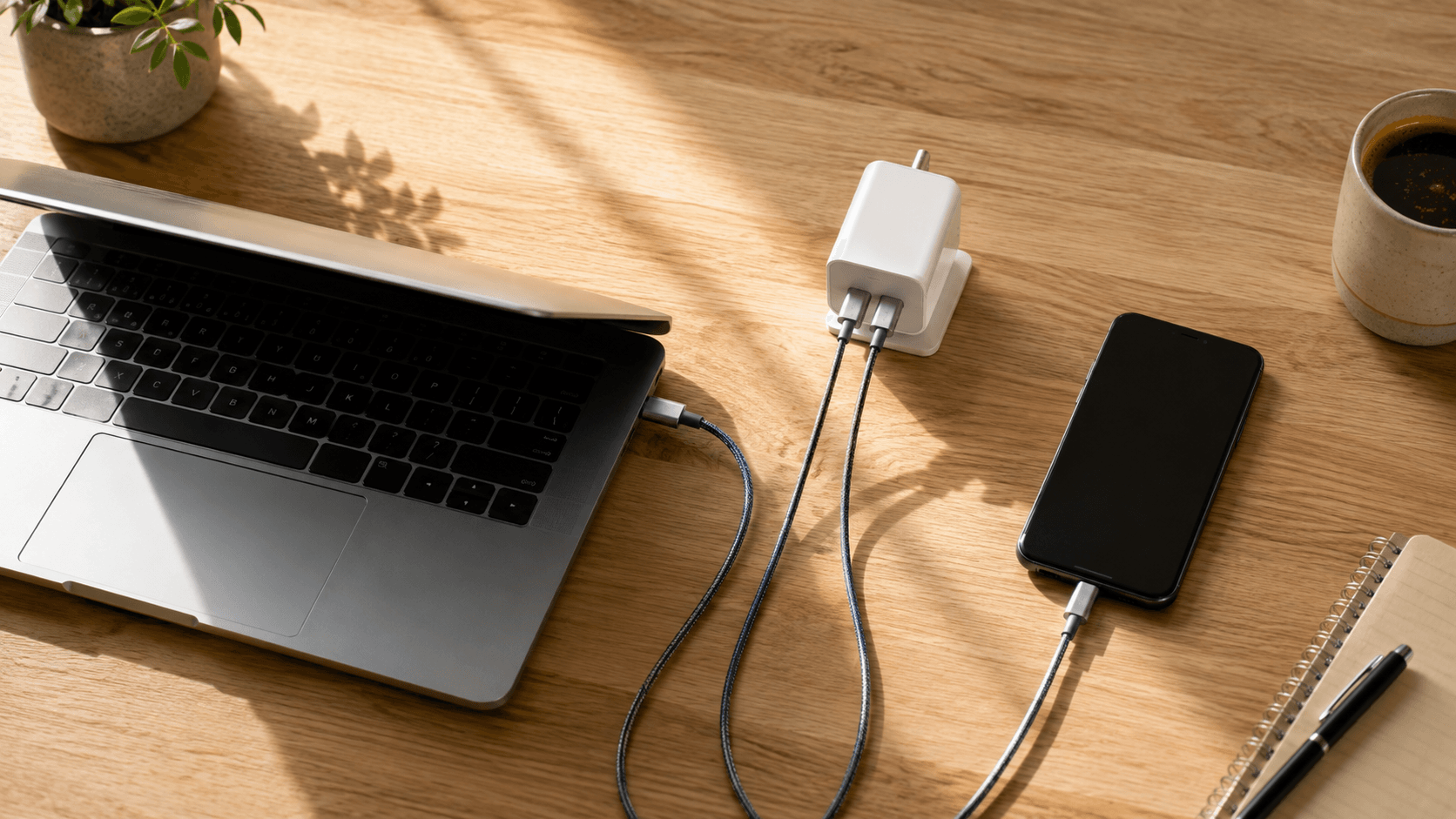
Three wall bricks in one bag. That's what most people still travel with, and it's the first thing worth fixing. Working out how to choose the best USB-C chargers for laptops and phones starts with a number rather than a brand: your laptop's real power draw, which runs from roughly 45W on a thin-and-light ultrabook up to 140W on a workstation. Phones add a second variable, since recent handsets need specific protocols — USB Power Delivery and Programmable Power Supply — before they'll pull their quickest rates. Where buyers get burned is the multi-port math. Plug a phone into a block already feeding a laptop and that primary port can fall from 100W to 65W or 45W, stretching a lunch-break top-up into an afternoon. Protocol mismatches do quieter damage, dropping a fast-charging phone into a basic legacy mode without telling you. So look at how power gets allocated between ports, how the case sheds heat, whether the prongs fold flat, and whether Gallium Nitride (GaN) internals keep the thing pocketable. This is a spec-based analysis using published manufacturer specifications and market comparisons. No hands-on testing was conducted.
The Quick Take
Match the primary port's maximum output to the hungriest device you own, then confirm the spec sheet lists USB-PD 3.0 or 3.1 plus PPS. That's the whole decision in one line. Carrying a 13-inch ultrabook and a phone? A 65W multi-port charger is the sweet spot — small enough to forget about, big enough to feed the laptop while the phone tops off. Go past 100W only when your laptop's own adapter tells you to.
How to choose the best USB-C chargers for laptops, step by step
Step 1: Start with the number printed on the adapter your laptop shipped with. Phones want 20W to 45W for their quickest fill. Thin-and-light ultraportables settle around 65W. Sixteen-inch performance machines and gaming laptops ask for 100W to 140W to hold their charge while the CPU is actually working. Buy below that number and you get the worst outcome available: a laptop that drains while plugged in.
Step 2: Look for PPS in the spec list, not just USB-PD. Programmable Power Supply extends USB Power Delivery 3.0 by letting the charger nudge voltage and current in real time, reading the phone's battery state and temperature as it goes. Modern Samsung, Google, and Apple handsets need it to reach their advertised speeds without the heat buildup that shortens battery life. If the product page never says PPS, assume it isn't there.
Step 3: Read the port table, not the headline wattage. A 3-port 65W block splits 65W across whatever is connected — it does not hand 65W to each port. Add a phone to a laptop on that block and the primary USB-C port can slide from 65W to 45W. The rule: find the manufacturer's chart showing output with two or three ports active, and check that the top port still clears your laptop's requirement in that row.
Recommended product categories
Chargers sort into a few buckets, and picking the wrong bucket is how people end up filing returns:
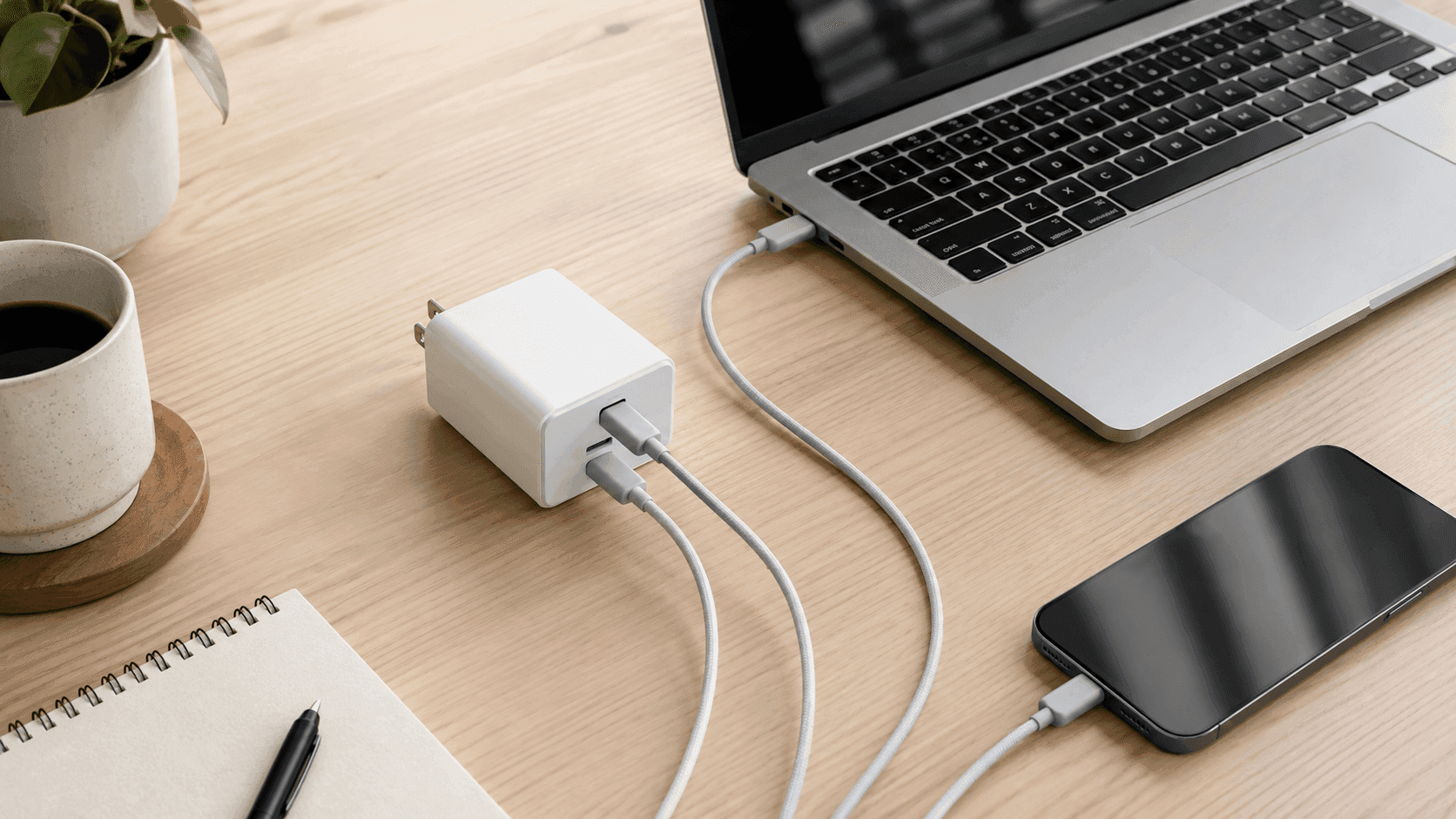
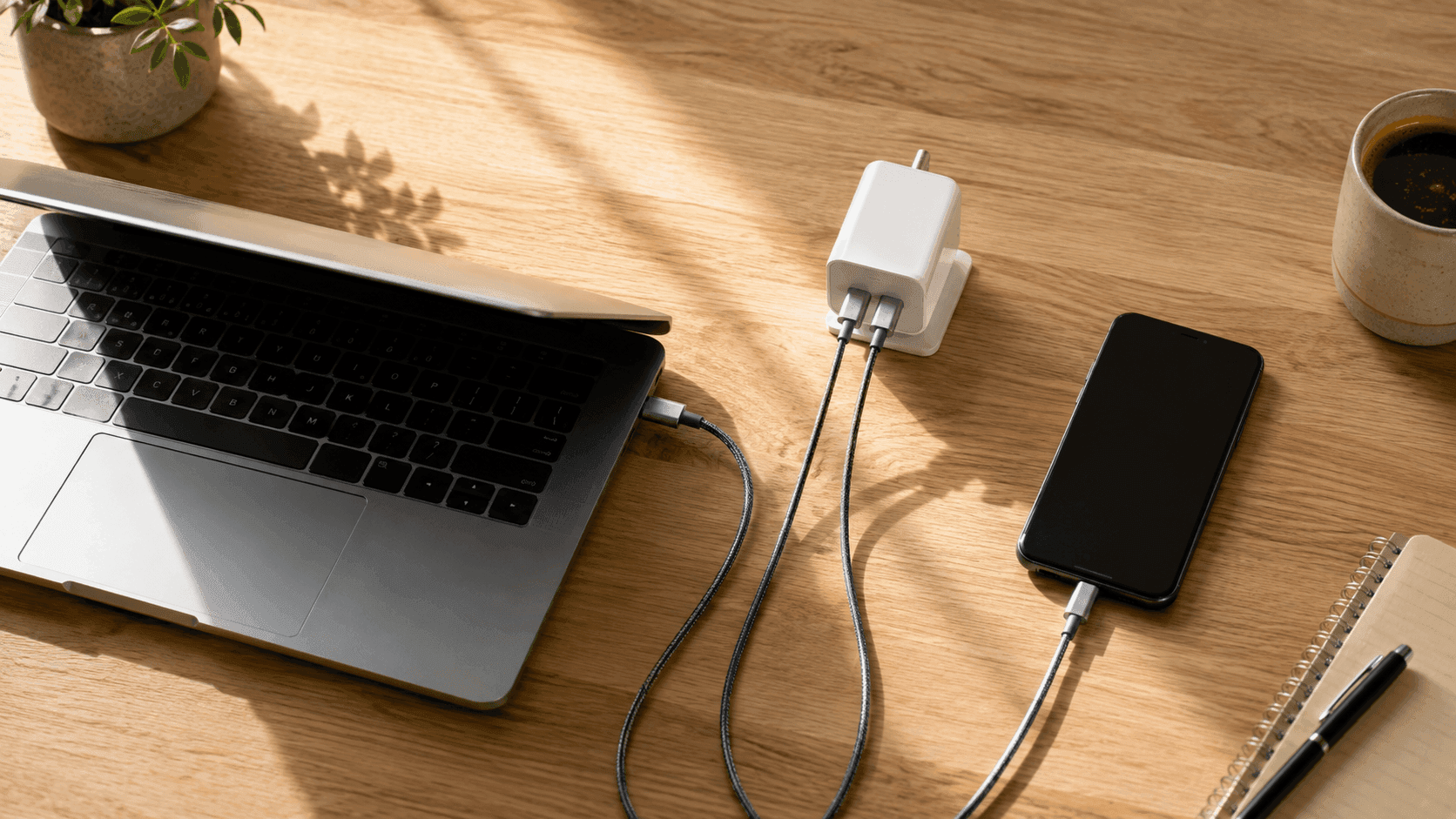
Multi-Port Wall Chargers: your default buy for travel and desk duty. Gallium Nitride construction keeps the body small while fitting two or three USB-C and USB-A ports. One laptop and one phone? Shop here — after you've done the port math from Step 3.
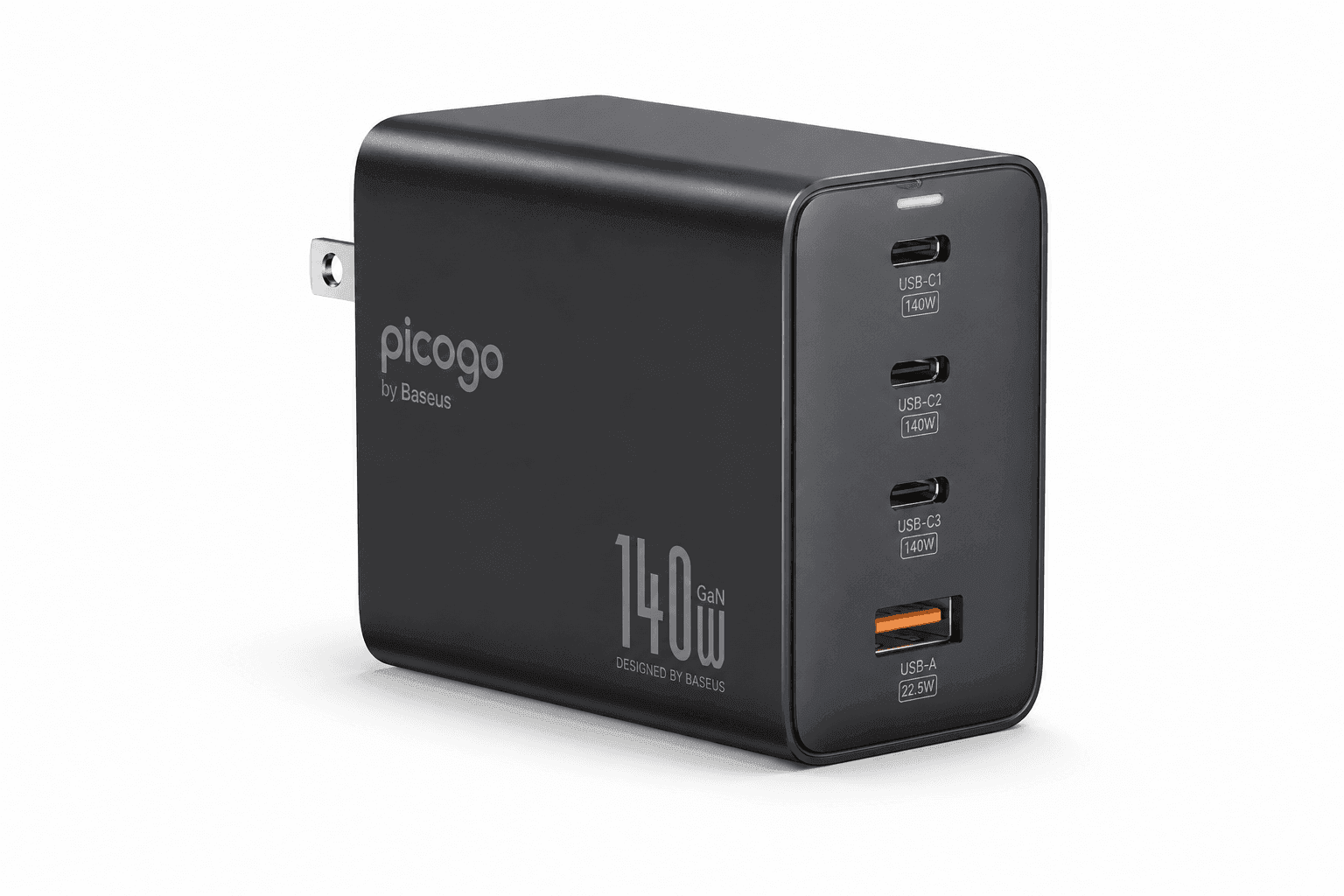
High-Output Multi-Device Bundles: worth it when you're feeding a 16-inch laptop, a tablet, and a phone from a single outlet. The Picogo 140W bundle pairs a four-port block with a Baseus 100W-rated retractable cable, which removes the cable bottleneck from the box rather than leaving you to solve it later. Skip this tier if your largest device is an ultrabook, because you'd be paying for headroom you never touch.
Common mistakes
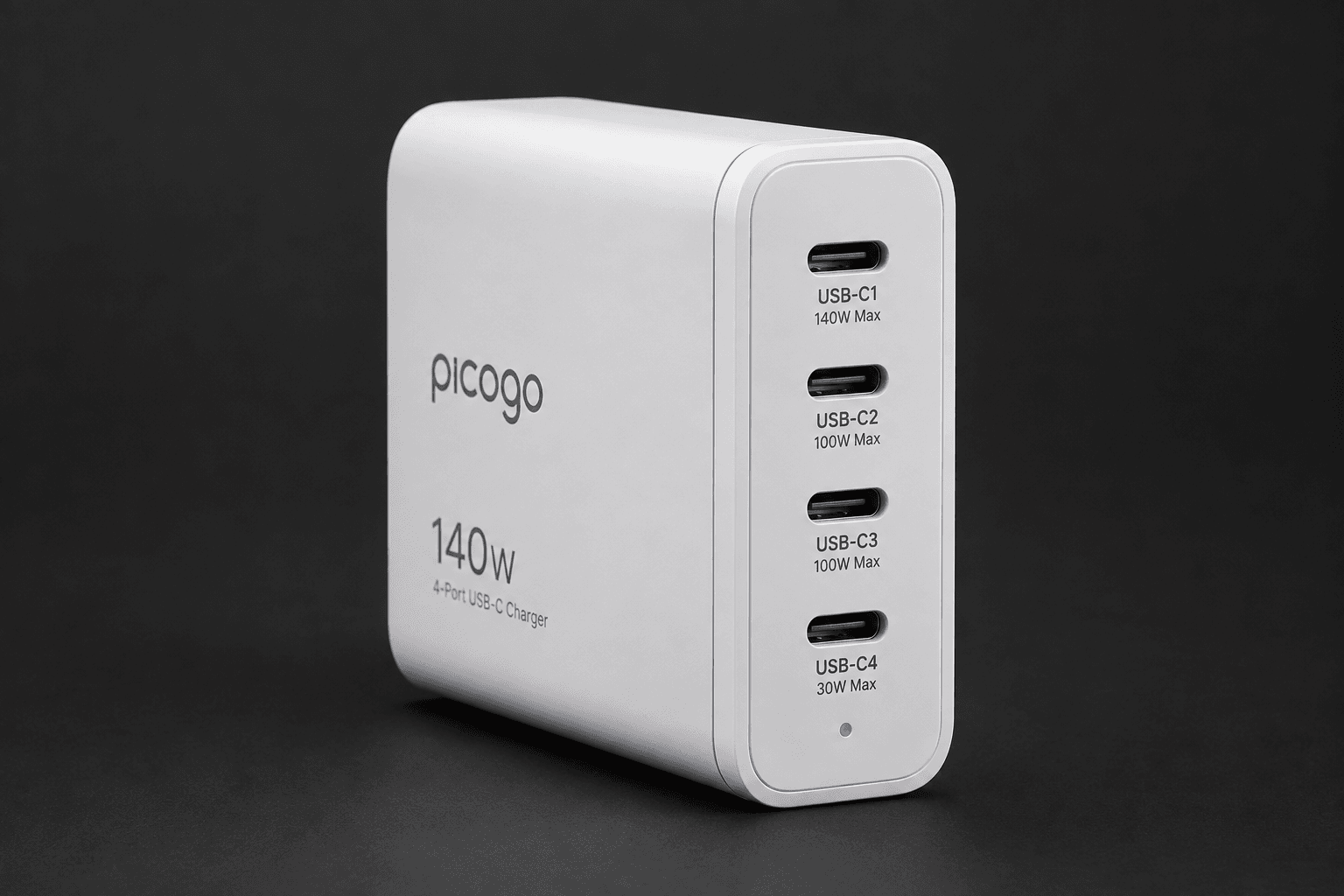
The big one: shopping by total wattage. A 100W or 140W multi-port block rarely sends its full capability down a single cable once other ports are busy. That number is an aggregate, so every device you add shaves headroom off the rest. Plug a 65W laptop in beside a phone and a tablet and the laptop port may sit at 45W or even 30W while you're mid-render.
Cable ratings are the second trap. Plenty of USB-C cables cap out at 3A, which pins power delivery at 60W no matter what the wall unit can do. To move 100W or 140W you need an E-marker cable rated for 5A. Generic or bundled cords that never state a wattage rating are a bottleneck hiding in plain sight.
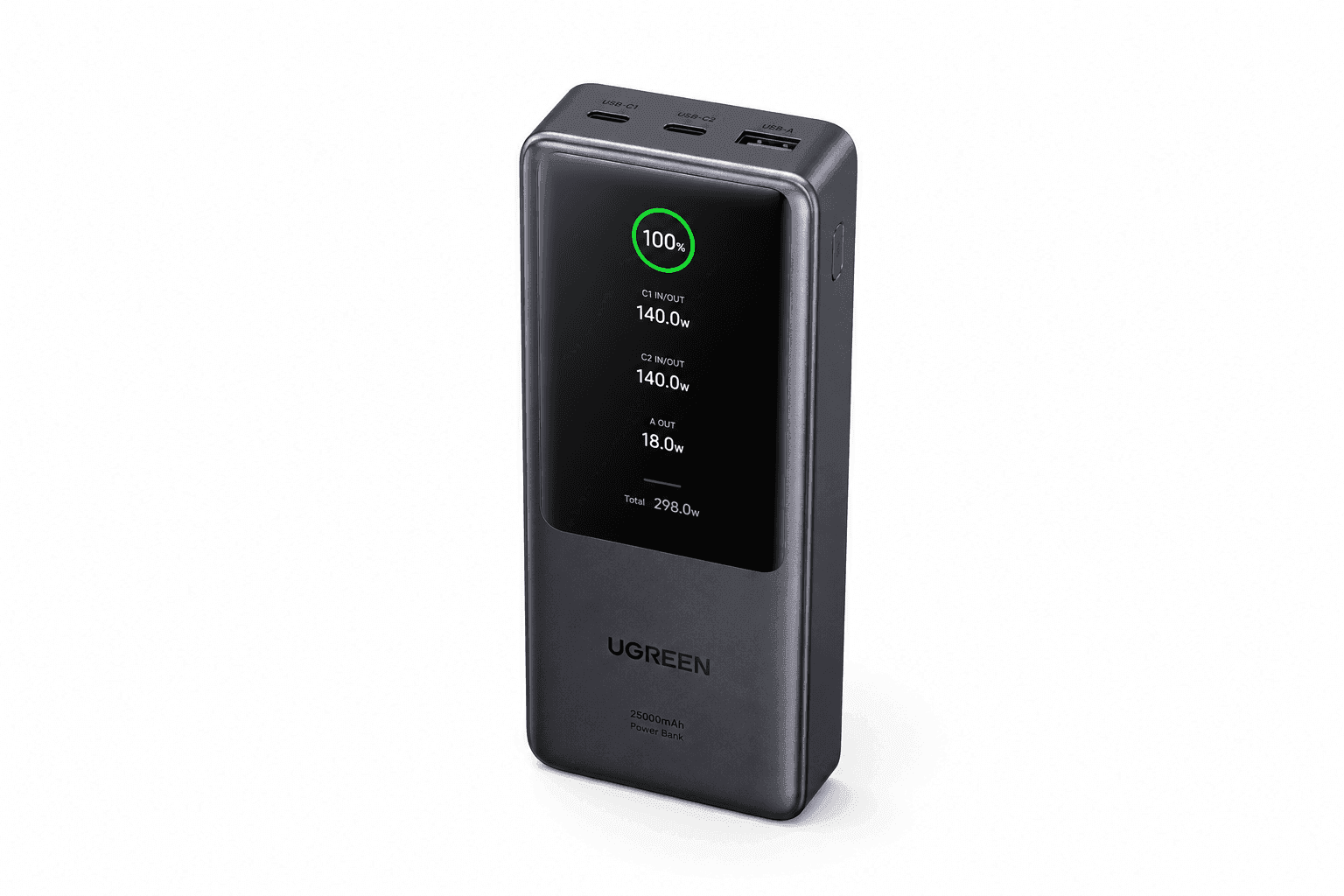
Then there's category confusion. Buyers regularly mix up external battery packs and wall chargers, or order a travel case assuming the power block comes with it. A hard case or an ultra-compact sleeve supplies exactly zero watts.
Last: don't assume every USB-C port on a device or charger speaks Power Delivery or PPS. Some don't. Check that the listing names the fast-charging protocols your specific phone and laptop use.
Buying checklist
Everything here is something you can verify on a product page in about ninety seconds. First, the single-port wattage your laptop demands: 45W to 65W for ultrabooks, 100W or 140W for larger performance machines. If the listing only advertises a total, treat that as a red flag.
Second, protocol support. PPS listed by name if you carry a modern Android phone; USB Power Delivery for laptops and iPads. Third, the dynamic distribution chart. Running a laptop, phone, and one accessory at once means you need a charger whose top port stays high with the others occupied.
Fourth, the cable. Anything above 60W wants a 100W-rated or 240W-rated USB-C cable with an internal E-marker chip, and no wall adapter can compensate for a weak cord. Fifth, portability specifics: folding prongs, GaN construction, and the actual dimensions in the spec box.
Sixth, confirm you're buying the right hardware category — a wall adapter, a portable power bank, or a storage case — because the product titles blur together fast.
Recommended Products
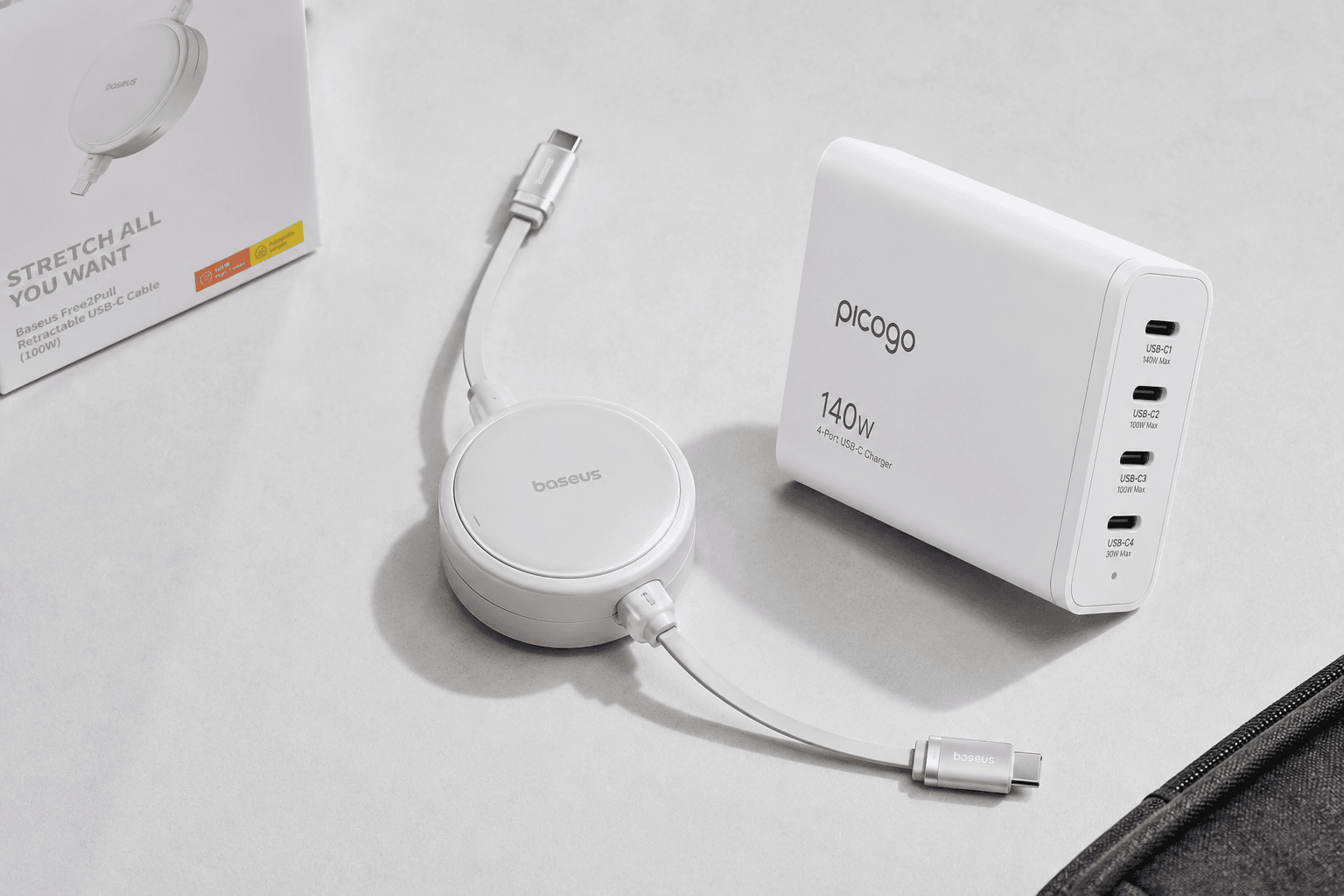
One listing, included as a worked example of the rules above rather than a blanket recommendation. If your device list is shorter than the one described here, buy smaller and spend the difference on a decent cable.
Picogo 140W 4-Port USB-C Charger with Baseus 100W Retractable Cable
This is the high-output bundle tier from Step 2 in physical form: four ports, a high total output, and a rated cable in the box.
Pros
- Four ports and 140W of total output cover a laptop, tablet, and phone on one plug
- The bundled Baseus cable is rated to 100W, so there's no separate hunt for an E-marker cord
- Retractable cable design means one less loose cable rattling around the bag
Cons
- 140W is an aggregate figure — fill all four ports and the top port won't see anywhere near it
- More charger than a 13-inch ultrabook and a phone will ever ask for
Final Checks Before You Buy
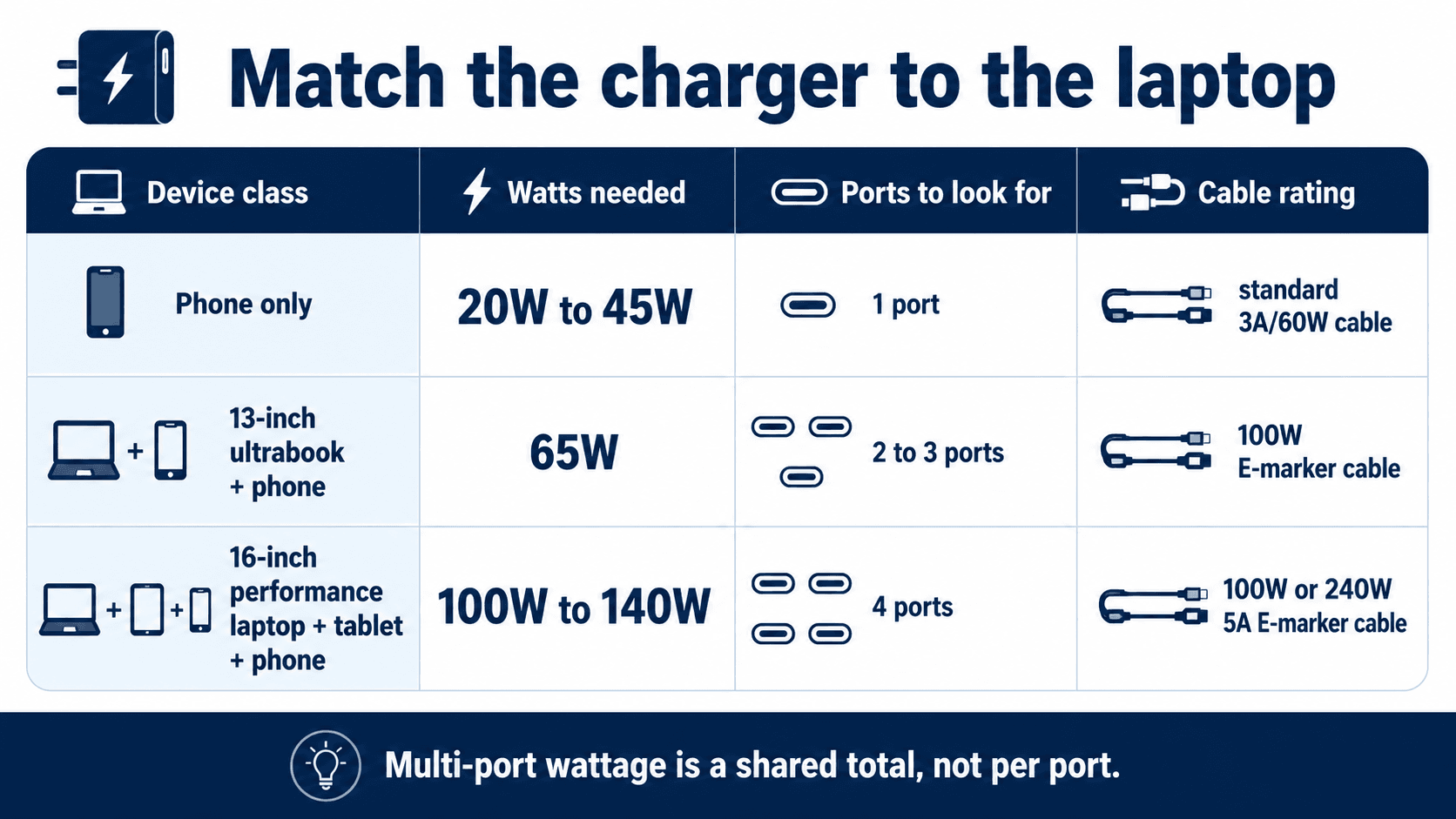
Stripped down, how to choose the best USB-C chargers for laptops and phones comes down to three numbers and one protocol: your laptop's watt requirement, the charger's single-port output with other ports busy, the cable's rating, and PPS on the spec sheet. Nail those and the rest — folding prongs, GaN body, port count, colour — is preference. Miss them and you've bought a heavy adapter that charges slowly.
Sources & References
Specifications and claims in this analysis were cross-referenced against the sources below.
- 製品名asus-event.com
- NOVOO RG140 140W 4-Port USB-C GaN Charger with PD 3.1 ...novoo-online.com
- Youth 140W GaN+ USB C Charger 100W Laptop Fast ... - Neweggnewegg.com
- ROG 140W USB-C GaN charger | Chargers and Adaptersrog.asus.com
- 7 Best USB-C Laptop Charger | 140W vs 65W: Which Speed Fits Youthewearify.com
- Anker Goes Big on Its 100W GaN USB-C Charger, Now ...gizmodo.com
- Best USB-C Laptop Charger 2026 | 65W & 100W Pickstechmoca.com
- Top tested USB-C chargers in 2026: best by categorytinkervault.com
Frequently Asked Questions
Check the adapter your laptop came with. Ultrabooks generally want 45W to 65W; 16-inch performance and gaming laptops want 100W to 140W. Anything rated below that number will charge slowly, or drain the battery under heavy load.