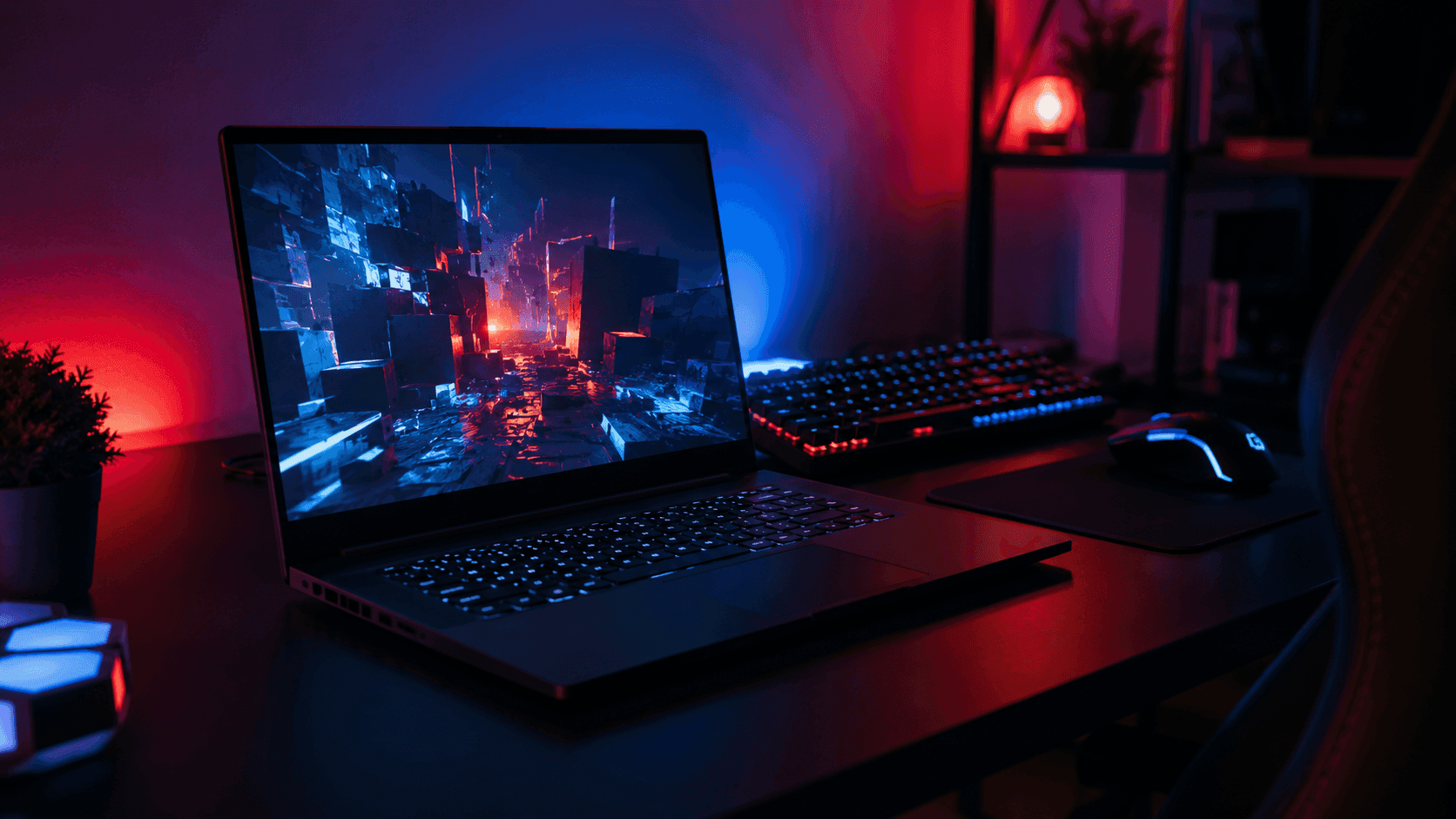
Pushing 2560x1440 on a laptop is a different engineering problem than pushing 1080p, and the gap is where most budget builds quietly fall apart. Running modern games at 2560x1440 resolution places roughly 78 percent more pixel processing load on the graphics chip than standard 1080p rendering. That extra load has to be paid for in wattage and cooling, not marketing copy. Working out how to choose a gaming laptop under 1500 for 1440p means reading spec sheets like an auditor, because manufacturers love pairing a sharp QHD panel with a graphics chip that has been power-starved to protect the chassis budget. This is a spec-based analysis using published manufacturer specifications and market comparisons. No hands-on testing was conducted.
The traps are predictable once you know where to look. A machine can lead with an upper-tier processor and then skimp on graphics memory bandwidth, or bolt an RTX 4060 to a high-resolution screen that outruns its VRAM in heavy scenes. Slim frames add their own tax: thermal throttling drags clock speeds down long before hour two of a session. Four numbers settle the purchase — dedicated VRAM, GPU wattage, panel refresh rate, and whether a multiplexer switch is on board.
The Quick Take
Want solid 1440p without stepping into flagship price brackets? Target an NVIDIA GeForce RTX 4060 or RTX 4070 rated for high wattage, ideally between 115W and 140W TGP. Wattage decides more than the model number on the sticker does.
How to Choose a Gaming Laptop Under 1500: Step by Step
Three checks, in this order. Skip the third and you will still game fine; skip the first and nothing else you paid for matters.
Step 1: Start with the graphics chip. For native 1440p, your floor is an NVIDIA GeForce RTX 4060 or RTX 4070 — but the number that actually predicts frame rates is Total Graphics Power. An RTX 4060 operating at a full 140W max TGP can outperform a thermal-throttled or power-limited RTX 4070 restricted to 60W or 80W. If a listing hides its TGP figure, open the manufacturer's own product page and find it. No published wattage, no sale.
Step 2: Match the processor and memory to it. An AMD Ryzen 7 (7000 or 8000 series) or an Intel Core i7 / Core Ultra 7 keeps pace with either GPU tier without eating into the thermal envelope. Sixteen gigabytes of DDR5 is the working baseline, not a luxury. Heavy multitasker or open-world addict? Filter for models with user-upgradeable SO-DIMM slots so a jump to 32GB costs you a stick of RAM instead of a new laptop.
Step 3: Read the panel line, then look for the MUX. A native QHD or QHD+ screen (2560x1440 or 2560x1600) running 120Hz to 165Hz gives you the motion clarity and pixel density you bought the GPU for. Confirm the laptop includes a hardware MUX Switch with Advanced Optimus. This routes graphics directly from the dedicated GPU to the internal display, unlocking up to a 10-15% performance boost in fast-paced competitive games.
Recommended product categories
Three shapes of machine live under this budget ceiling, and each one wins a different argument. High-TGP mainstream mid-rangers are the raw-performance pick: maximum wattage to the GPU, multi-fan cooling, high-refresh QHD panels. They trade thinness for clock speeds that hold. Buy here if the laptop mostly lives on a desk and frame rate is the whole point.
Compact performance laptops answer a different question — can I carry this all day and still game on it? Efficient AMD Ryzen HS-series silicon and dense 14-inch or 14.5-inch panels, such as the Lenovo Legion Slim 5 14.5" OLED with its Ryzen 7 7840HS and RTX 4060 graphics, put real pixel density in a bag-friendly footprint. Campus, commute, hotel room: this is your category.
Then there are the 16- and 17-inch budget-premium machines. Bigger chassis, bigger cooling chamber, expansive QHD+ real estate. They sit near the top of the budget, and what you get for it is sustained framerates across a multi-hour session instead of a fast first twenty minutes.
Common mistakes
Mistake one: buying processor bragging rights and settling for a weaker graphics card. At 2560x1440 the GPU is your bottleneck almost every time, so a top-shelf CPU bolted to an entry-level GPU produces exactly the stutter you were trying to avoid. A balanced pairing — Ryzen 7 7840HS with an RTX 4060, as in the Legion Slim 5 — is the headroom demanding titles actually use.
Mistake two: treating every RTX 4060 as the same part. Identical silicon behaves like two different products depending on how many watts the chassis feeds it, so check board power and cooling design before you check anything else.
Mistake three is a display one. Choosing a 1080p panel means budgeting for an external QHD monitor to reach 1440p at all, which quietly pushes your total spend past the cap you set. And settling for 8GB of system RAM guarantees micro-stuttering in modern games; 16GB of high-speed DDR5 keeps high-resolution textures streaming without a memory wall mid-firefight.
Buying checklist
Before you commit, run the listing through these six checks. Every one of them can be verified on a product page in under a minute.
1. GPU tier and wattage: an RTX 4060 or better, with the TGP figure printed somewhere official. 2. Processor balance: a Ryzen 7 7840HS or equivalent that complements the GPU rather than competing with it for the cooling budget. 3. Panel spec: if you plan to game on the built-in screen, the listing must say QHD or WQXGA plus 120Hz or higher — "FHD" in that field is a dealbreaker.
4. Memory: 16GB minimum of LPDDR5x or DDR5, and check whether the RAM is soldered or socketed before you assume you can add more. 5. Cooling: count the fans and heat pipes in the spec images, and favor the thicker chassis if you game in long stretches. 6. Video output: pairing an external panel like an Acer Nitro XV272U or Samsung Odyssey G5 needs DisplayPort over USB-C or a full-size HDMI port with the bandwidth for 1440p at high refresh.
That is the entire method for how to choose a gaming laptop under 1500 for 1440p: buy the wattage, not the badge, and make the spec sheet prove every claim before your card comes out.
Recommended Products
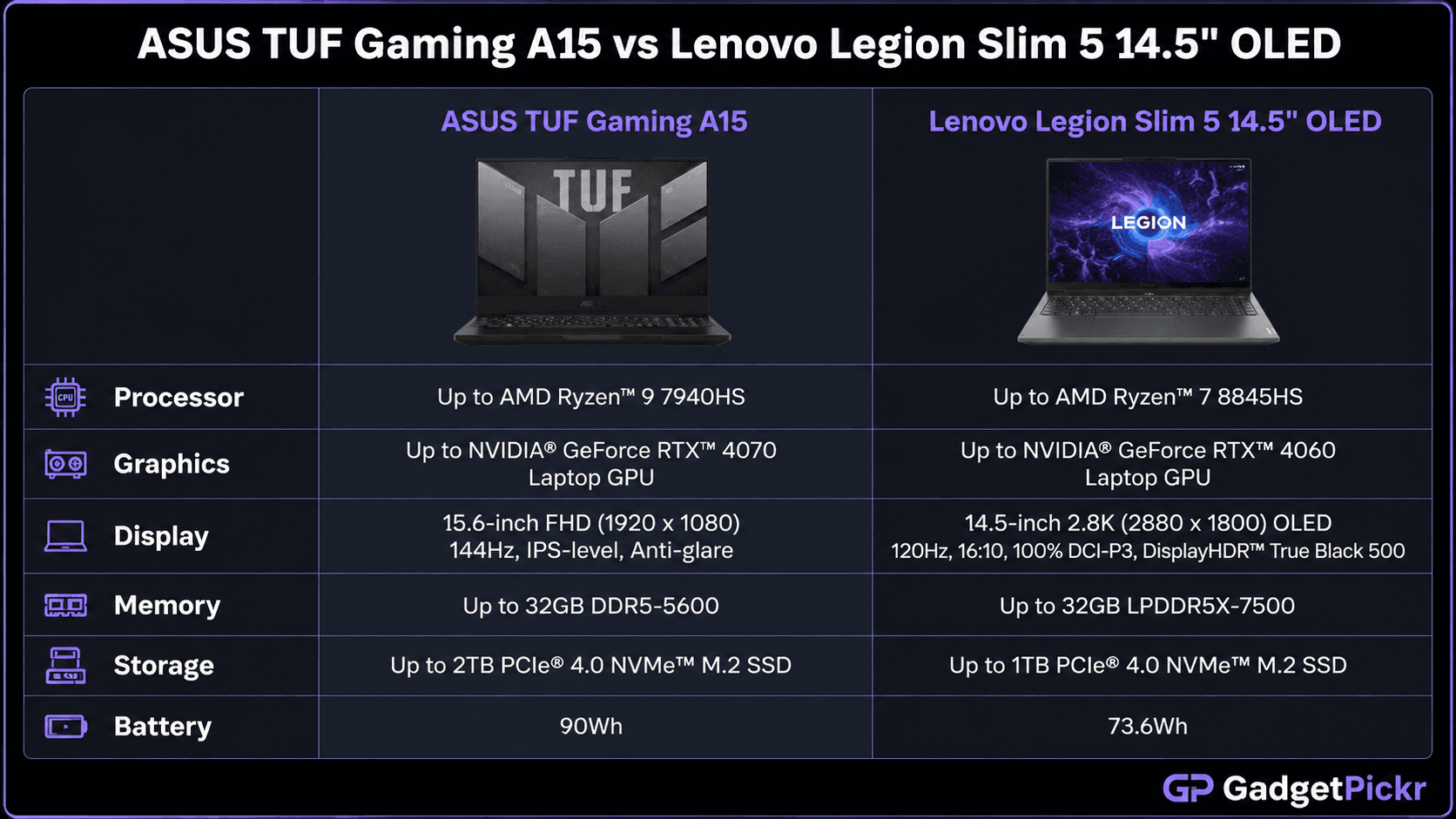
Two machines that show the rules above in practice — one for buyers who want cooling volume and budget headroom, one for buyers who need the laptop to travel.
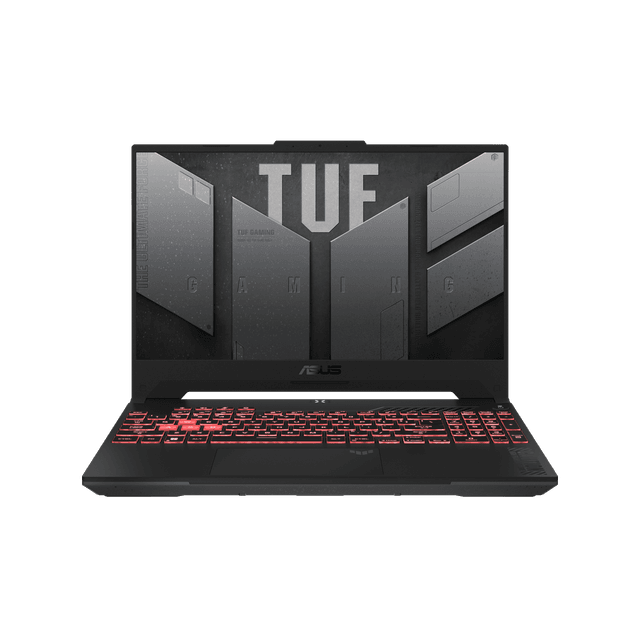
ASUS TUF Gaming A15
Sits in the high-TGP mainstream category, well below the budget ceiling — which is exactly the position you want if you plan to add memory or an external QHD panel later.
Pros
- Leaves room under the budget cap for a RAM upgrade or a 1440p external monitor
- Thicker gaming chassis follows the cooling-over-thinness rule from Step 1
- Configuration variety makes it easy to filter for the GPU wattage you want
Cons
- Graphics wattage and panel resolution vary by SKU — confirm both on the listing
- Sustained heavy workloads may favor a larger actively cooled laptop
Lenovo Legion Slim 5 14.5" OLED
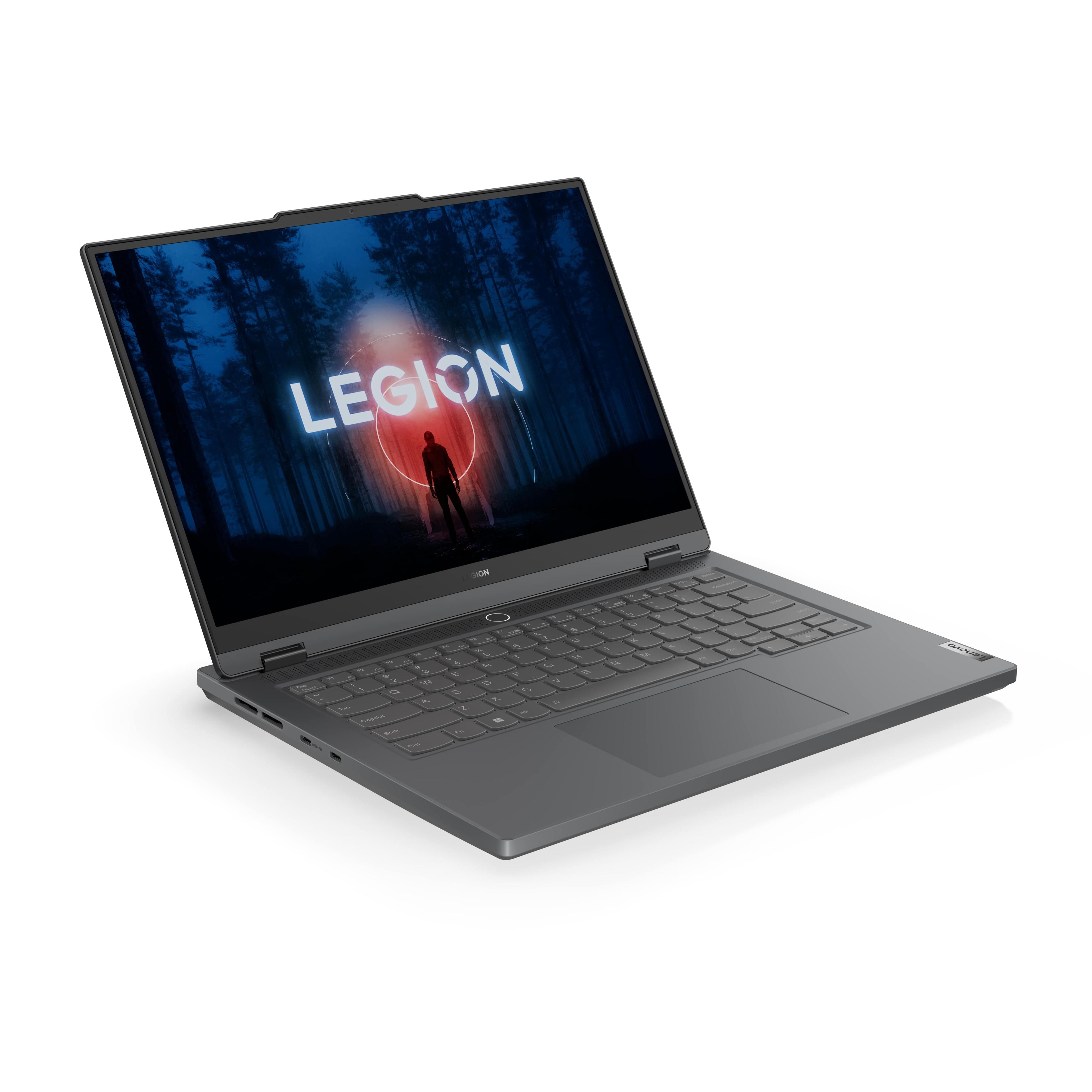
The compact-performance answer, and a clean illustration of the balanced pairing rule: Ryzen 7 7840HS with RTX 4060 graphics behind a dense OLED panel.
Pros
- Balanced Ryzen 7 and RTX 4060 pairing avoids the CPU-heavy mistake in Step 3
- 14.5-inch OLED delivers high pixel density in a footprint you can carry daily
- Small enough to double as a work laptop, which spreads the cost
Cons
- Less cooling volume than a 16-inch chassis during long sessions
- Compact builds often limit later memory expansion — check for SO-DIMM slots first
Sources & References
Specifications and claims in this analysis were cross-referenced against the sources below.
- NVIDIA GeForce RTX 4060 Specstechpowerup.com
- NVIDIA GeForce RTX 4070 (Laptop, 140W)laptopmedia.com
- NVIDIA GeForce RTX 4060 (Laptop, 140W)laptopmedia.com
- NVIDIA GeForce RTX 4060 Laptop GPUnotebookcheck.net
- Nvidia GeForce RTX 4060 Laptop: performance tests and ...nanoreview.net
- 10 Best Gaming Laptops Under $1500 (July 2026) Trusted Reviewsesa-spaceweather.net
- Best Gaming Laptops Under $1500 2026 | Gaming Gear Labsgaminggearlabs.com
- NVIDIA GeForce RTX 4060 Laptop GPUnotebookcheck.it
Frequently Asked Questions
Yes, when it is fed properly. A 4060 with a high TGP allotment and 16GB of DDR5 handles native QHD in modern titles. A power-limited one at 60W or 80W will not, so check wattage first.