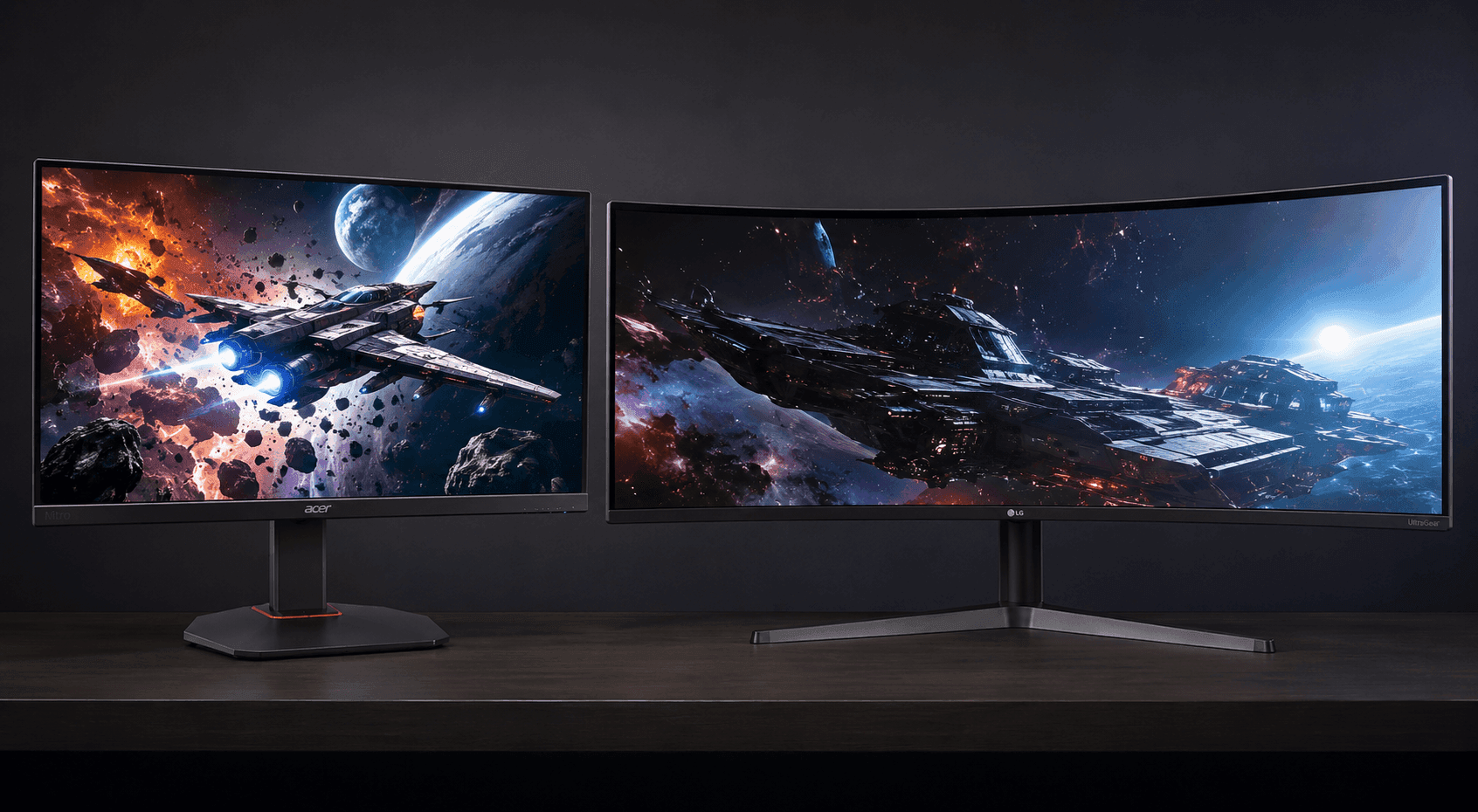
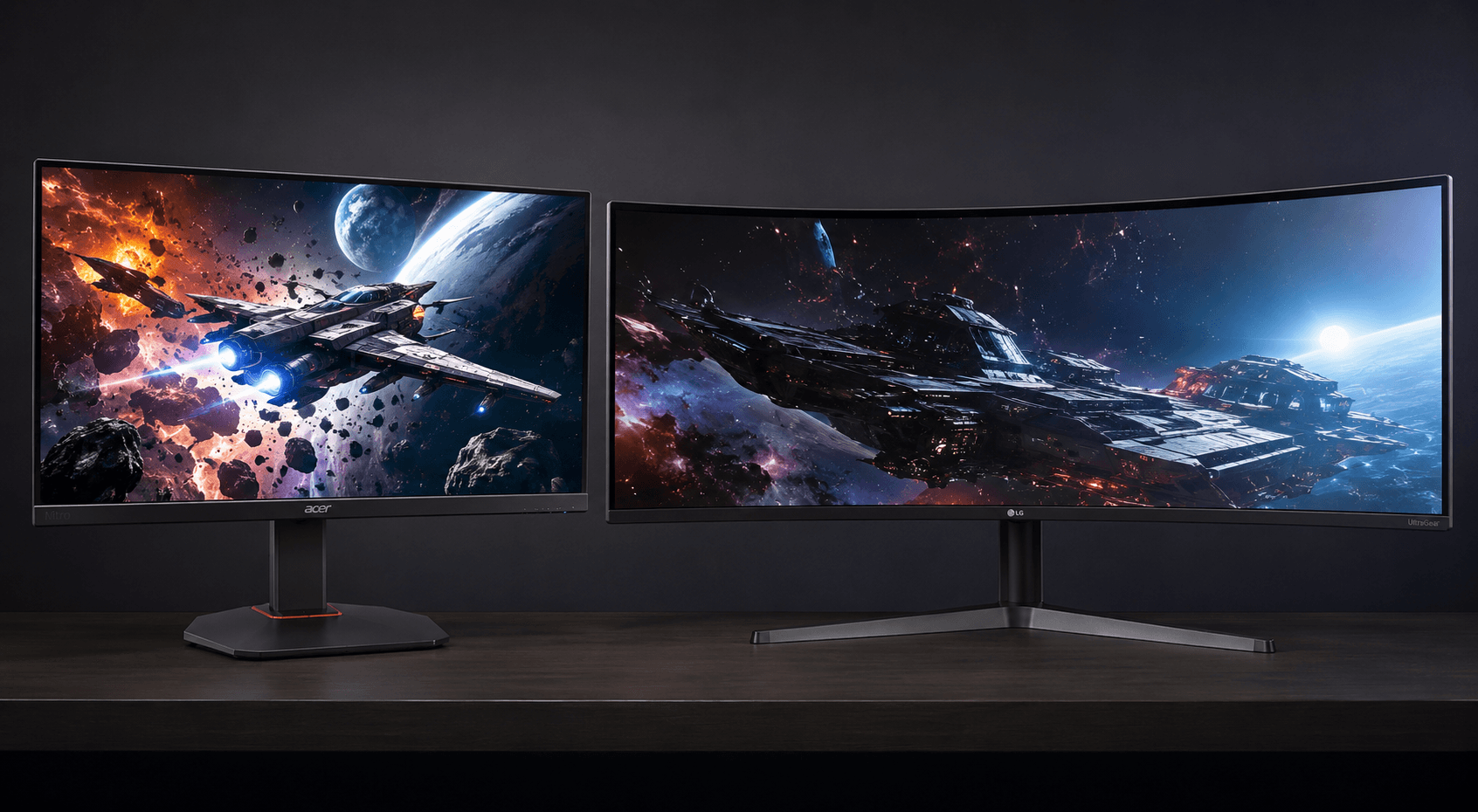
Speed or space. That's the whole argument. Weighing the Acer Nitro gaming monitor vs LG 34-inch UltraGear curved gaming monitor really comes down to which of those two things your desk is short on, because these panels solve opposite problems. One is a 27-inch 16:9 flat screen tuned for motion clarity in competitive shooters. The other stretches to 34 inches of 21:9 curved glass built to swallow a dual-monitor rig whole. This is a spec-based analysis using published manufacturer specifications and market comparisons. No hands-on testing was conducted.
Get that priority backwards and you pay for numbers you never use. Twitch-reaction players need low input lag and frames on tap; sim racers, flight-sim fans and anyone juggling six windows want horizontal pixels far more than a higher refresh ceiling. Panel architecture, refresh rate, pixel density, ports — we'll take them in turn, then name a winner for each kind of buyer.
The Quick Take
Competitive FPS players can stop reading here and take the Acer Nitro XV272U W2. A 240Hz refresh rate over DisplayPort 1.4 paired with a 1ms Gray-to-Gray response time means cleaner motion and lower input latency — exactly what tracking a strafing target rewards. Everyone else should keep going.
Acer Nitro
Best for ranked shooters on a mid-range GPU and a desk with no room to spare.
Check Price on AmazonLG 34-Inch UltraGear Curved
Best for sim racing, open-world play and work-from-home window juggling on a wide desk.
Check Price on AmazonAcer Nitro Gaming Monitor vs LG 34-Inch UltraGear Curved Gaming Monitor: Specs Compared
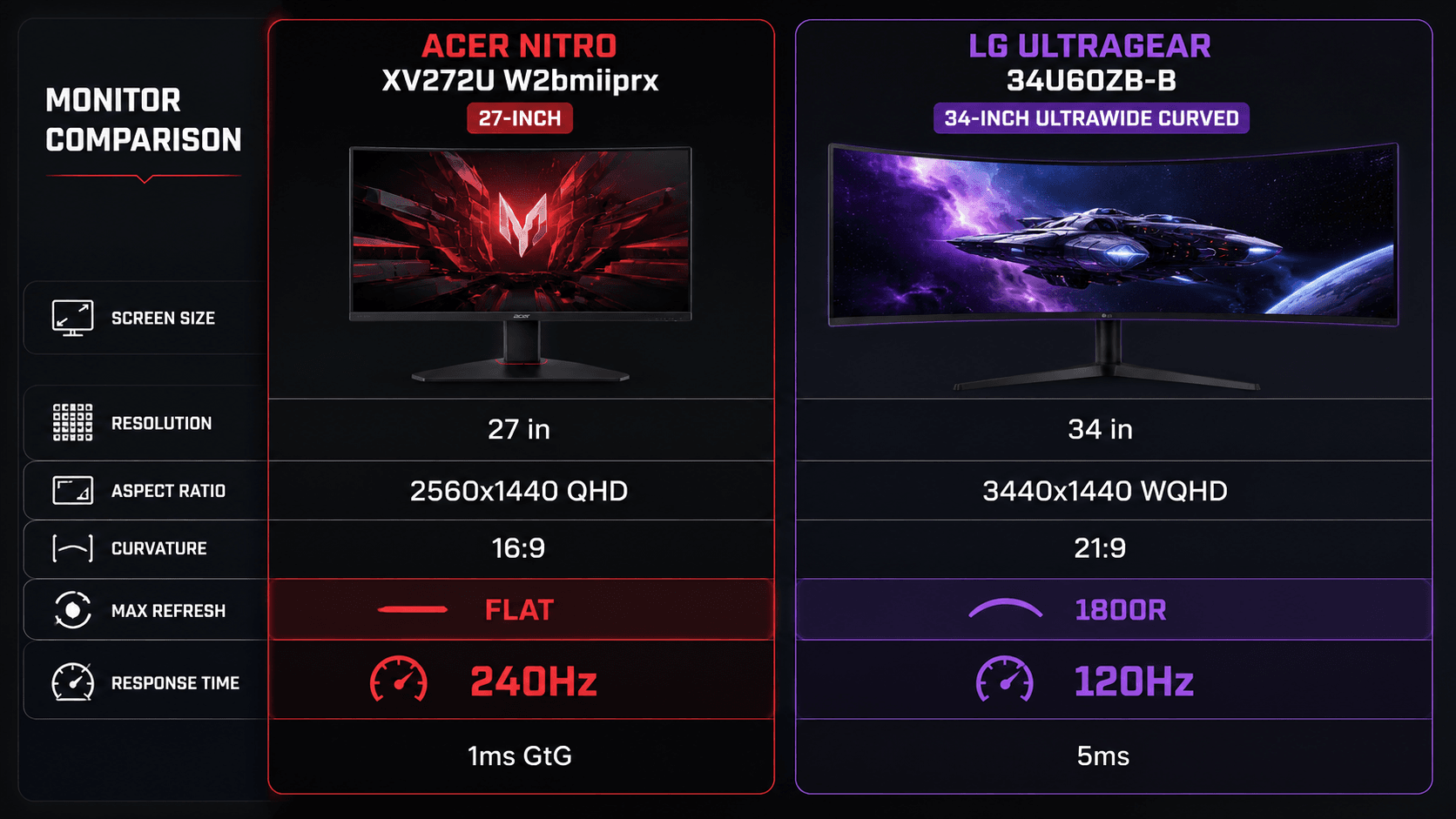
Numbers first, opinions after. Here's how the two spec sheets line up, and where each panel gives something up to win somewhere else.
| Specification | Acer Nitro XV272U W2 | LG 34U60ZB-B |
|---|---|---|
| Screen Size | 27 inches | 34 inches |
| Resolution | 2560 x 1440 (QHD) | 3440 x 1440 (WQHD) |
| Aspect Ratio | 16:9 | 21:9 |
| Screen Curvature | Flat | 1800R Curved |
| Panel Type | IPS | — |
| Max Refresh Rate | 240Hz | 120Hz |
| Response Time | 1ms (GtG) | 5ms |
| Adaptive Sync | AMD FreeSync Premium | — |
| Color Gamut | — | 99% sRGB |
| HDR Support | — | HDR10 |
| Ports | 1x DisplayPort 1.4, 2x HDMI 2.0 | HDMI, DisplayPort |
| Best For | Competitive FPS on a small or shared desk, driven by a mid-range graphics card | Sim racing, flight sims and multi-window home-office work on a wide desk |
Design & Build Quality
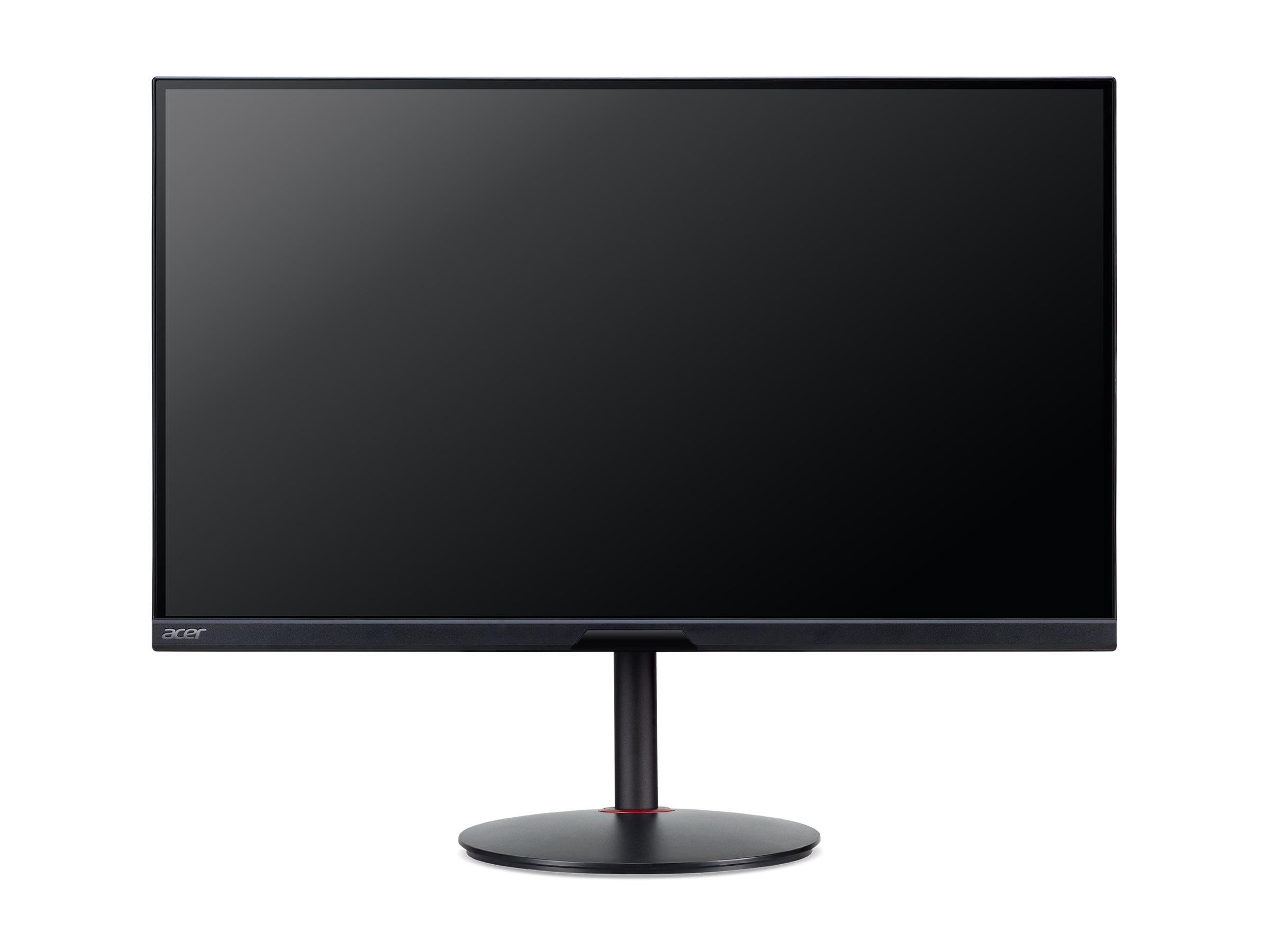
Desk footprint decides more of this than most buyers expect. Acer's 27-inch flat 16:9 body slots into cramped workstations and still leaves clearance for speakers, a wide mousepad, or a mic arm. Looks are plain: dark trim, a modest stand, stability over gamer theatrics.
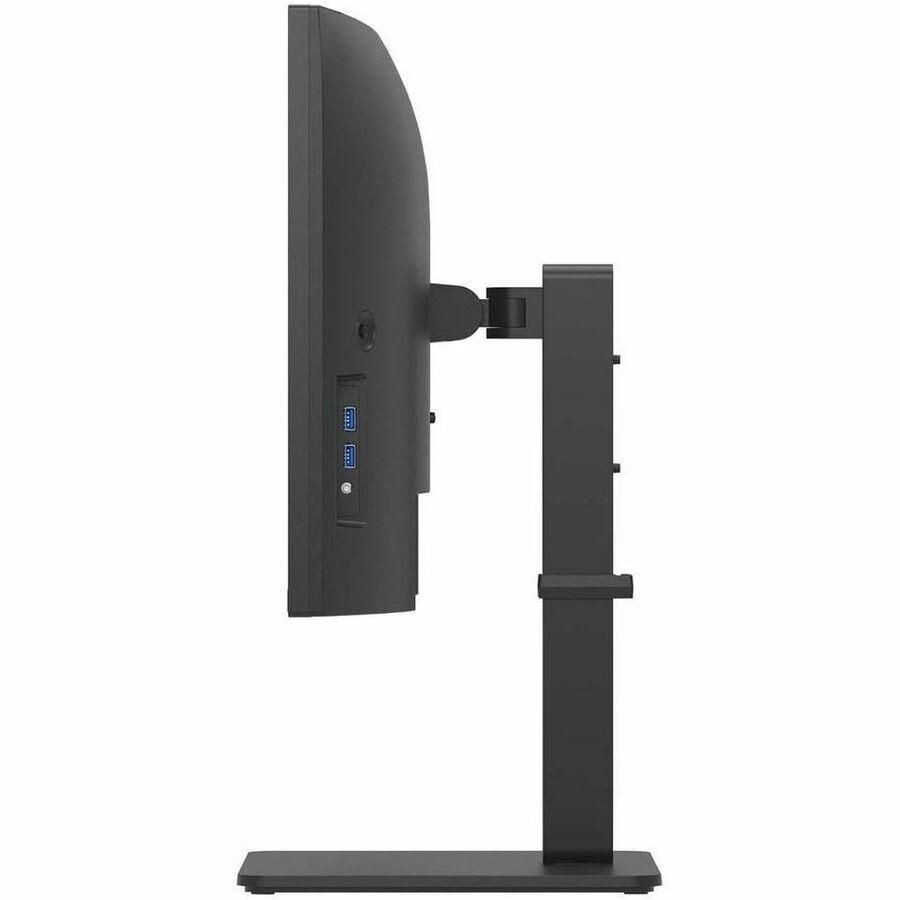
Go the other direction and you get 34 inches, an 1800R curve, and a 21:9 shape that bends the edges of the picture into your peripheral vision without warping straight lines into something odd. It costs you desk width, and the base wants real depth. Borderless trim on three sides keeps the surface clean from edge to edge, which matters when two documents sit side by side.
Both use matte black plastics that resist fingerprints and cut glare. Acer keeps things conventional, so throwing it on a third-party VESA arm to reclaim desk space is trivial. Its rival is a commanding centerpiece instead — just measure before you commit, because a 34-inch ultrawide chassis is unforgiving about narrow desks.
Performance & Key Features
Panel tech is where these two stop being comparable. Acer's 27-inch QHD (2560 x 1440) IPS screen runs at 240Hz over DisplayPort 1.4, with a 1ms Gray-to-Gray response time and AMD FreeSync Premium behind it. Ghosting and tearing stay out of your way during high-framerate matches, and IPS keeps colors consistent when you lean off-axis.
Immersion is the other pitch entirely. A 34-inch WQHD (3440 x 1440) curved screen running at 120Hz trades outright speed for canvas, and those extra horizontal pixels provide roughly 34% wider view than standard 16:9 displays — enough to park two full windows side by side and skip the second monitor. Color coverage is solid at 99% sRGB with HDR10 support, which serves open-world games, streaming and office work equally well.
Ports tell the same story. DisplayPort 1.4 plus dual HDMI 2.0 on the Acer feeds high-refresh signals from graphics cards and modern consoles. On the LG side, LG Switch app compatibility handles the software half of the job, carving the screen into regions and snapping windows where you want them.
Pros & Cons: Acer Nitro
Motion clarity on a competitive budget is the entire reason this panel exists, and the spec sheet is built around that one idea.
Pros: 240Hz over DisplayPort 1.4 for fluid tracking in fast-paced titles. Crisp 2560 x 1440 QHD resolution keeps pixel density high on a 27-inch panel. IPS technology delivers wide viewing angles and consistent color. A 1ms GtG response time backed by AMD FreeSync Premium holds back motion blur and tearing. Compact 16:9 footprint fits standard desks and monitor arms.
Cons: 27 inches of 16:9 gives you far less usable desktop than a 21:9 ultrawide, so heavy multitaskers will still want a second screen. There's no curve, so cinematic wraparound isn't on the menu. And that refresh ceiling only pays off if your graphics card can actually feed it — on a weak GPU you're buying headroom you'll never touch.
Pros & Cons: LG 34-Inch UltraGear Curved
Width is the pitch. A 21:9 WQHD (3440 x 1440) panel wrapped in an 1800R curve opens up a field of view that a 16:9 screen simply can't reach, and it lets several full-sized windows share the desktop without a dual-monitor rig bolted to your desk. Color holds up too: 99% of the sRGB gamut plus HDR10 covers casual media work and office duty. LG Switch app compatibility rounds it out by making window management a two-click job.
Trade-offs? Several. At 120Hz with a 5ms response time, it trails the Acer noticeably on motion clarity, which makes it the weaker pick for high-speed competitive shooters. The 1800R curve is on the gentle side for an ultrawide, so anyone chasing deep wraparound immersion may find it conservative. Pushing 3440 x 1440 also asks more of your graphics card — plan on mid-to-high tier silicon to keep frame rates where you want them.
Real Buyer Scenarios
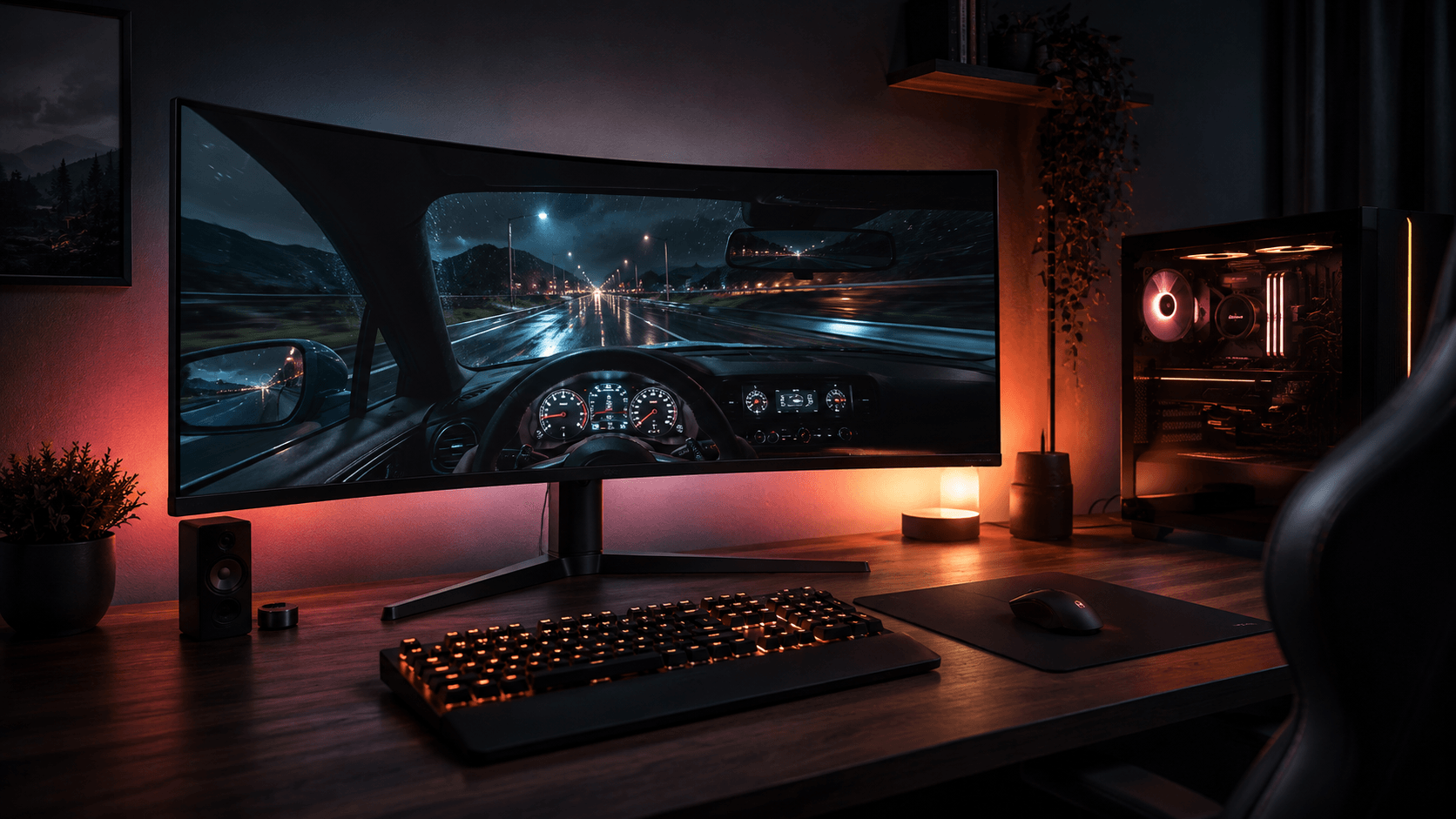
Picture a ranked player on Counter-Strike 2, Valorant or Apex Legends, playing on a desk that's already crowded. That's the Acer's buyer. A 240Hz ceiling and 1ms GtG response keep fast-moving targets legible instead of smeared, and the standard 16:9 format plays nicely with every game, console output and streaming layout — no black side bars, no aspect-ratio fiddling.
Now flip the desk. Sim racers, flight-sim pilots, open-world RPG players and home-office professionals get far more out of a 34-inch 21:9 canvas, where the widened field of view is the point. For work, it retires a clumsy dual-monitor array: two full browser windows and a chat client fit comfortably, with no center bezel splitting your attention.
Your graphics card gets a vote too. Feeding 3440 x 1440 at 120Hz in modern titles takes a mid-to-high tier GPU. A 2560 x 1440 target is gentler, so mid-range cards can realistically chase the Acer's refresh ceiling instead of bouncing off it. Genre, desk dimensions, GPU — decide in that order.
Alternatives Worth Considering
Neither one fitting your desk or your frame-rate goals? A couple of others split the difference. HP's Omen 34c G2 is the practical middle ground for ultrawide fans who want more speed: a 3440 x 1440 WQHD resolution, an 180Hz refresh rate, VA panel technology and VESA DisplayHDR 400 support, which puts it ahead of the 120Hz curved option here on motion while keeping the 21:9 shape.
Want esports pace in a normal 16:9 body with a different feature mix? Look at Samsung's 27-inch Odyssey G5 (G51F): 2560 x 1440 QHD, a 180Hz refresh rate, AMD FreeSync and a height-adjustable stand. That 180Hz ceiling sits below the Acer Nitro's 240Hz DisplayPort output, but it's plenty quick for fast-paced play and the ergonomics are better.
Final Verdict
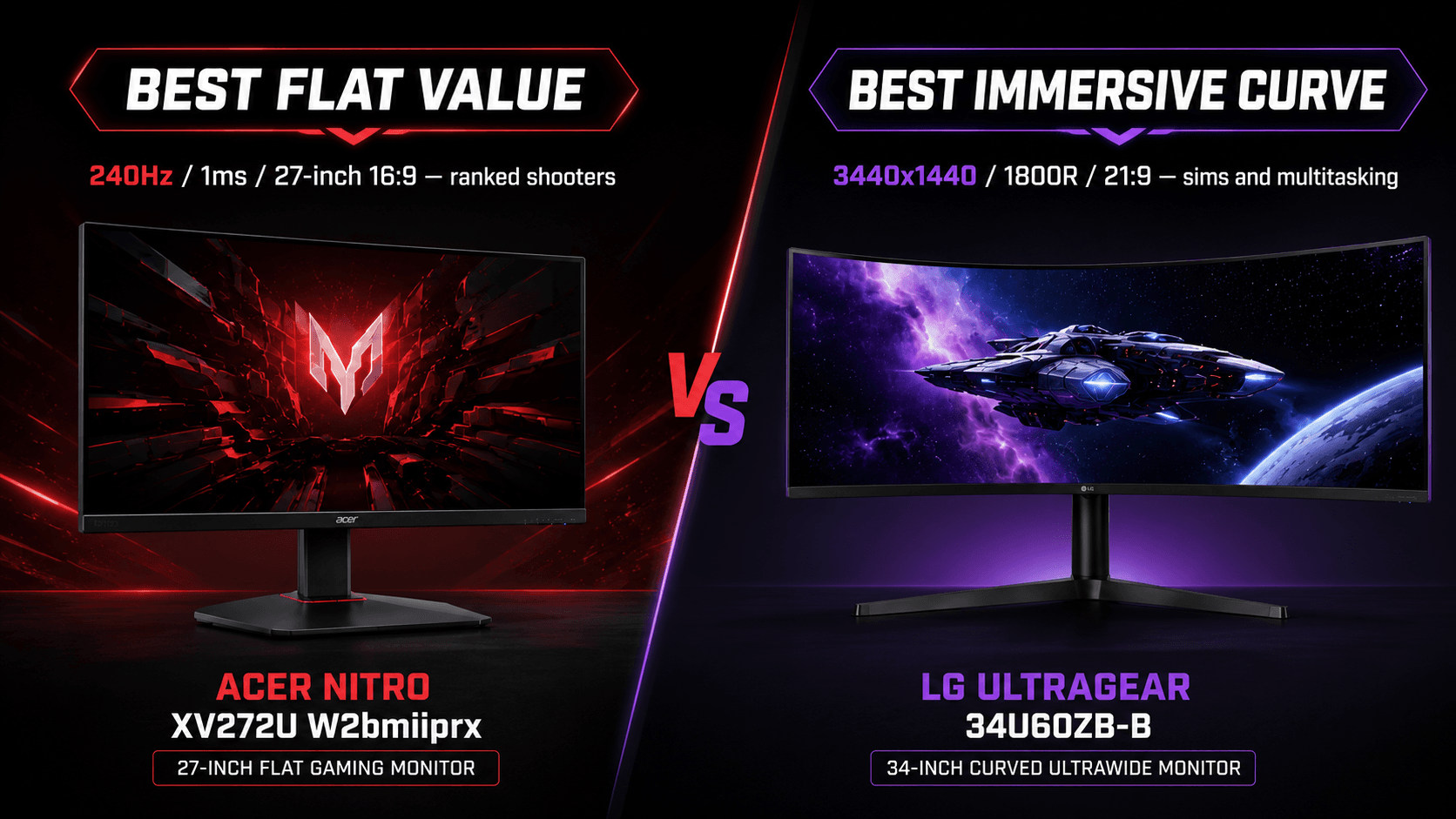
Choose the Acer Nitro XV272U W2 if you play competitive shooters. Its 240Hz refresh rate over DisplayPort 1.4 combined with a 1ms Gray-to-Gray response time delivers crisper motion and lower input latency, and that's a real tracking advantage against slower displays. It's also the easier panel to feed and the easier one to fit.
Choose the LG 34U60ZB-B if immersion and desktop space matter more than reaction time. A 3440 x 1440 WQHD image across a curved 1800R 21:9 panel hands you far more horizontal room, so multiple windows live side by side without a second screen. Yes, 120Hz and 5ms sit below the Acer — for flight sims, racing, RPGs and everyday work, they're entirely adequate. That's the Acer Nitro gaming monitor vs LG 34-inch UltraGear curved gaming monitor decision in one line: buy speed for ranked play, buy width for everything else.
Sources & References
Specifications and claims in this analysis were cross-referenced against the sources below.
- Nitro XV2 - XV272U W2 Tech Specs | Gaming LED Monitoracer.com
- Nitro XV2 - XV272U W2BMIIPRX Tech Specs - Acer United Statesacer.com
- LG Ultragear 34GS95QE Curved OLED Gaming Monitorwired.com
- LG UltraGear 34GN850 reviewtechradar.com
- LG UltraGear 34" Gaming Monitor Review 2025: Is It Worth the Hype for Gamers? - Reviews Insidereviewsinside.com
- LG UltraGear 34GN850 review: a quality, ultrawide, curved ...t3.com
- 34U60ZB-B | モニター | LG Japanlg.com
- Powerful: I Bought The LG UltraGear QHD 34-Inch Curved Gaming Monitor 34GP83A-B - Is It the Ultimate Gaming Display?reddit.com
Frequently Asked Questions
Acer, without hesitation. Its 240Hz refresh rate and 1ms GtG response time keep fast motion sharper than the LG's 120Hz and 5ms, which matters most in ranked shooters where tracking speed decides fights.