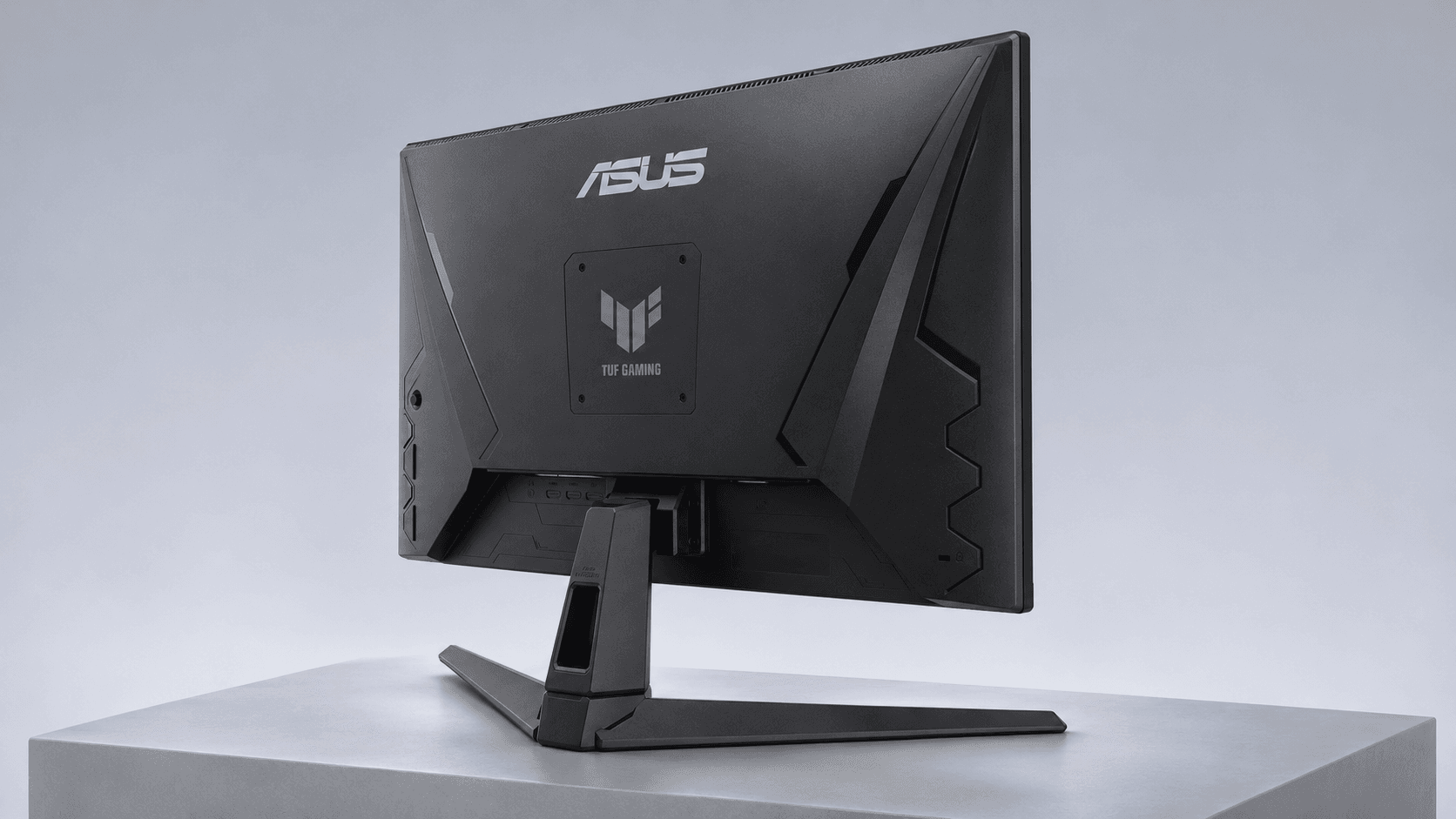
Choose the ASUS TUF VG27AQM5A for competitive PC gaming when your system can use 300Hz at 2560x1440. Its 27-inch Fast IPS panel combines QHD resolution with NVIDIA G-SYNC Compatible and AMD FreeSync Premium support. The appeal is high-refresh gaming without giving up the detail and desktop space of 1440p.
Counter-Strike 2, Valorant and Apex Legends are natural uses, provided your settings deliver sufficiently high frame rates. ASUS also includes Extreme Low Motion Blur Sync, or ELMB Sync, which combines backlight strobing with variable refresh rate. The advertised 0.3ms gray-to-gray response time is a minimum manufacturer rating, not a measurement of every transition or total input lag.
The compromises are straightforward. Typical brightness is 300 nits, the stand has tilt and swivel but no height adjustment, and USB-C is a service connection rather than a laptop docking input. Buy for the refresh ceiling, with a plan for screen height and realistic HDR expectations.
Some links in this article are affiliate links, which helps support GadgetPickr at no extra cost to you.
The Quick Take
The VG27AQM5A makes sense for a PC that regularly produces high frame rates at QHD. You get 300Hz, adaptive sync and optional ELMB Sync. Fixed stand height is the main everyday compromise: check whether the supplied position fits your desk, or include a compatible arm in the purchase cost.
Verdict
Buy the ASUS TUF VG27AQM5A for competitive QHD gaming when your PC can use its 300Hz ceiling. Resolution and refresh rate are its strongest combination, supported by adaptive sync and optional ELMB Sync. It is easier to justify as a move from a lower-refresh 1080p screen than as a modest upgrade from 240Hz QHD.
Skip it when HDR picture quality leads the purchase. Its 300-nit typical brightness and 1300:1 contrast do not serve that goal as well as a display chosen around HDR performance. Fixed stand height is the other major compromise: budget for an arm or compare the adjustable Acer alternative. Choose this TUF for refresh headroom once those limits fit your setup.
ASUS TUF Gaming VG27AQM5A
QHD competitive PC gaming with adaptive sync and optional backlight strobing.
High-refresh QHD gaming monitor
ASUS TUF VG27AQM5A Product Overview
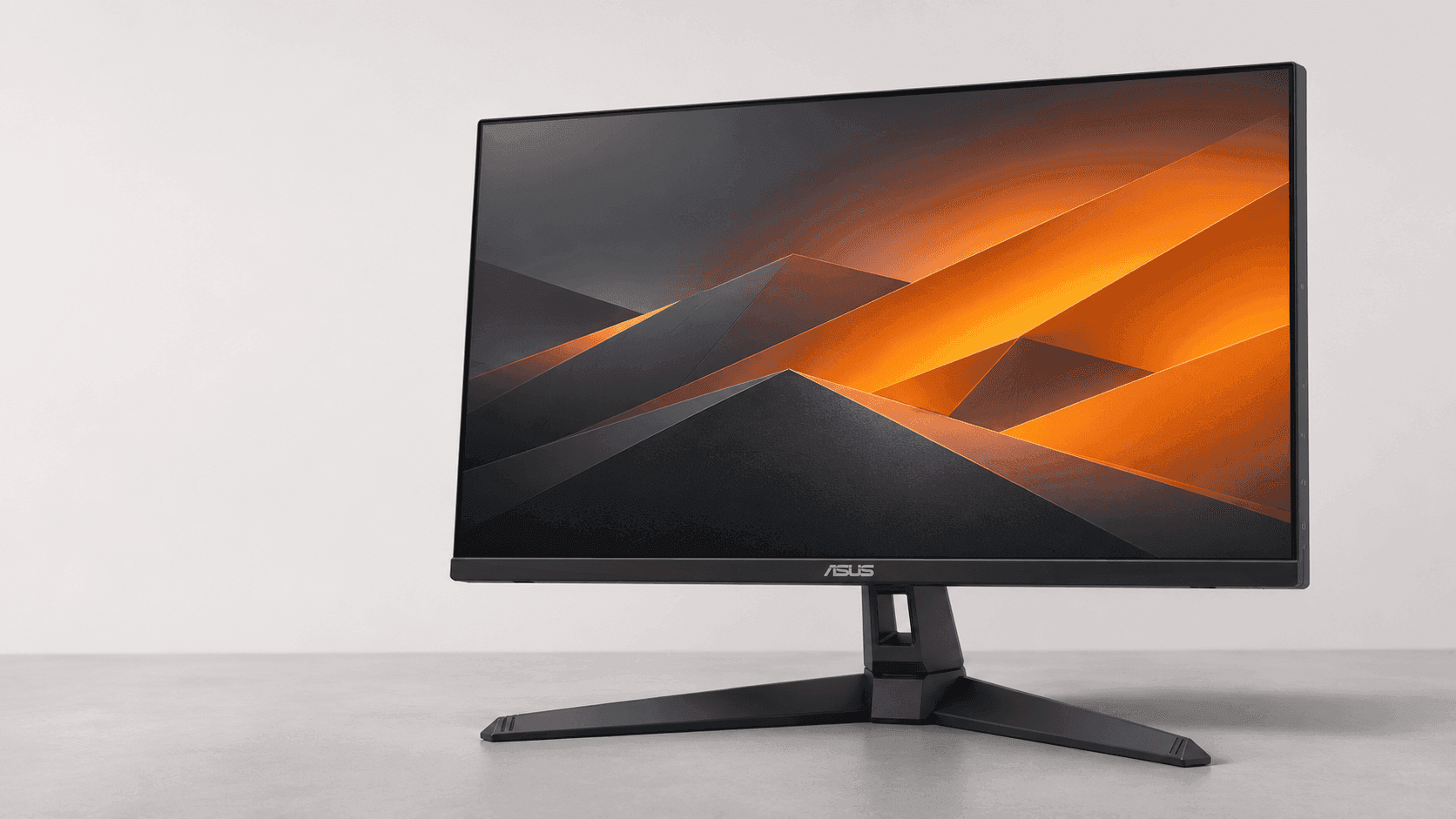
The 27-inch, 2560x1440 panel keeps a familiar desktop format while providing more workspace than a same-size 1080p display. ASUS specifies Fast IPS technology and a 0.3ms minimum gray-to-gray response time. That minimum does not establish typical transition speed or show how cleanly every overdrive setting behaves.
Adaptive sync adjusts refresh timing to a compatible graphics source. ELMB Sync adds backlight strobing without requiring VRR to be disabled. ASUS's manual lists 2560x1440 at 300Hz over both HDMI and DisplayPort; NVIDIA's G-SYNC Compatible certification specifically identifies DisplayPort, making it the straightforward starting connection for a GeForce PC.
ASUS rates color coverage at 95% DCI-P3 and typical contrast at 1300:1. The gamut figure describes color range rather than calibration accuracy. Likewise, HDR10 signal support should be read alongside the 300-nit typical brightness and contrast rating before choosing this screen for HDR.
The black TUF chassis sits on a stand with tilt and swivel, but no vertical adjustment or portrait pivot. A 100x100mm VESA mount allows an alternative stand or arm. Check the supplied height against your chair and desk: swivel can turn the screen toward another person, but cannot raise it for your usual seated position.
Key Specs and Compatibility
These are manufacturer specifications, with their qualifications intact. The 0.3ms response figure is a minimum, 300 nits is typical brightness, and 300Hz is the maximum refresh rate. None alone establishes measured motion quality.
Specification
Value
Screen Size
27 inches
Panel Type
Fast IPS
Resolution
2560 x 1440 (QHD)
Maximum Refresh Rate
300Hz
Minimum Response Time
0.3ms (GtG, manufacturer minimum)
Adaptive Sync
NVIDIA G-SYNC Compatible; AMD FreeSync Premium
Motion Clarity Tech
ASUS ELMB Sync
Color Gamut
95% DCI-P3
Typical Brightness
300 nits
Contrast Ratio
1300:1 typical
Built-in Audio
Two 2W stereo speakers
Ergonomics & Mounting
Tilt, swivel; 100x100mm VESA; no height adjustment or pivot
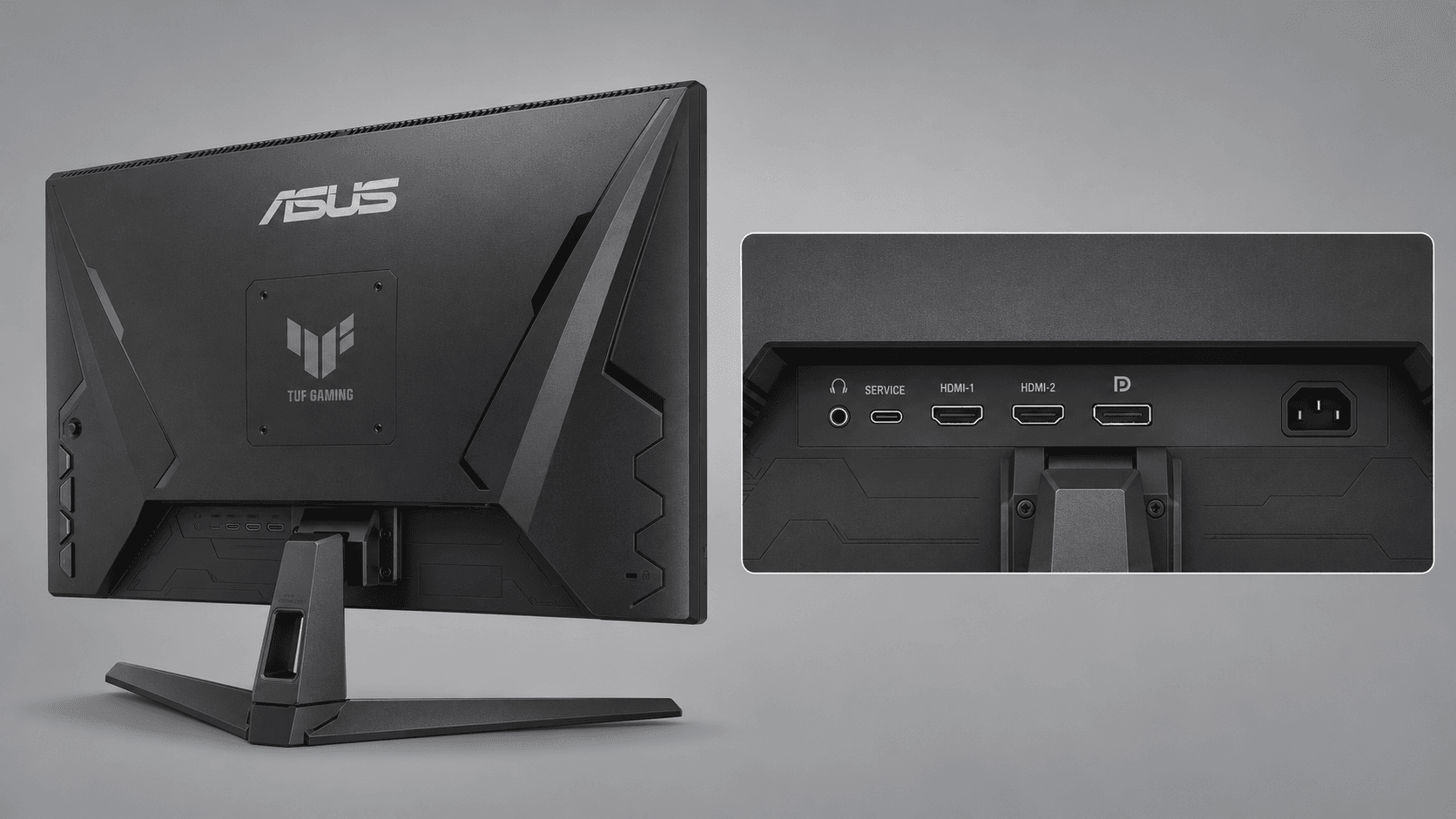
Connections include DisplayPort 1.4, two HDMI 2.1 inputs, an earphone jack and USB-C for firmware servicing. DisplayWidget Center offers mouse-based settings control. The service connector does not provide a general-purpose USB hub or laptop video and charging.
What Stands Out
QHD at 300Hz is the main attraction. It provides more refresh headroom than 144Hz while retaining 1440p resolution. The increase from 240Hz is smaller, so owners of a capable 240Hz QHD screen should consider whether their games and frame rates justify replacing it.
ELMB Sync combines strobing with adaptive sync rather than offering a vaguely defined gaming preset. Its settings have a clear restriction: enabling ELMB or ELMB Sync disables HDR settings in the manual. Choose between those options according to the game and your picture priorities.
Both HDMI and DisplayPort support the headline QHD refresh rate with suitable hardware. For NVIDIA users, DisplayPort also matches the published G-SYNC Compatible certification. Check the source's actual output modes before relying on HDMI. The Acer Nitro XV272U W2bmiiprx is a useful 240Hz comparison if the extra refresh headroom is less important than stand adjustment.
Strengths
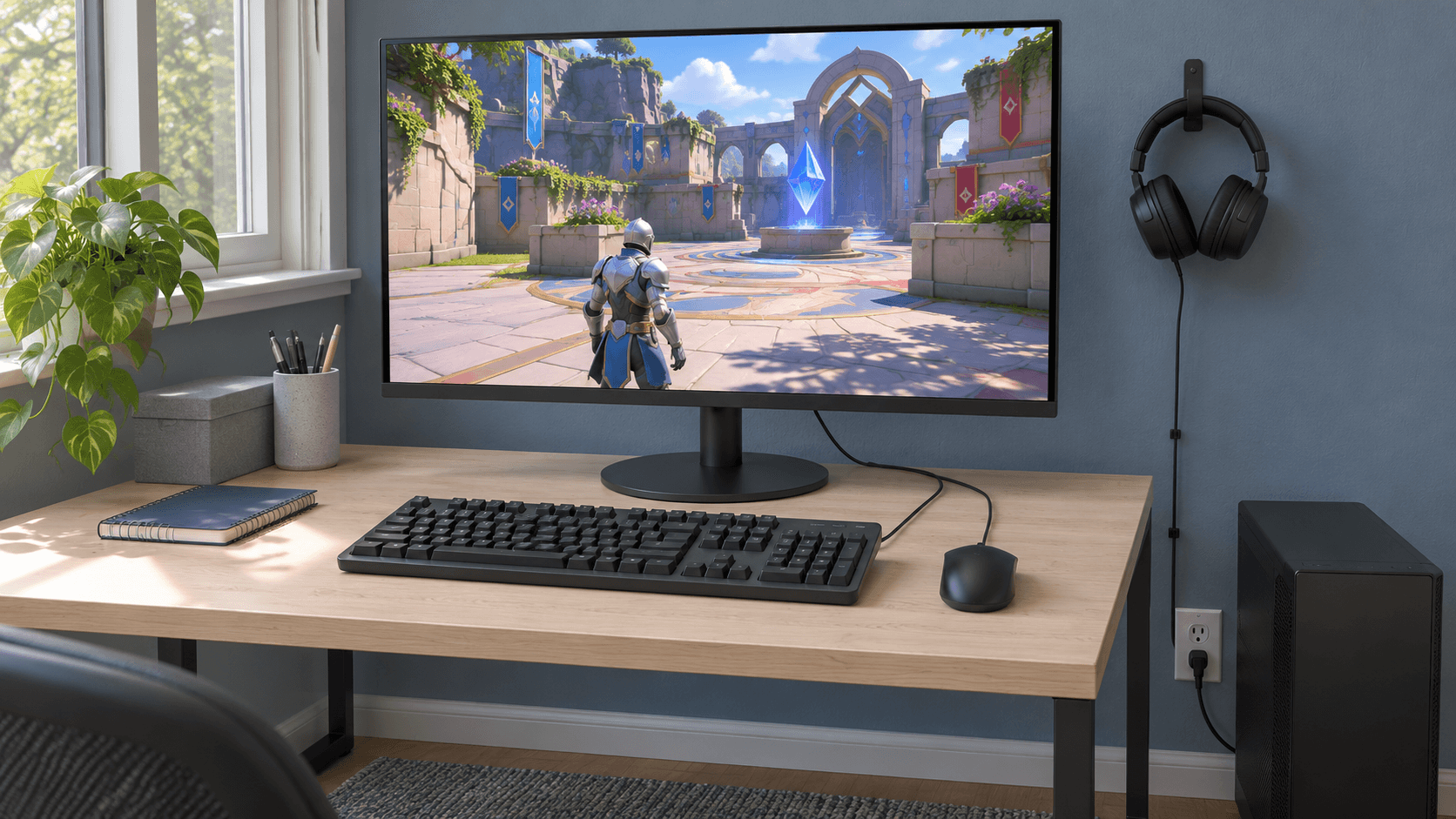
QHD has a purpose beyond high frame rates. Moving from a same-size 1080p display gives you more pixels for game detail and more workspace for documents and browser windows. That makes the VG27AQM5A relevant to a desk used for both competitive games and ordinary computer work, even when a particular game falls short of 300 frames per second.
Fast IPS pairs broad viewing angles with the stated 95% DCI-P3 coverage. It offers a wider color range alongside high refresh, but coverage is not evidence of factory accuracy. Buyers doing color-critical work still need calibration evidence rather than a gamut percentage alone.
Adaptive-sync support across NVIDIA and AMD hardware is useful if you later change graphics cards. GamePlus supplies crosshair and timer overlays, and Shadow Boost adjusts dark-scene visibility. DisplayWidget Center offers a more everyday convenience: changing supported settings with a mouse rather than reaching for the monitor's controls.
Weaknesses
Fixed stand height is the compromise most likely to affect daily use. Tilt and swivel cannot raise the panel. If the supplied position is unsuitable, include a compatible 100x100mm VESA arm in the total cost or choose a model with height adjustment.
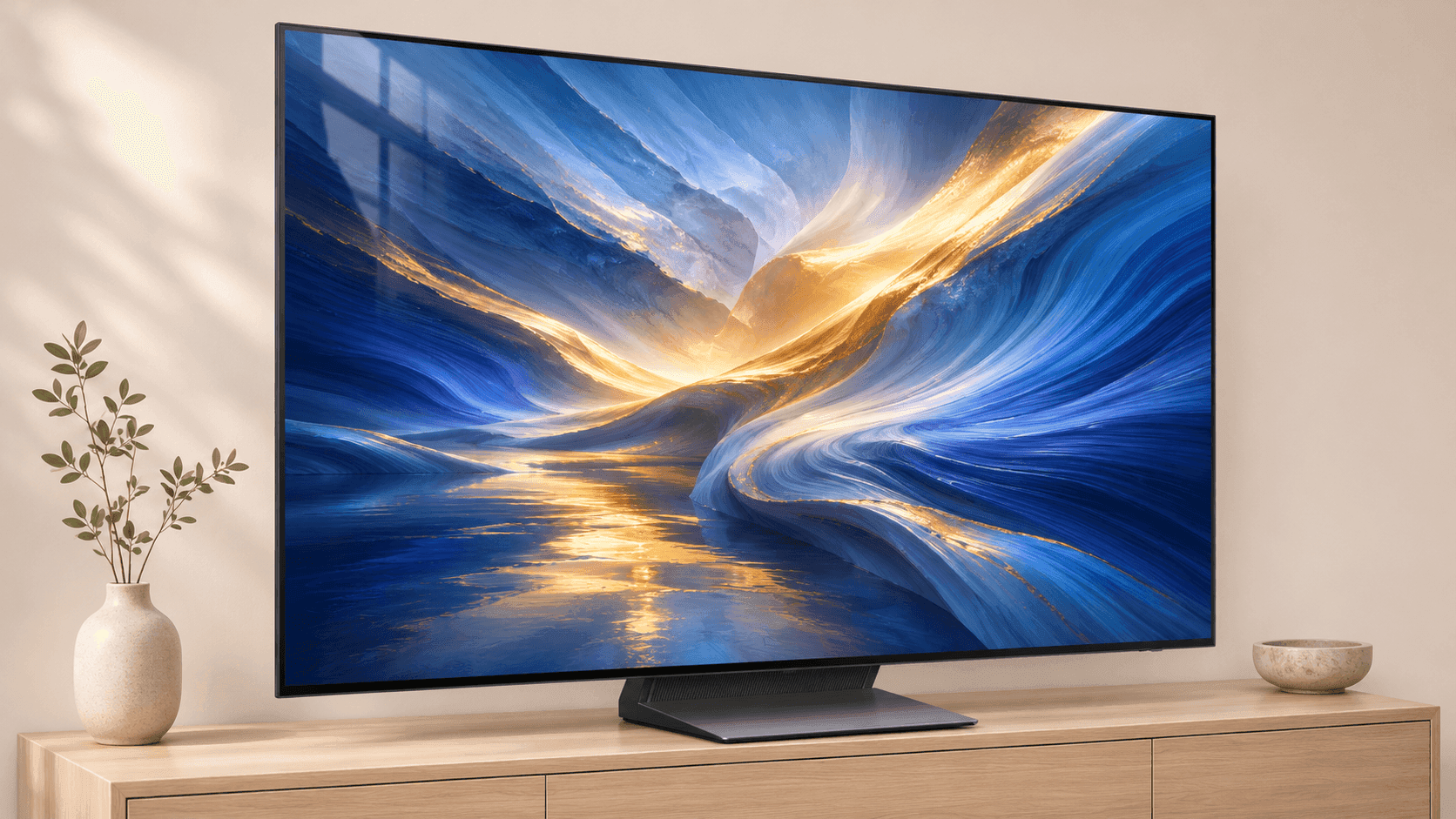
HDR10 compatibility does not increase the panel's stated brightness or contrast. At 300 nits typical and 1300:1 typical contrast, the specification supports a competitive-gaming purchase more clearly than one focused on HDR highlights and dark-room blacks. The OLED alternatives below address a different picture priority.
Two 2W speakers are included, along with an earphone jack for wired audio. Their power rating does not establish listening quality, so choose headphones or external speakers around your own needs. For gaming performance, check frame rates in your actual titles and settings; a high-end hardware label alone does not establish whether you will use 300Hz.
Best Alternatives
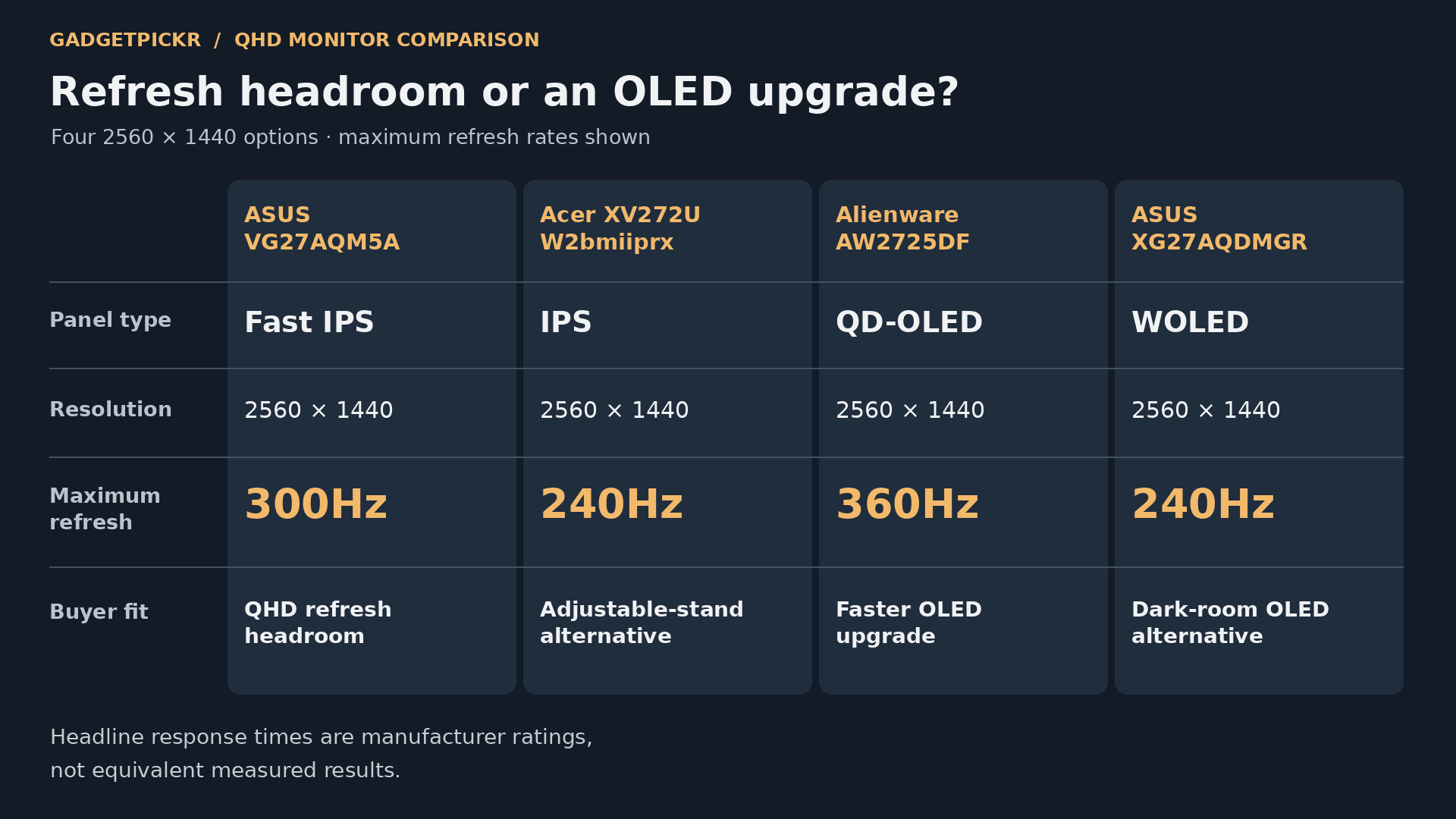
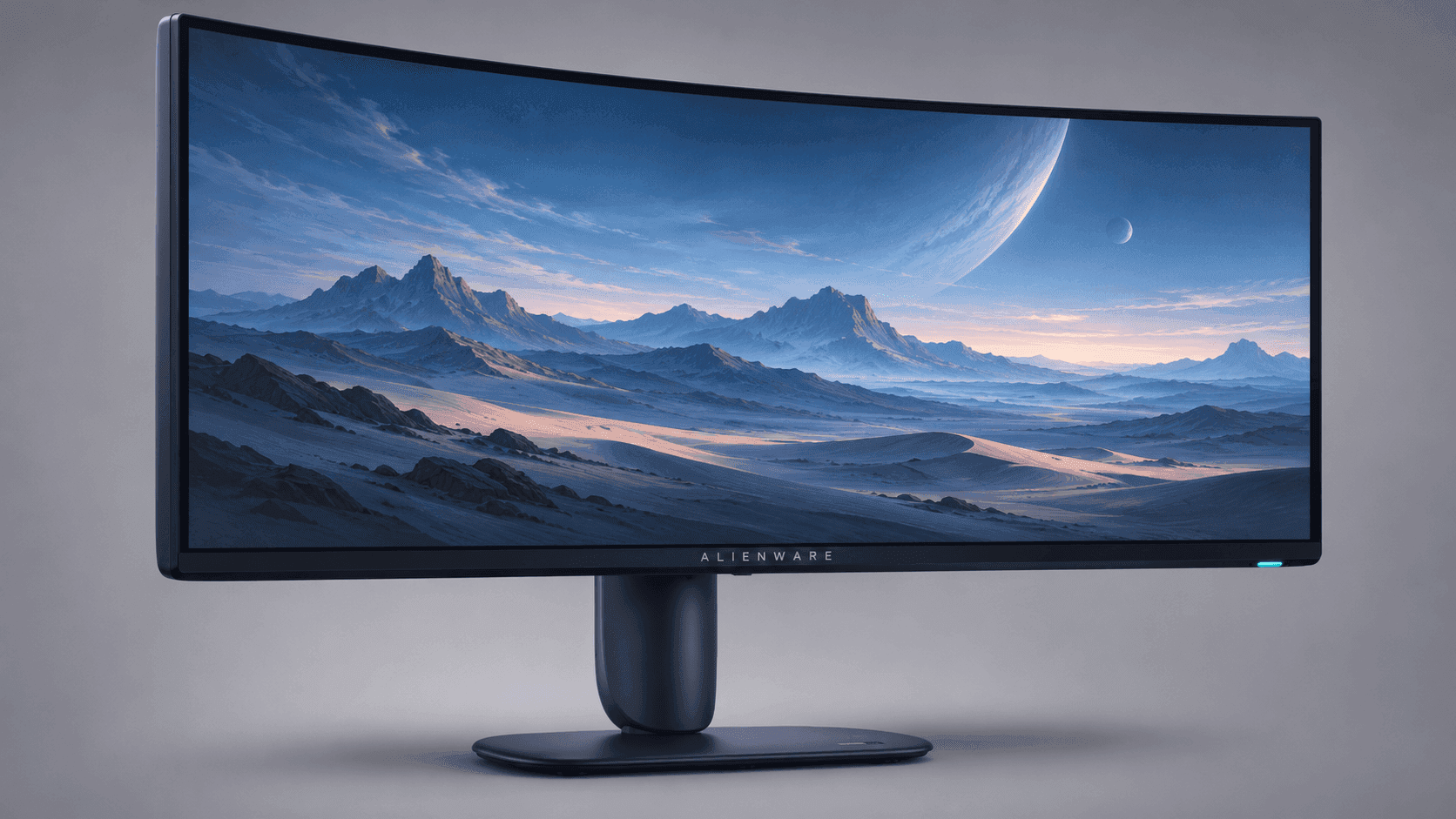
Alienware AW2725DF replaces Fast IPS with QD-OLED contrast, raises refresh to 360Hz and quotes a 0.03ms response time, making it relevant when OLED picture characteristics matter alongside speed. Alienware AW3426DW instead offers a 34-inch, 21:9 QD-OLED screen at 280Hz, trading some refresh headroom for a wider format.
Acer Nitro XV272U W2bmiiprx lowers the ceiling to 240Hz over DisplayPort but adds height adjustment and pivot. ASUS ROG Strix XG27AQDMGR trades Fast IPS and 300Hz for glossy 240Hz WOLED with per-pixel light control, favoring dark-room contrast over the ASUS TUF's higher refresh maximum.
Who Should Buy It
Competitive players who regularly reach high frame rates at QHD are the clearest audience. If Counter-Strike 2, Valorant, Overwatch 2 or Apex Legends dominates your gaming time, 1440p at up to 300Hz has a specific role. Check the performance you achieve before deciding how much refresh headroom you need.
It also suits someone moving from an older 1080p esports screen who wants more desktop space. Adaptive sync accommodates compatible NVIDIA and AMD systems, and the VESA mount is useful if you already own an arm. If you are starting from scratch, compare monitor and mounting costs together.
Who Should Skip It
Skip it if your games rarely benefit from high refresh at QHD and you have no upgrade planned. The monitor cannot display frames your PC does not render. A lower-refresh model with a better stand may be more useful at the same desk.
Look elsewhere for HDR-focused gaming: the brightness and contrast specifications are the strongest reasons to pass. Wide color coverage does not replace high contrast. Frequent height adjustment also calls for another stand or an arm, while anyone needing USB-C laptop docking should choose a different monitor entirely.
Sources & References
Specifications and claims in this analysis were cross-referenced against the sources below.
Yes. ASUS's timing table lists 2560x1440 at 300Hz over HDMI and DisplayPort. The source and cable must support that mode. NVIDIA's G-SYNC Compatible certification specifically lists DisplayPort.