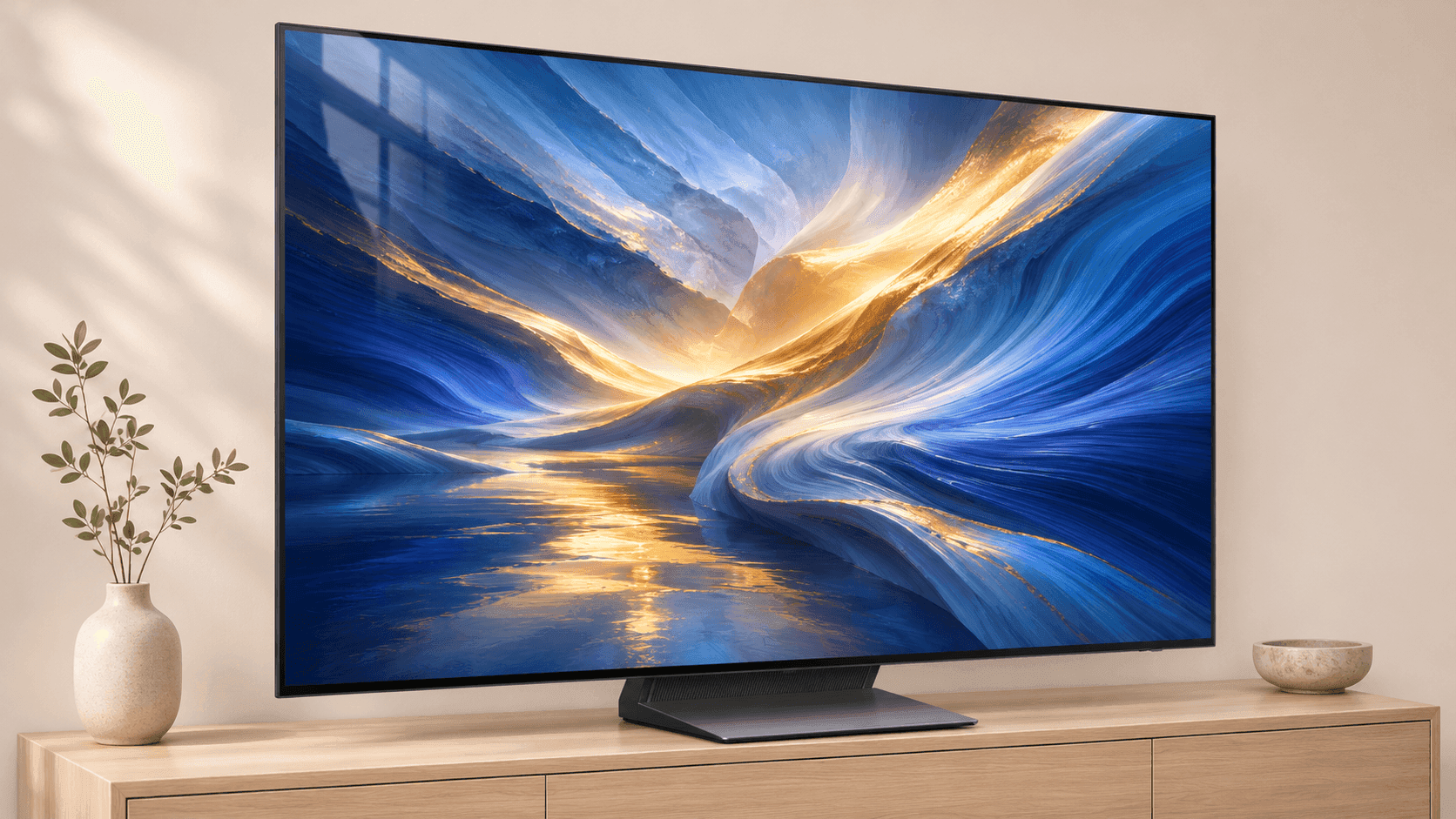
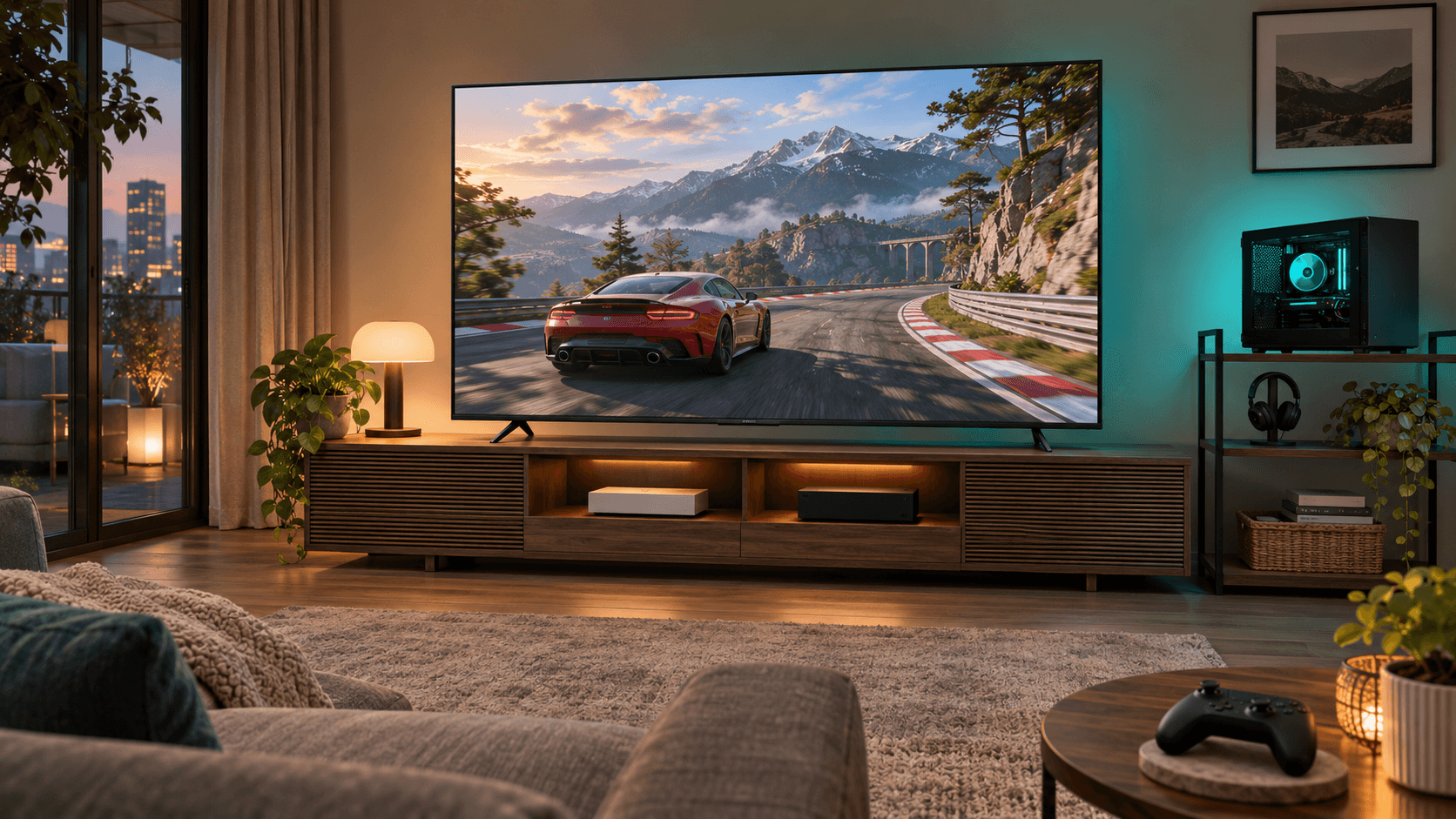
The Samsung S90F suits a living room shared by movie viewers, console players and a gaming PC. Its OLED panel provides deep blacks in controlled lighting, while a native 120Hz refresh rate extends to 144Hz with compatible PC hardware. This 2025 model sits below Samsung's flagship OLED tier, with connection flexibility as a strong reason to consider it.
Four high-bandwidth HDMI inputs let several gaming sources stay connected without competing for one fast port. Samsung's NQ4 Gen3 processor handles picture processing, and an anti-reflection coating helps manage reflections. Strong ambient light still raises the screen's black levels.
Settle two points before buying: Dolby Vision is absent, and 144Hz is a PC capability rather than a console mode. This review focuses on the 65-inch US QN65S90FAFXZA, since panel hardware varies across S90F sizes and regions.
Some links in this article are affiliate links, which helps support GadgetPickr at no extra cost to you.
The Quick Take
Choose the S90F for several gaming sources and evening films. All four HDMI inputs support up to 4K 144Hz from compatible hardware. Look elsewhere if Dolby Vision is essential or uncontrolled daylight dominates your viewing: the reflection treatment does not preserve dark-room black levels in strong ambient light.
Verdict
Buy the Samsung S90F for a living-room system combining consoles, a gaming PC and evening films. Its strongest advantage is four HDMI inputs supporting up to 4K 144Hz, giving several gaming sources suitable connections. OLED contrast adds a clear benefit for dark-room viewing.
Skip it when Dolby Vision is non-negotiable. That missing support is the strongest reason to choose an LG or Sony alternative. Strong daylight is another concern: reflection treatment does not prevent ambient light from raising black levels.
The S90F makes sense when its connection flexibility matches your equipment and its HDR support matches your content. Confirm the exact size and regional model, treat 144Hz as a PC feature, and add external audio only if you want more bass than the built-in speakers provide.
Samsung OLED S90F
A 4K OLED TV for mixed console and PC gaming, streaming, and evening films.
Mid-range model in Samsung's 2025 OLED lineup
Samsung S90F Product Overview
Each OLED pixel produces its own light and can switch off independently. Bright subtitles avoid the surrounding backlight bloom associated with locally dimmed LCDs, while movie bars can remain black in a dark room. That control is particularly useful when small highlights sit against a mostly dark scene.
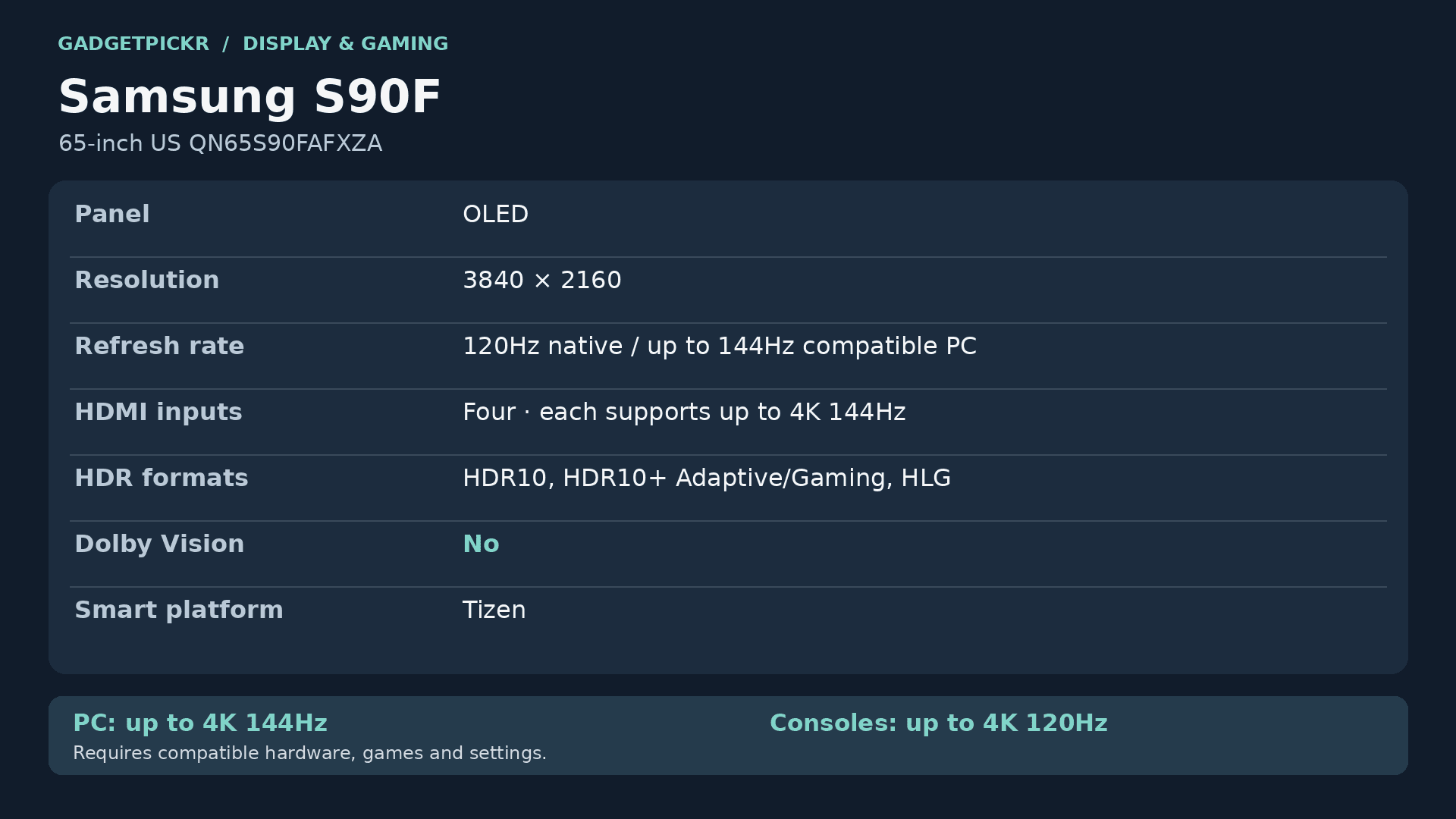
The NQ4 Gen3 processor handles upscaling and picture analysis for the 3840 x 2160 screen. HDR support includes HDR10, HDR10+ Adaptive, HDR10+ Gaming and HLG; OLED HDR+ is Samsung's picture branding. Dolby Vision is unsupported, so playback depends on an alternative format available through the source and device.
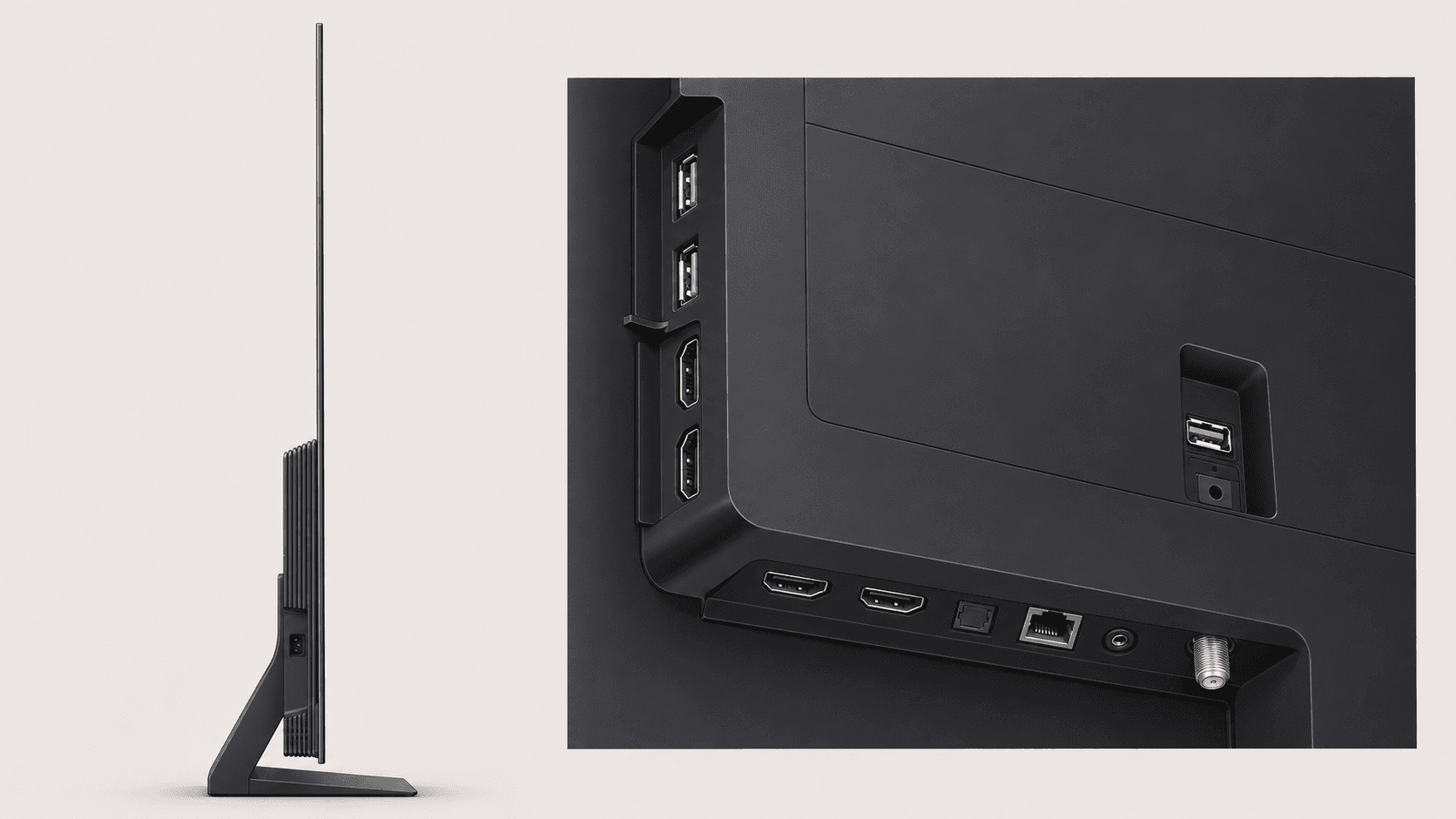
All four HDMI inputs accept up to 4K 144Hz from compatible hardware. Samsung also lists three USB-A ports and Bluetooth 5.3. The 65-inch US model's electrical ratings are 149W typical, 405W maximum and 0.5W standby; the maximum should not be read as its everyday consumption.
The cabinet has narrow borders and a central stand measuring 14.4 inches wide by 10.4 inches deep. Check the furniture's dimensions and leave room for a soundbar if you plan to add one. Built-in speakers cover everyday listening, while external audio is useful for deeper bass and more impact from films.
For existing audio equipment, check the receiver or soundbar's capabilities alongside the TV's. Connecting gaming sources directly to the screen and returning audio through eARC can avoid an older receiver's video limitations. The audio equipment must still support the intended signal.
Key Specs and Compatibility
These specifications cover the 65-inch US model. Native 120Hz and up-to-144Hz PC input are separate specifications. A compatible source and suitable output settings are required, and the accepted input rate does not determine how many frames a game renders.
Tizen provides the smart TV interface, eARC connects compatible external audio equipment, and Bluetooth 5.3 supports wireless pairing. The exact US listing specifies three USB-A ports. Check the regional model rather than substituting another market's port count.
What Stands Out
The four-input HDMI arrangement solves a practical equipment problem. With an eARC sound system connected, three HDMI inputs remain for video sources, each retaining the TV's high-refresh input capability. A PC and multiple consoles can stay connected without regularly moving cables.
Pixel-level light control is the other main attraction. A bright object does not require a shared backlight zone to illuminate its dark surroundings. HDR10+ Adaptive supplies dynamic metadata support for compatible content, but it does not add Dolby Vision compatibility. Check what your services and playback devices actually send.
Upscaling helps lower-resolution broadcasts and streams fill the 4K screen, but cannot recover detail discarded by heavy compression. Source quality remains important. Three USB-A ports add local-media and accessory connection options, while Bluetooth 5.3 enables wireless pairing; the Bluetooth version alone does not establish audio latency.
Strengths
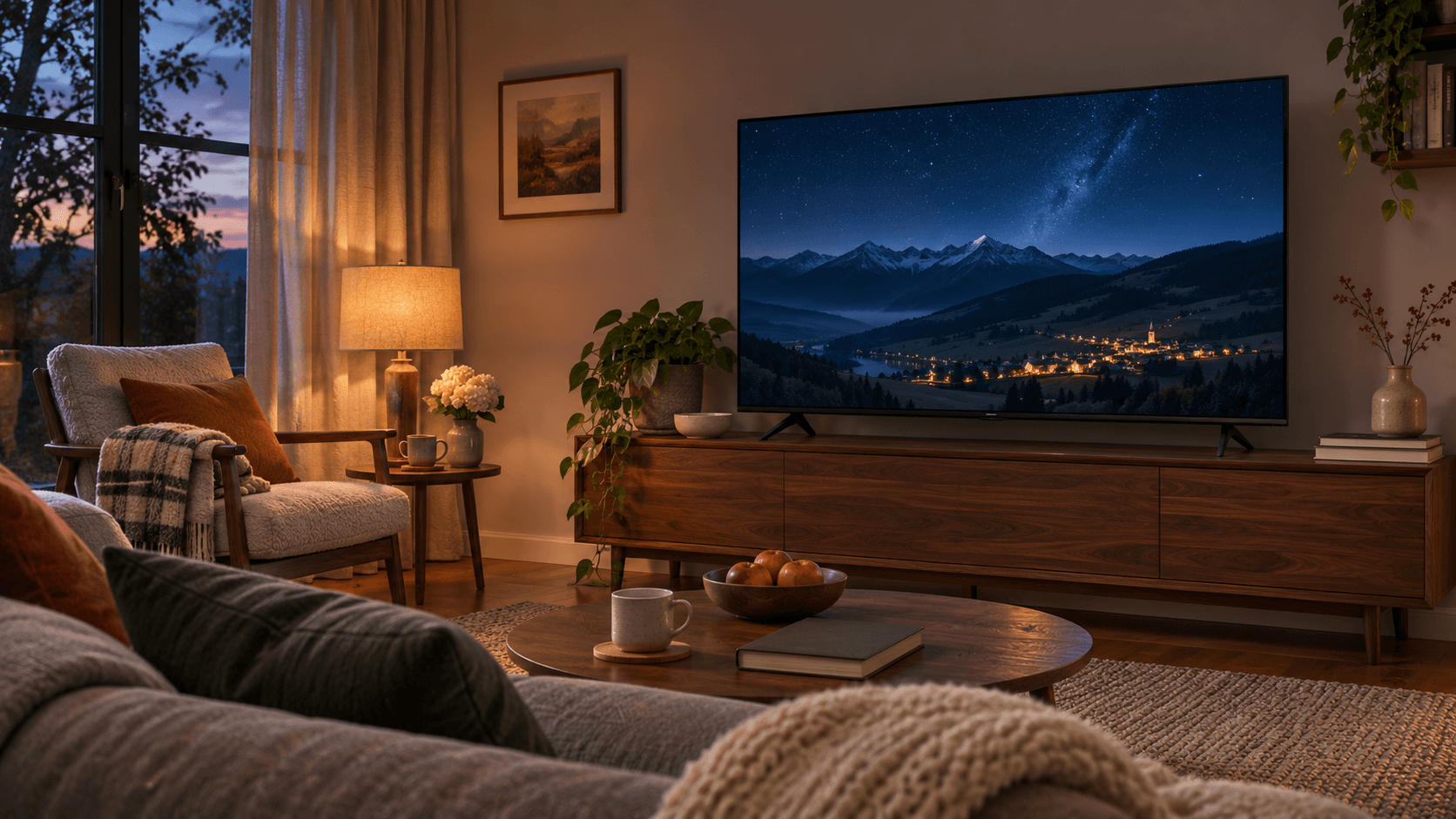
Evening films give the OLED panel its clearest role. Dark scenes, subtitles and letterbox bars benefit from independent pixel control. For a room used mainly after sunset, that contrast can be more relevant than maximum brightness.
Fast pixel response, low input lag, VRR and up-to-144Hz PC input form a useful gaming package. Compatible PlayStation 5 and Xbox Series X games reach up to 4K 120Hz. Four capable inputs simplify source switching, while VRR helps accommodate changing frame delivery rather than generating extra frames.
Wide viewing angles make the screen useful for shared sofa seating, and the anti-reflection treatment helps manage direct reflections in moderate light. Sensible placement still matters. Avoid facing an uncovered bright window where possible, and do not expect identical picture quality from every seat.
Weaknesses
Dolby Vision is the decisive omission for some buyers. A title may be available in another supported format, but the TV cannot retain Dolby Vision's dynamic metadata presentation. If that format is central to your film library, choose a compatible display; an external player cannot add the missing decoding support.
Strong ambient light raises black levels on this 65-inch US QD-OLED panel, making dark areas look gray or purple. Its glossy reflection treatment also differs from the S95F's matte Glare Free finish. Do not transfer expectations between the two models.
The built-in speakers have limited bass, though a soundbar is unnecessary for viewers satisfied with everyday dialogue. Arrange help for installation and handle the thin panel carefully. Check size and regional identity, too: panel sourcing varies across the S90F range, so this version's brightness and pixel structure do not describe every S90F.
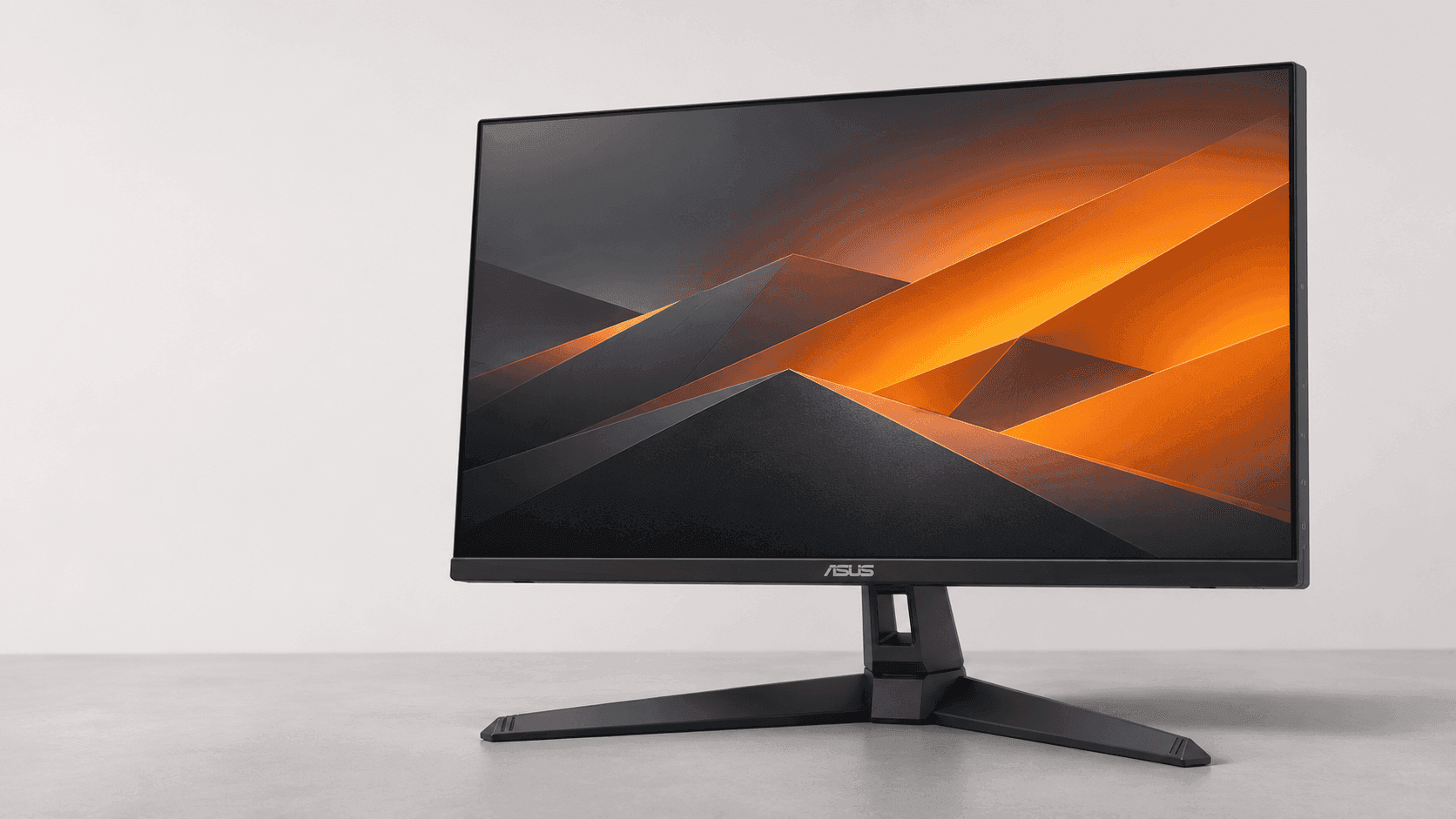
A 65-inch TV also needs an appropriate viewing position. Its thin cabinet does not make it a compact desktop display. For close keyboard-and-mouse use, compare dedicated monitors before committing to this much screen area.
Best Alternatives
LG C5 retains 4K OLED and up-to-144Hz PC support while adding Dolby Vision, making it relevant when that format matters more than Samsung's HDR10+ support.
Sony BRAVIA XR8B combines a 65-inch OLED panel with Dolby Vision and Google TV, trading the S90F's up-to-144Hz PC input for a 4K 120Hz ceiling.
The Alienware AW3225QF puts 4K QD-OLED in a 32-inch desktop display, giving up living-room scale for a more manageable desk footprint.
MSI MPG 271QRX offers 1440p at 360Hz and a manufacturer-quoted 0.03ms gray-to-gray response time, prioritizing competitive desktop gaming over the S90F's 4K television format.
Alienware AW2725DF makes a similar smaller-screen trade, with 1440p, 360Hz through DisplayPort and a quoted 0.03ms gray-to-gray response time.
Samsung Odyssey OLED G9 G95SC uses a 49-inch Dual QHD, 240Hz super-ultrawide layout, favoring simulation games and side-by-side work over conventional television viewing.
Who Should Buy It
Multi-platform gamers have the strongest reason to choose the S90F. Four HDMI inputs with up-to-4K-144Hz capability accommodate a PC, consoles and external audio without forcing high-refresh sources onto slower inputs. Match expectations to each source: up to 144Hz for compatible PCs and up to 120Hz for current consoles.
It also suits film viewers who can control room lighting and are comfortable with its HDR formats. OLED contrast supports evening viewing, while HDR10+ is useful when the content supplies it. If broadcasts and compressed streams also make up much of your watching, judge the purchase around those sources as well as native 4K films.
Who Should Skip It
Choose another TV if Dolby Vision is required. The LG C5 and Sony BRAVIA XR8B provide that compatibility while retaining OLED's individual pixel control. This format difference matters more than a preference for menus or styling.
Look elsewhere if uncontrolled daylight and preserved dark-scene contrast are the main requirements. For close competitive desktop play, a smaller OLED monitor is also the more natural fit, with the listed 360Hz models offering additional refresh headroom for a capable PC.
Resolve the physical setup first. A screen facing an uncovered window or filling a close-range workstation presents a daily compromise that processor features cannot fix. Placement and viewing distance should narrow the shortlist before picture-processing labels do.
Sources & References
Specifications and claims in this analysis were cross-referenced against the sources below.