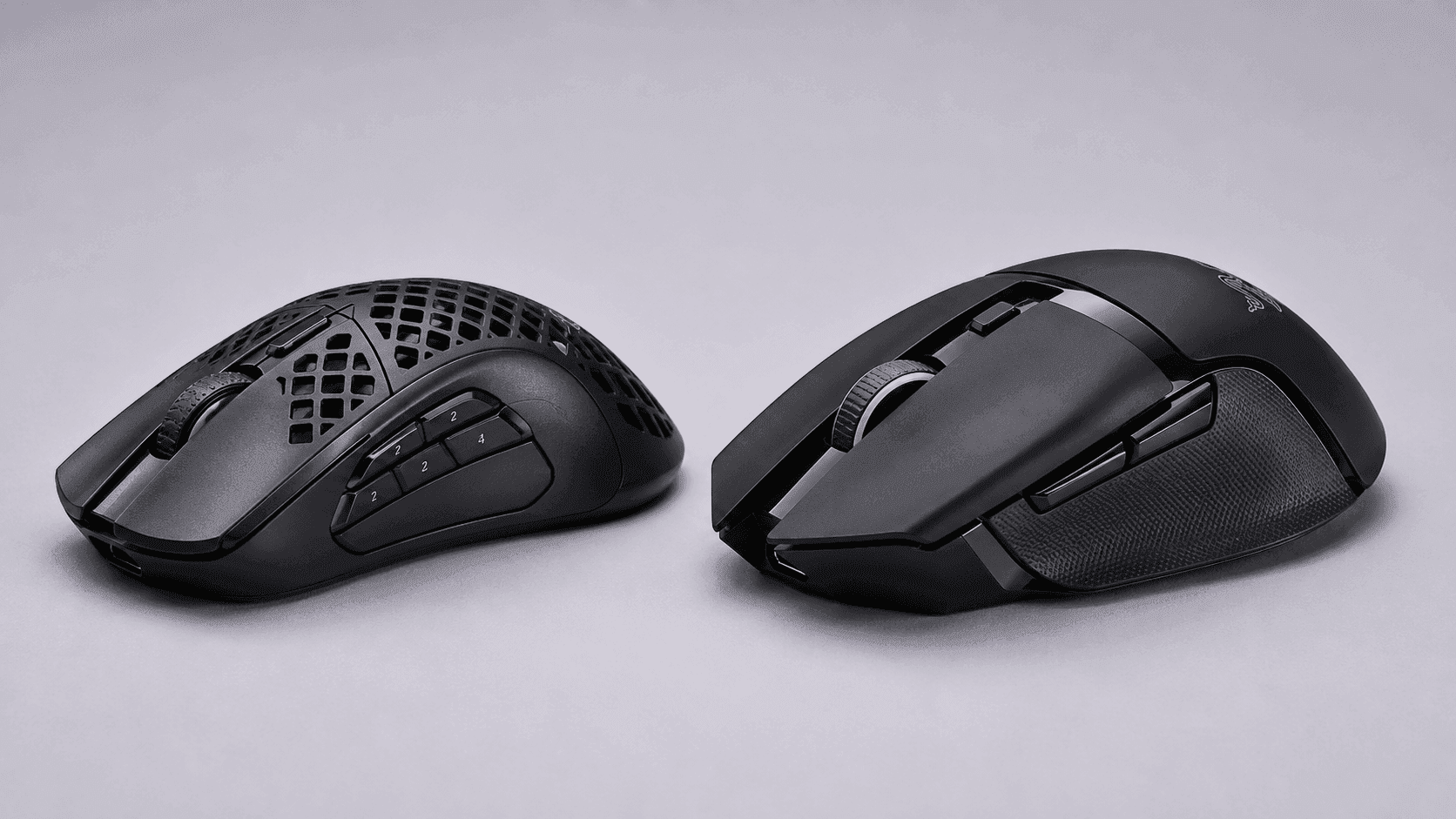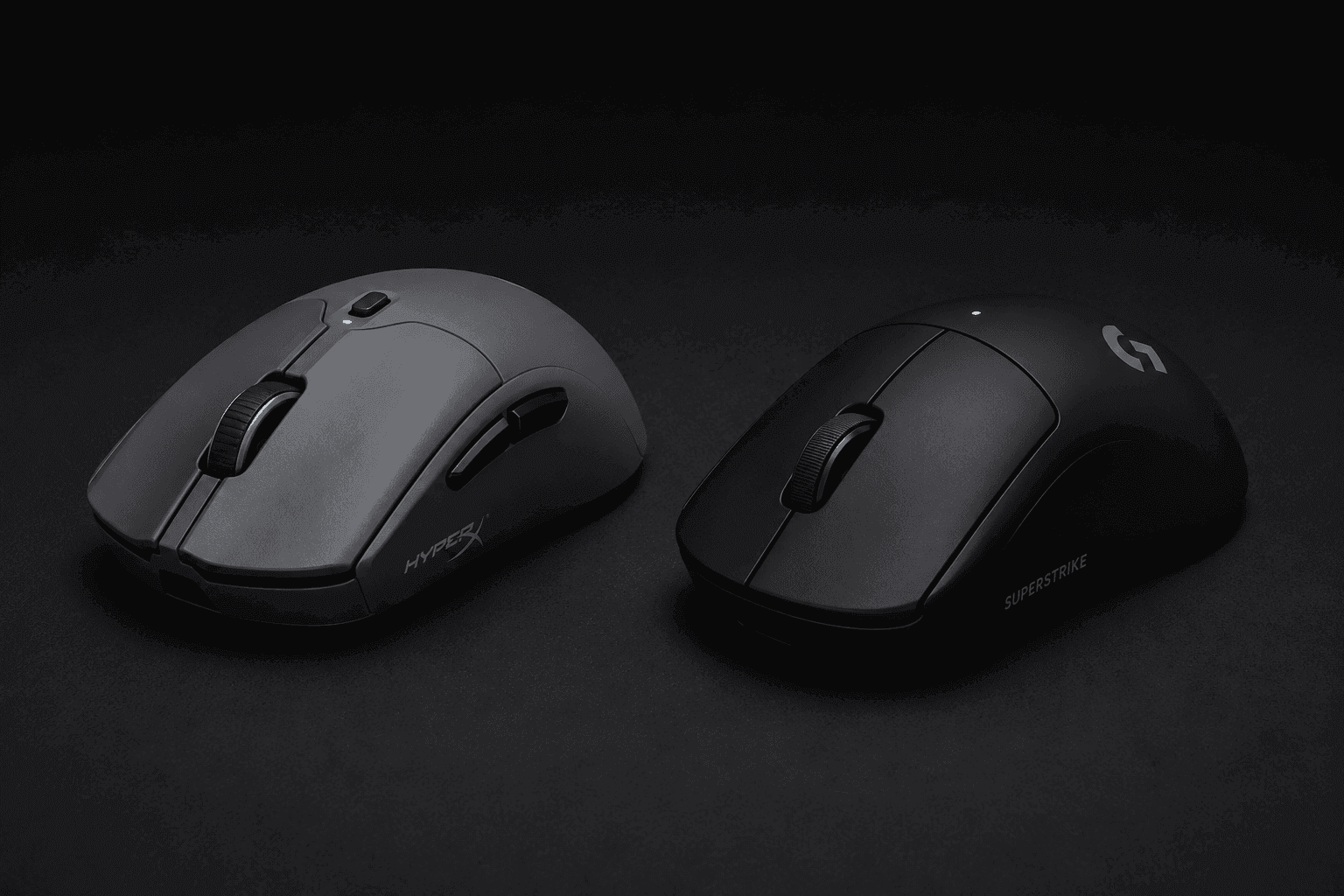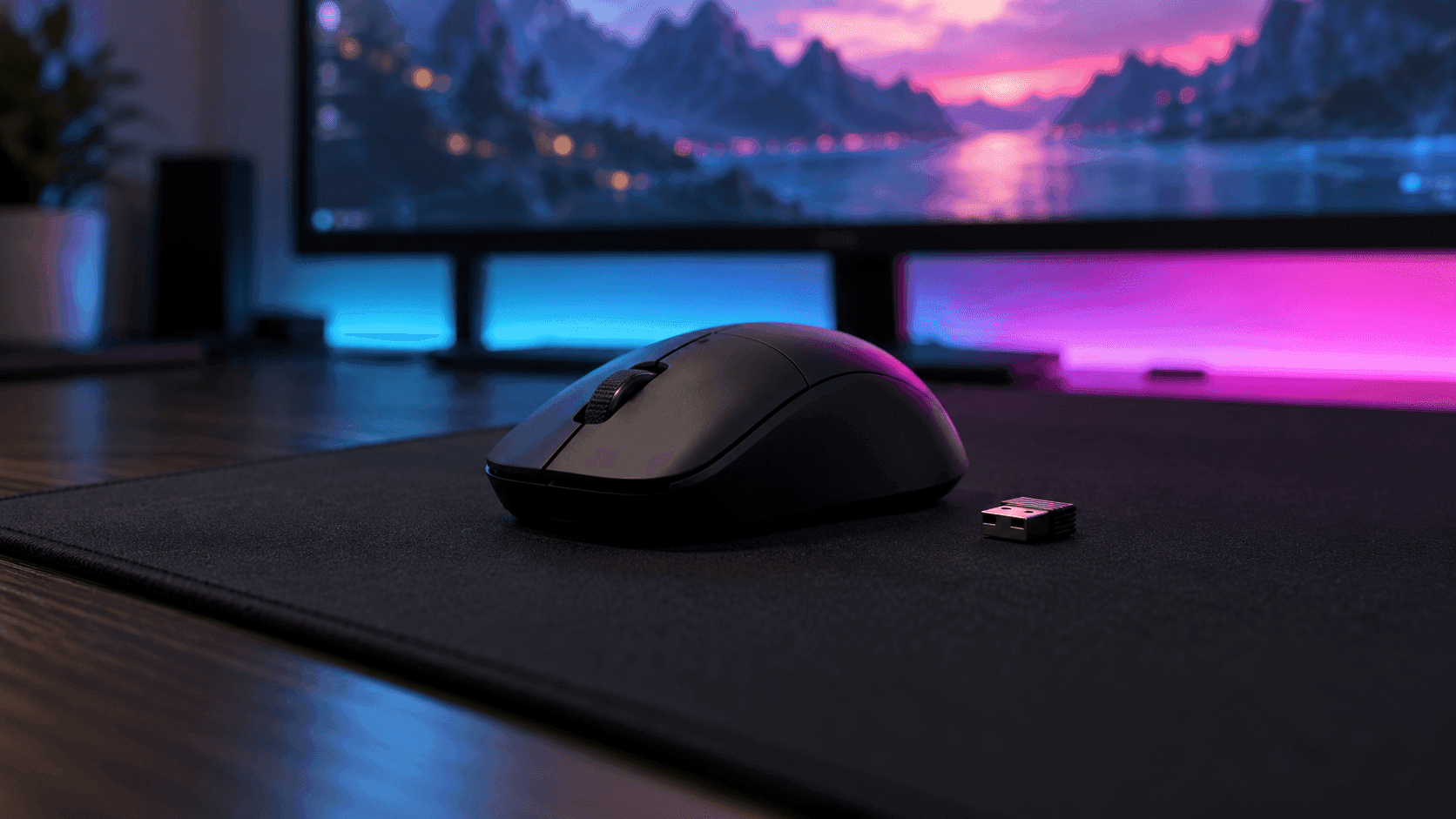
When you shop for the best wireless mice 2026 has to offer, the biggest number on the box is usually the one to ignore. DPI ceilings stopped mattering years ago. We ranked these four picks on what a spec sheet can actually tell you: sensor and polling rate, weight, rated battery life, and how many controls sit under your thumb.
Wireless lag is basically a solved problem. A decent 2.4GHz dongle at 1000Hz reports cursor position every millisecond. The live question now sits at 4000Hz and 8000Hz, and whether that extra speed justifies the battery it burns.
Short version? For most people, no. For competitive shooter players on a high-refresh monitor, it can. The ranking below reflects that split, and every pick has a clear job.
The Quick Take
Buy the Logitech G Pro X Superlight 2 if you want one light, reliable gaming mouse and no homework. Pick the Razer Viper V3 Pro if you chase every millisecond, the Basilisk V3 Pro if you need buttons, and the G309 if you hate charging. Standard 1000Hz polling updates every millisecond; 4000Hz and 8000Hz cut that further, but you only see the gain on a high-refresh display.
Logitech G Pro X Superlight 2
There's a reason this is the mouse people name first. Logitech combines LIGHTFORCE hybrid optical-mechanical switches, a 95-hour battery rating, and a lightweight 60g right-handed ergonomic chassis. None of those three strengths costs you one of the others.
Why does it outrank the Viper? Balance. The Logitech is 5g lighter and built around 8000Hz from the box, but that edge only pays off for a narrow slice of players. The Superlight 2 covers everyone else, and its hybrid switches target the double-click faults that eventually kill cheaper mice.
It is a shooter tool first. The button layout is lean, so if your mouse also runs your workday, look further down.
Pros
- Hybrid optical-mechanical switches resist double-click wear
- Long rated battery life means fewer charging breaks
- 60g weight keeps fast flicks easy on the wrist
Cons
- Lean button layout offers little for MMO or productivity use
- A few grams heavier than the Viper V3 Pro
Razer Viper V3 Pro
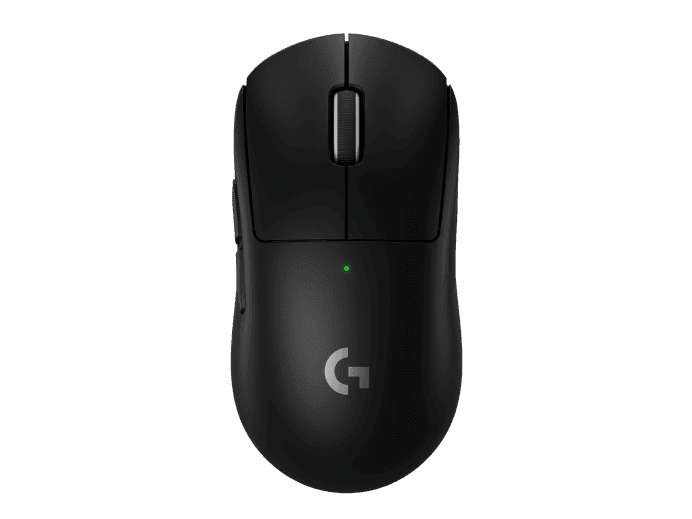
This is the mouse for people who read latency charts for fun. Razer builds it around a Focus Pro 35K optical sensor, a 54g shell, and native support for up to 8000Hz wireless polling. At 8000Hz, the mouse reports eight times per millisecond instead of once.
Does that matter? On a very high-refresh monitor in a twitchy shooter, yes, a little. Everywhere else, you are paying for it in battery: higher polling drains the cell noticeably faster than 1000Hz, so plan on charging more often if you leave it maxed out.
It beats the Basilisk for one simple reason. If raw speed and low weight matter more to you than extra buttons, nothing else here is as fast or as light.
Pros
- 55g shell is the lightest in this lineup
- 8000Hz wireless polling without extra accessories
- Focus Pro 35K sensor steps up from the Basilisk's 30K
Cons
- Running at 8000Hz cuts battery life sharply
- The polling advantage is hard to notice on a standard monitor
Razer Basilisk V3 Pro

Completely different animal. The Basilisk V3 Pro trades featherweight speed for control: 11 programmable controls, a HyperScroll tilt wheel, and a Focus Pro 30K optical sensor, all in a contoured body that suits palm grips.
Think MMO hotbars, Photoshop shortcuts, or a free-spinning wheel that flies through a long spreadsheet in one flick. That tilt wheel alone does work the two mice above simply can't.
It lands above the G309 because it does far more. The Logitech wins on battery and that's about it; if you ever wished your mouse had more buttons, this is the one.
Pros
- 11 programmable controls cover hotbars and app shortcuts
- HyperScroll tilt wheel handles long documents and side-scrolling
- Contoured shape supports a relaxed palm grip
Cons
- Heavier and bulkier than the esports picks above
- More buttons means more time spent setting up software profiles
Logitech G309 Lightspeed
Hate charging cables? Start here. The G309 delivers over 95 hours on a single rechargeable battery alongside LIGHTFORCE switches and PowerPlay mat compatibility. That is more than twice the Superlight 2's rated runtime, from a cell you can buy at any corner shop.
The catch is weight. An AA cell adds heft that the esports picks avoid, so this isn't the mouse for flick-heavy aim duels. It's the one you throw in a laptop bag, or leave on a second desk for months and forget about.
Why fourth, then? Because the three mice above each do one job better. The G309 is the pick for people whose main complaint about wireless mice is the charging, and for that buyer it is the easiest recommendation on this list.
Pros
- AA power runs for months and avoids lithium battery wear
- Same LIGHTFORCE switch family as the Superlight 2
- PowerPlay mat compatibility adds a charging-mat option
Cons
- AA battery adds weight versus the rechargeable picks
- Fewer controls than the Basilisk V3 Pro
Best Wireless Mice 2026 Compared
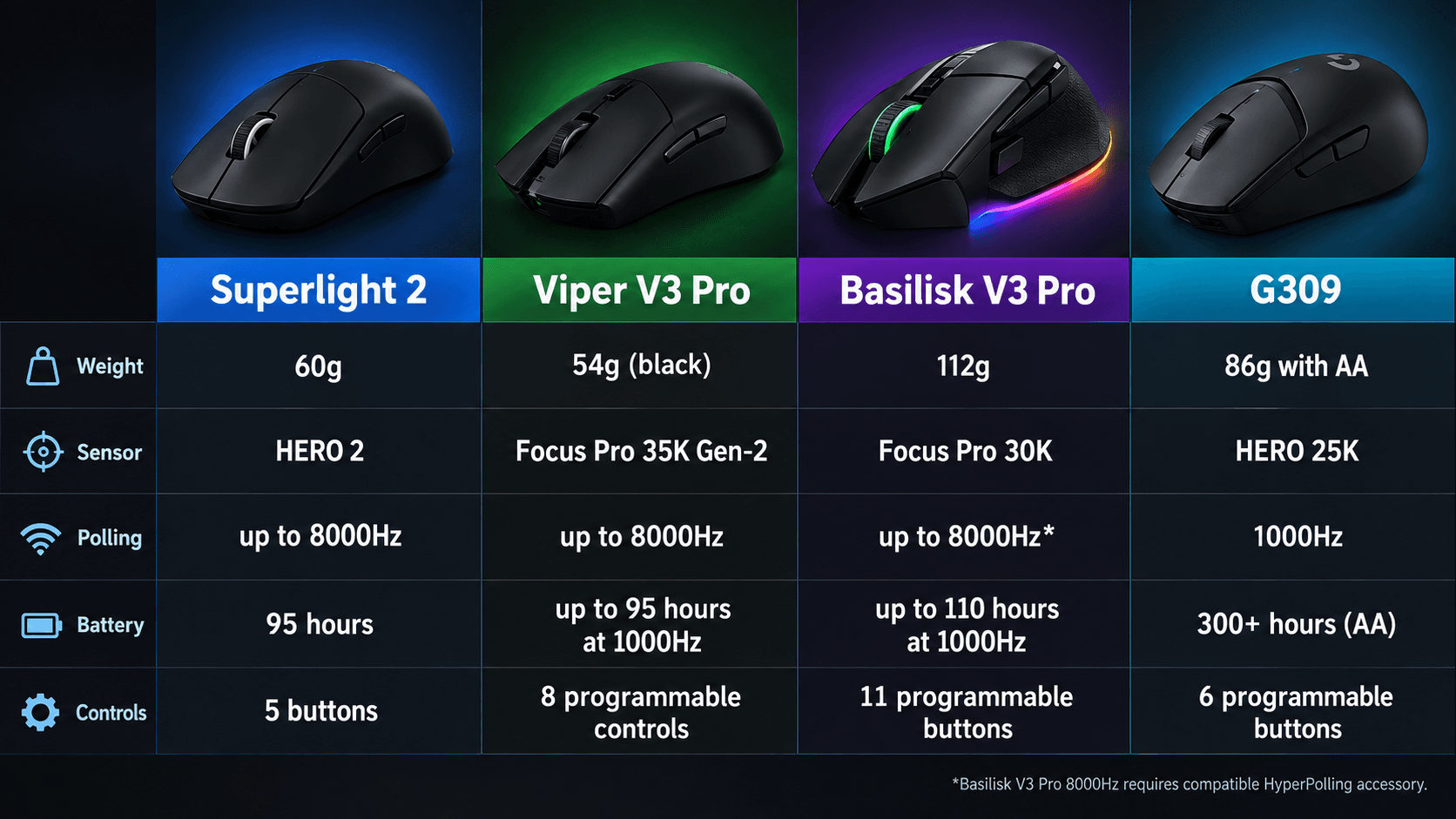
Here's the whole lineup at a glance, sorted by rank.
| Pick | Product | Score | Best For |
|---|---|---|---|
| #1 | Logitech G Pro X Superlight 2 | Spec pick | All-round competitive FPS play with long battery life |
| #2 | Razer Viper V3 Pro | Spec pick | Lowest weight and 8000Hz polling for esports |
| #3 | Razer Basilisk V3 Pro | Spec pick | MMO, creative, and productivity work with lots of buttons |
| #4 | Logitech G309 Lightspeed | Spec pick | Months of AA-powered use for travel and casual play |
Buying Guide
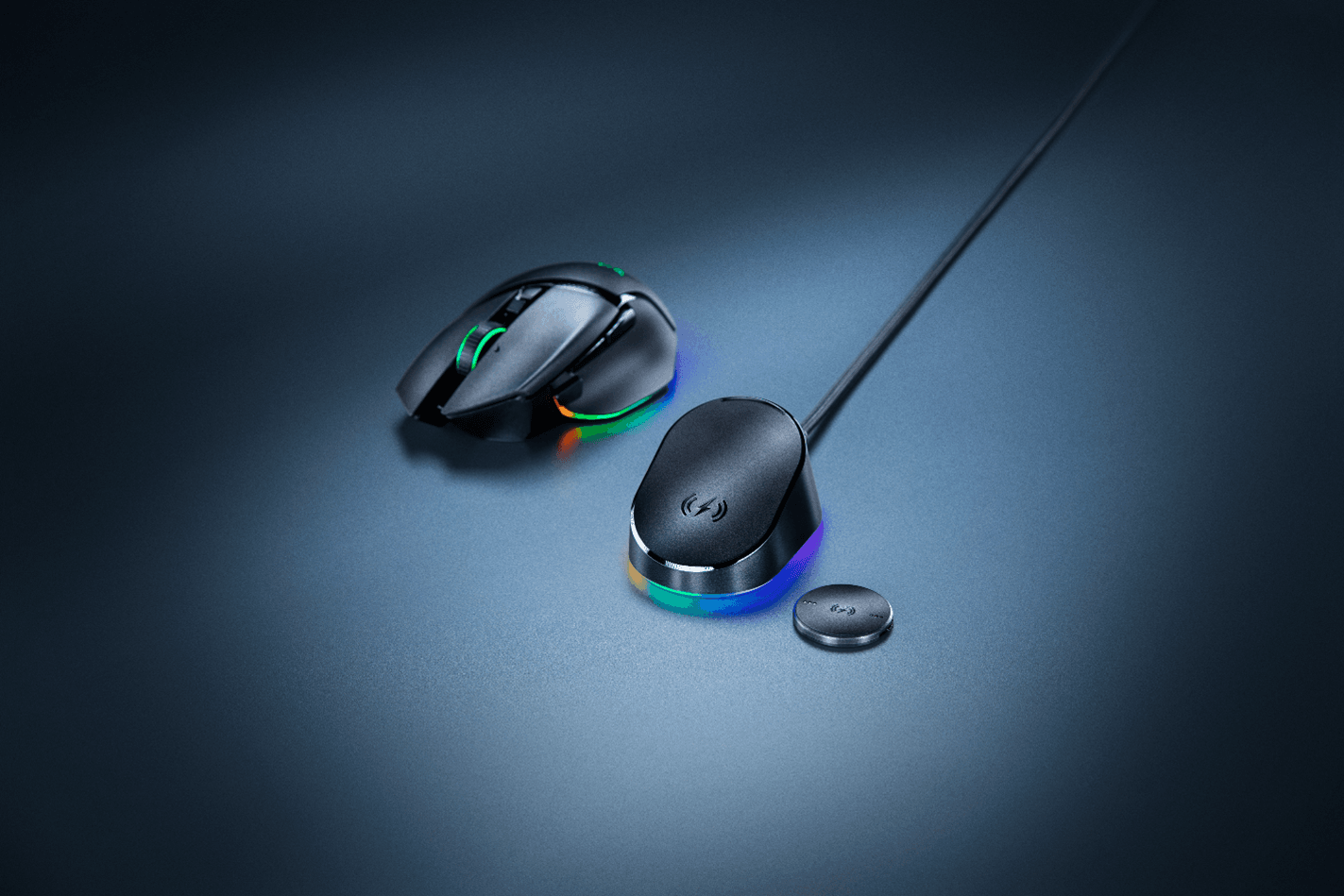
Start with your grip, not the feature list. Palm grippers want a raised, contoured shell that supports the whole hand, which is exactly what the Basilisk offers. Claw and fingertip players do better on low, symmetrical bodies like the Superlight 2 and Viper, where quick wrist corrections come easily.
Next, pick your power trade-off. Ultralight esports mice shave grams partly by using small internal batteries, so you'll be plugging in USB-C every so often. AA-powered mice like the G309 flip that: more weight, but months between swaps and no lithium cell slowly losing capacity over the years.
Polling rate belongs in that same conversation. Crank a mouse to 4000Hz or 8000Hz and the battery drains significantly faster than at 1000Hz. If your monitor can't show the difference, you're spending runtime on nothing.
Finally, match switches and buttons to your day. Optical switches register clicks with a beam of light, which makes them far more resistant to the double-click faults that plague worn mechanical switches. FPS players are better off with a clean two-button side layout that avoids mis-presses. Strategy gamers, editors, and spreadsheet jockeys should want extra thumb buttons, a tilt wheel, and software that saves bindings to the mouse's onboard memory.
Wireless Mouse Buying Checks
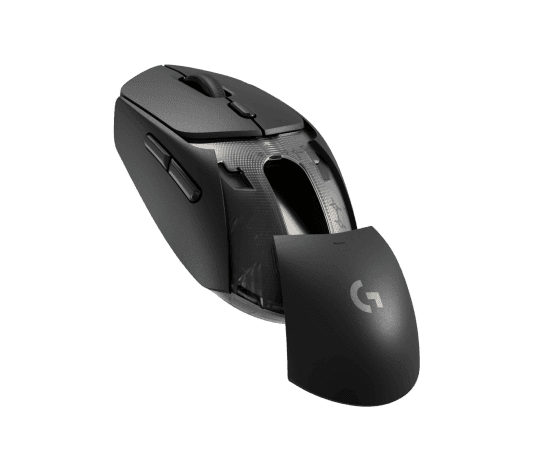
Before you commit, compare shape, weight, and button count against how you actually play or work. A 55g esports mouse and an 11-button ergonomic one solve opposite problems. Buying the wrong type because of one headline spec is the most common mistake in this category.
Check the companion software too. Logitech and Razer both lock their deeper features, like DPI steps, button remapping, and polling changes, behind their own apps. If those apps misbehave on your operating system, a great sensor won't save the experience.
Mouse size matters more than most buyers expect. Measure your hand from wrist crease to fingertip and compare it with the manufacturer's recommended grip sizes. A shape that suits a large palm can feel cramped or slippery in a small one.
Look at the dongle situation. Some mice need their receiver close to the mouse for the best signal at high polling rates, which means an extension cable or a front USB port. Laptop users should also check whether the dongle stores inside the mouse for travel.
Consider what comes in the box. Charging cables, grip tape, spare feet, and receiver extenders can change what a mouse really costs you in the first month. Wireless charging mats are almost always a separate purchase.
Check the return policy before buying. Shape preference is personal, and a reasonable return window lets you confirm fit on your own desk.
Don't overbuy. A 35K-class sensor tracks no better for a casual player than a solid mid-range one, and paying for 8000Hz polling makes little sense if you'll never switch it on. Pick the mouse that fixes the thing that annoys you every day.
Finally, confirm the exact model number at checkout. Retail listings often bundle similar variants, colors, and special editions under one page, and small differences in weight, sensor, or included accessories can change which mouse you actually receive.
So, the bottom line on the best wireless mice 2026 offers: the Superlight 2 is the safe buy for nearly any gamer, the Viper V3 Pro is for players who can actually use 8000Hz, the Basilisk V3 Pro is for anyone who needs buttons, and the G309 is for people who never want to see a charging cable. Choose by the problem you have, not by the biggest number on the box.
Sources & References
Specifications and claims in this analysis were cross-referenced against the sources below.
- Razer Viper V3 Pro Review: For those who are committed to 8K ...tomshardware.com
- Razer Basilisk V3 Pro Review: Does It All, Wirelessly | Tom's Hardwaretomshardware.com
- Logitech G Pro X Superlight 2pcgamer.com
- Logitech G Pro X Superlight 2 review: simplicity at its ...tomsguide.com
- Razer Basilisk V3 Pro wireless gaming mouse reviewpcgamer.com
- Logitech G Pro X Superlight 2 Reviewpcmag.com
- Razer Viper V3 Pro review: “the fastest gunslinger on the battlefield”gamesradar.com
- Razer Basilisk V3 Pro Reviewtechpowerup.com
Frequently Asked Questions
Only if you play fast shooters on a high-refresh monitor. 1000Hz already updates every millisecond. 8000Hz trims that further but drains the battery much faster, so the Viper V3 Pro suits competitive players more than casual ones.