A look at the LG UltraGear range, from the curved 180Hz 27GS60QC-B to the OLED 32GS95UE — what the numbers mean for your GPU, your desk, and your games.
Sharpness, motion clarity, and panel geometry pull against each other on almost every mainstream gaming display. Pick one, and you usually pay for it somewhere else. That trade-off is where the 27GS60QC-B lives: a 27-inch curved screen for players who want Quad HD detail and high frame rates without buying a graphics card built for 4K. Quad HD resolution, a 180Hz refresh rate, and a tight 1000R curve set the tone, and LG piles firmware utilities on top — Dynamic Action Sync, Black Stabilizer, and AMD FreeSync all ship in the menu system. What follows is an LG UltraGear review built around that mid-range position rather than the OLED flagships or the color-critical panels sold to photo editors. Whether the panel architecture, curvature, and response numbers line up with your GPU and your desk is the actual question worth answering.
Some links in this article are affiliate links, which helps support GadgetPickr at no extra cost to you.
The Quick Take
Two very different monitors wear the same UltraGear badge, and the split runs straight down panel technology. Want the cleanest motion and deepest blacks LG sells, with a budget to match? The OLED end of the range, led by the 32GS95UE, is where to look. Want a sharp, fast 27-inch screen that a mid-tier GPU can actually feed? The 27GS60QC-B does that job well and does not pretend to do more.
Verdict
Everything in this LG UltraGear review comes down to one split: panel technology decides which monitor you should be shopping. Buy the 27GS60QC-B if you run a mid-tier GPU and want QHD (2560x1440) sharpness paired with a snappy 180Hz refresh rate and a tight 1000R curve on a desk that will not swallow a 34-inch ultrawide. The strongest reason is efficiency — it hits current-generation speed and resolution targets your existing graphics card can actually sustain.
Skip it if HDR is the reason you are upgrading. Without local dimming, HDR10 here is signal compatibility rather than a picture improvement, and no menu setting fixes that. Off-axis color shift on the VA panel is the secondary strike against it if you share the screen or sit off-center.
Spending more changes the calculus entirely. OLED options like the 32GS95UE answer both complaints at once, with 4K resolution, native 240Hz refresh rates, and practically instantaneous 0.03ms response times, and they earn that outlay for players who genuinely notice black levels and motion clarity. Check your GPU headroom, measure your desk, then pick the tier that matches — that is the whole decision.
LG UltraGear
Best for buyers comparing curved QHD gaming monitors on refresh rate, motion clarity, and desk footprint.
A mid-range option in the 27-inch curved gaming category.
Start with the panel. Twenty-seven inches, native Quad HD at 2560x1440 pixels, which works out to approximately 108 pixels per inch. Text edges stay clean for daily productivity, and game textures hold fine detail across medium and long draw distances — all without the rendering load of a 4K display.
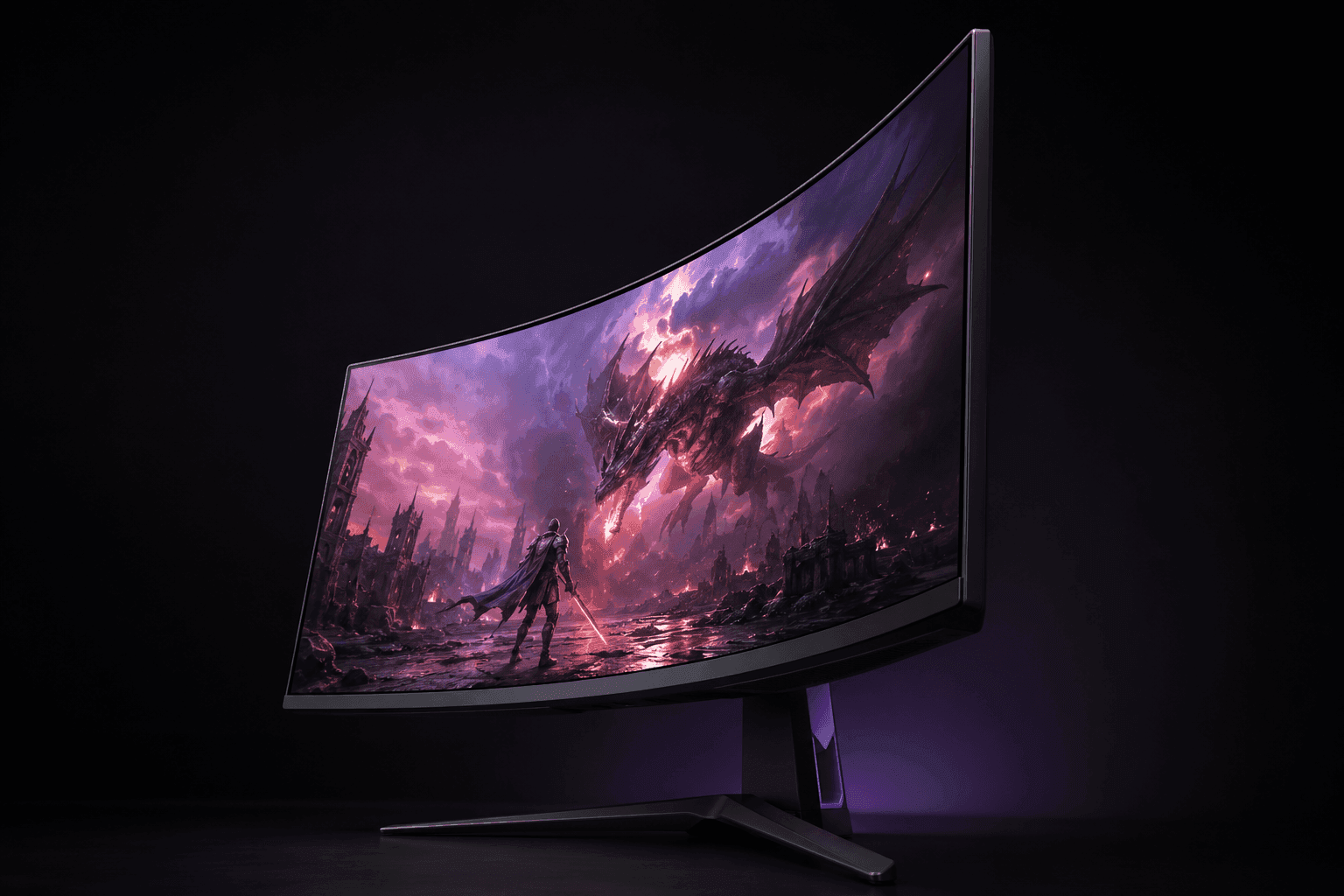
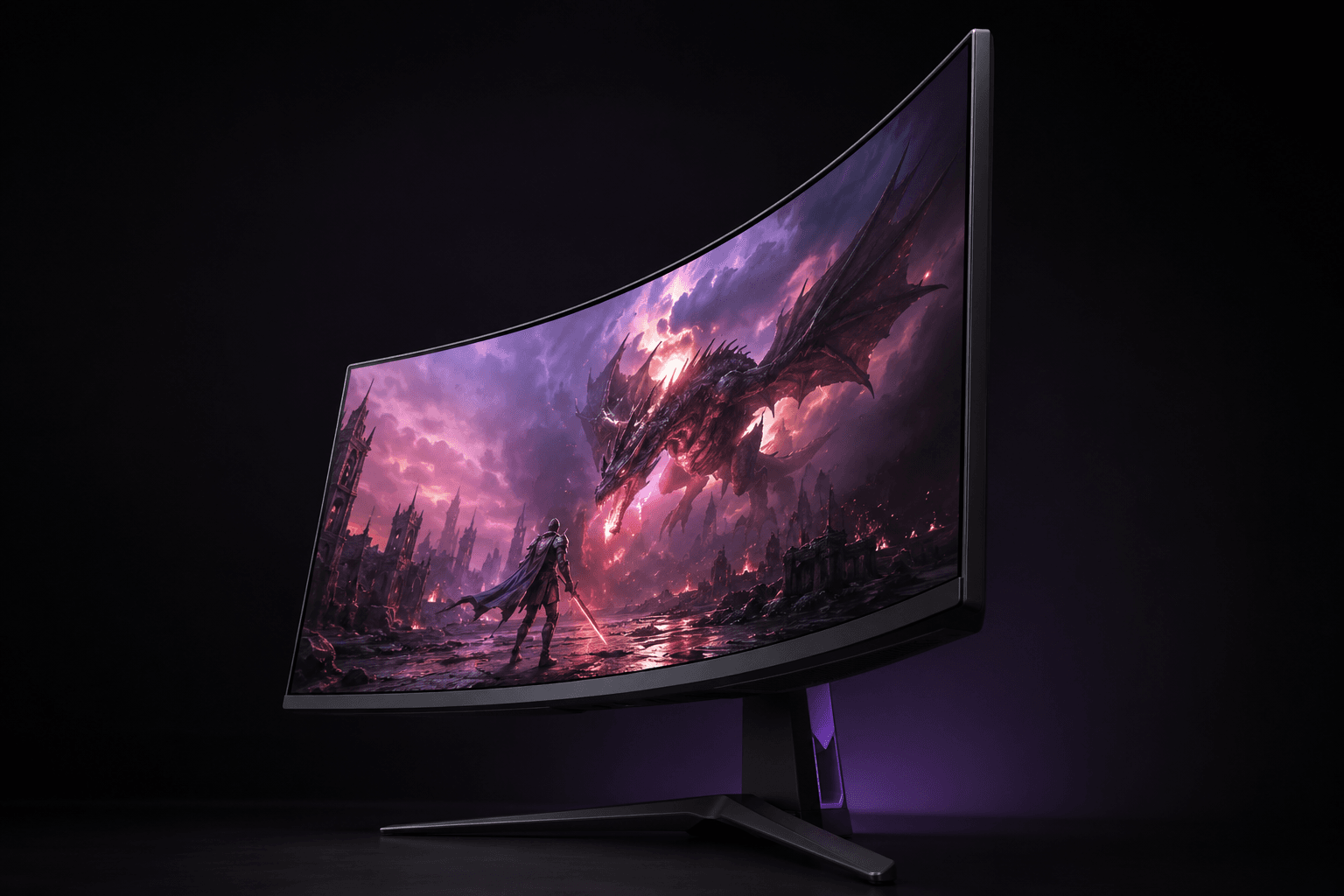
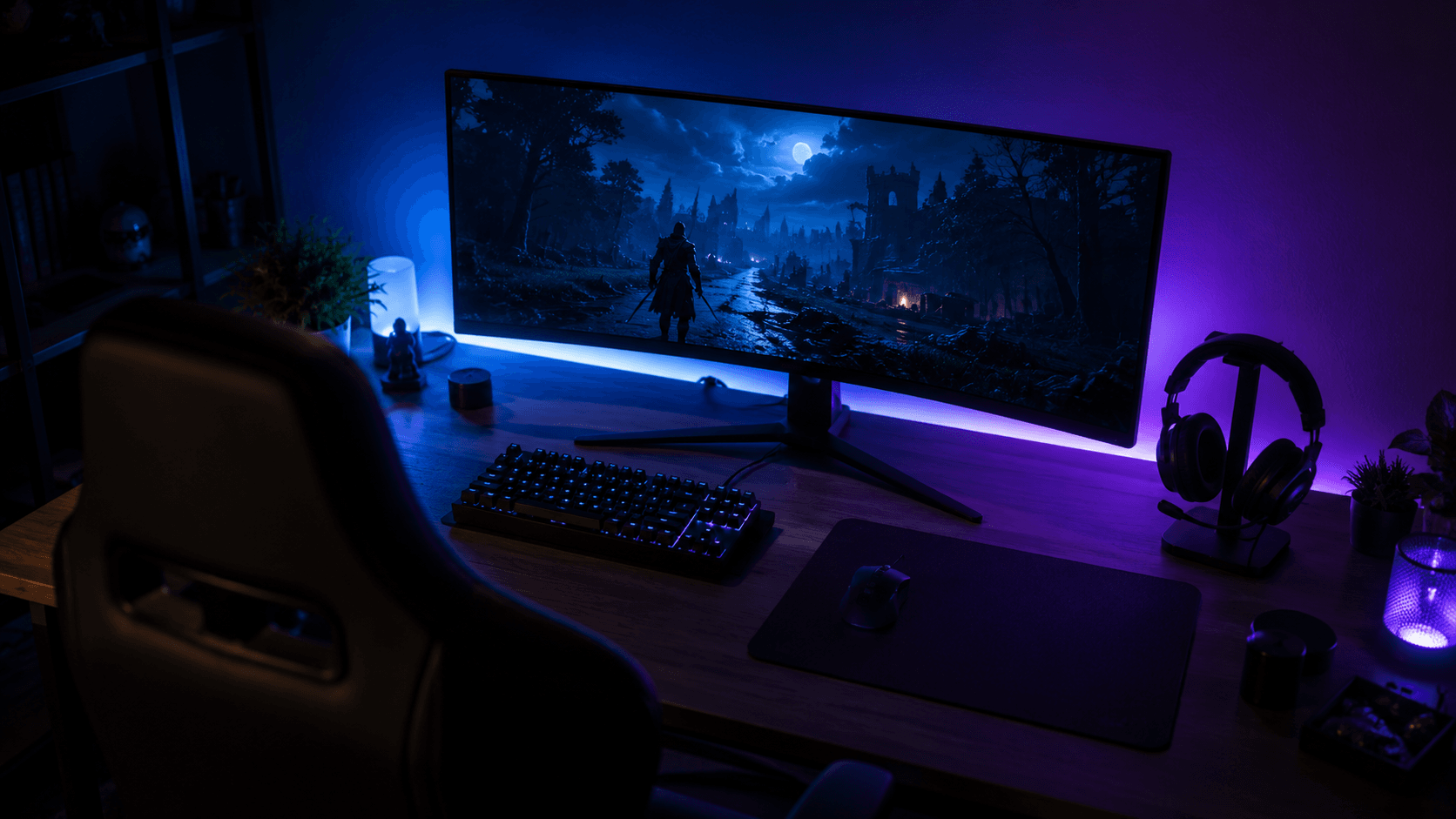
Then there's the curve, and it is a pronounced one. A 1000R rating means the screen follows a circle with a one-meter radius, close to the natural arc of human vision. Sit two to three feet back and the peripheral edges stay roughly equidistant from your eyes, which cuts peripheral eye strain and pulls you further into simulation, racing, and atmospheric titles.
Motion handling rests on a native 180Hz refresh rate paired with a 1ms response time spec. Those 180 refreshes per second smooth out flick shots and fast pans in shooters and sports games. AMD FreeSync ties the monitor's refresh rate to whatever your graphics card is actually pushing out, which kills screen tearing and softens the stutter when frame rates dip mid-firefight. HDR10 support is here as well, though contrast performance remains tied to standard backlight capabilities rather than full-array local dimming.
Chassis design follows the current UltraGear house style: a three-sided virtual borderless bezel that keeps the frame thin and makes multi-monitor lineups look tidy. Physical connectivity includes two HDMI ports and a single DisplayPort input, so a gaming PC and a console can stay plugged in together. Firmware extras earn their place too. Dynamic Action Sync trims input lag by skipping internal processing passes, Black Stabilizer lifts shadow detail so figures in dark corners stop vanishing, and on-screen overlays add a custom crosshair and a live frame counter with no background software running.
Key Specs and Compatibility
Specification
Value
Screen Size
27 inches
Curvature Radius
1000R
Native Resolution
2560 x 1440 (QHD)
Refresh Rate
180Hz
Response Time
1ms
Adaptive Sync
AMD FreeSync
Dynamic Range
HDR10
Video Inputs
2x HDMI, 1x DisplayPort
Chassis Style
3-Sided Borderless
On-Screen Features
Black Stabilizer, Dynamic Action Sync, Crosshair, FPS Counter
Color
Black
The monitor connects to modern desktop graphics cards and gaming consoles via DisplayPort and dual HDMI ports, operating directly with standard VESA display hardware and AMD adaptive sync software controls.
What Stands Out
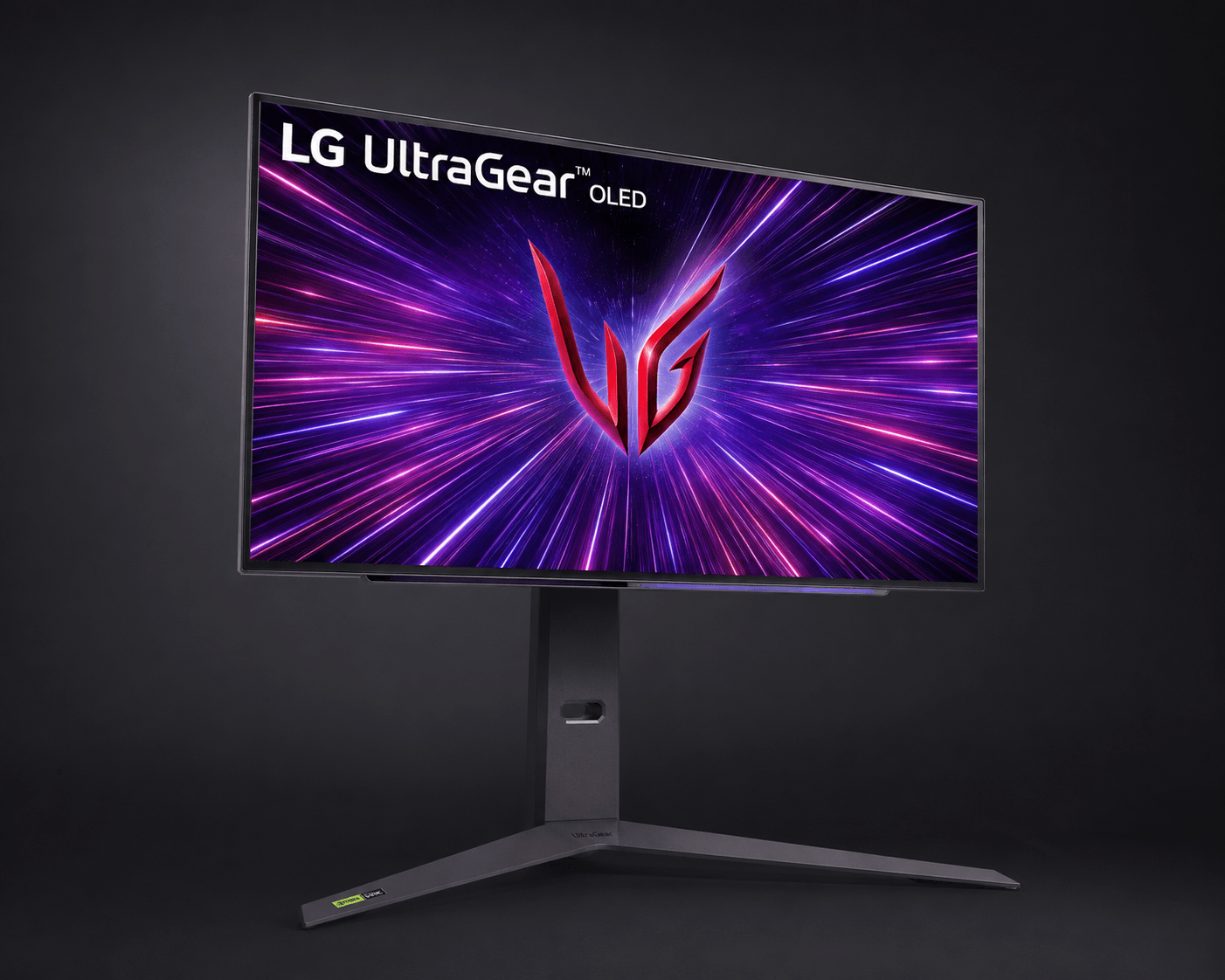
Two display philosophies share one brand name, and the gap between them is wide. At the upper tier, models like the 32-inch 32GS95UE demonstrate LG's flagship display capabilities with 4K resolution and an ultra-responsive 0.03ms response time. Self-lit pixels, backed by VESA DisplayHDR True Black 400, produce black levels a backlit panel physically cannot reproduce. For competitive players, the 240Hz refresh rate keeps fast target tracking crisp instead of smeared.
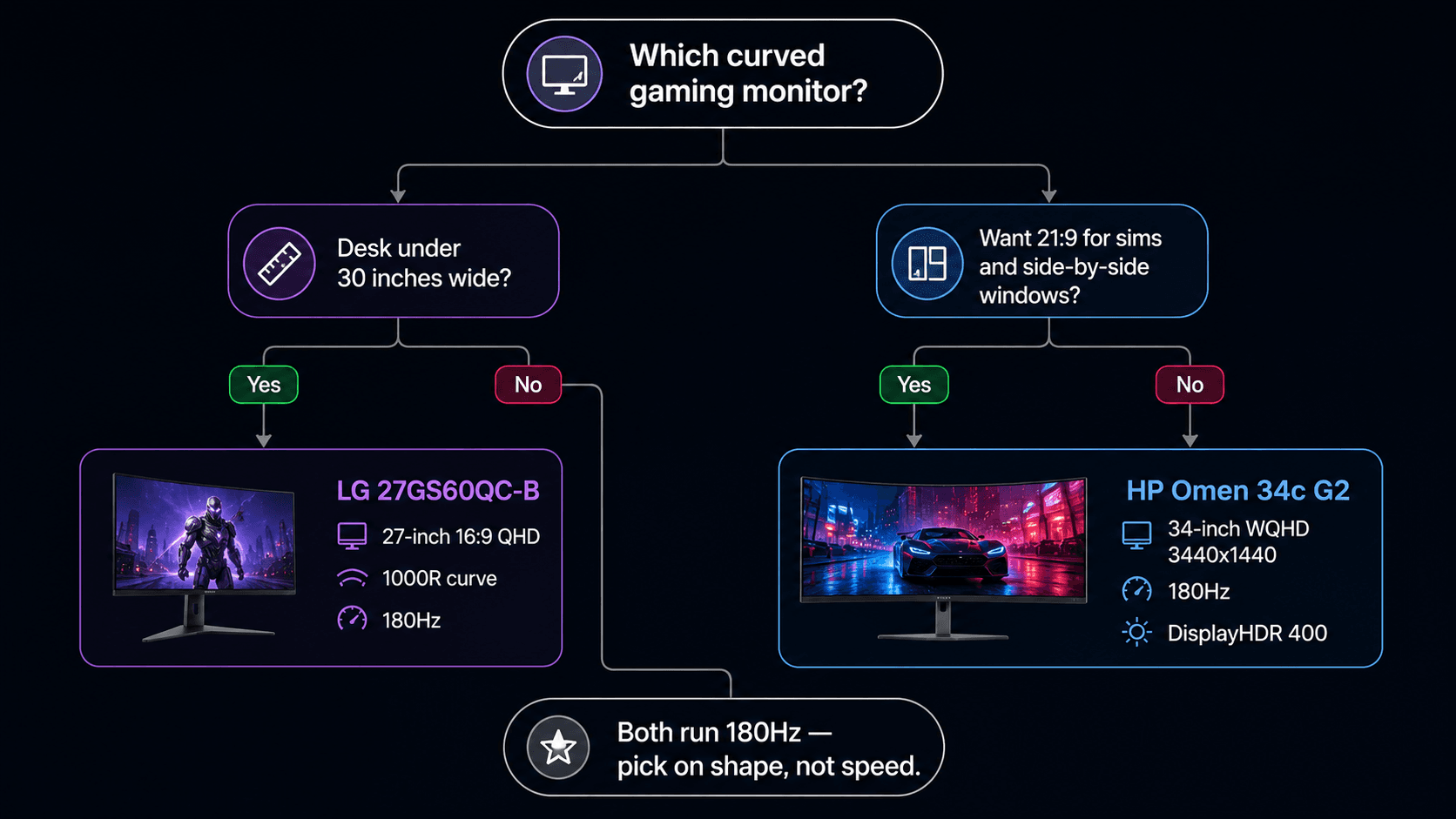
Further down the range, the 27-inch 27GS60QC-B chases speed rather than picture ceiling. Curved 1000R QHD panel, 180Hz, 1ms — sharp enough at this size to look detailed, fast enough that fast pans hold together. That 1000R curvature wraps environments around your peripheral vision, which matters more during a three-hour session than it does in the first five minutes.
Hardware-level gaming tools run across the whole series, and they are more than menu decoration. Black Stabilizer brightens dark scenes without blowing out the bright half of the frame, so an enemy crouched in a doorway stops being invisible. Dynamic Action Sync skips heavy image processing stages to cut input lag between your mouse hand and the screen. Crosshair overlays and frame rate counters give live feedback without a second app running in the background. Combined with broad adaptive sync support including AMD FreeSync and NVIDIA G-Sync Compatible, UltraGear monitors deliver tear-free visuals across various GPU platforms.
Strengths
Adaptive synchronization is the biggest practical win here. Whether pairing an AMD card via FreeSync Premium Pro or an NVIDIA card via G-Sync Compatible, screen tearing and stuttering are practically eliminated. Frame rates swing hard in open-world and ray-traced titles, and locking refresh to render output keeps the picture stable without dragging in V-Sync's input penalty.
Physical usability is a quieter strength. Flagship models feature fully adjustable stands with tilt, height, and swivel adjustments, which matters when a session runs past the two-hour mark and your neck starts filing complaints. Thin bezels on three sides shrink the visual gap in dual-screen setups, so a game on one panel and Discord or a stream dashboard on the other read as one workspace instead of two.
Connectivity holds up against current-gen hardware. With two HDMI 2.1 ports and DisplayPort inputs available on higher-end models, a PlayStation 5, an Xbox Series X, and a gaming PC can stay connected at once — no reaching behind the panel to swap cables. Auto-input switching picks up whichever source wakes first. Display presets flip color profiles between shooters, strategy games, and HDR cinema in a couple of button presses.
Weaknesses
HDR is the weak link on the entry and mid-range models, and it is worth being blunt about it. Panels with HDR10 support parse the signal fine, but lower peak brightness and edge-lit backlighting mean the depth simply is not there. No local dimming zones means bright highlights bleed light into the dark areas beside them, which is a different experience from what DisplayHDR True Black OLED panels produce.
Text clarity depends heavily on which panel you pick. Curved VA models, like the 27GS60QC-B, offer excellent static contrast ratios but can suffer from narrower viewing angles compared to IPS alternatives — slide off-center and colors shift, gamma washes out. OLED brings the opposite problem: subpixel layouts can throw mild text fringing in documents and code editors, which is a real irritation if the monitor doubles as a work screen.
Your GPU sets the real ceiling. Driving 4K at 240Hz on models like the 32GS95UE requires a robust graphics card equipped with high-bandwidth HDMI 2.1 or DisplayPort connection standards, and mid-tier cards will lean on DLSS or FSR to get anywhere near that number. Cheaper models cut corners on the stand as well, often shipping tilt-only mounts that push you toward a third-party VESA arm to get the screen at eye level.
Best Alternatives
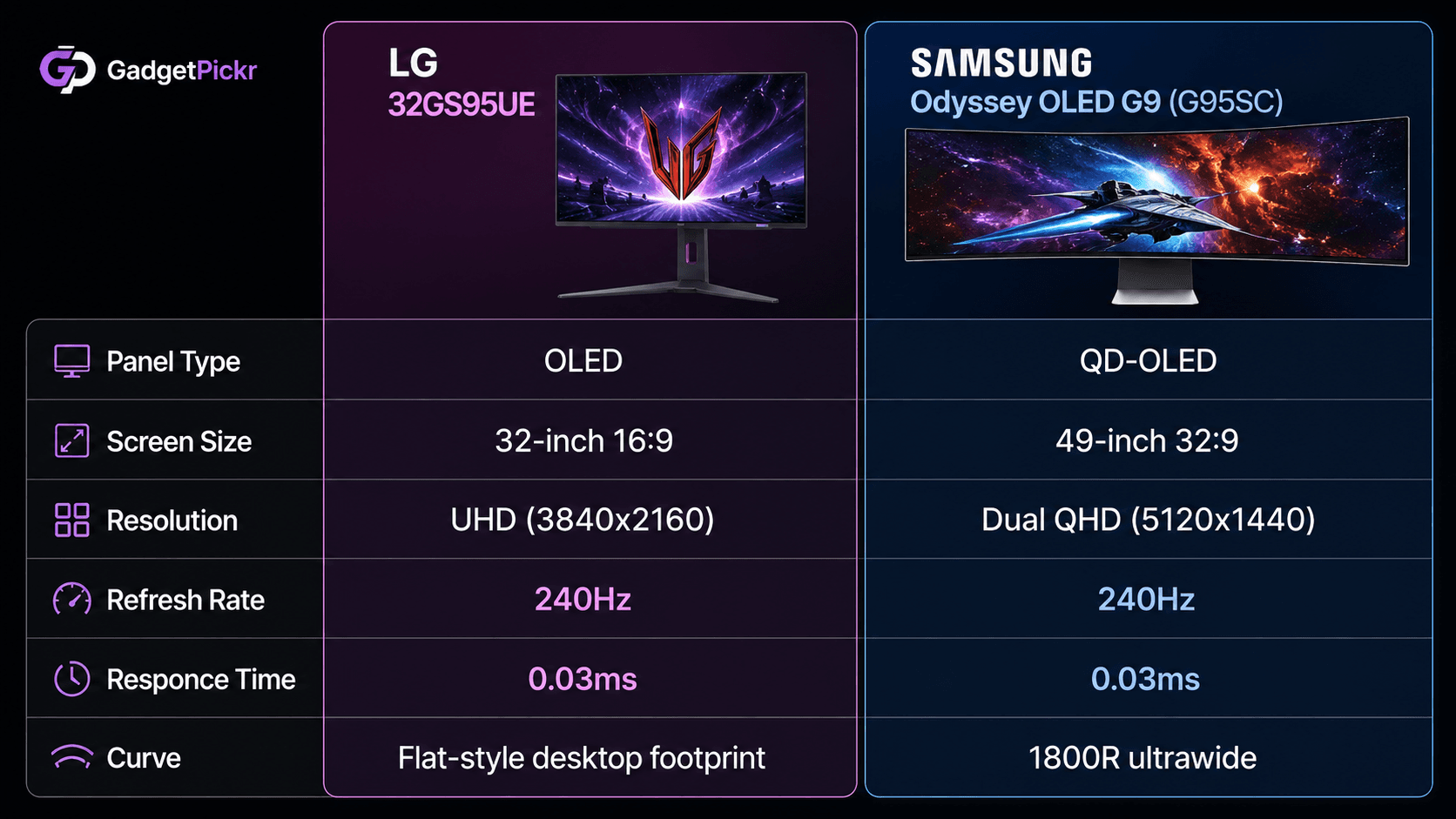
Cross-shopping clarifies fast once you know which trade you are willing to make. For anyone weighing the 32-inch 32GS95UE OLED, the obvious rival is the Samsung Odyssey OLED G9 (G95SC), which packs a 49-inch 32:9 dual QHD (5120x1440) QD-OLED panel with a 240Hz refresh rate and 0.03ms response time. The trade is shape, not speed: LG's 32-inch 16:9 panel fits a normal desk and plays nicely with consoles, while the ultra-wide 1800R curve of the Samsung demands serious desk depth in exchange for its immersive sim and multi-window advantage.
Shopping the budget curved tier instead? The HP Omen 34c G2 is the one to weigh against the 27GS60QC-B, with an ultrawide 34-inch WQHD (3440x1440) VA panel running at a matching 180Hz refresh rate with AMD FreeSync Premium and DisplayHDR 400. The trade is straightforward: you give up the tighter 1000R wrap and the compact 27-inch footprint to gain 21:9 horizontal real estate that suits cinematic games and side-by-side documents.
Creators who game occasionally should probably step outside the gaming aisle entirely. A color-critical display like the BenQ DesignVue PD2770U offers a 27-inch 4K UHD IPS panel covering 99% Adobe RGB and DCI-P3 with hardware calibration support and 96W USB-C power delivery. The trade there is speed for accuracy — you lose high-refresh motion smoothing and gain the calibrated color and single-cable laptop connection that client work actually depends on.
Who Should Buy It
Competitive PC gamers are the clearest fit. If your library leans on shooters, battle royales, and esports titles where a few milliseconds decide the trade, Dynamic Action Sync and Black Stabilizer are the sort of features you will actually leave switched on rather than toggle once and forget.
Budget builders come second, and the case is just as strong. A 180Hz refresh rate, a 1000R curve, and AMD FreeSync on a QHD panel is a modern spec sheet, and a mid-tier graphics card can feed it without upscaling tricks. That combination is what makes the 27GS60QC-B a sensible pairing for a build that put its money into the GPU.
Commission may be earned from this link, at no extra cost to you.
Who Should Skip It
Color-critical work is the deal-breaker. Photo editors, colorists, and video professionals who live inside Adobe RGB or DCI-P3 need factory calibration, uniform brightness, and connectivity like high-wattage USB-C power delivery and daisy-chaining — none of which a fast gaming panel prioritizes.
Aesthetics rule out another group. Dark chassis, aggressive stand geometry, gamer-first styling: it reads as a battlestation, not a clean corporate desk, and no amount of spec-sheet strength changes that in a shared office.
Sources & References
Specifications and claims in this analysis were cross-referenced against the sources below.
For games and video, the tight radius wraps the edges toward you and helps immersion. For spreadsheets and code, straight lines near the panel edges look slightly bowed. Some people stop noticing within days; others never adjust.