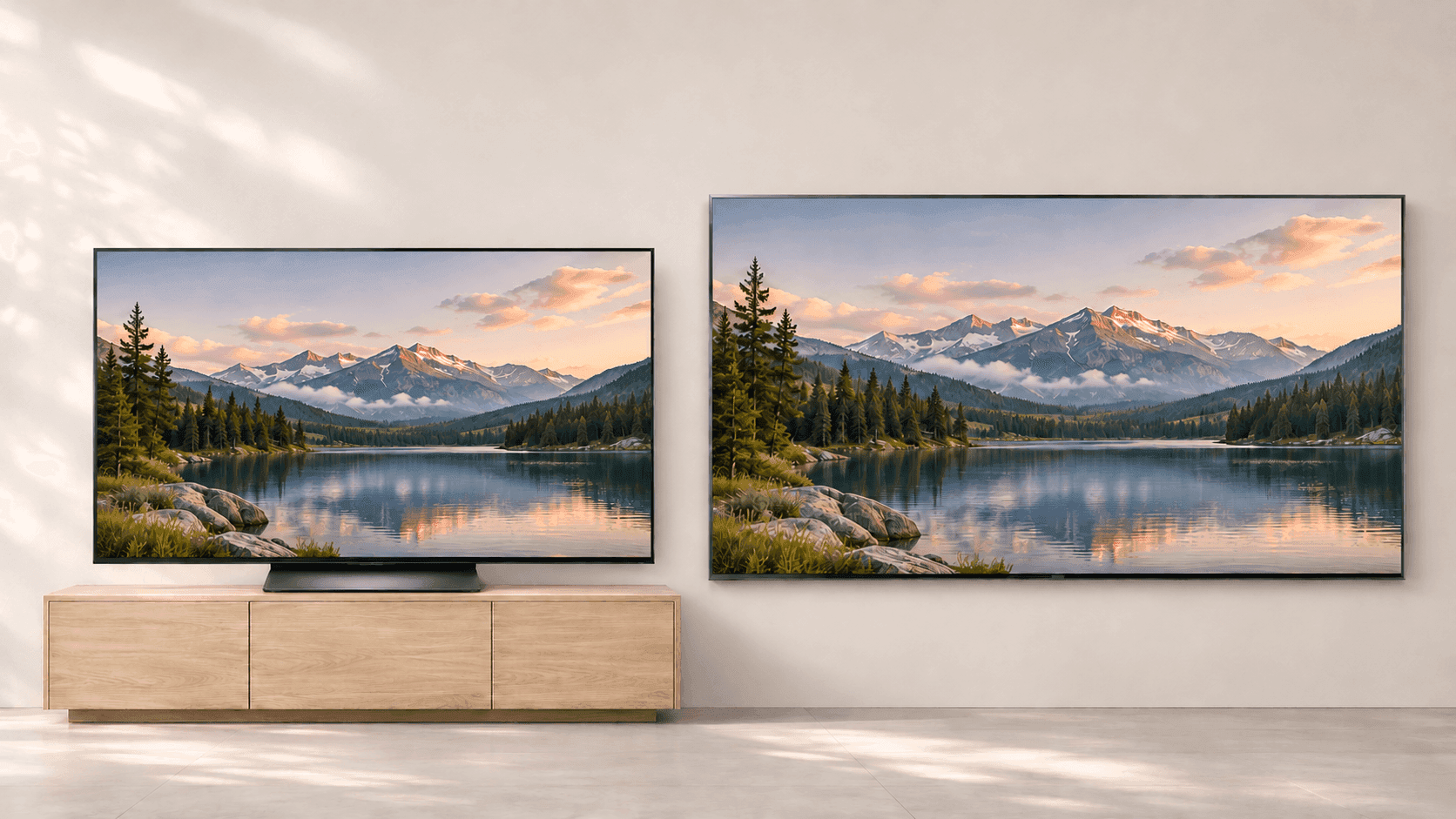
This LG C4 vs LG G4 comparison pairs the 65-inch C4 with the 77-inch LG G4 OLED, so screen size is part of the decision. Choose the C4 for a light-controlled gaming room or a straightforward tabletop setup. Choose the G4 for a larger image, stronger HDR highlights and a close-to-wall installation.
Both are 2024 OLED evo TVs with self-lit pixels, 4K resolution and PC gaming support up to 144Hz. The G4 adds Brightness Booster Max, a micro-lens array and Alpha 11 processing. The C4 uses Brightness Booster and Alpha 9 Gen 7. The G4's extra hardware improves brightness without raising the gaming refresh-rate ceiling.
If a 65-inch screen suits your room, the C4 retains four HDMI 2.1 inputs and the same maximum PC refresh rate. Installation and warranty terms provide clearer distinctions than those shared gaming standards: the C4 includes a stand, while the 77-inch G4 includes a wall mount and longer limited panel coverage.
The Quick Take
Pick the 77-inch G4 for stronger HDR movies and gaming, particularly in a brighter room with a planned wall installation. Pick the 65-inch C4 for a controlled-light room and an included tabletop stand. Both support compatible PCs at up to 4K 144Hz; the G4's advantages are brightness and size.
LG C4 (OLED65C4PUA)
Best for light-controlled dens and 65-inch gaming setups on existing media furniture.
LG G4 Evo (OLED77G4WUA)
Best for larger living rooms with a planned wall installation and an emphasis on HDR brightness.
LG C4 vs LG G4: Specs Comparison
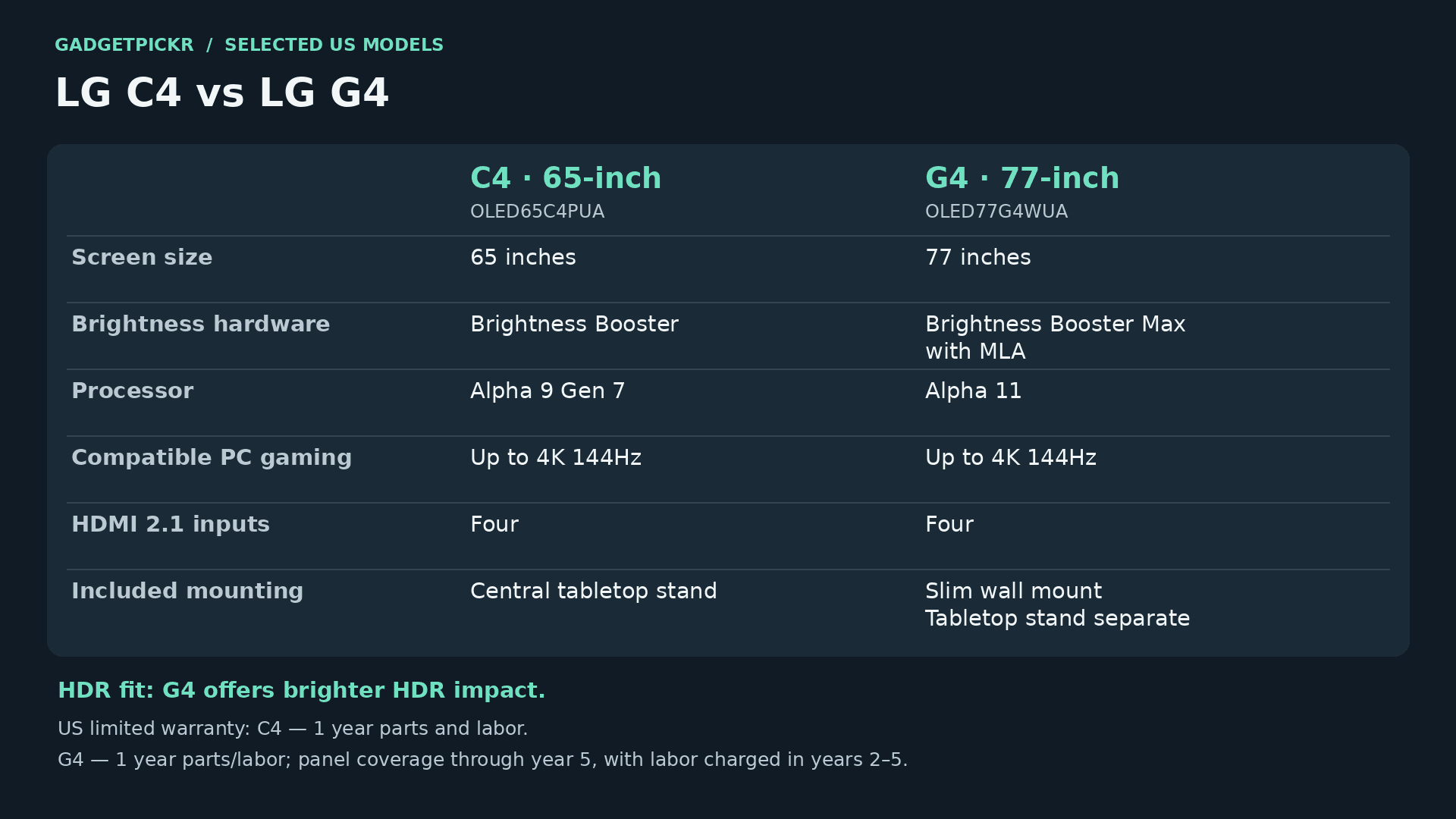
These exact models differ in physical scale as well as panel hardware. Both have a manufacturer-listed 120Hz native rate and support up to 144Hz gaming from compatible PCs. The quoted response time describes pixel transitions, not the delay between a controller input and its appearance on screen.
| Specification | LG C4 OLED (OLED65C4PUA) | LG G4 OLED evo (OLED77G4WUA) |
|---|---|---|
| Screen Size | 65 inches | 77 inches |
| Brightness Enhancement | Brightness Booster | Brightness Booster Max with Micro Lens Array |
| Video Processor | Alpha 9 Gen 7 | Alpha 11 4K |
| Panel Warranty | One-year limited parts and labor | Five-year limited panel coverage; labor charged in years 2–5 |
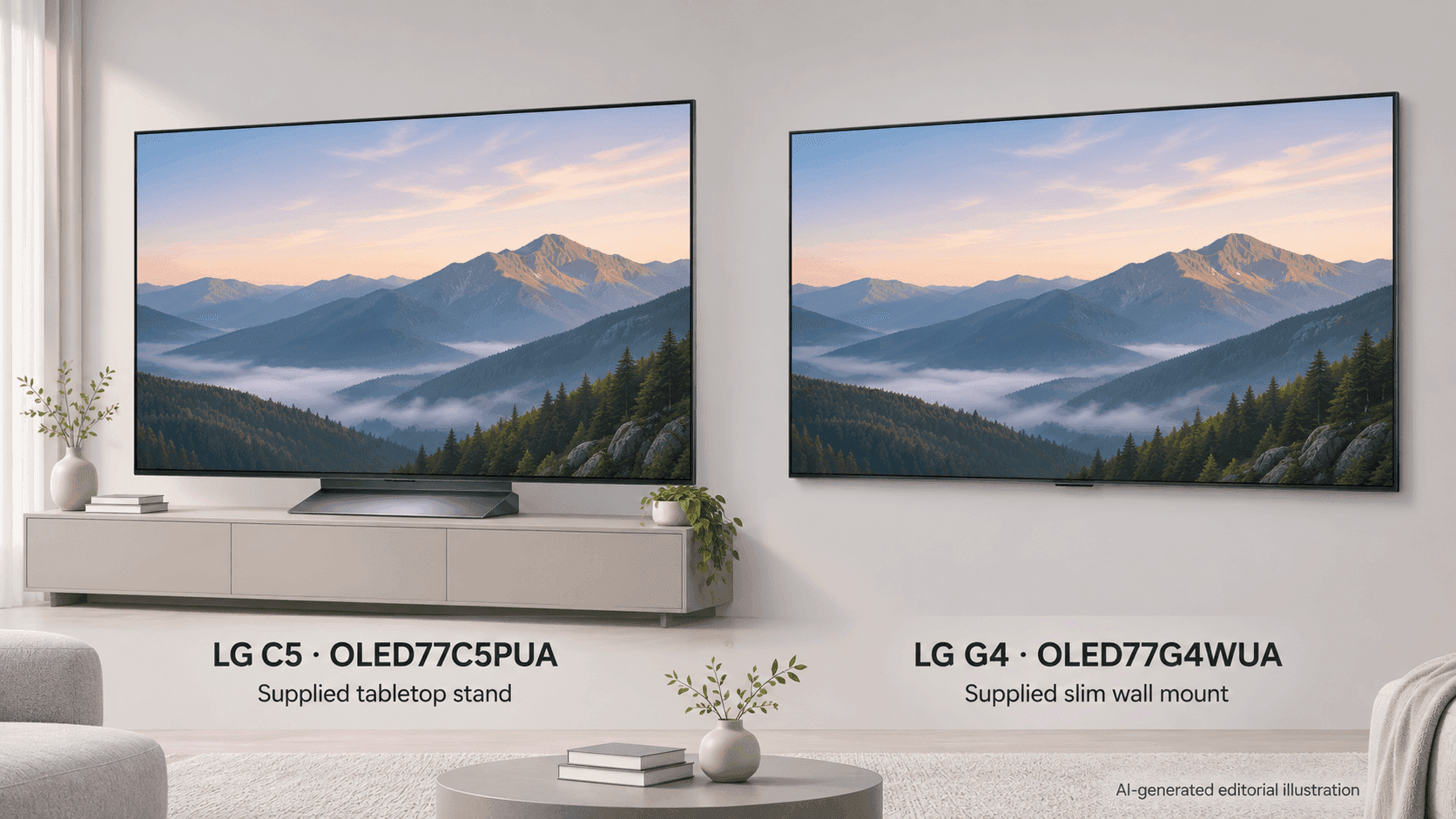
| Chassis Mounting Style | Tabletop stand included | Slim wall mount included; tabletop stand sold separately |
| Refresh Rate | 120Hz native; up to 4K 144Hz PC gaming | 120Hz native; up to 4K 144Hz PC gaming |
| Response Time | 0.1ms, manufacturer-quoted | 0.1ms, manufacturer-quoted |
| Resolution | 4K UHD (3840 x 2160) | 4K UHD (3840 x 2160) |
| HDMI Connectivity | 4x HDMI 2.1 | 4x HDMI 2.1 |
| HDR Support | Dolby Vision, HDR10, HLG | Dolby Vision, HDR10, HLG |
| Smart Platform | webOS 24 at launch | webOS 24 at launch |
| Variable Refresh Rate | AMD FreeSync Premium, NVIDIA G-SYNC Compatible, HDMI VRR | AMD FreeSync Premium, NVIDIA G-SYNC Compatible, HDMI VRR |
| Best For | Dark-room movies and 65-inch tabletop gaming | 77-inch wall-mounted HDR movies and gaming in brighter living rooms |
Design & Build Quality
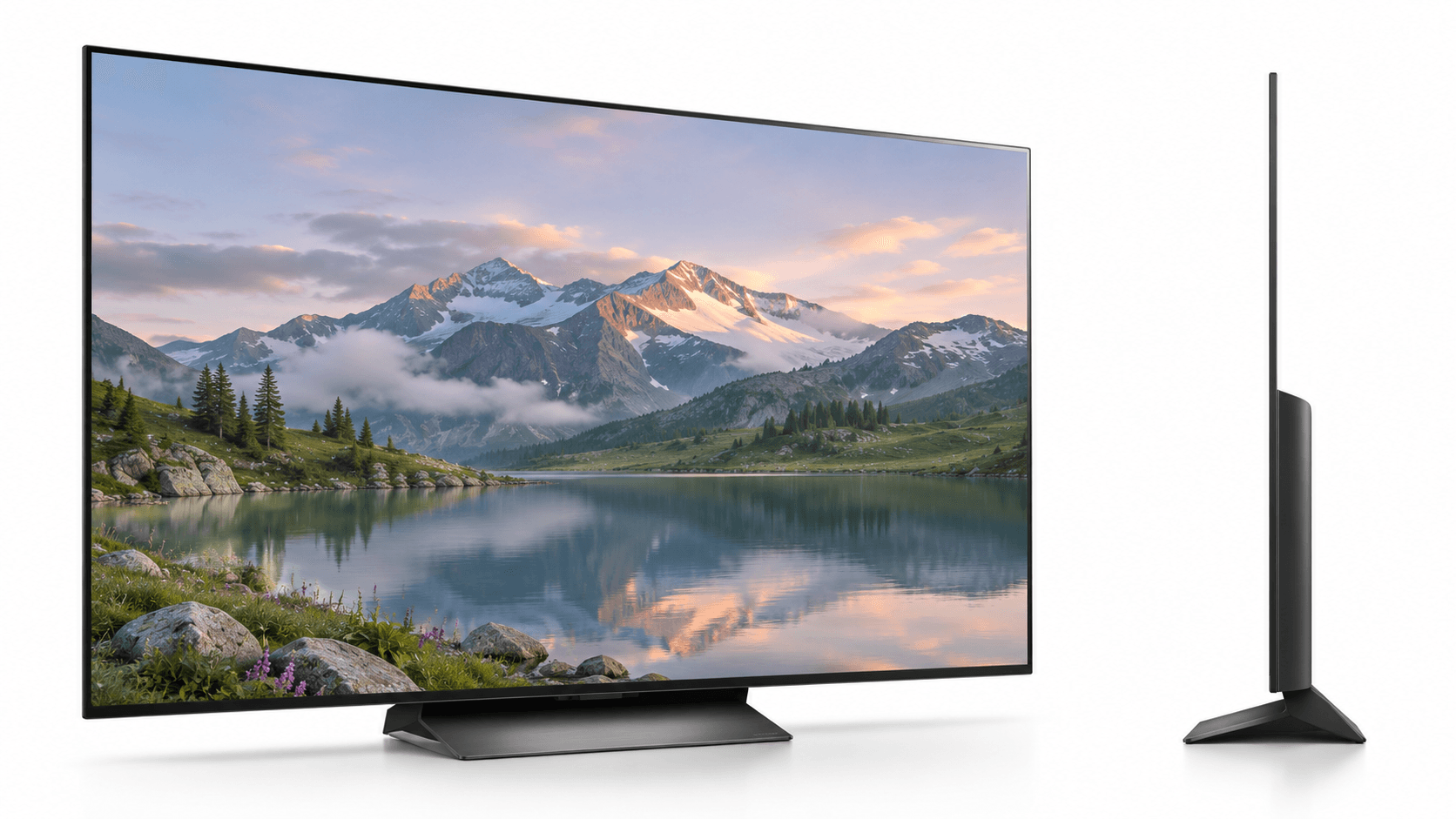
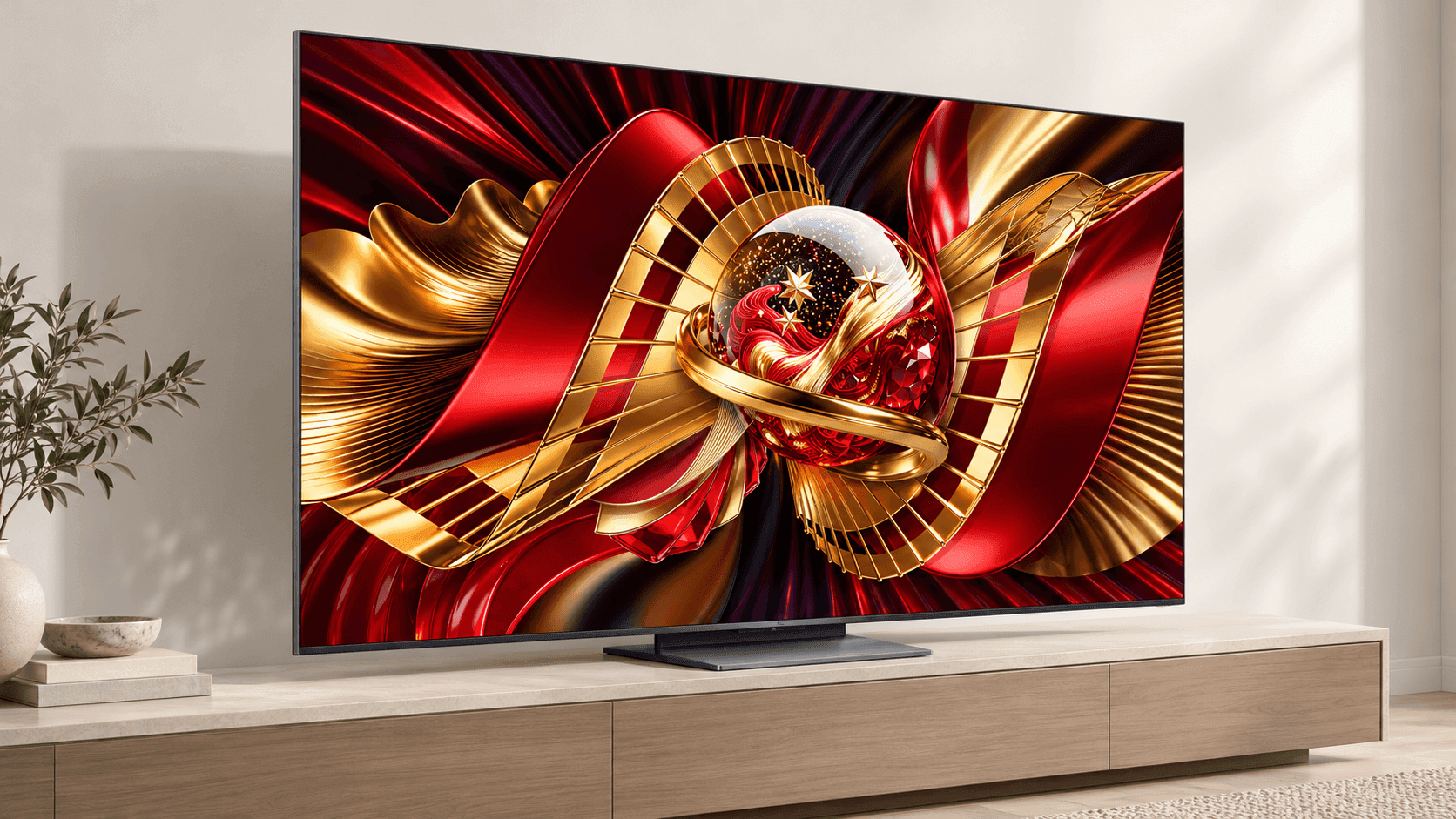
The C4 is the simpler starting point for a media console. Its central pedestal comes in the box, removing the need to choose an accessory stand. Above it, the thin upper panel meets a deeper rear section housing the electronics and connections.
You can still wall-mount the C4 with suitable hardware. The included stand simply gives you a ready tabletop option. For the G4, the supplied bracket is useful when wall mounting is already part of the plan.
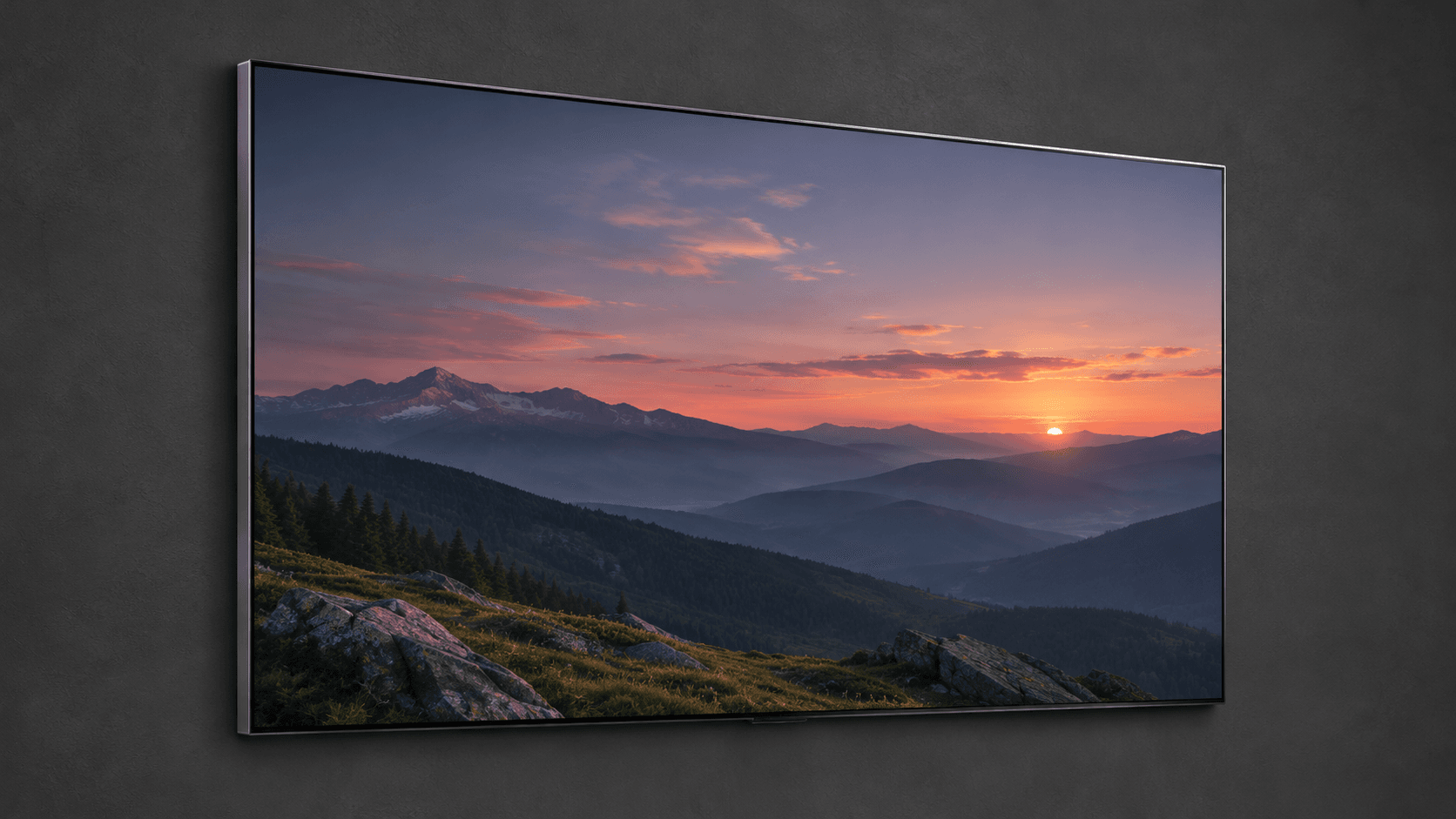
The G4's flat rear profile supports a close-to-wall installation, and this 77-inch version includes LG's slim wall bracket. Some smaller G4 variants have different mounting bundles. A photograph of a G4 on a stand therefore does not establish what comes with the OLED77G4WUA.
For furniture placement, the selected G4 needs a separately purchased compatible stand. Wall mounting requires its own preparation: check power, cable routing and access to connections before fixing the bracket. The flat chassis cannot compensate for an awkward socket location.
Independent reviews describe a plastic rear housing on the C4 and metal rear construction on the G4. That is a material difference rather than a guarantee against damage. Follow the installation instructions and support the chassis properly when moving either large OLED.
The 77-inch G4 also needs more wall space and creates a larger presence in the room. Check sight lines, furniture dimensions and viewing position before choosing it. The better panel is only useful if the screen size also works in the space.
Performance & Key Features
Both TVs can switch individual pixels off, producing deep blacks without LCD backlight halos around subtitles. They also share Dolby Vision, HDR10 and HLG support. In a dim room, the C4 already delivers the black-level control and HDR compatibility central to the OLED appeal.
The G4 adds more brightness headroom through Brightness Booster Max, its micro-lens array and thermal hardware. Small reflections, bright lamps and sunlit scenery can have greater impact than on the C4. This is the clearest picture-quality upgrade.
RTINGS' comparison favors the G4 for brighter-room viewing and HDR gaming. It reports better retention of HDR brightness in Game Optimizer, where the C4 loses more output. Gamers should weigh that visible difference alongside the shared refresh-rate support.
The G4 uses Alpha 11 processing, while the C4 has Alpha 9 Gen 7. Both upscale lower-resolution material and process compressed video; the G4 has the higher processor tier and additional picture-enhancement tools. Neither can recover source detail that heavy compression has removed.
Each TV provides four HDMI 2.1 inputs and variable-refresh support for compatible NVIDIA and AMD hardware. Up to 4K 144Hz requires a suitable PC. PlayStation 5 and Xbox Series X output tops out at 4K 120Hz, so console owners cannot use the higher PC mode on either set.
The manufacturer-quoted 0.1ms response time does not establish total gaming latency. Pixel transitions and input lag are separate measurements. Shared response-time claims and gaming standards are therefore insufficient to declare the two TVs equally responsive in every configuration.
Both launched with webOS 24, streaming apps and Dolby Atmos support. Updates can change the interface, so launch software should not be treated as a permanent description of the home screen. Size, brightness and installation are the more substantial reasons to choose between them.
Pros & Cons: LG C4 (OLED65C4PUA)
The C4 retains the G4's main gaming connections: four HDMI 2.1 inputs, VRR and up to 4K 144Hz from a compatible PC. For a controlled-light den that needs a 65-inch screen, those shared capabilities make it a strong starting point.
Movies benefit from per-pixel black control and Dolby Vision without requiring the G4's brighter panel. Neither TV uses a backlight, so the C4 does not need extra brightness hardware to avoid local-dimming halos. Its limits concern light output rather than access to OLED contrast.
The supplied stand also simplifies replacing a TV on existing furniture. Check the console's load capacity and stand footprint, plus clearance for any soundbar. An included pedestal removes an accessory purchase, but it does not establish that every cabinet will fit.
The compromises are lower brightness, reduced HDR output in Game Optimizer and a smaller screen in this pairing. Its one-year parts-and-labor warranty also provides a shorter coverage period than the G4's limited panel warranty. Those are more useful distinctions than processor names alone.
Pros & Cons: LG G4 Evo (OLED77G4WUA)
HDR brightness is the G4's strongest advantage. Its panel hardware gives highlights more output, while the 77-inch screen creates a larger image. A room that suits this size can benefit from both changes.
For gaming, the upgrade is brighter HDR while retaining the same maximum PC refresh rate and four-port HDMI arrangement. That matters if HDR games are a priority. Matching the C4's refresh ceiling does not mean the two produce the same HDR picture.
The flat chassis and supplied bracket make the G4 well suited to a planned wall installation. Its five-year limited panel warranty is another difference, with an important boundary: parts and labor are covered during year one, then panel coverage continues through years 2–5 with labor charged. Whole-TV coverage does not remain identical for all five years.
The larger screen needs more room, and tabletop placement requires a separate stand. Compare the complete installed cost once current offers are available. The G4's extra size, brightness and wall-mount design should each serve a purpose in your setup.
Both TVs remain susceptible to cumulative wear from static-image exposure. Longer panel coverage does not make the G4 immune or establish that every image-retention claim will qualify for service. Follow the care guidance and read the applicable warranty terms.
Real Buyer Scenarios
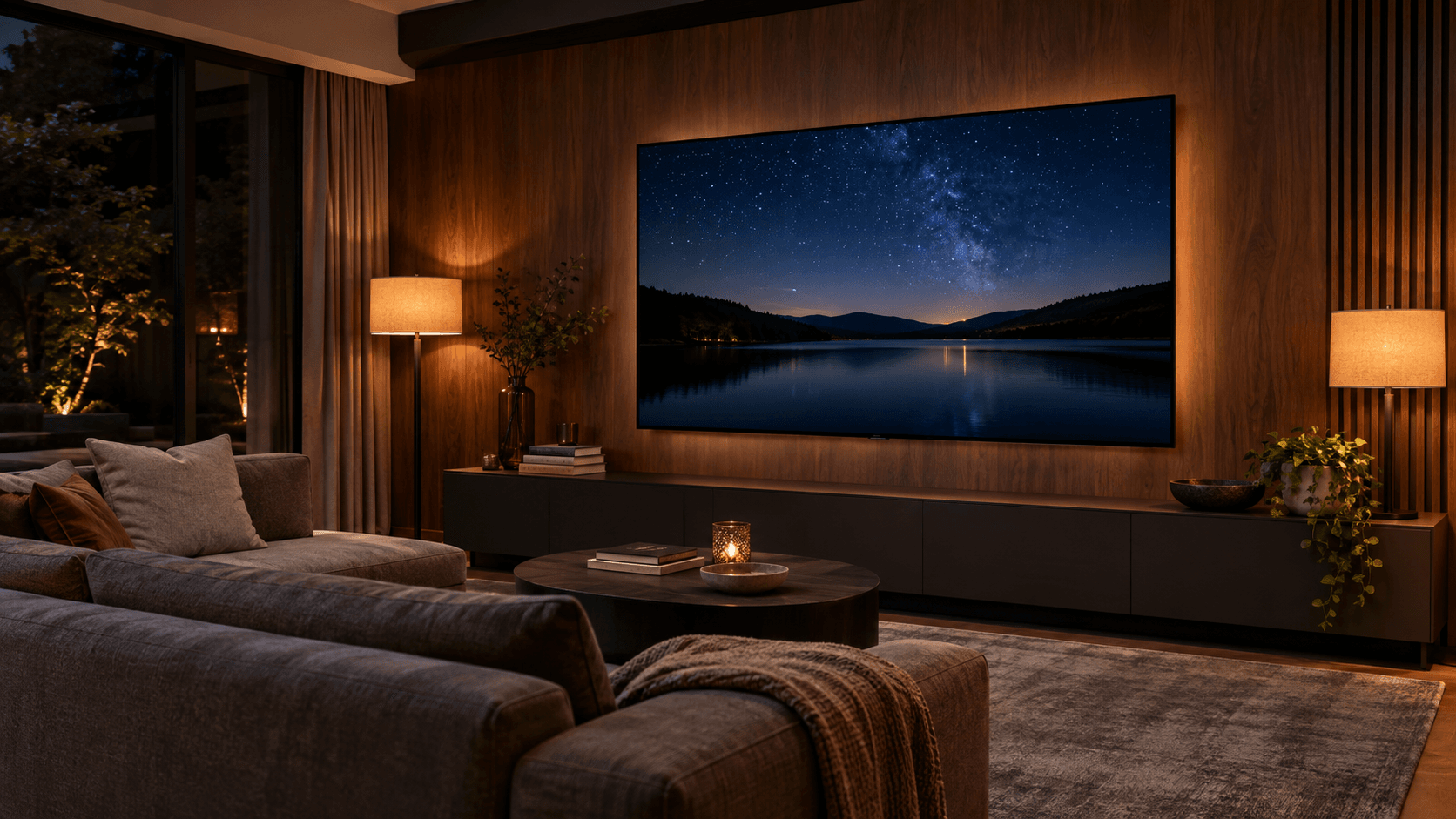
For an evening movie room, choose the 65-inch C4 when that size suits the seating position. Deep blacks and Dolby Vision provide the main OLED benefits, while the included stand works with a conventional media console. The G4's stronger highlights remain an upgrade, but they are not essential to that arrangement.
For a PC gaming den, the C4 is our practical pick when 65 inches is enough and room lighting is controlled. It shares the G4's maximum refresh rate and main gaming connections. Choose the G4 when a larger image and brighter HDR gaming are the features you most want to improve.
For a large living room used during the day, favor the 77-inch G4. Its higher output gives it more headroom against ambient light, provided the room calls for a screen of that size. Avoid placing either TV directly opposite a window where possible; reflected light is a separate issue from panel brightness.
This pairing combines two upgrades: a higher panel tier and a larger screen. A same-size comparison would separate their effects more clearly. Check current offers for the exact sizes, and judge whether both changes are useful before comparing total cost.
Installation may settle the choice first. The C4 supplies tabletop hardware; the selected G4 supplies a slim wall bracket. If you want the G4 on furniture, include a compatible stand in the purchase plan.
For prolonged news viewing or other static graphics, warranty length should not decide the display technology. The G4's additional panel coverage has value within its terms, but both sets use OLED. Consider a Mini LED alternative if avoiding OLED wear is the overriding requirement.
Alternatives Worth Considering
Look beyond these two when panel technology, reflection treatment or maximum PC refresh rate matters more than LG's shared feature set. Each alternative changes a specific part of the picture or gaming experience.
Sony's A95L combines QD-OLED color with Cognitive Processor XR processing. It offers a different HDR color presentation, but limits 4K gaming to 120Hz rather than the LG models' 144Hz PC ceiling.
Samsung's S95D uses matte glare diffusion in place of the LG sets' glossy finish. It gives up Dolby Vision, and ambient light can raise its apparent black levels. Compare it when direct reflections are a particular problem.
The Sony Bravia 9 is relevant for bright rooms and buyers concerned about OLED wear. Its Mini LED backlight provides strong daytime brightness, with local-dimming behavior in place of OLED's individual pixel control.
The TCL QM8K combines Mini LED local dimming with 144Hz gaming support. It is another option when you want a backlit LCD rather than OLED. Compare current same-size offers before drawing a price conclusion.
Final Verdict
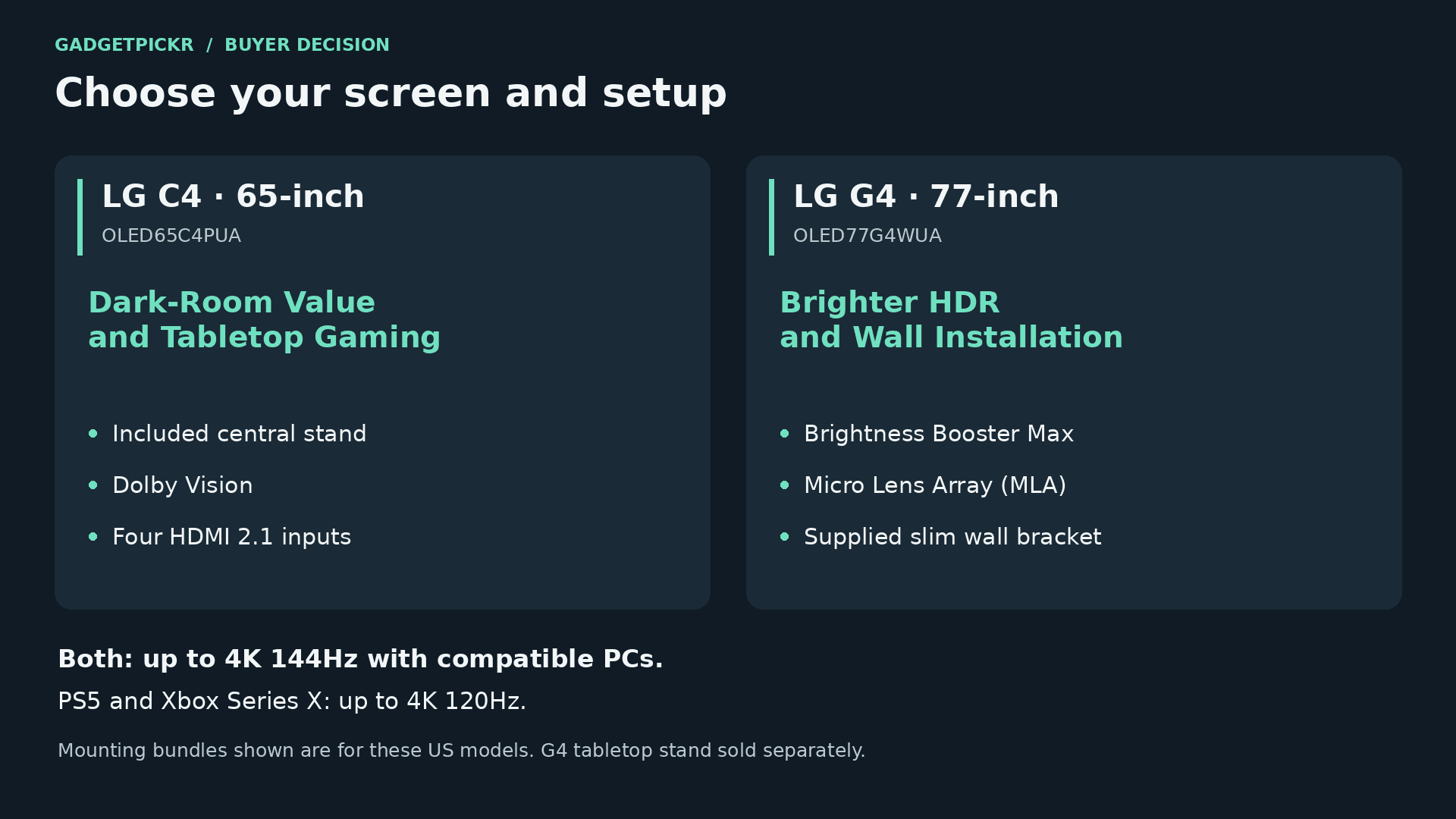
Choose the 65-inch C4 for dark-room movies and high-refresh PC gaming on a media console. Its included stand, four HDMI 2.1 inputs and up-to-4K-144Hz support make it the simpler tabletop package. You retain OLED black levels and Dolby Vision in a smaller screen.
Choose the 77-inch G4 for stronger HDR movies and gaming, brighter-room viewing and a close-to-wall installation. Brightness Booster Max and its micro-lens array provide the picture advantage, while the larger screen suits a different room scale. Add a stand if needed, and read the five-year warranty as limited panel coverage with labor charged after year one.
Sources & References
Specifications and claims in this analysis were cross-referenced against the sources below.
- LG G4 77 Inch Class OLED evo AI Smart TV 2024 - OLED77G4WUAlg.com
- LG C4 65 Inch Class OLED evo AI 4K Smart TV 2024lg.com
- LG OLED65C4PUA, 165.1 cm (65"), 3840 x 2160 pixels, OLED, Smart TV, Wi-Fi, Black - Dolbydolby.com
- 77 Inch LG OLED evo AI G4 4K Smart TV 2024 - OLED77G4WUAlg.com
- 65 Inch LG OLED evo AI C4 4K Smart TV 2024 - OLED65C4PUA - LG USAlg.com
- LG OLED77G4WUA TV 195.6 cm (77") 4K Ultra HD Smart TV Wi-Fi ...dolby.com
- LG TVs: OLED, QNED, 4K, LED & Smart TVs | LG USAsolutions.lg.com
- 3D Product - OLED65C4PUAlg.com
Frequently Asked Questions
Yes, with a compatible PC and suitable HDMI connection. Both support up to 4K 144Hz and VRR. PlayStation 5 and Xbox Series X top out at 4K 120Hz; the G4's gaming advantage is brighter HDR rather than a higher refresh ceiling.