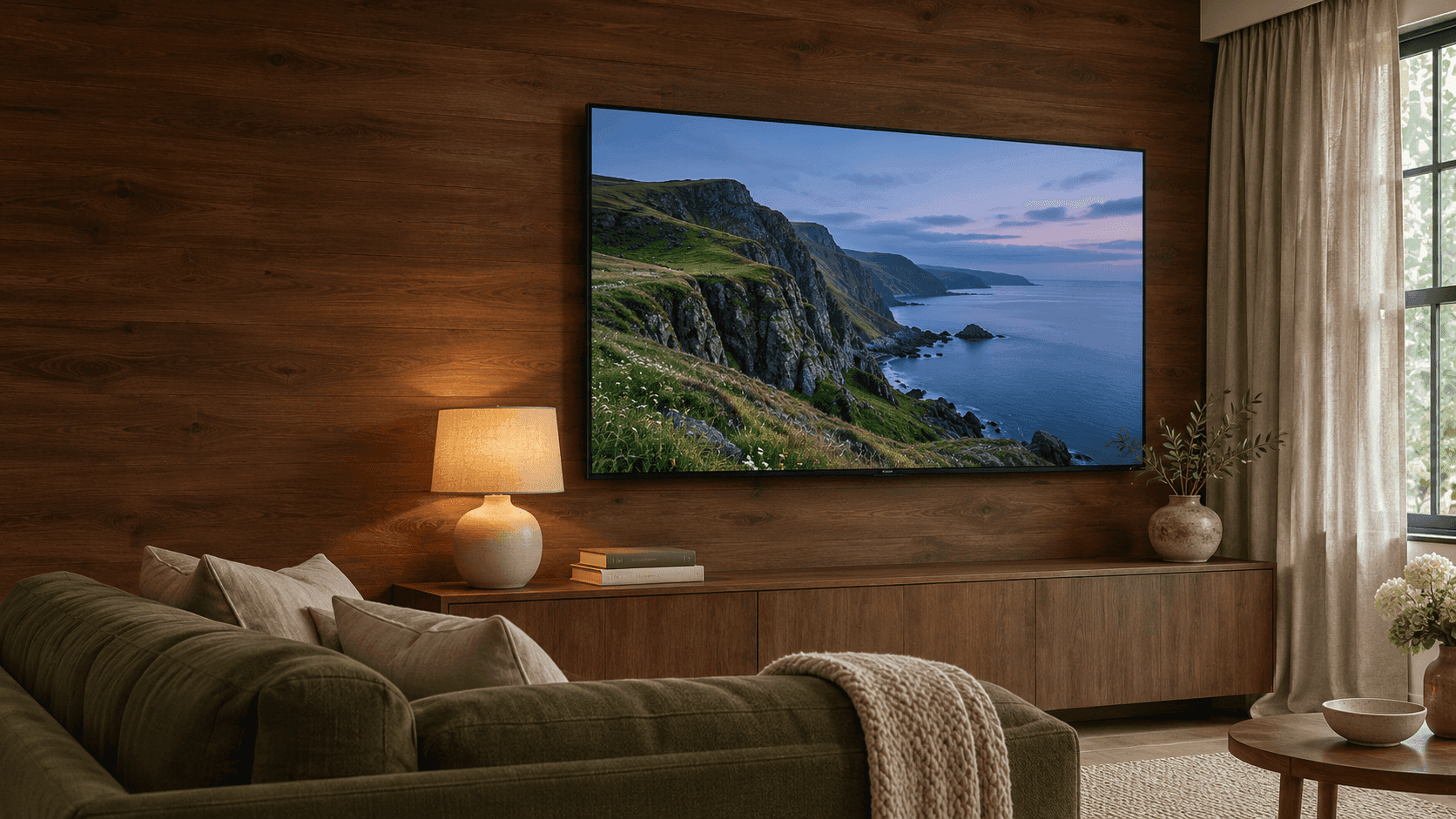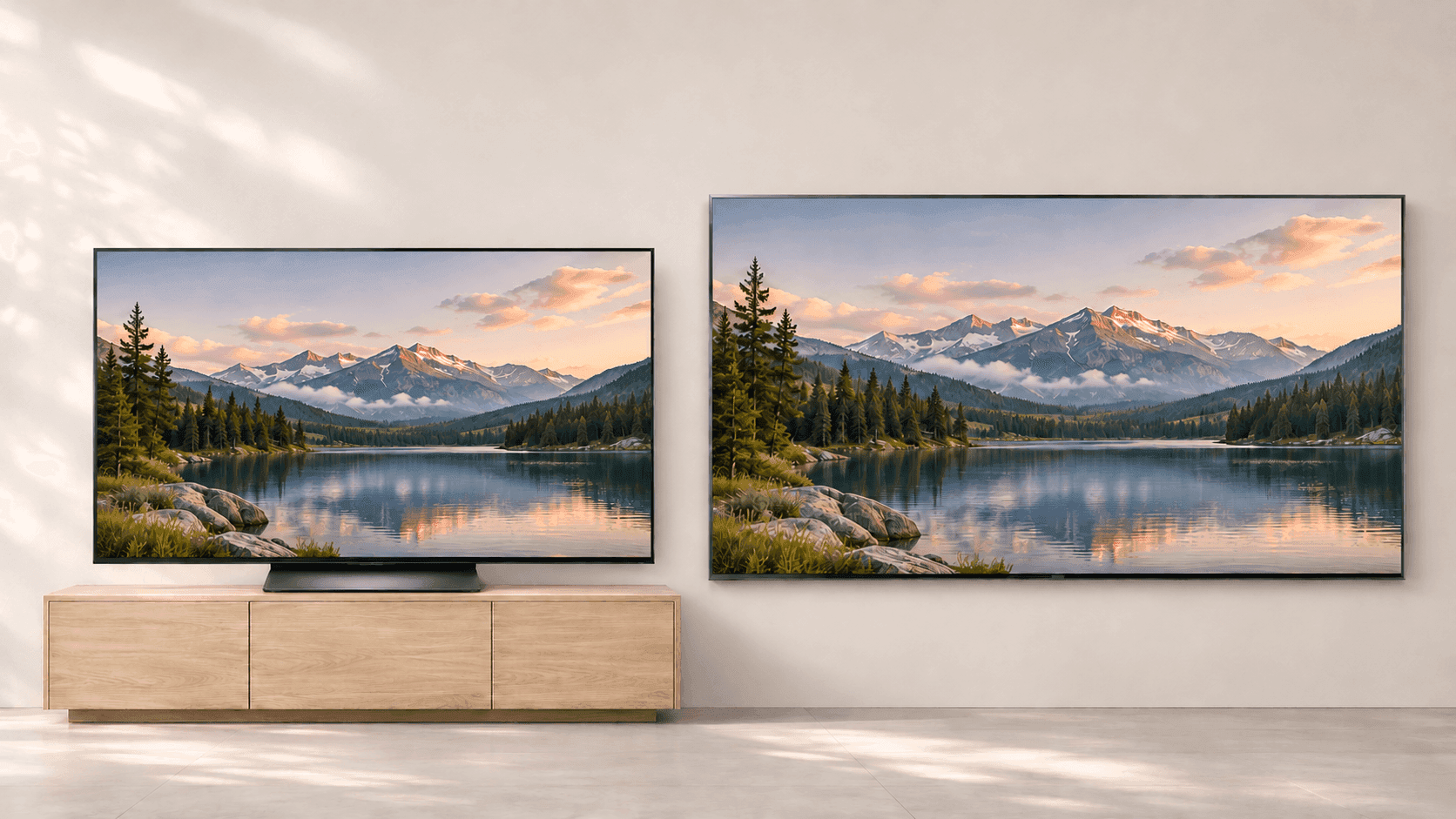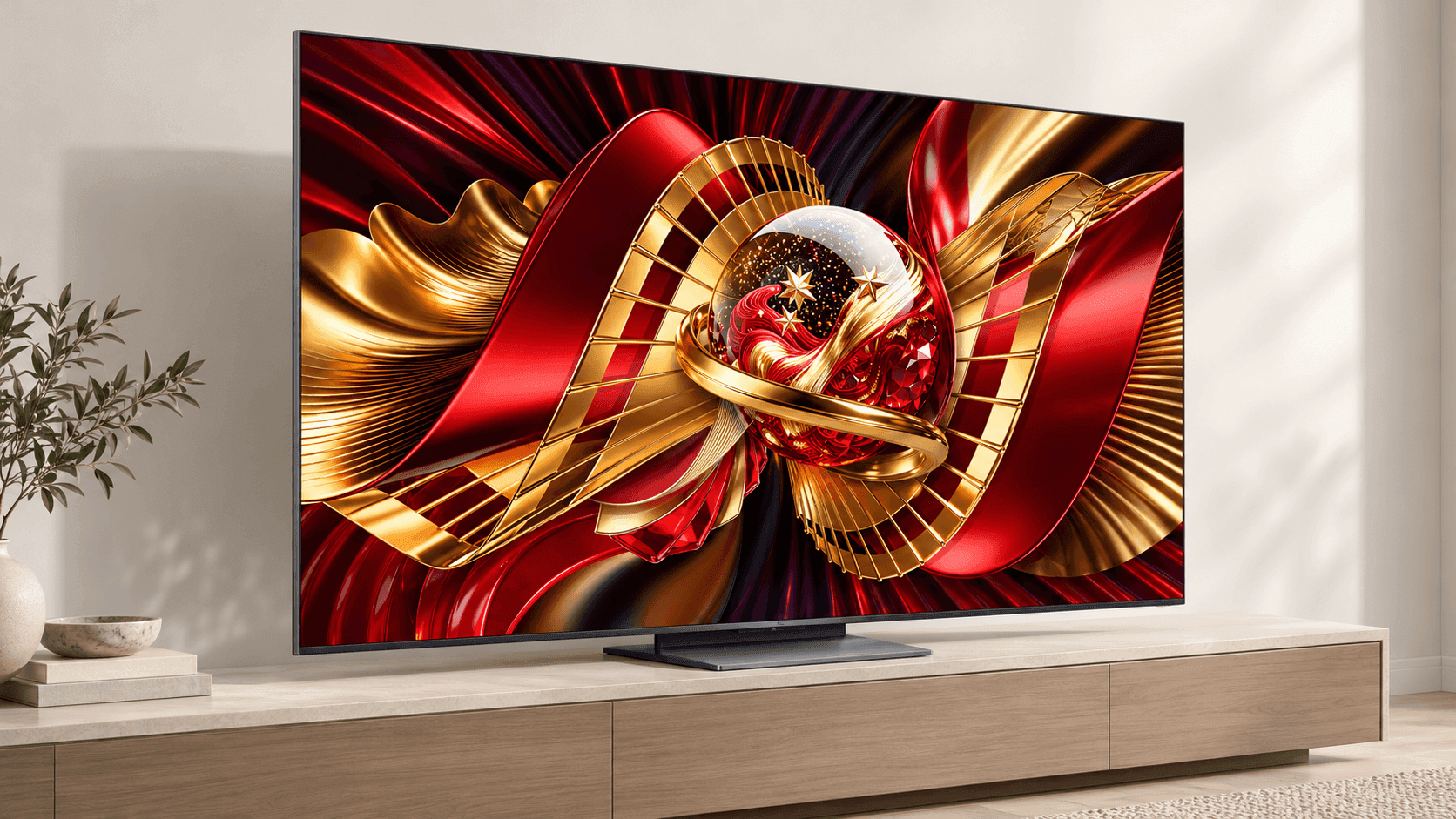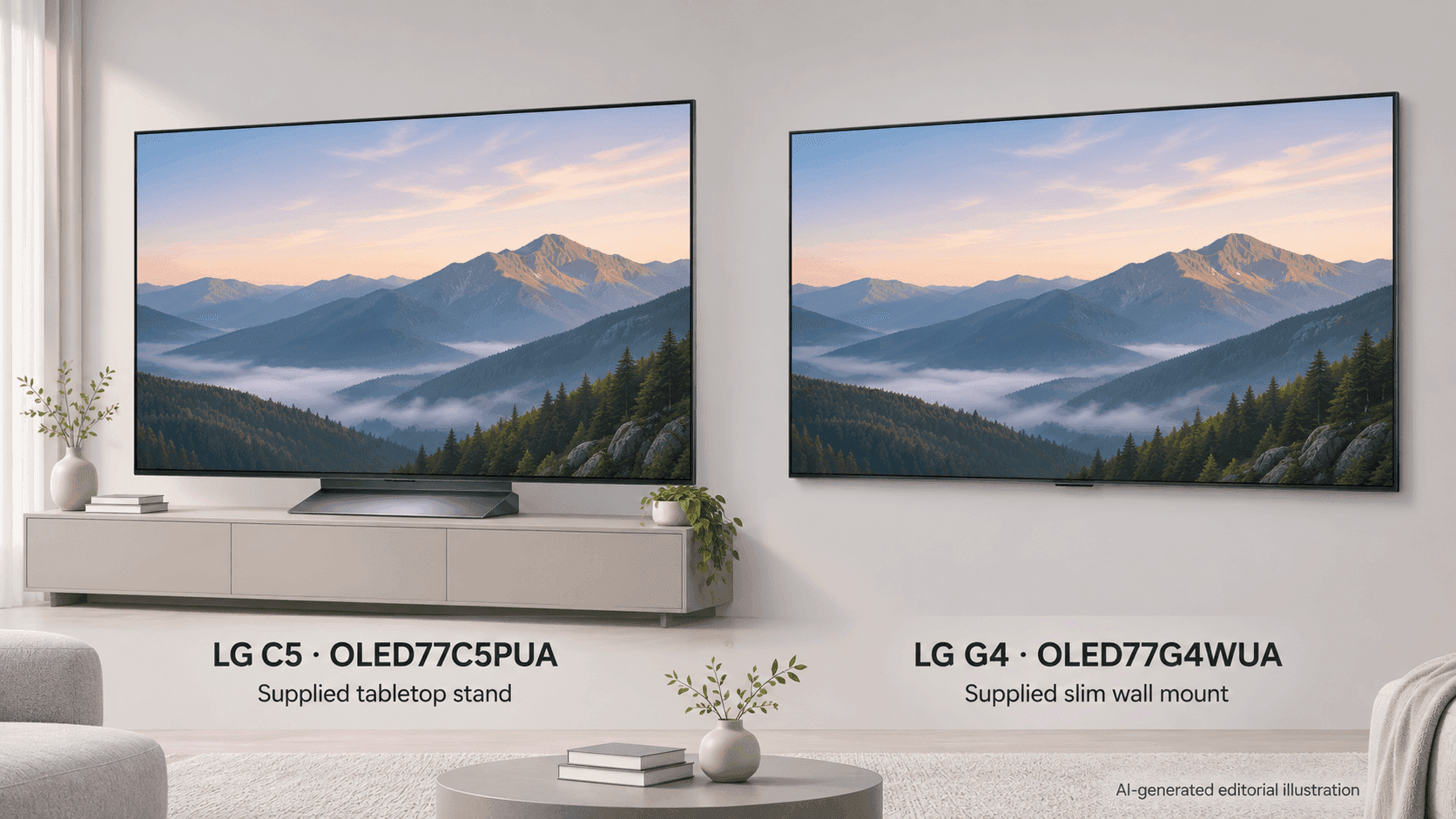
Choose the LG C5 for a straightforward tabletop movie-and-console setup. Choose the LG G4 for stronger HDR highlights, brighter HDR gaming, and a slim wall installation. Both support the same maximum PC refresh rate, so extra frames are not a reason to favor the G4.
For the hardware and mounting comparison, the US 77-inch models are OLED77C5PUA and OLED77G4WUA. That matters because mounting accessories and panel features vary elsewhere in the range. The C5 is the 2025 model; the G4 is the earlier 2024 flagship.
Both accept up to 4K at 144Hz from a compatible PC and support 120Hz console gaming. LG lists a 120Hz native rate, with the higher PC mode specified separately. The G4 pairs Alpha 11 processing with Brightness Booster Max; the C5 uses Alpha 9 Gen8 and Brightness Booster. The newer model does not give up maximum refresh rate.
The Quick Take
Buy the C5 for an existing media console and daytime SDR viewing. Buy the G4 for HDR films, HDR gaming, and its supplied slim wall mount. Both reach 144Hz with compatible PC hardware; the G4’s gaming advantage is HDR brightness.
LG C5
Best for tabletop movie-and-console setups and daytime SDR viewing, with a stand included in the selected US model.
LG G4
Best for wall-mounted HDR movie and gaming setups where stronger highlights are the priority.
LG C5 vs LG G4: Specs Comparison
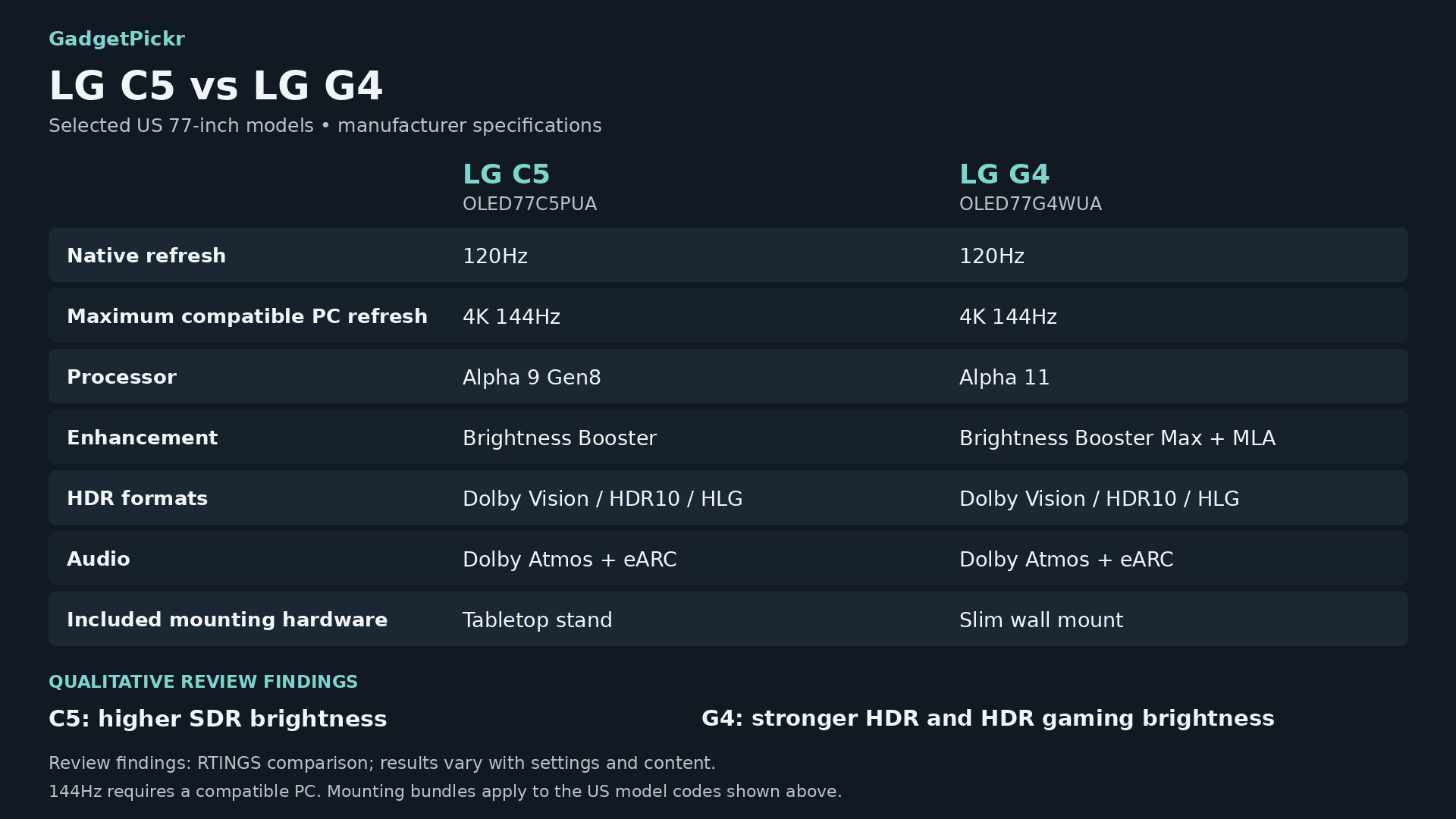
These entries cover the selected 77-inch US models and use LG’s native-refresh terminology. Keep that separate from maximum PC refresh, and distinguish HDR brightness from SDR television viewing. The G4’s brighter HDR highlights do not make it brighter for every program.
| Specification | LG G4 OLED | LG C5 OLED |
|---|---|---|
| Native / Maximum PC Refresh Rate | 120Hz native / up to 144Hz PC VRR | 120Hz native / up to 144Hz PC VRR |
| Picture Processor | Alpha 11 4K | Alpha 9 Gen8 4K |
| Brightness Enhancement | Brightness Booster Max; MLA panel | Brightness Booster |
| Release Year | 2024 | 2025 |
| Display Technology | OLED evo, self-lit WOLED | OLED evo, self-lit WOLED |
| Variable Refresh Rate | Nvidia G-Sync Compatible, AMD FreeSync | Nvidia G-Sync Compatible, AMD FreeSync |
| HDR Support | Dolby Vision, HDR10, HLG | Dolby Vision, HDR10, HLG |
| Audio Processing | Dolby Atmos; eARC | Dolby Atmos; eARC |
| Picture Modes | Filmmaker Mode | Filmmaker Mode |
| Native Resolution | 4K UHD (3840 x 2160) | 4K UHD (3840 x 2160) |
| Best For | Wall-mounted HDR movies and HDR gaming | Tabletop movie-and-console setups; daytime SDR viewing |
Design & Build Quality
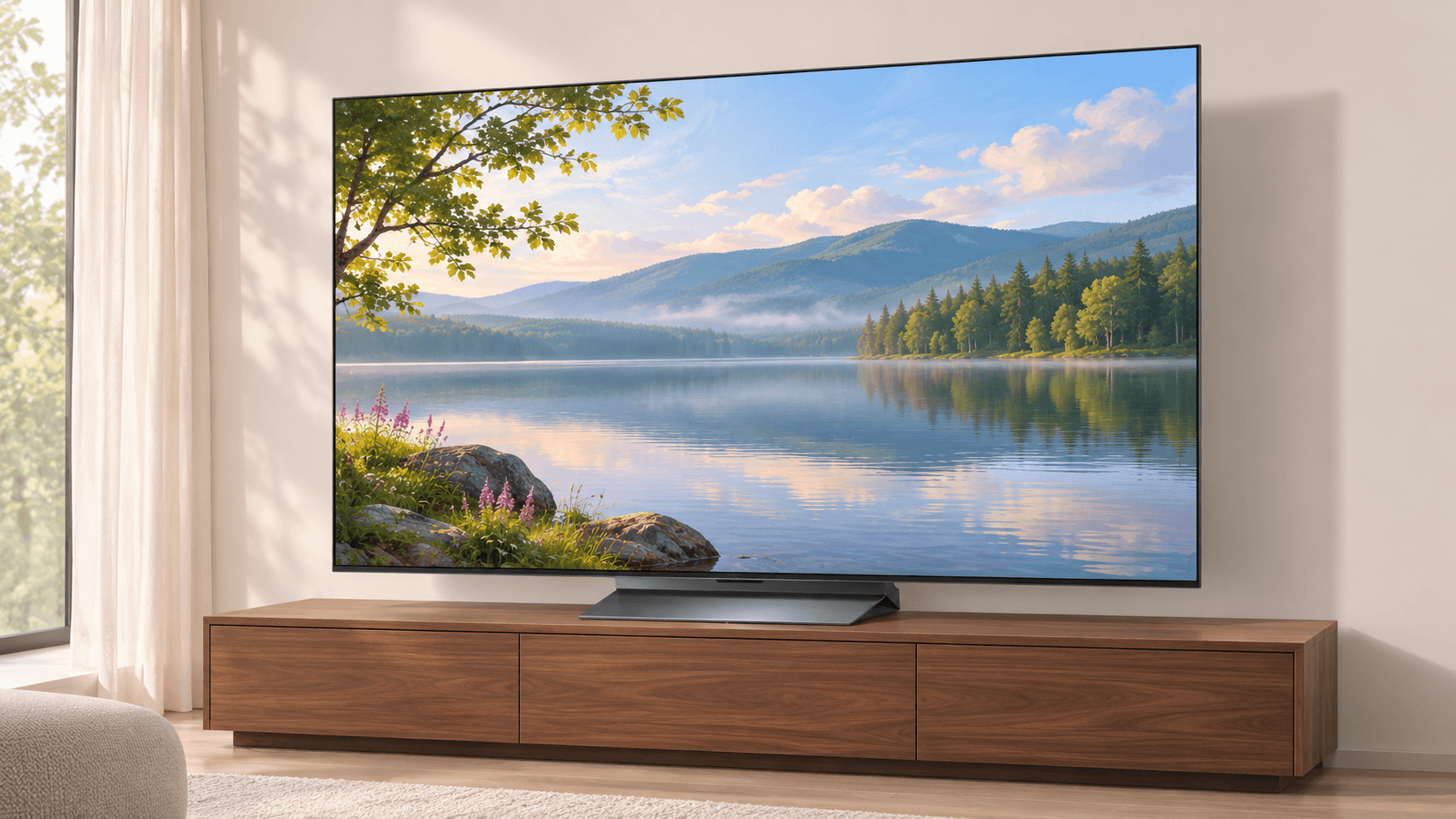
Start with how you plan to install the TV. The selected C5 includes a tabletop stand. The 77-inch G4 includes LG’s slim wall mount and no stand, so furniture placement requires a separate tabletop solution.
The G4’s flatter rear profile is its main design advantage for wall mounting. Recessed cable routing helps keep the installation tidy, and it avoids the C5’s pronounced lower electronics housing. Final wall clearance still depends on the mount, cabling, and wall itself.
Before placing the C5 on a cabinet, check the stand footprint against the available surface and measure any soundbar against the space below the screen. An included stand does not establish that a particular cabinet or audio arrangement will fit.
Keep the mounting advice tied to these models. Some smaller US G4 versions include a stand, and regional bundles differ. For OLED77C5PUA and OLED77G4WUA, the supplied hardware favors tabletop placement on the C5 and wall mounting on the G4.
Performance & Key Features
Both televisions control light at individual pixels, giving them OLED black levels without LCD backlight halos. The G4’s extra hardware targets brightness. The C5 also includes Brightness Booster, so it should not be treated as an OLED without brightness-enhancement features.
The selected 77-inch G4 uses a micro-lens array, or MLA, panel alongside Brightness Booster Max. That is a meaningful hardware distinction from the C5’s Brightness Booster configuration. The relevant buying question is how their output differs in films, games, and ordinary television.
RTINGS’ comparison finds the G4 brighter in HDR and better at retaining HDR brightness in Game Optimizer, while the C5 is brighter in SDR. Those findings favor the G4 for HDR films and games, and the C5 for daytime SDR sports or television under indirect lighting.
Room lighting adds another distinction. In the same comparison, the G4 handles direct reflections better, while the C5 retains deeper-looking blacks in ambient light. Decide whether your room’s main problem is a reflected lamp or general illumination rather than using HDR brightness as a catch-all glare specification.
The G4 uses Alpha 11 processing and the C5 uses Alpha 9 Gen8. Both provide upscaling and Filmmaker Mode. Those shared features do not establish perfect calibration or artifact-free processing, and their availability alone is not a reason to choose one model.
Both have four HDMI 2.1 inputs, VRR, G-Sync compatibility, and AMD FreeSync support. Either can accept up to 4K at 144Hz from a compatible PC; consoles top out at 4K 120Hz. Choose the G4 for its HDR gaming output rather than an extra refresh-rate tier.
Pros & Cons: LG C5
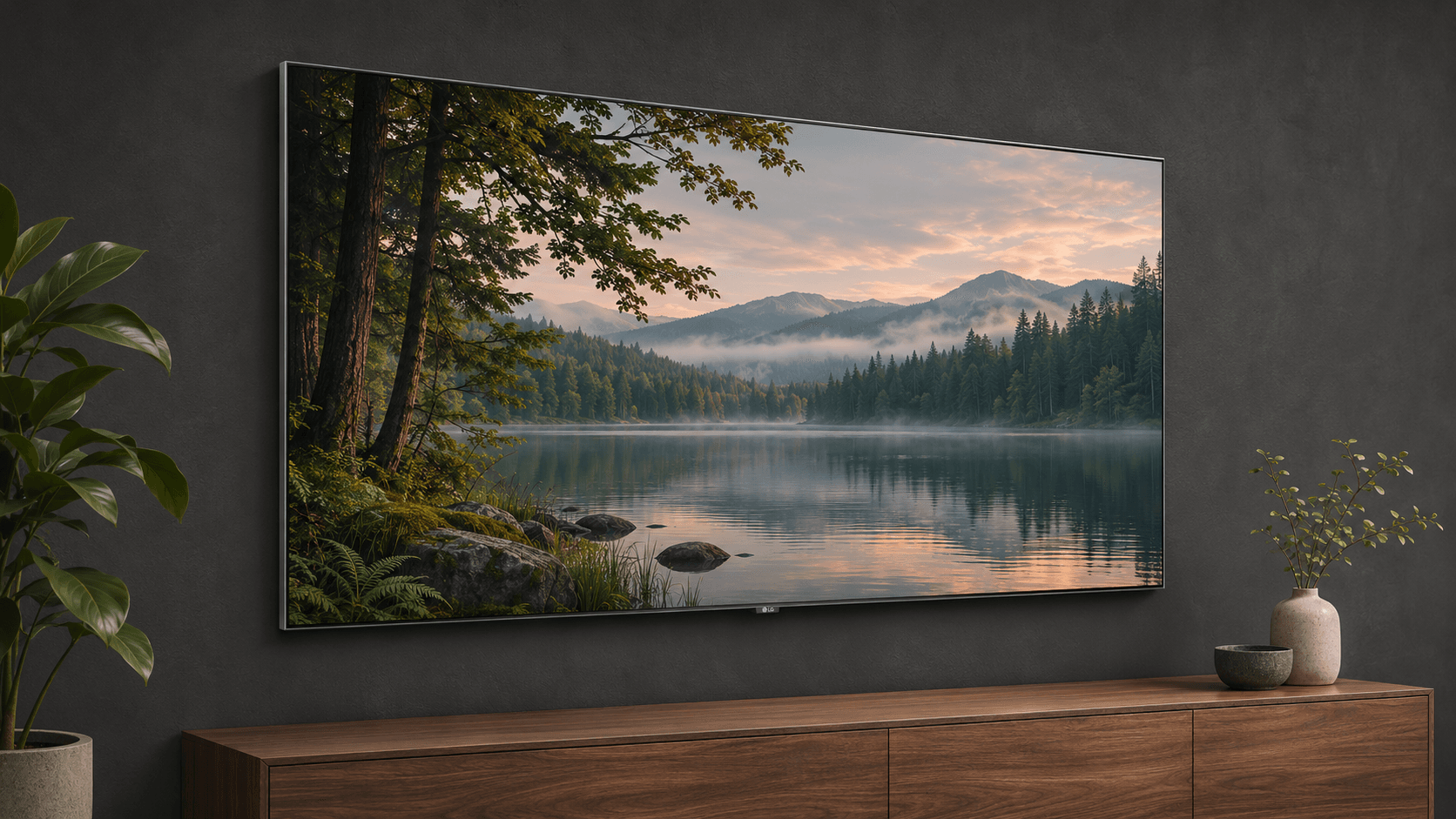
The C5’s clearest practical advantage is the supplied tabletop stand. It also retains the major gaming connections and maximum PC refresh rate offered by the G4. That makes it an easy fit for an existing media console used for films, television, and games.
Its higher SDR brightness strengthens the case for daytime broadcasts under indirect light. In a dark room, both TVs can turn individual pixels off. The G4’s upgrade is brighter HDR output, rather than exclusive access to OLED black levels.
The C5 gives up HDR headroom, particularly in gaming mode. Both sets also carry an OLED risk of permanent image retention from prolonged static content. For value, compare current same-size offers with the mounting hardware and installation costs included; no price gap is assumed here.
Pros & Cons: LG G4
The G4 earns its place through HDR brightness and wall-focused design. Its Brightness Booster Max configuration and MLA panel support the stronger HDR presentation reported in the comparison, keeping the 2024 flagship relevant beside the newer C5.
For gamers, the distinction is brightness retention in Game Optimizer. Both TVs reach the same maximum PC refresh rate, but the G4 delivers the more impactful HDR gaming presentation in RTINGS’ comparison. That is the reason to favor it for HDR-focused play.
The selected 77-inch G4 needs a separate stand for furniture placement. It also trails the C5 in SDR brightness and ambient-light black-level retention. Choose it when stronger HDR and the supplied wall-mount arrangement matter more than those C5 advantages.
Real Buyer Scenarios
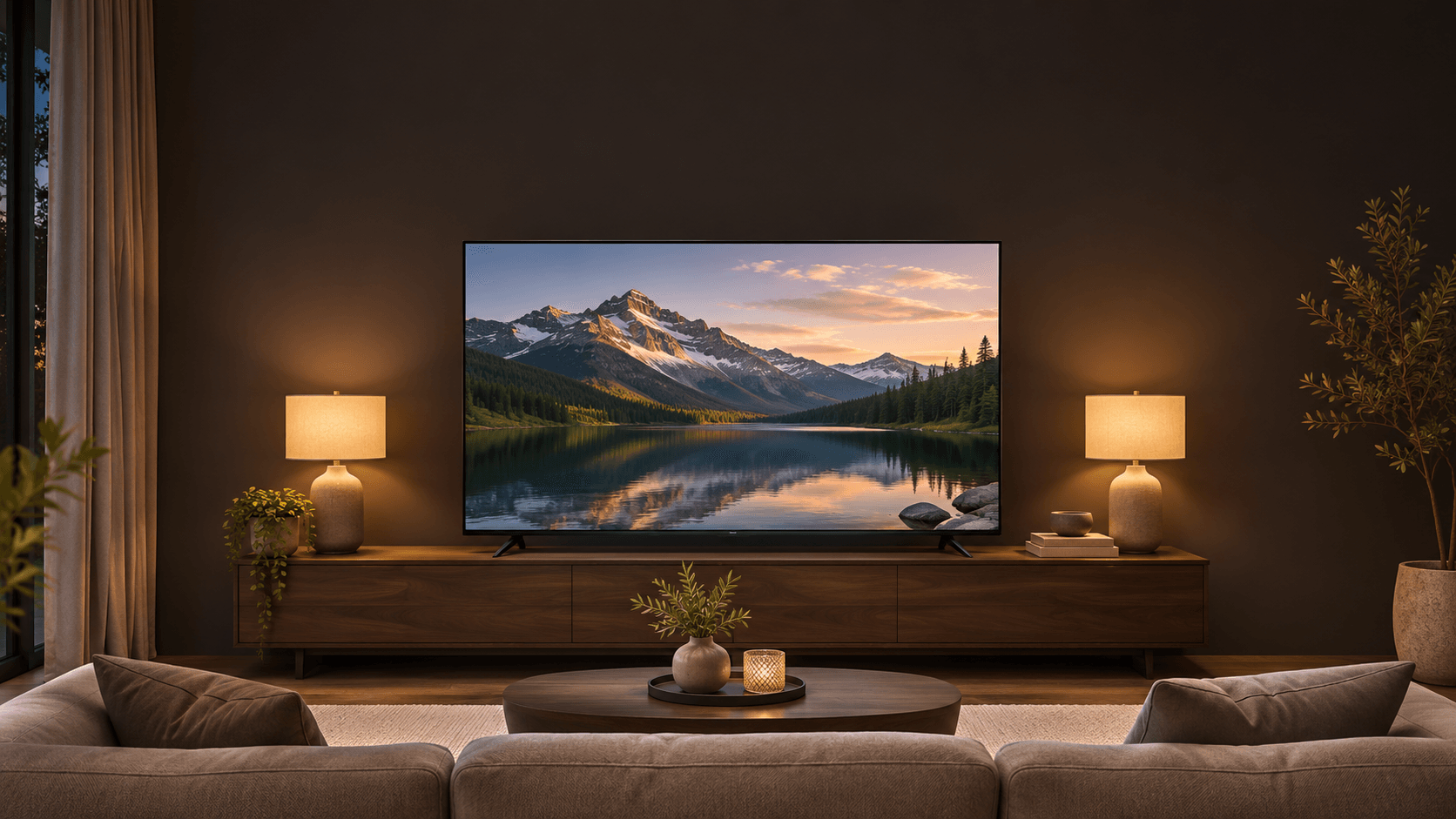
For dark-room films on an existing media console, choose the C5. It supplies OLED blacks, Dolby Vision, and the stand needed for that arrangement. The G4’s brighter highlights remain an upgrade worth considering if HDR impact is the main goal.
For an HDR-focused wall-mounted theater, choose the G4. Its stronger highlights and flatter rear profile both serve that setup. Plan cable access, external audio, and mounting position together so the installation works as well as it looks.
For daytime SDR sports under indirect light, choose the C5. For HDR PC or console gaming, choose the G4 for its brightness behavior in Game Optimizer. A compatible PC can reach the same 144Hz limit on either TV.
Alternatives Worth Considering
Samsung’s S95D is worth comparing when a lamp or window reflects directly in the screen. Its matte finish diffuses reflections differently from the surfaces on these LG models, making screen treatment the specific reason to consider it.
The S95D uses QD-OLED and supports HDR10+ instead of Dolby Vision. Its color-volume profile also differs from these WOLED sets, while ambient light can reduce the depth of its blacks. Choose it for its reflection treatment after weighing those format and lighting trade-offs.
Final Verdict
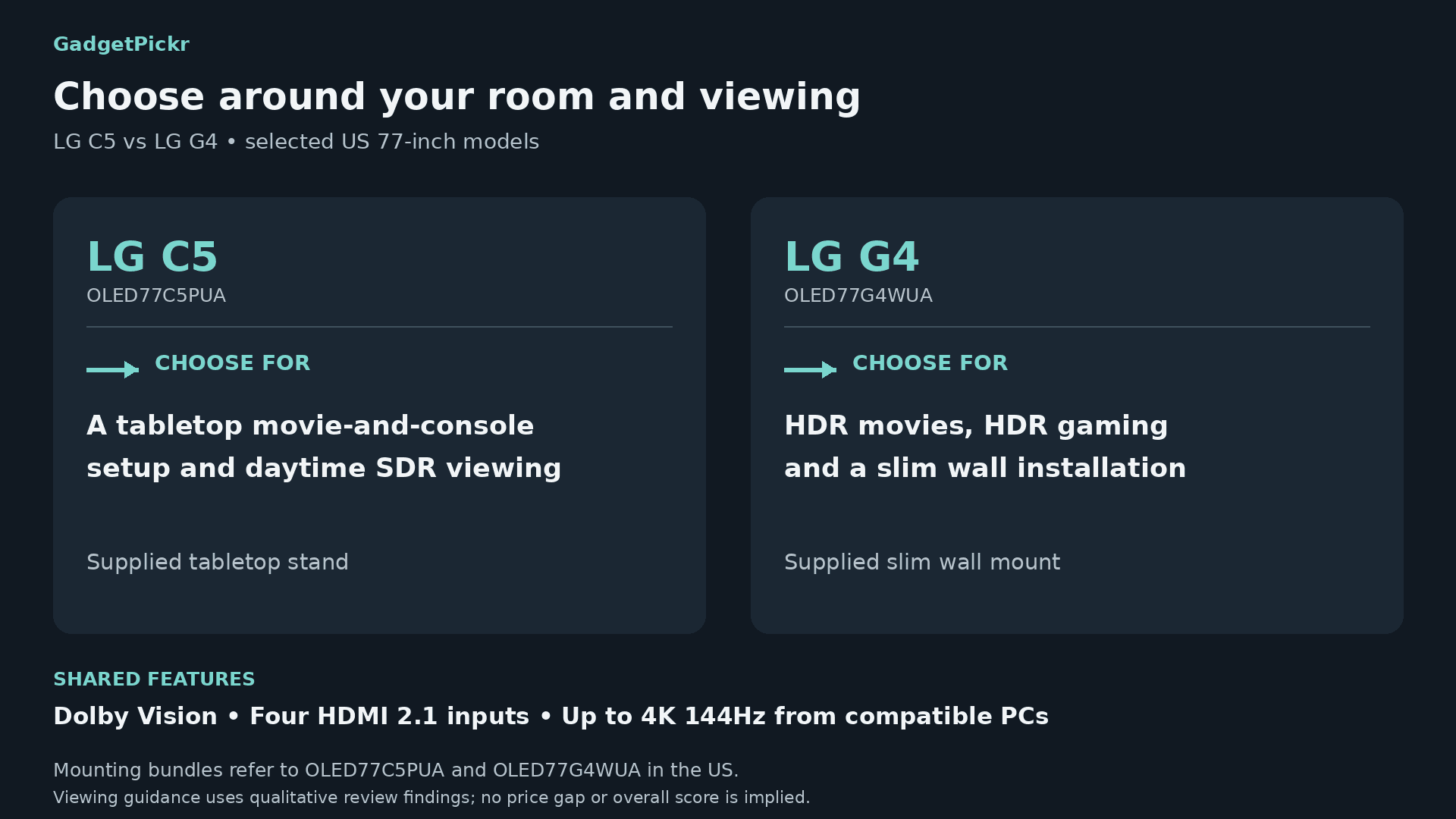
Choose the LG C5 for a straightforward tabletop movie-and-console setup or daytime SDR viewing. The included stand is its clearest practical advantage in this 77-inch comparison, and it retains the G4’s maximum PC refresh rate. Both offer OLED blacks, Dolby Vision, and up to 4K 144Hz from compatible PCs.
Choose the LG G4 for HDR movies, HDR gaming, and a slim wall installation. Stronger HDR output—especially in Game Optimizer—is the main reason to favor it. The C5 wins for the everyday tabletop arrangement; the G4 wins for an HDR-focused wall-mounted setup.
Sources & References
Specifications and claims in this analysis were cross-referenced against the sources below.
- LG G4 77 Inch Class OLED evo AI Smart TV 2024lg.com
- 77 Inch Class LG OLED evo AI C5 4K Smart TV 2025lg.com
- 77 Inch LG OLED evo AI G4 4K Smart TV 2024 - OLED77G4WUAlg.com
- 77 inch LG OLED evo AI C5 4K Smart TV 2025lg.com
- LG OLED77G4WUA TV 195.6 cm (77") 4K Ultra HD Smart TV Wi-Fi ...dolby.com
- 77 inch LG OLED evo AI C5 4K Smart TV 2025 - OLED77C5PUA | LG CAlg.com
- LG C5 vs LG G4: Which OLED TV should you buy?tomsguide.com
- LG OLED evo AI C5 4K 77-Inch Smart TV - OLED77C5PUAabt.com
Frequently Asked Questions
Yes. Both selected models support up to 4K 144Hz from compatible PCs. LG’s native-rate listings and maximum PC mode describe different specifications; neither TV has a maximum PC refresh-rate advantage here.