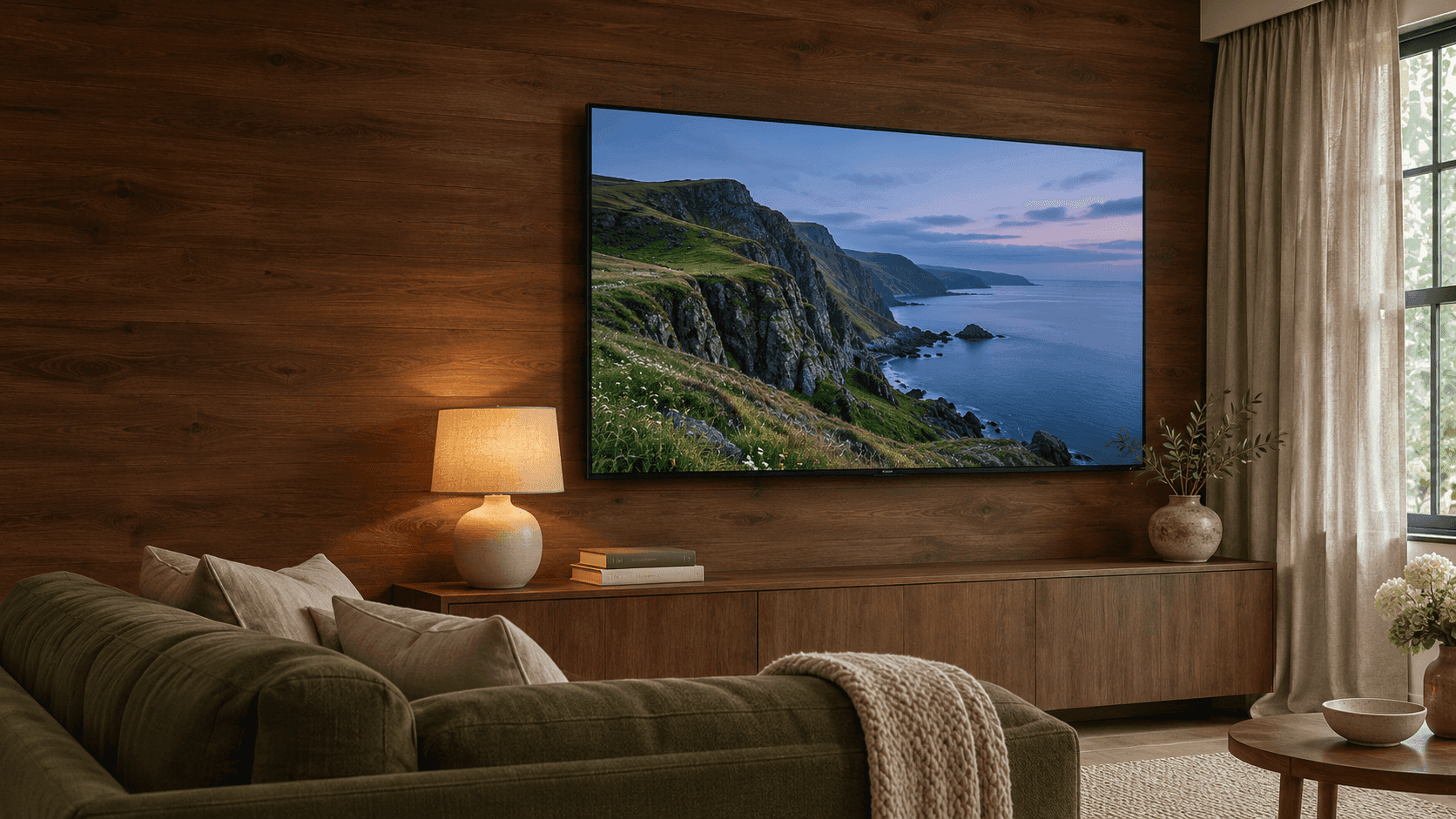
Choose a TV around the light in your room and the way you watch. For films after dark, prioritize black levels and contrast. For afternoon sports beside a window, compare sustained brightness and reflection handling.
Then list your sources. A streaming box, gaming PC and console need different capabilities, and an HDMI version number does not confirm every supported mode. Check the connections each device will use before paying for extra features.
The Quick Take
Start with OLED, such as the LG C4, for dark-room films and pixel-level light control without backlight blooming. Start with high-output Mini LED for regular daytime viewing. Consider projection when a larger image is worth planning the screen, placement and room lighting around it.
How to Choose a TV: Step-by-Step Guide
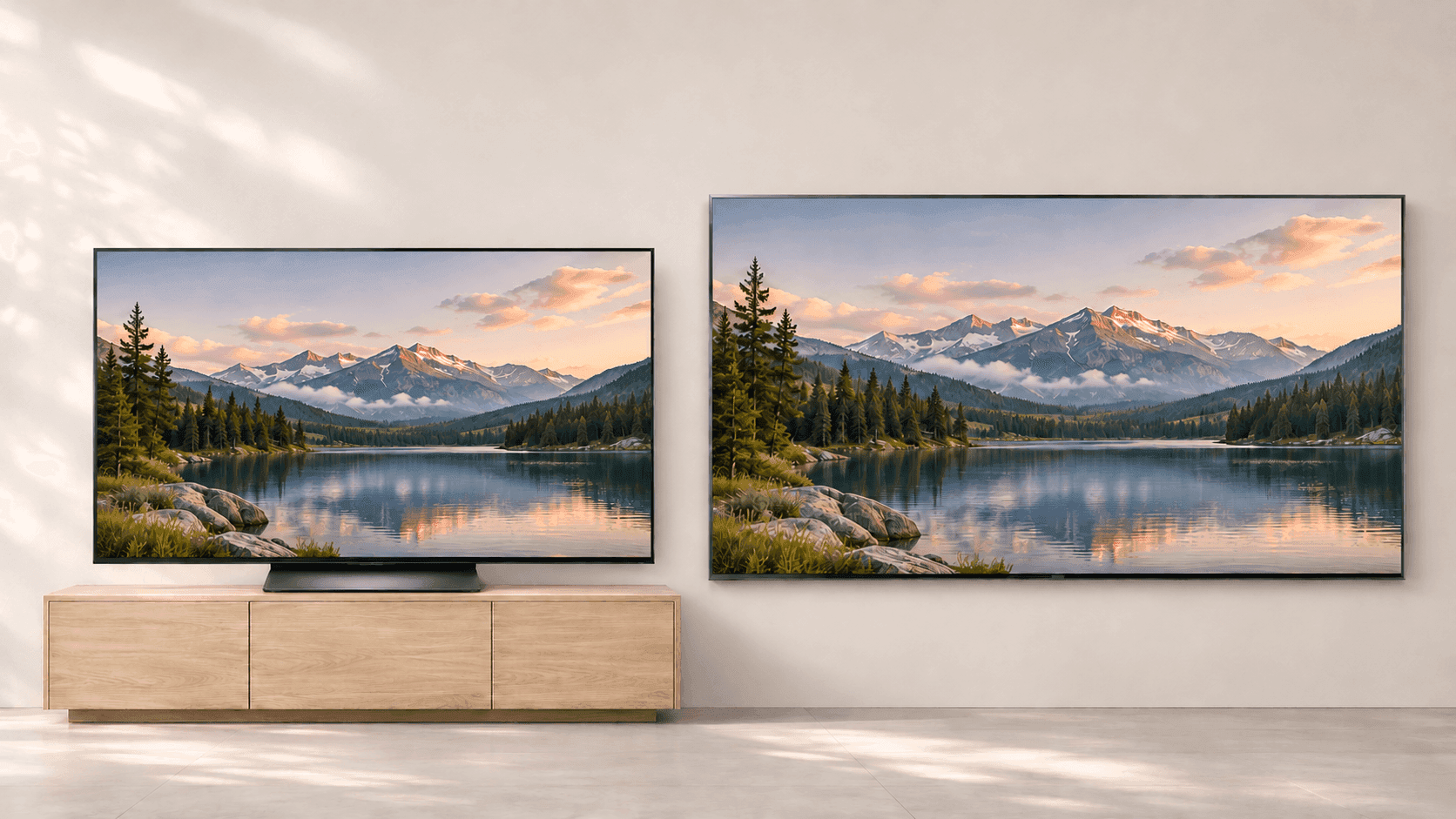
First, measure from your usual seat to the proposed screen position. Tape the outlines of your shortlisted sizes onto the wall, then view them from that seat. Choose a size that fits your preferred field of view without blocking furniture or overwhelming the space. Check the TV's actual cabinet dimensions as well as its diagonal measurement.
Second, match the display to your main viewing hours. OLED models such as the LG C4 and Sony A95L suit evening films because they control light pixel by pixel. For daylight viewing, compare Mini LED sets such as the TCL QM8K and Sony Bravia 9. Their manufacturer claims or peak HDR measurements can reach several thousand nits, but those figures do not describe continuous whole-screen output.
Third, check accepted signals on the inputs you will use. For PS5 and Xbox Series X, look for 4K 120Hz, VRR and ALLM. A 144Hz mode is relevant to compatible PCs. For PC adaptive sync, the Samsung S85H illustrates FreeSync Premium and G-SYNC compatibility; confirm the refresh modes and specifications of your regional variant separately.
If a soundbar will receive audio through the TV, check eARC and the supported audio pass-through formats. eARC can carry lossless Dolby TrueHD-based Atmos, but the TV and audio system must both support the signal you intend to use.
Recommended product categories
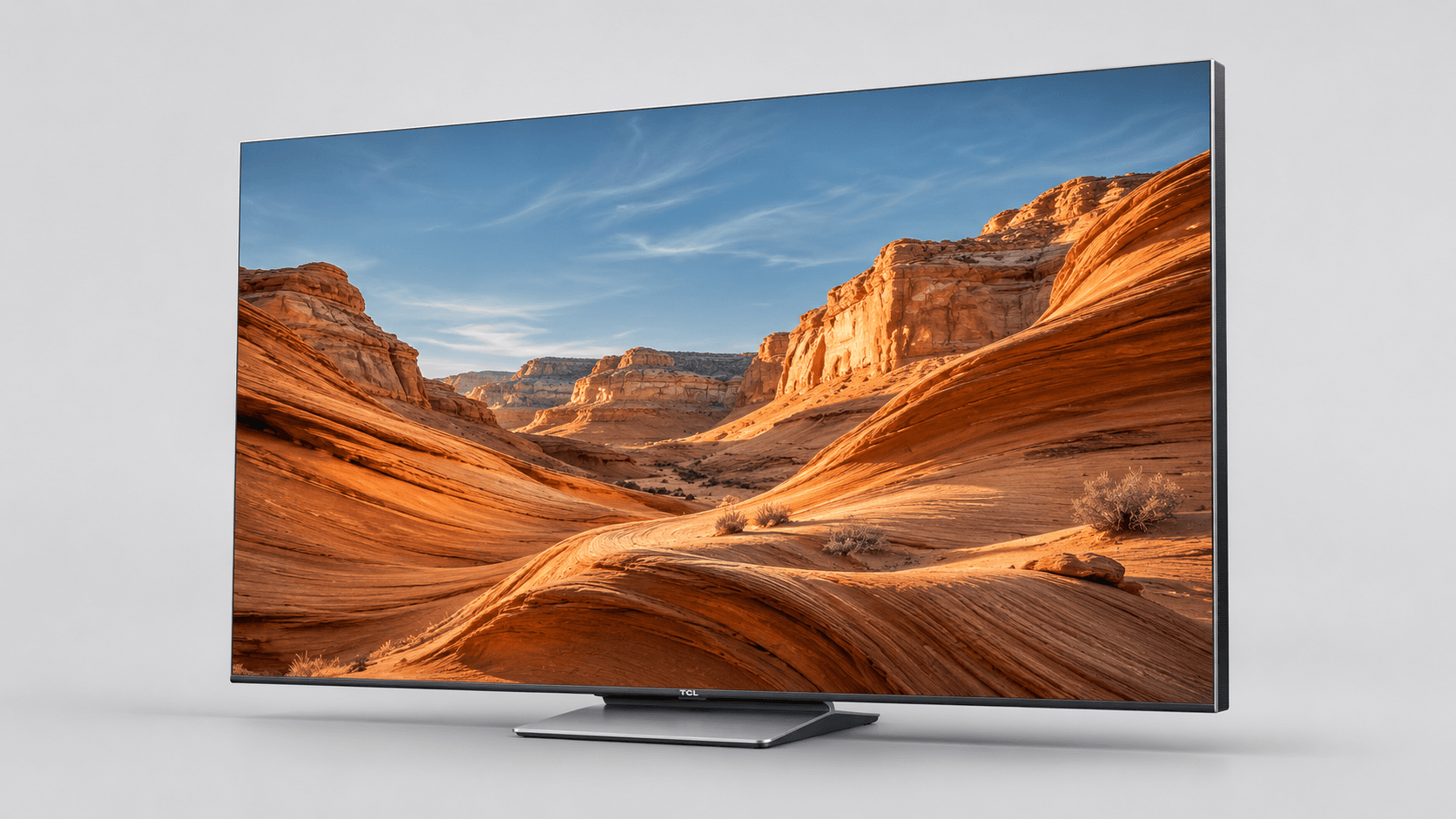
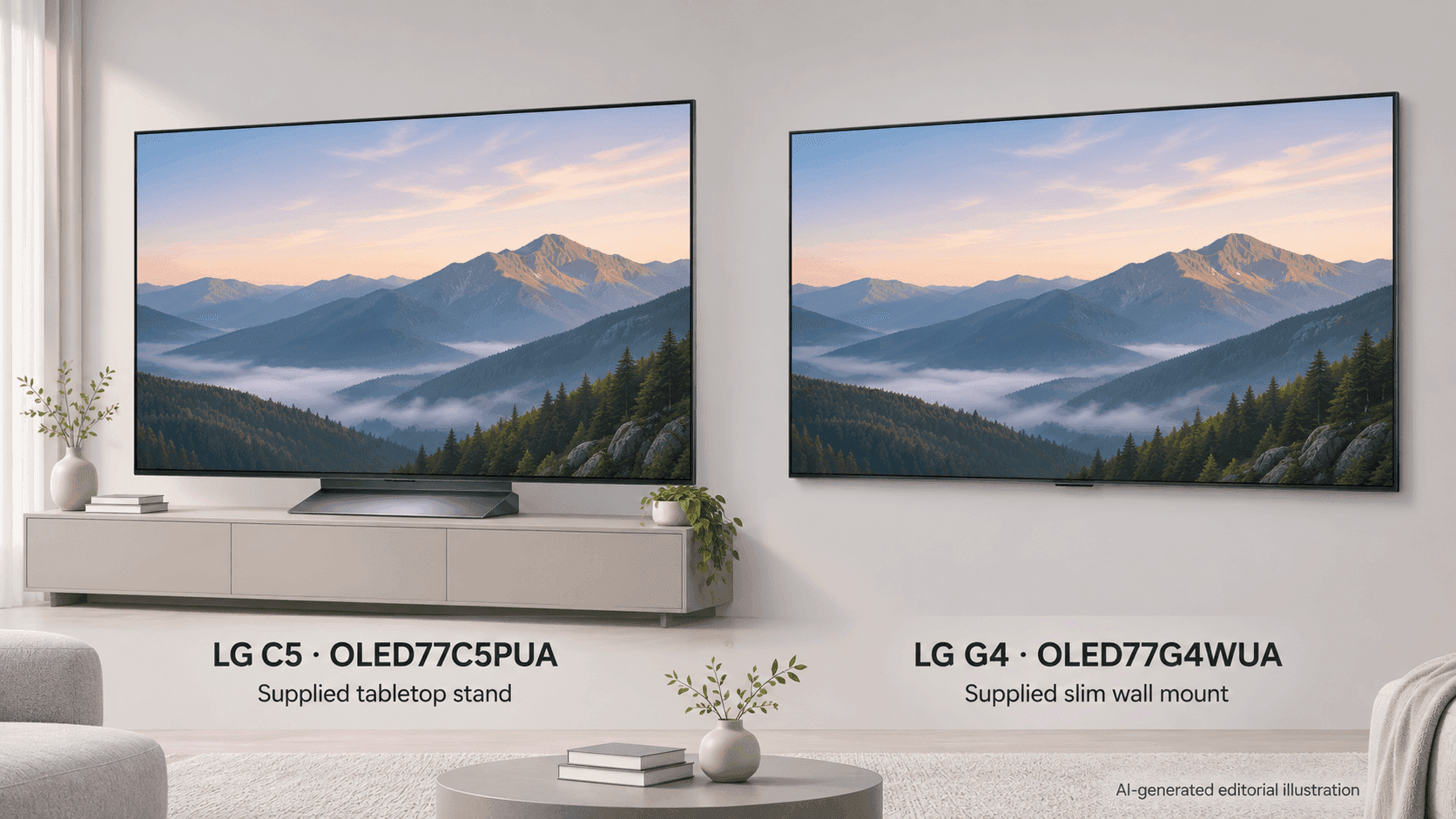
Choose OLED when dark scenes and clean subtitle edges are priorities. Its self-lit pixels avoid the halos that local-dimming backlights can produce. Brightness still varies within the category: the 77-inch LG G4, with Brightness Booster Max and Alpha 11 processing, is an example to compare when you want a brighter OLED. Check the exact size's performance.
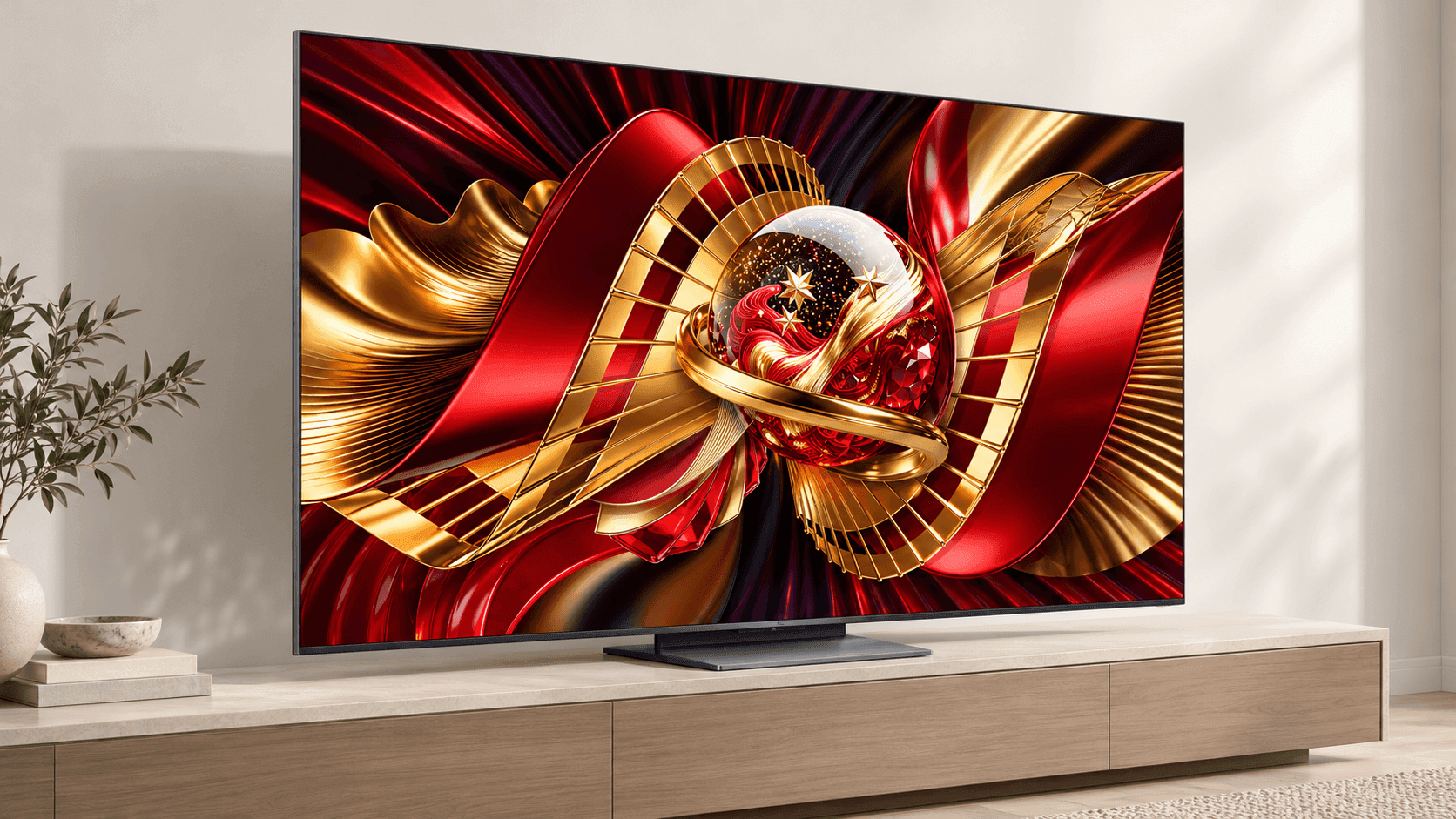
Choose high-output Mini LED for a family room used heavily during daylight. The Sony Bravia 9 and TCL QM8K use local dimming to control bright and dark areas. Compare reflection tests alongside brightness measurements, especially if a window faces the screen.
Choose projection when image size justifies a more involved installation. Compare the total cost of the projector, screen and mounting with a TV that provides your desired image size. Check the projector's supported image range and match any ambient-light-rejecting screen to its throw type.
Common mistakes
A bright room needs a lighting plan before it needs a projector. An ambient-light-rejecting screen helps, but surrounding light still affects the image. For a dark theater, inspect subtitle-blooming tests when comparing Mini LED with an OLED such as the LG C4 or Samsung S90F.
Count suitable HDMI inputs rather than sockets alone. On the Bravia 9, eARC occupies one of the two high-bandwidth inputs. A soundbar therefore leaves fewer direct connections for high-refresh gaming. The LG C4 and G4 illustrate why four HDMI 2.1 inputs can be useful when several gaming sources stay connected.
Ignore motion-rate branding when checking gaming modes. Find the native refresh rate and accepted input signals in the specification sheet. Motion interpolation generates extra frames through processing; it does not increase the frame rate supplied by a game, and it can add delay or artifacts.
Buying checklist
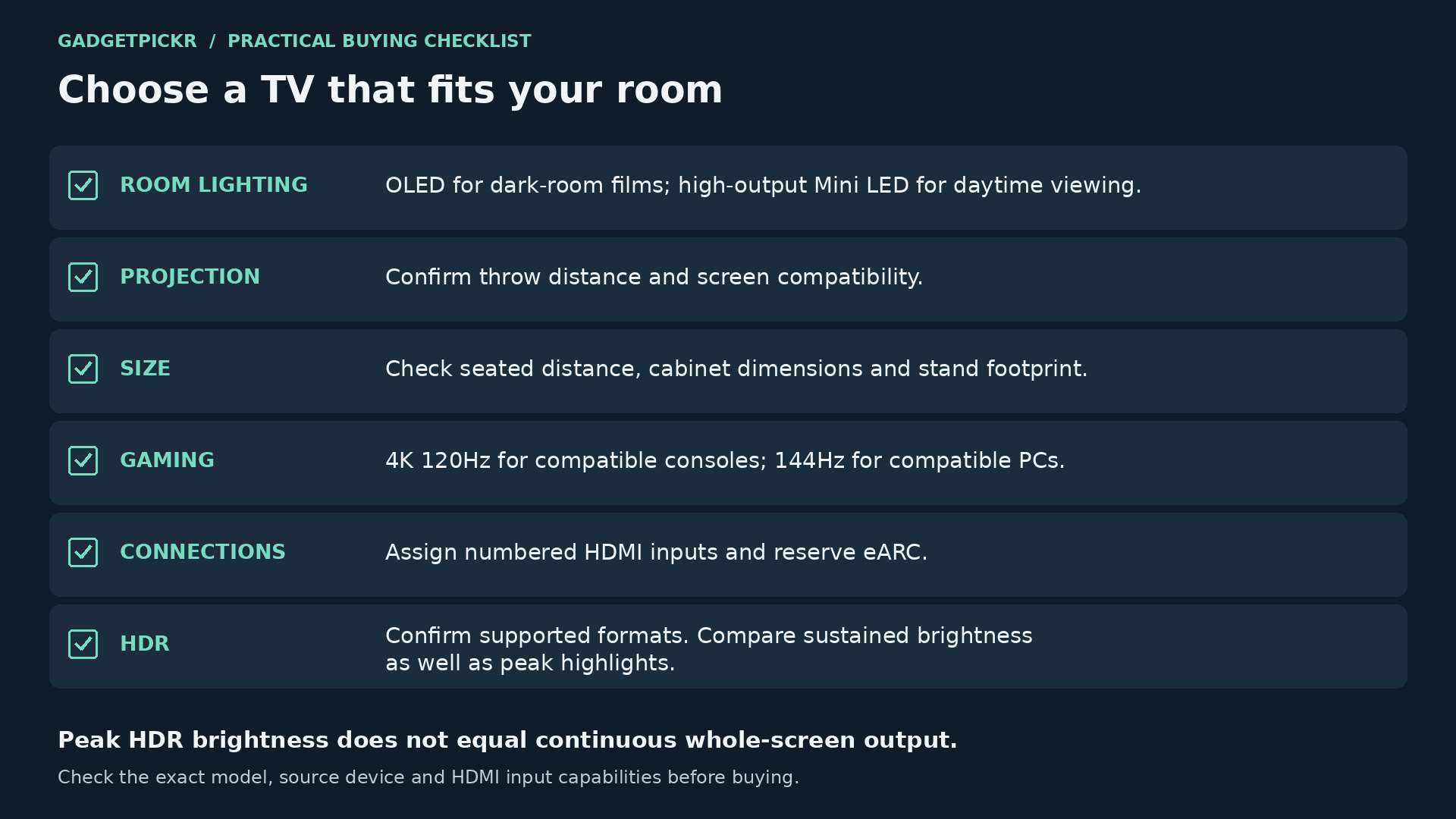
Open the exact model's specification sheet and connection diagram. Match the manufacturer's model code to the retailer listing before comparing features or ordering.
Fit: Check cabinet dimensions, stand width and depth, wall-mount pattern and included mounting hardware. For projection, consult the manufacturer's throw-distance table and confirm screen compatibility.
Lighting and HDR: Find the panel technology, local-dimming description, reflection treatment and named HDR formats. For daytime sports, compare sustained brightness measurements. For films, examine HDR highlights and blooming rather than relying on the highest advertised nit figure.
Inputs: Assign every source to a numbered HDMI port, reserving eARC if the soundbar needs it. Confirm 4K 120Hz or PC 144Hz, VRR and ALLM on those specific inputs. Check restrictions on using features together.
Ownership: Read the regional warranty and return terms, then confirm stock and the final delivered price. For clearance models, compare those terms with the replacement model before deciding.
Recommended Products
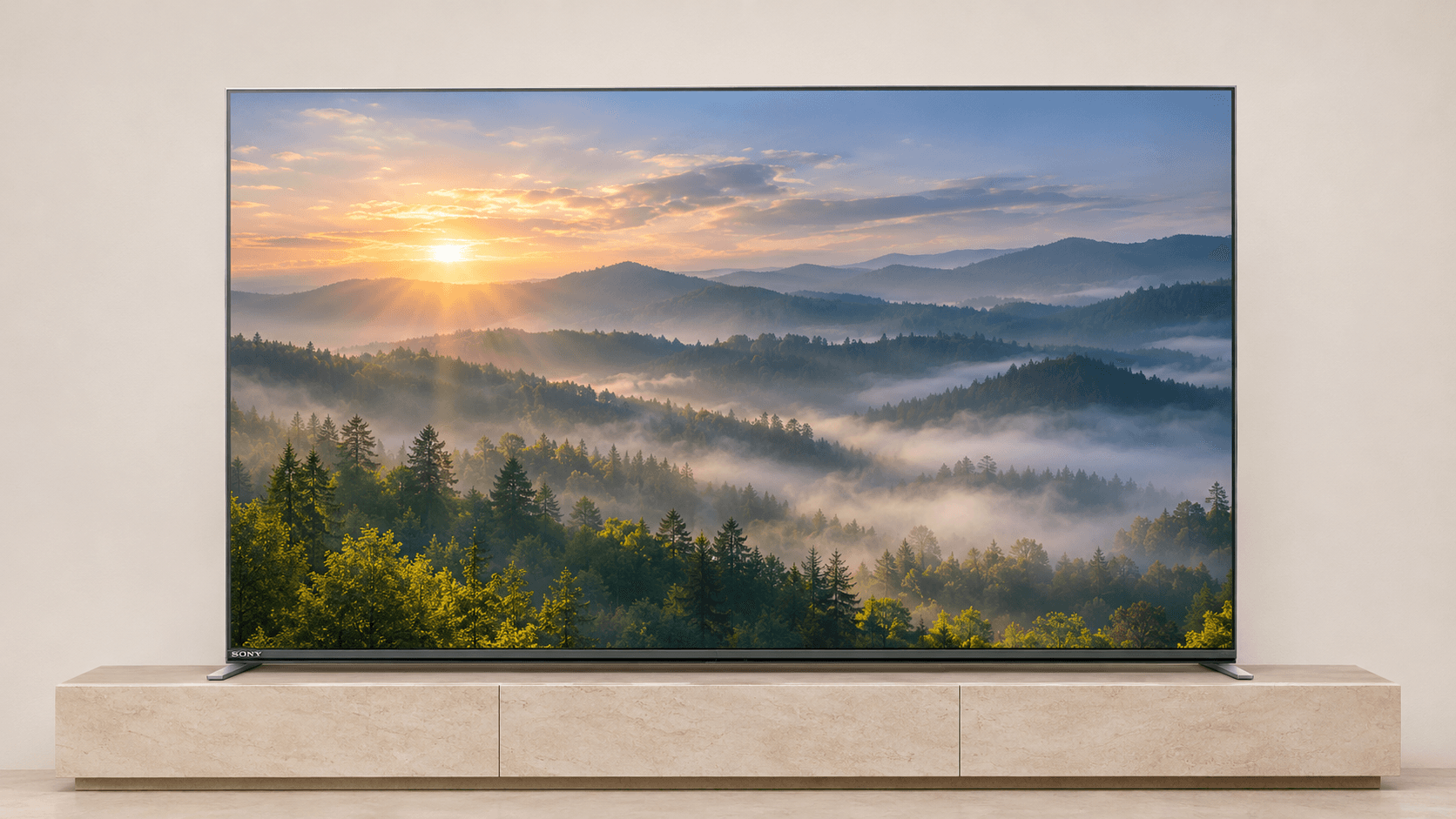
These two Mini LED examples show how a specific requirement changes the shortlist: 144Hz PC input or daytime broadcast viewing.
TCL QM8K
Consider the 65QM8K for a bright shared room with a gaming PC. Its manual requires VRR to be enabled for 144Hz input, so confirm that your source supports the intended mode.
Pros
- Mini LED local dimming for bright-room viewing
- 4K 144Hz input with VRR enabled
- Dolby Vision and HDR10+ support
Cons
- Only two inputs support high-refresh 4K
- 144Hz requires a compatible source and VRR
Sony Bravia 9
Consider the K-65XR90 for daytime broadcasts and streaming when 120Hz gaming meets your needs. Sony's US store marked the model as no longer available; check retailer stock before planning a purchase.
Pros
- Mini LED backlight with local dimming
- 4K 120Hz and VRR support
- Dolby Vision support and XR processing
Cons
- eARC shares a high-bandwidth gaming input
- Direct reflections still need managing
Knowing how to choose a TV means matching the display to the job: OLED for dark-room films, high-output Mini LED for daytime viewing, and projection when image scale warrants the installation. Confirm size, placement and source connections before deciding which specification is worth paying for.
Sources & References
Specifications and claims in this analysis were cross-referenced against the sources below.
- A95L Series BRAVIA XR 4K HDR OLED | TVssony.co.uk
- Best 4K, QLED & Mini LED Smart TVsus.tcl.com
- TCL Smart TVs: 4K, QLED & Mini LED | TCL US – TCL North Americaus.tcl.com
- Costco vs Sam's Club vs BJ's Wholesale TV Buying Guide ...shopback.com
- Sony Televisions | OLED TVs & LED TVselectronics.sony.com
- The Best TVs We’ve Reviewed in 2026: Sony, Samsung ... - WIREDwired.com
- 75 in. - 85 in. TVs at Sam’s Clubsamsclub.com
- A95Lシリーズ | テレビ ブラビアsony.jp
Frequently Asked Questions
Start with high-output Mini LED for regular daytime viewing, then compare reflection handling. OLED is a strong starting point for evening films or controlled lighting. A window reflected directly in either screen still needs attention to placement or room lighting.