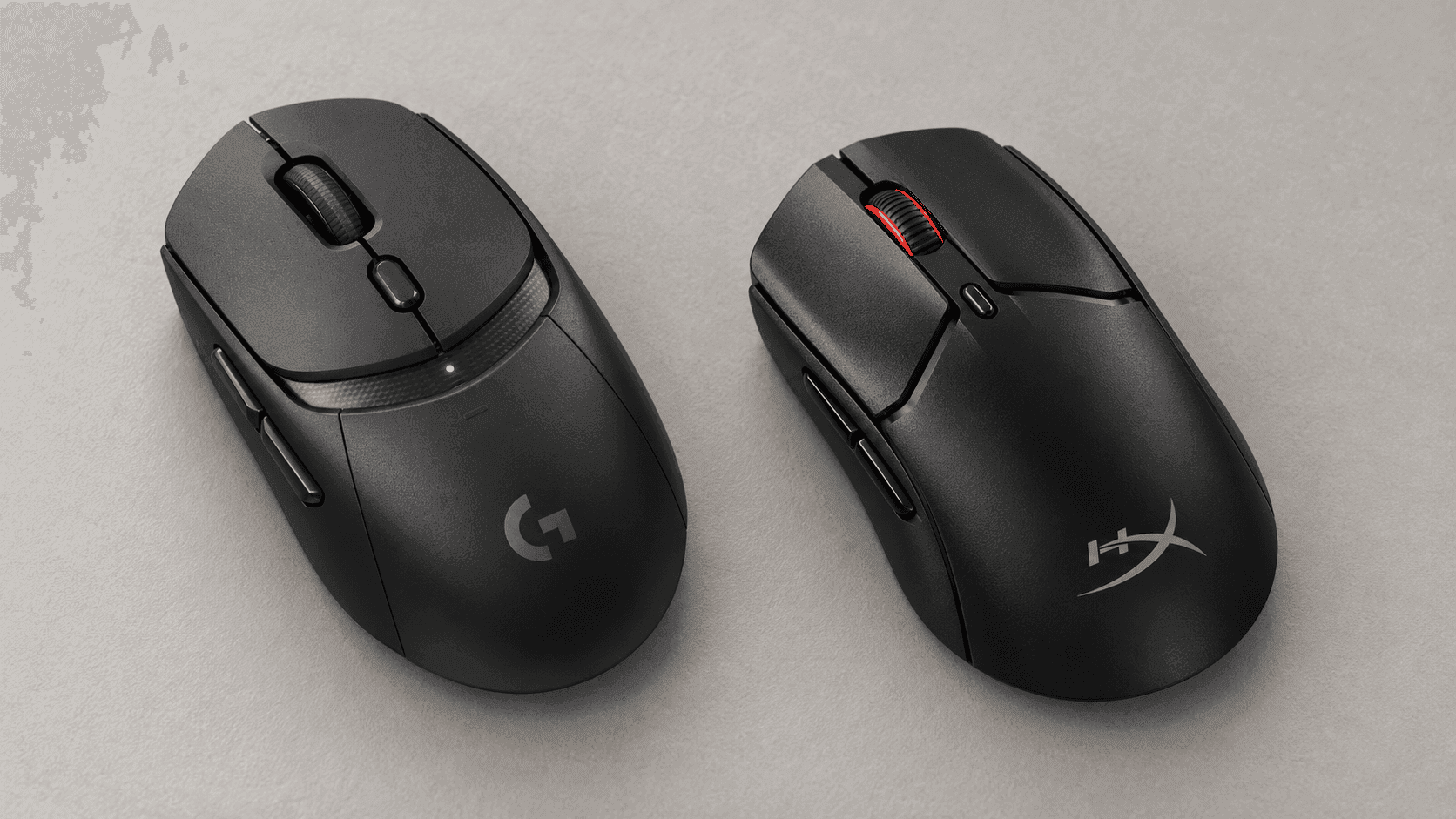
In a fast game, a mouse you can control comfortably beats whatever giant DPI number is printed on the box. That's really what the Logitech G309 vs HyperX Pulsefire Haste 2 Mini decision comes down to. One is roomier and runs for ages between battery swaps. The other is smaller and a lot lighter. Both do 2.4 GHz wireless and Bluetooth, but they handle power, and the space under your hand, in very different ways.
The G309 runs on a single replaceable AA battery, or on no battery at all if you pair it with Logitech's PowerPlay mat (sold separately). HyperX builds a rechargeable battery into the Haste 2 Mini and includes a USB-C cable you can keep playing on while it charges. If you have smaller hands and use a fingertip or claw grip, start with the HyperX. If you'd rather not think about charging and want more shell under your palm, start with the Logitech.
The Quick Take
Go with the Haste 2 Mini for a small-hand FPS setup. At 59 g, it's 27 g lighter than the G309 with its AA installed, and you can plug it in if the battery dies. Go with the G309 if you want a bigger grip and much longer wireless use, especially if you already own a PowerPlay mat. Logitech rates it at more than 300 hours on one AA over 2.4 GHz.
Logitech G309 Lightspeed
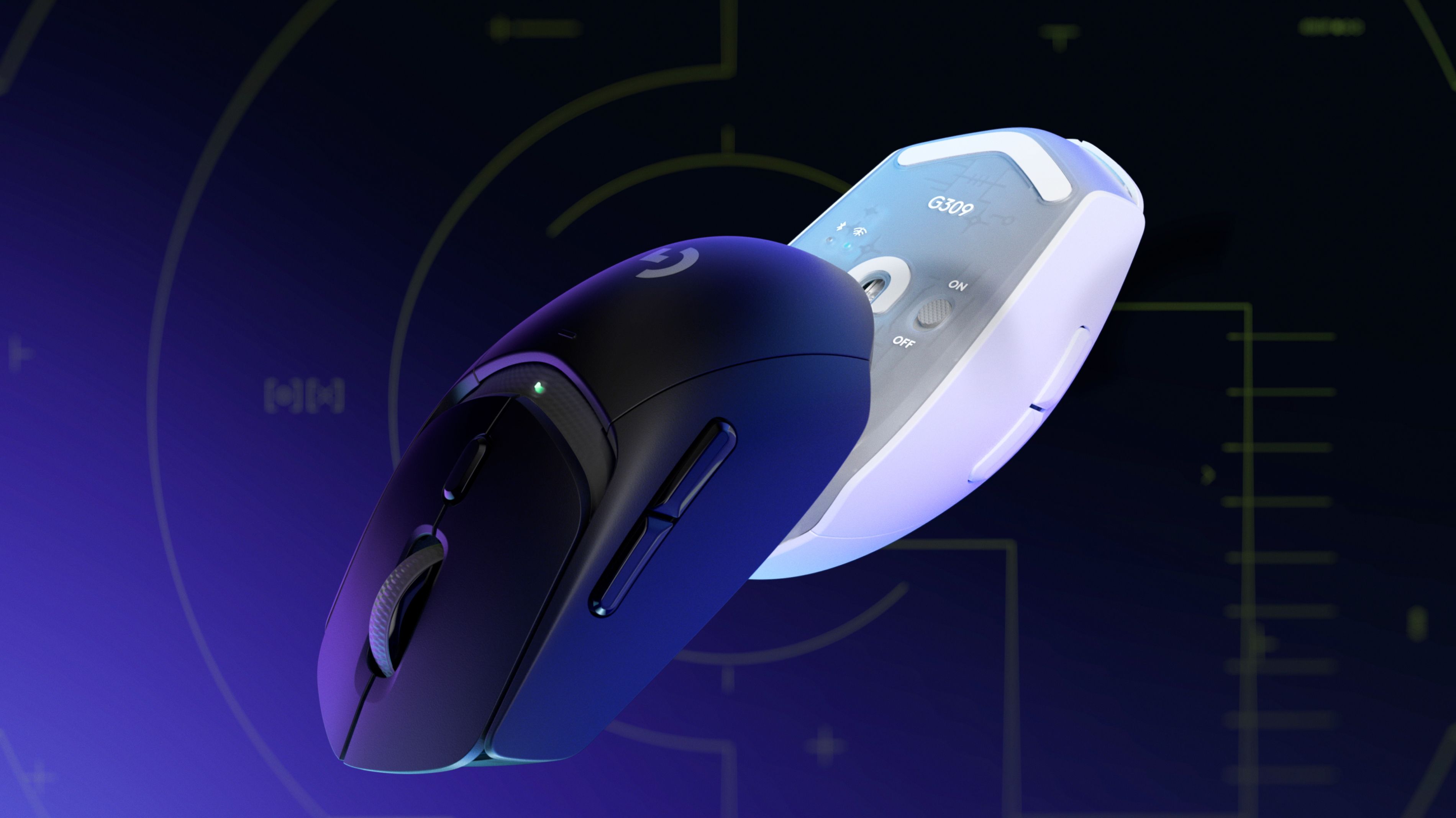
A roomier wireless mouse for long sessions and rare battery swaps.
Check Price on AmazonHyperX Pulsefire Haste 2 Mini
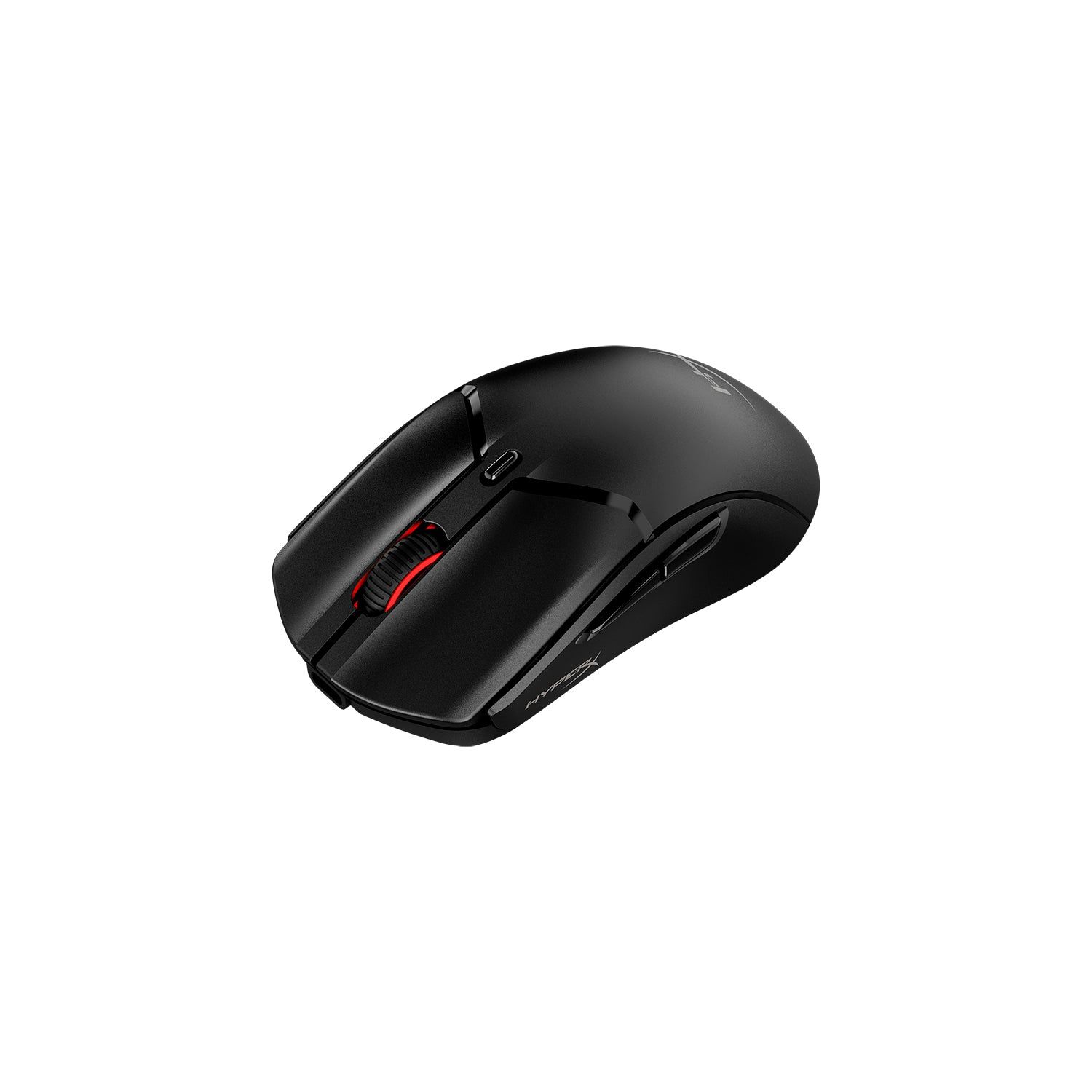
A small, light mouse for claw and fingertip grips.
Check Price on AmazonLogitech G309 vs HyperX Pulsefire Haste 2 Mini: Specs
Weight is the headline number, but read it alongside the power setup. Logitech's 68 g figure only applies if you take the AA out and use a compatible PowerPlay mat. HyperX's 59 g is just the mouse, battery included. Both are rated for up to 1,000 Hz polling over their gaming wireless connection.
| Spec | Logitech G309 Lightspeed | HyperX Pulsefire Haste 2 Mini |
|---|---|---|
| Weight | 86 g with AA; 68 g on PowerPlay | 59 g |
| Power | One AA, or optional PowerPlay wireless charging | Built-in rechargeable battery |
| Wired mode / charging port | None | USB-C for wired play and charging |
| Rated battery life | 300+ hours on Lightspeed (AA) | Up to 100 hours per charge |
| Sensor | HERO 25K | HyperX 26K |
| Max tracking speed | 400+ IPS | 650 IPS |
| Max DPI | 25,600 | 26,000 |
| Max acceleration | 40+ G | 50 G |
| Main switches | LIGHTFORCE hybrid optical-mechanical | HyperX switches, rated for 100 million clicks |
| Wireless | Lightspeed 2.4 GHz and Bluetooth | 2.4 GHz and Bluetooth 5.1 |
| Polling rate | Up to 1,000 Hz (Lightspeed) | Up to 1,000 Hz |
| Programmable buttons | Six (G HUB) | Six (NGENUITY) |
| Best for | Bigger desk setups and long sessions | Small hands, FPS games, and travel |
Specifications as published by Logitech.
Design & Build Quality
The G309 measures 120 mm long and 64 mm wide, so there's simply more mouse to hold than on the 116.6 × 61.9 mm Haste 2 Mini. Logitech's shell is roughly symmetrical, with a noticeable hump at the back and side buttons on the left for a right-handed thumb. That gives palm grippers more to rest on, though fit is always personal. The shorter HyperX makes more sense if you steer the mouse with your fingers instead of laying your whole hand on it.
With the included AA inside, the G309 weighs 86 g. PowerPlay brings that down to 68 g by replacing the battery with wireless charging, but the mat costs extra and only works at the desk it's on. There's also no USB port at all, so you can't plug in a cable to rescue a dead battery.
HyperX says the Mini is 16 percent smaller than the regular Pulsefire Haste 2 Wireless, and unlike some ultralight mice, it uses a solid shell with no holes. At 59 g, it's 27 g lighter than a stock G309. You won't feel that much in a single swipe, but you will over hundreds of lifts in a long match. The battery charges over USB-C, and you can keep playing with the cable plugged in.
Neither shape suits everyone. Someone with large hands may run out of mouse on the Mini, while someone used to tiny fingertip mice might find the G309 bulky with an AA inside. For travel, the HyperX's lower weight and cable backup are hard to beat. On a fixed desk with a PowerPlay mat, though, the battery-free G309 becomes a much more interesting option.
Performance & Key Features
Both sensors have far more headroom than you'll need at normal gaming sensitivities. Logitech lists the HERO 25K at up to 25,600 DPI and over 400 IPS. HyperX rates its 26K sensor at up to 26,000 DPI and 650 IPS. Those are maximums, though. They don't mean the HyperX will make you aim better, or that the G309 will lose track of a fast flick.
Both mice hit up to 1,000 Hz polling on their gaming wireless link, and both can switch to Bluetooth for laptops and other devices. Logitech uses LIGHTFORCE hybrid optical-mechanical switches for the main buttons and gives you six programmable buttons in G HUB. HyperX uses its own switches rated for 100 million clicks, also offers six programmable buttons (set up in NGENUITY), and adds a small RGB lighting element the G309 doesn't have.
Power is where they really split. Logitech rates the G309 for more than 300 hours on one AA over Lightspeed, and over 600 hours on Bluetooth. Add a PowerPlay mat and it charges continuously while it sits on your desk. HyperX rates the Mini for up to 100 hours per charge, but its USB-C wired mode means a flat battery never takes it out of action.
That wired backup matters far more than the gap between 25,600 and 26,000 DPI. A laptop player can carry one cable for both charging and playing, while a G309 owner away from a PowerPlay mat needs a spare AA. Neither approach is better across the board. One takes charging out of your routine, and the other means you're never buying disposable batteries.
Pros & Cons: Logitech G309 Lightspeed
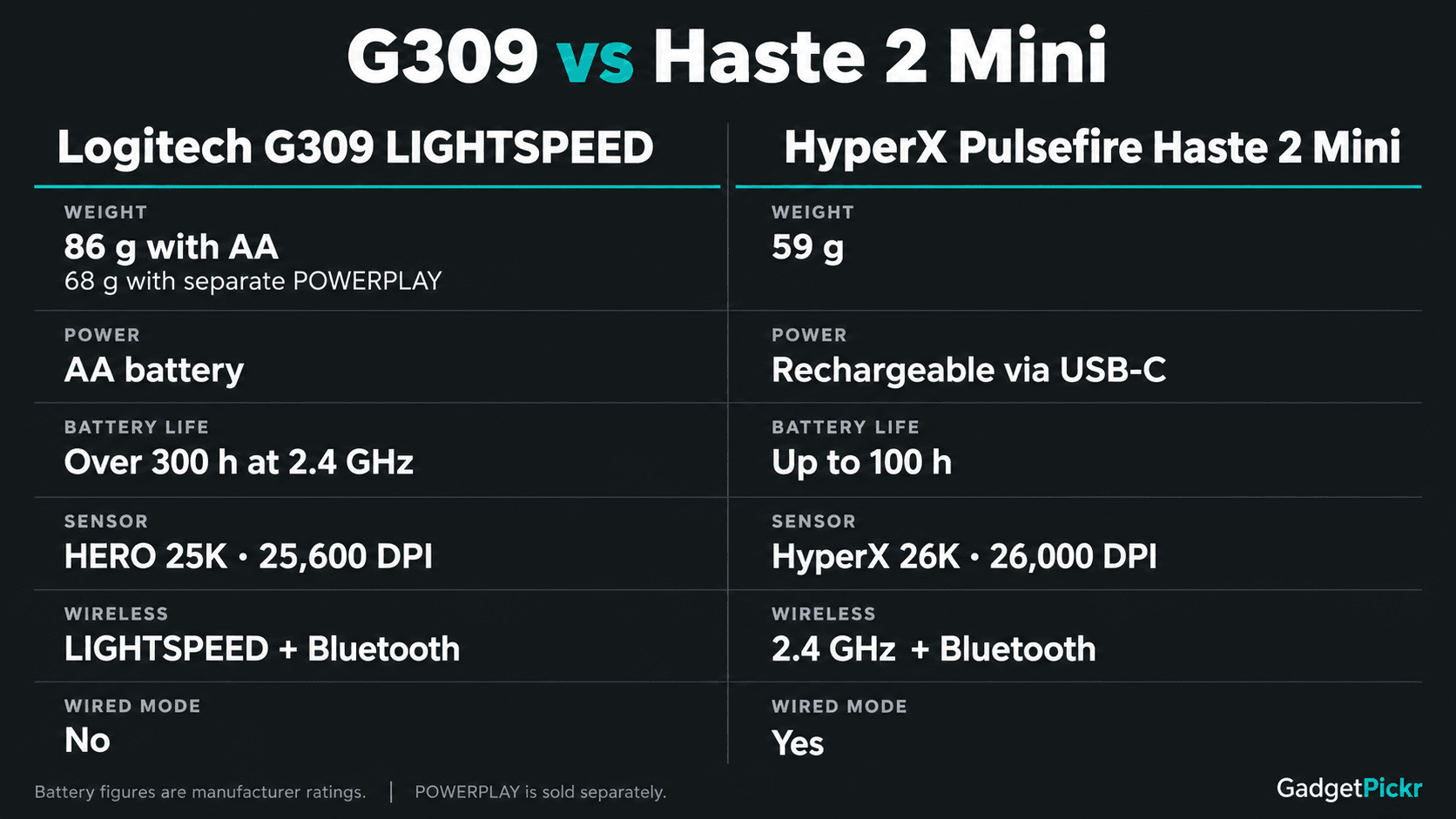
The G309's biggest strength is simple: it lasts a very long time. With more than 300 rated hours over Lightspeed, you won't swap the AA often, and Logitech says Bluetooth stretches that past 600 hours for lighter use. If you have a PowerPlay mat, you can ditch the battery entirely and get the mouse down to 68 g.
Its HERO 25K sensor, 1,000 Hz polling, and LIGHTFORCE switches make for a solid core without piling on gimmicks. Six programmable buttons cover the usual game binds, and the bigger shell is the safer pick if a 59 g mini mouse sounds cramped. RTINGS' testing also found strong click and sensor response, though that doesn't mean the shape will suit every hand.
That convenience has a cost. With an AA inside, the G309 weighs 86 g, 27 g more than the HyperX, and getting to 68 g means buying a separate mat. There's no wired mode or USB charging either, so away from the mat, you need a working AA or a spare.
Pros & Cons: HyperX Pulsefire Haste 2 Mini
If you use a claw or fingertip grip and have smaller hands, the Mini's compact shell and 59 g weight are the main draw. Between the 2.4 GHz receiver, Bluetooth, and USB-C wired mode, you can use it on a gaming PC, a second device, or with a dead battery without switching mice. HyperX includes a charging cable and grip tape in the box, and NGENUITY lets you remap all six buttons and adjust DPI and RGB lighting.
On paper, the sensor is excellent: 26,000 DPI, 650 IPS, and 50 G max acceleration. The main switches are rated for 100 million clicks, but that's a durability spec, not a promise about every unit off the line. And none of those numbers matter if the mouse doesn't fit your hand. If you can't hold it securely, it's the wrong mouse no matter what the spec sheet says.
The downsides are just as clear. Up to 100 hours per charge is well short of Logitech's AA rating, and the small body may leave a large-handed palm gripper without enough support. You'll need NGENUITY to customize buttons and lighting, and there are no extras like a tilt wheel. This is a mouse built around being small, light, and simple.
Which One Fits Your Setup?
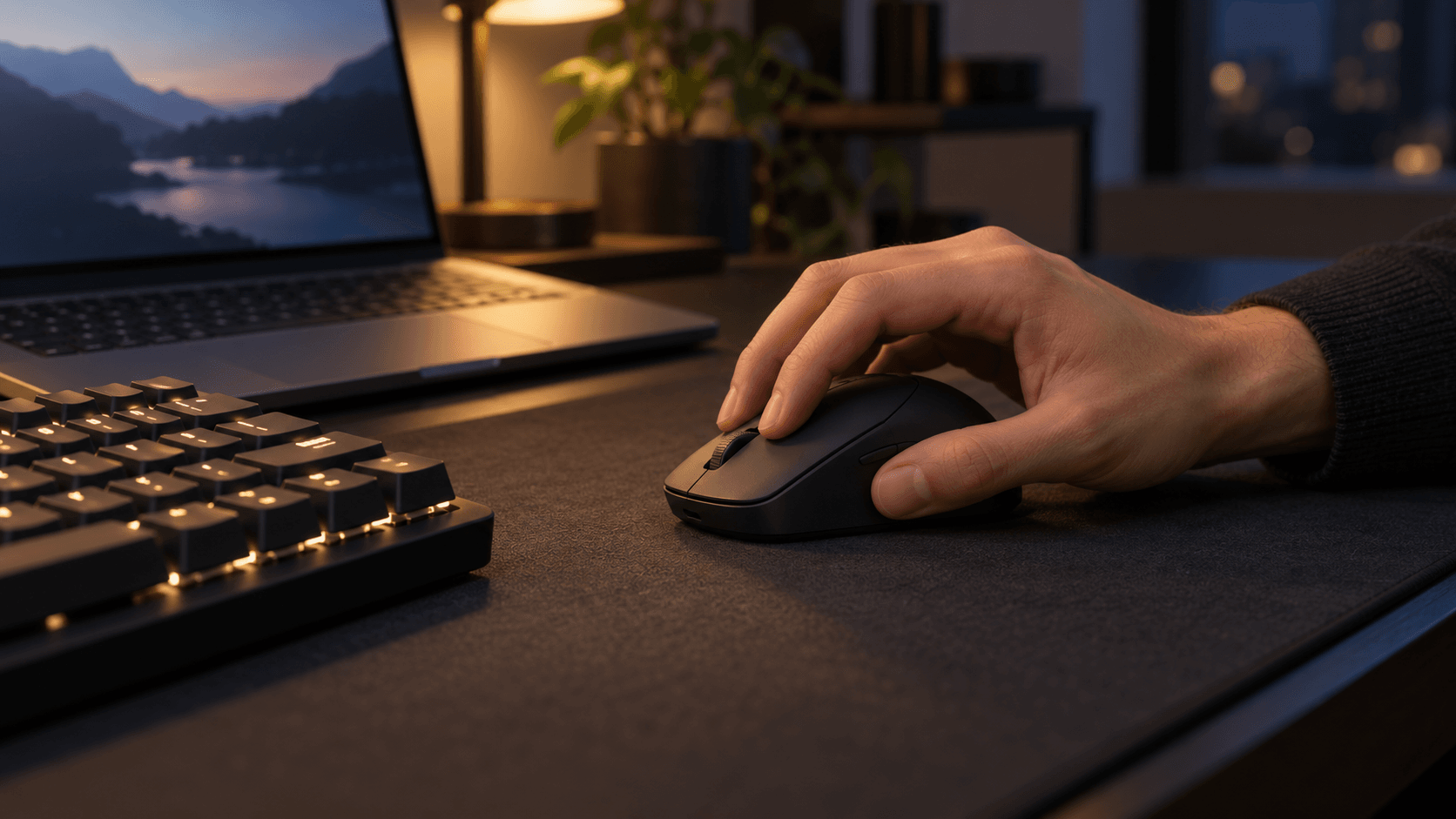
Say you game on a laptop in a dorm room, or carry your setup between desks. If your hand suits a short shell and you play at low sensitivity, lifting the mouse constantly, the Haste 2 Mini is the better pick. 59 g is a big drop from the stock G309. USB-C wired play has your back when you show up with a dead battery, and Bluetooth covers a second machine.
Now picture a full-size desk where the mouse never moves, used for work during the day and long gaming sessions at night. Here, the G309 makes more sense if you want more hand contact and don't want another device to plug in. One AA goes a long way. And if that desk already has a PowerPlay mat, the 68 g battery-free setup cuts the weight gap to just 9 g, with no charging cable involved.
For a bigger palm grip, the G309 is the safer of the two because it's longer and wider, though trying a mouse in person is always worth it if you can. For a smaller fingertip grip, the Mini's short, light body is the obvious fit. You don't need to look at max DPI to make this call.
Alternatives Worth Considering
If you like the HyperX but want a full-size body, the Pulsefire Haste 2 Pro is the step up. It weighs 61 g, supports up to 4,000 Hz wireless polling, and uses optical switches, but you lose the Mini's smaller footprint. The Pulsefire Fuse is HyperX's budget pick with dual wireless modes. At 75 g with a AAA battery and a 12,000 DPI sensor, though, it's no substitute for the Mini's low weight.
Razer's Orochi V2 is worth a look if you want a compact travel mouse that takes either an AA or AAA battery and supports both 2.4 GHz and Bluetooth. That puts it somewhere between these two in terms of power. Just note that its advertised sub-60 g weight doesn't include the battery, so compare real, ready-to-use weights instead of headline numbers.
Final Verdict
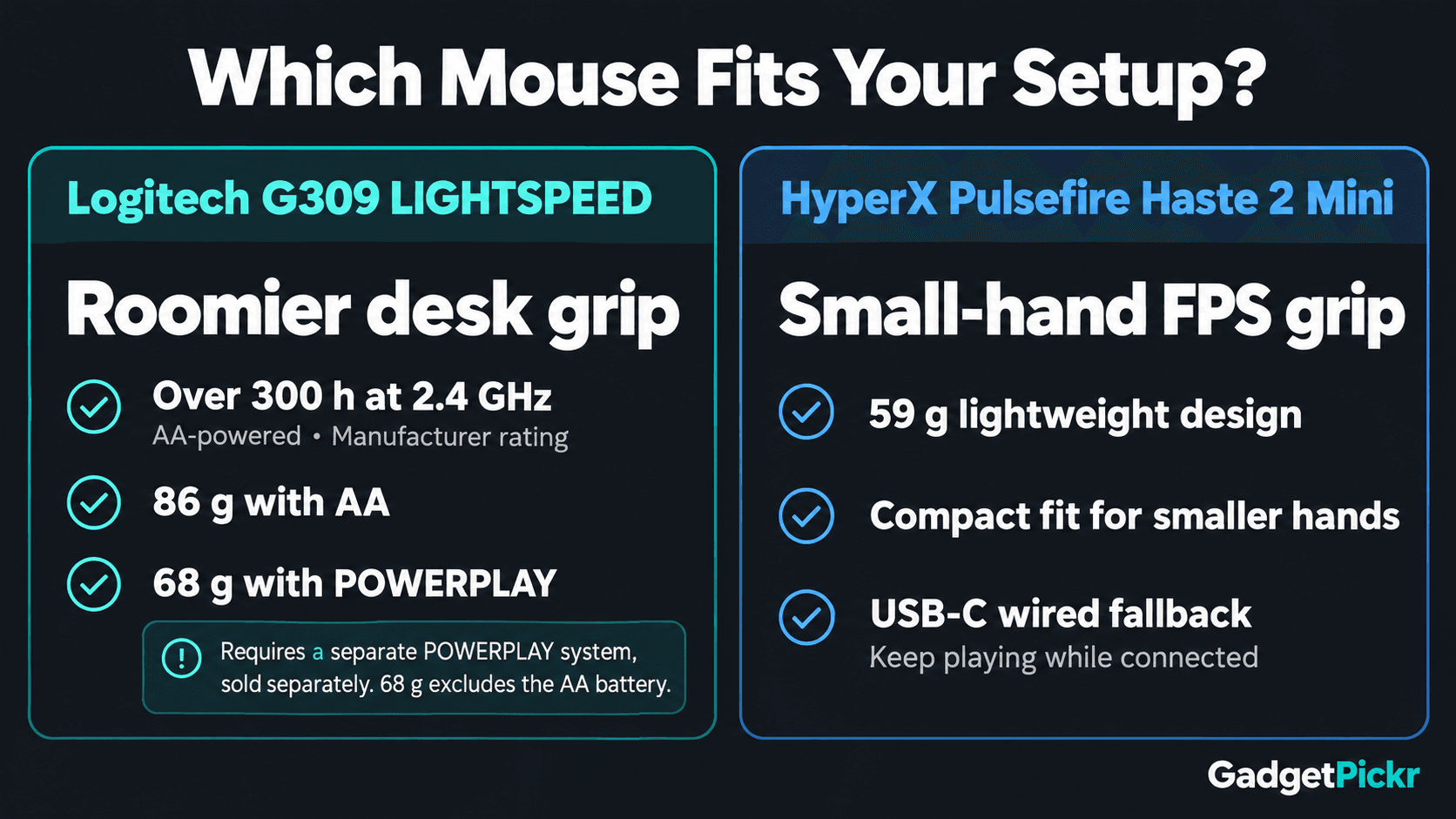
Pick the HyperX Pulsefire Haste 2 Mini if you want a mouse for small-hand FPS gaming or travel. Its 59 g weight and USB-C wired backup are the strongest reasons to buy it. Pick the Logitech G309 if you want a roomier desk mouse that rarely needs a new battery. If you already own a PowerPlay mat, it also becomes surprisingly light without an AA inside.
The trade-offs are simple enough. The G309 is 27 g heavier with its AA, and PowerPlay costs extra. The Haste 2 Mini needs charging more often and gives a big palm less to hold onto. Choose the power setup and shell size that suit how you play, and don't let the sensor specs decide it for you.
Sources & References
Specifications and claims in this analysis were cross-referenced against the sources below.
- HyperX Pulsefire Haste 2 Mini - Wireless Gaming Mouse ...hp.com
- HyperX Pulsefire Haste 2 Mini - Wireless Gaming Mouse (Black) - HPhp.com
- HyperX Pulsefire Haste 2 Mini | Wireless Gaming Mouserow.hyperx.com
- Specification - G309 LIGHTSPEED Gaming Mouse – Logitech ...support.logi.com
- G309 LIGHTSPEED Bluetooth Gaming Mouse - Logitech Glogitechg.com
- HyperX Pulsefire Haste 2 Mini - Wireless Gaming Mouse (Black) (7D388AA)hp.com
- HyperX Pulsefire Haste 2 Mini - Wireless Gaming Mouse (White) - HPhp.com
- HyperX Pulsefire Haste 2 Mini Wireless White Gaming Mouse (7D389AA)hp.com
Frequently Asked Questions
The HyperX Pulsefire Haste 2 Mini, at 59 g with its built-in battery. The Logitech G309 weighs 86 g with an AA. Its 68 g figure only applies with the battery removed and a compatible PowerPlay mat.


