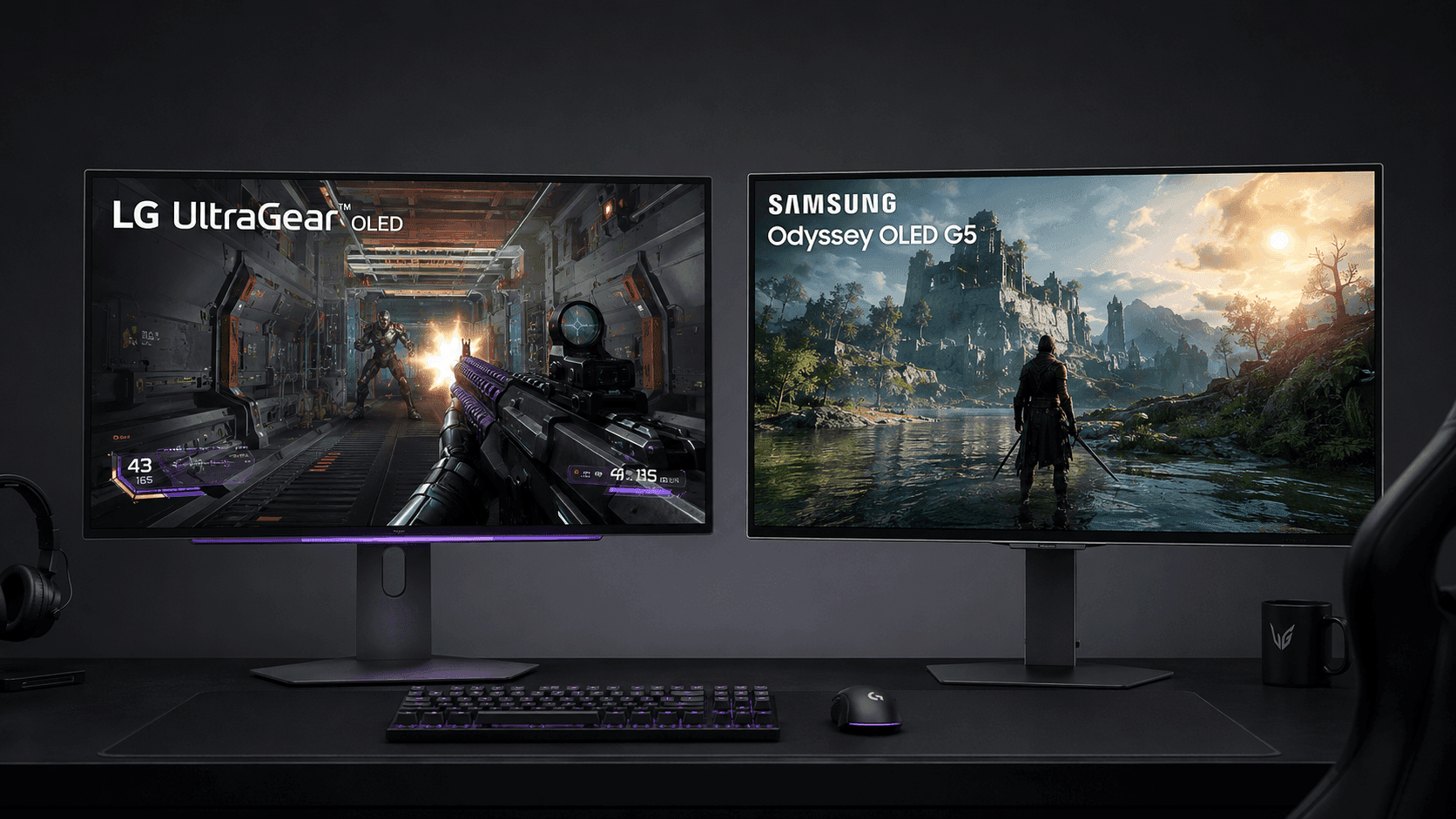
Fast pixels or true blacks? Anyone shopping a high-refresh 1440p screen used to pick one and live with the other. That compromise is over. Both of these panels are self-emitting, meaning every pixel makes its own light and switches off completely when a scene goes dark — and yet the two displays end up with sharply different personalities. Here is the short version of the LG UltraGear OLED vs Samsung Odyssey QD-OLED G5 question. LG's 27GX700A-B runs a W-OLED panel at up to 280Hz with a 0.03ms pixel response time, a spec sheet written for people who play ranked. Samsung answers with a 27-inch QD-OLED panel at 180Hz and the same 0.03ms response figure, betting on color instead of refresh headroom. Quantum dot layers and white-OLED color filters treat bright highlights and stray room light differently, so your lighting and your game library matter more here than any spec-sheet bragging rights. Competitive shooters, or cinematic single-player nights? Answer that and the decision makes itself.
The Quick Take
Genre decides this one. Competitive players chasing every frame of motion clarity should take the LG UltraGear OLED — its 280Hz ceiling is 100Hz of extra headroom over the 180Hz alternative, and that shows up in fast-twitch multiplayer titles like Apex Legends and Overwatch 2. Everyone else, keep reading.
LG UltraGear OLED
Check Price on AmazonSamsung Odyssey QD-OLED G5
Check Price on AmazonLG UltraGear OLED vs Samsung Odyssey QD-OLED G5: Specs Compared
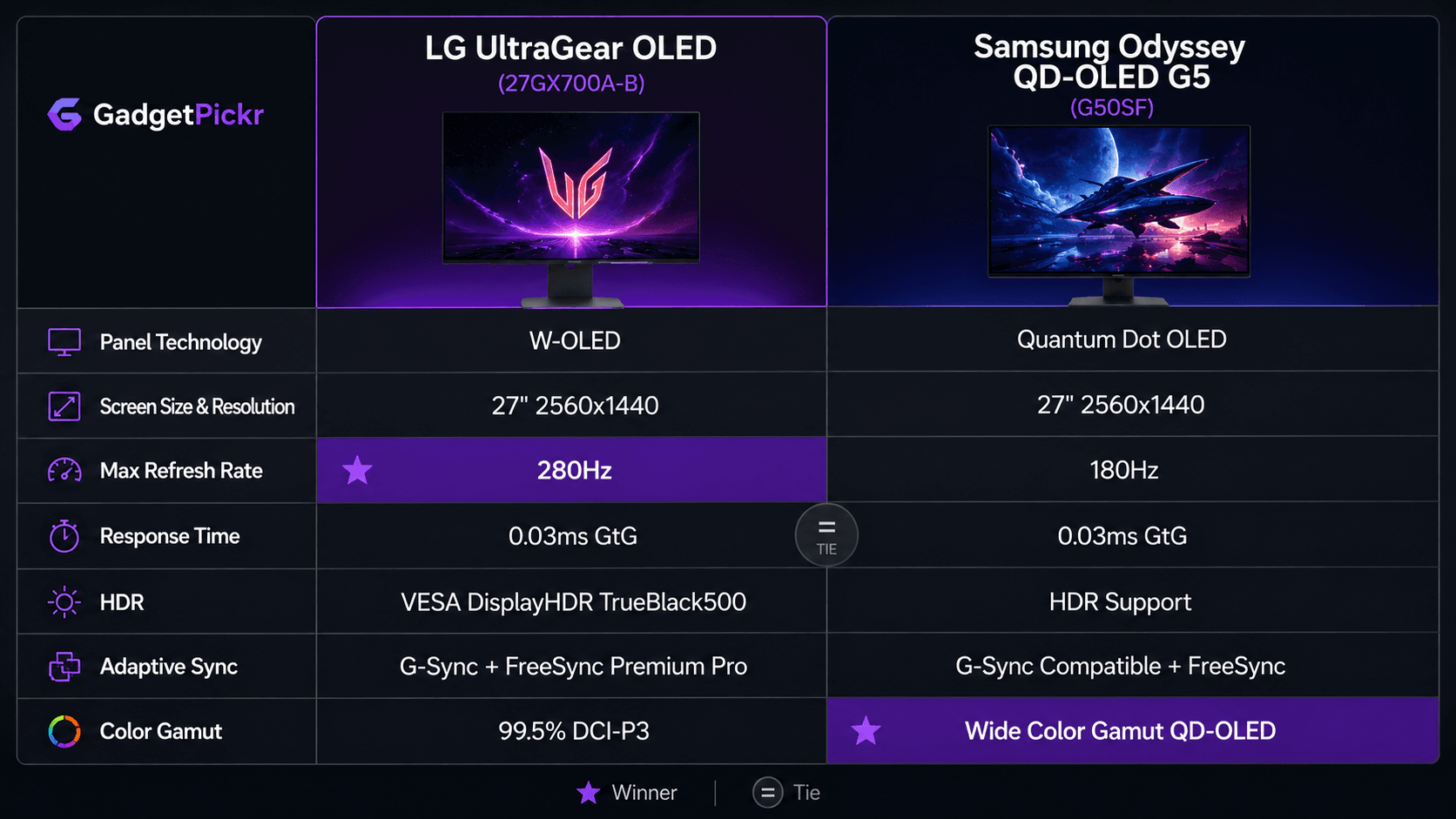
Numbers first, opinions after. The two spec sheets agree on size, resolution, and pixel response, then split hard on panel chemistry and refresh ceiling — which is exactly where your buying decision lives.
| Specification | LG UltraGear OLED | Samsung Odyssey OLED G5 |
|---|---|---|
| Panel Technology | W-OLED | Quantum Dot OLED (QD-OLED) |
| Screen Diagonal | 27 inches | 27 inches |
| Native Resolution | 2560 x 1440 (QHD) | 2560 x 1440 (QHD) |
| Maximum Refresh Rate | 280Hz | 180Hz |
| Pixel Response Time | 0.03ms (GtG) | 0.03ms (GtG) |
| Color Gamut Support | 99.5% DCI-P3 spectrum | Wide Color Gamut QD-OLED |
| Variable Refresh Rate | NVIDIA G-Sync / AMD FreeSync Premium Pro | NVIDIA G-Sync Compatible / AMD FreeSync |
| HDR Standards | VESA DisplayHDR TrueBlack500 | HDR Support |
| Display Connectivity | HDMI 2.1, DisplayPort | HDMI 2.1, DisplayPort |
| Hardware Revision | 27GX700A-B Series | LS27FG500SNXZA (G50SF Series) |
| Best For | Dedicated esports desks — ranked shooters and battle royales on a strong GPU, where the 280Hz ceiling and a height/tilt/swivel stand earn their keep during long sessions | Mixed work-and-play rooms with the lights on — story-driven HDR games, RPGs and video on a mid-range GPU, at the more accessible end of the OLED price ladder |
Design & Build Quality
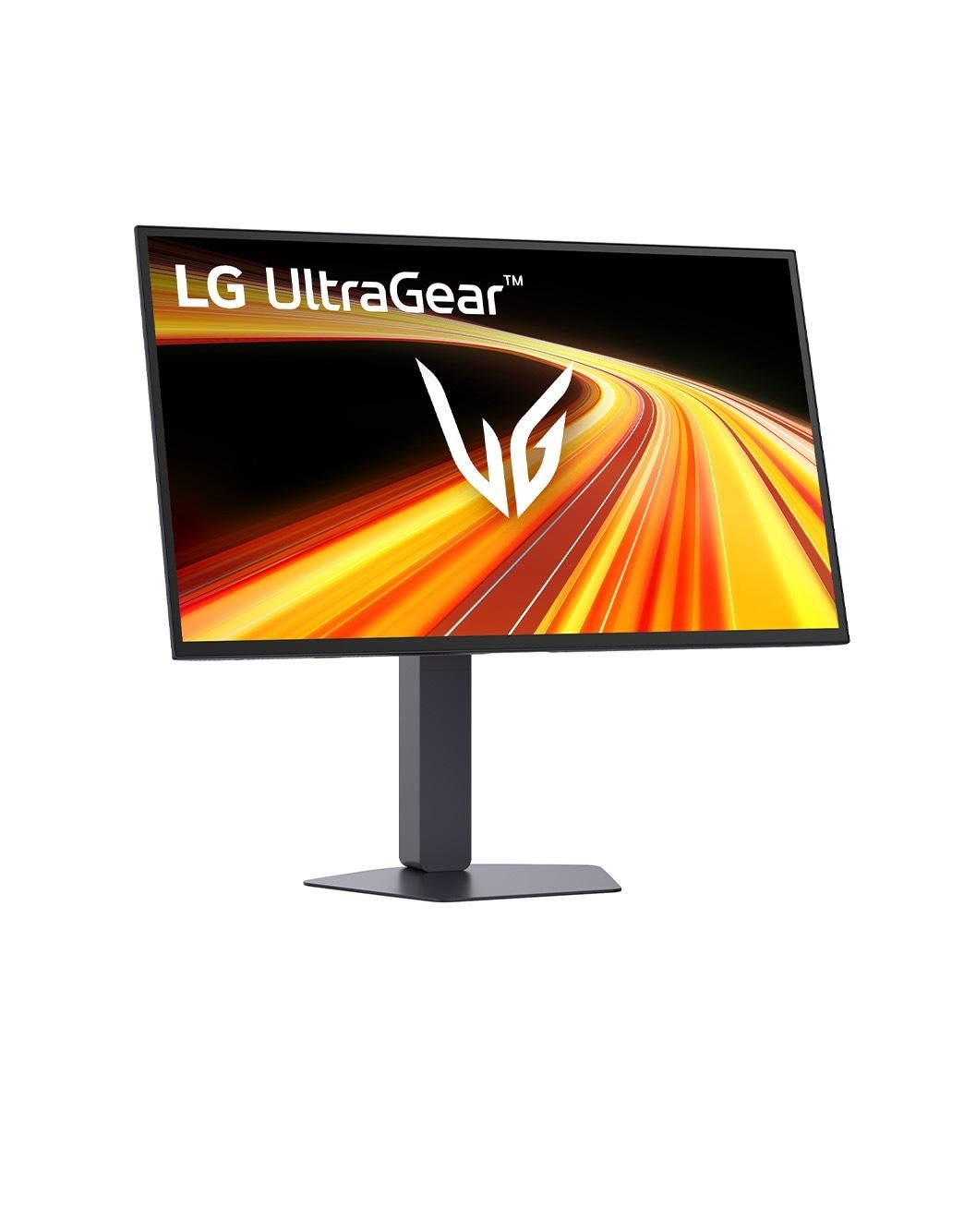
Two different design languages, aimed at two different desks. LG sticks with the aggressive UltraGear look: dark low-profile chassis, angular rear venting, and a stand that actually moves. Height, tilt, and swivel are all there, so you can dial in a position and stay in it for four hours. W-OLED hardware keeps the panel itself razor thin in side profile, while the rear housing stays chunky enough to shed heat passively.
Samsung went the other direction — cleaner, quieter, more furniture than gaming rig. Slim borders wrap the 27-inch screen, which pays off in multi-monitor setups where thick bezels chop up the view. Its stand keeps a stable footprint and makes cable routing painless, though the adjustment range is tuned for normal desktop viewing rather than constant repositioning. Both use high-grade matte plastics that resist glare and hide fingerprints, so neither feels like a corner was cut. Want maximum ergonomic freedom and an unapologetic gaming silhouette? That is LG. Want a screen that disappears into a tidy desk? Samsung.
Performance & Key Features
Panel architecture is the whole story here. Samsung's G50SF builds on a 27-inch QHD (2560 x 1440) Quantum Dot OLED panel, pairing self-emissive organic LEDs with a quantum dot layer that holds saturation as brightness climbs. Add a 0.03ms (GtG) response time and a 180Hz refresh rate and pixel transitions land effectively instantly, with no ghosting trail behind moving objects. Adaptive sync covers both camps: NVIDIA G-Sync Compatible and AMD FreeSync, so tearing is off the table on either GPU brand.
Over on LG's side, the 27GX700A-B leans on high-refresh WOLED instead. It pushes a 280Hz refresh rate alongside that same 0.03ms response time — 100Hz more headroom, which is the difference between tracking a strafing target and guessing where it went. LG supports VESA DisplayHDR TrueBlack500 and wider color coverage up to 99.5% DCI-P3, enabling deep, ink-like black levels without light bleed or blooming around bright object edges. Connectivity includes HDMI 2.1 interfaces plus DisplayPort, with NVIDIA G-Sync and AMD FreeSync Premium Pro on board.
Where Samsung's quantum dot layer leads is color: richer reproduction, more consistent punch in bright highlights. LG counters with raw motion. Both kill blur and dim at the pixel level, so nobody is settling — you are simply choosing which strength you want on your desk every night.
Pros & Cons: LG UltraGear OLED
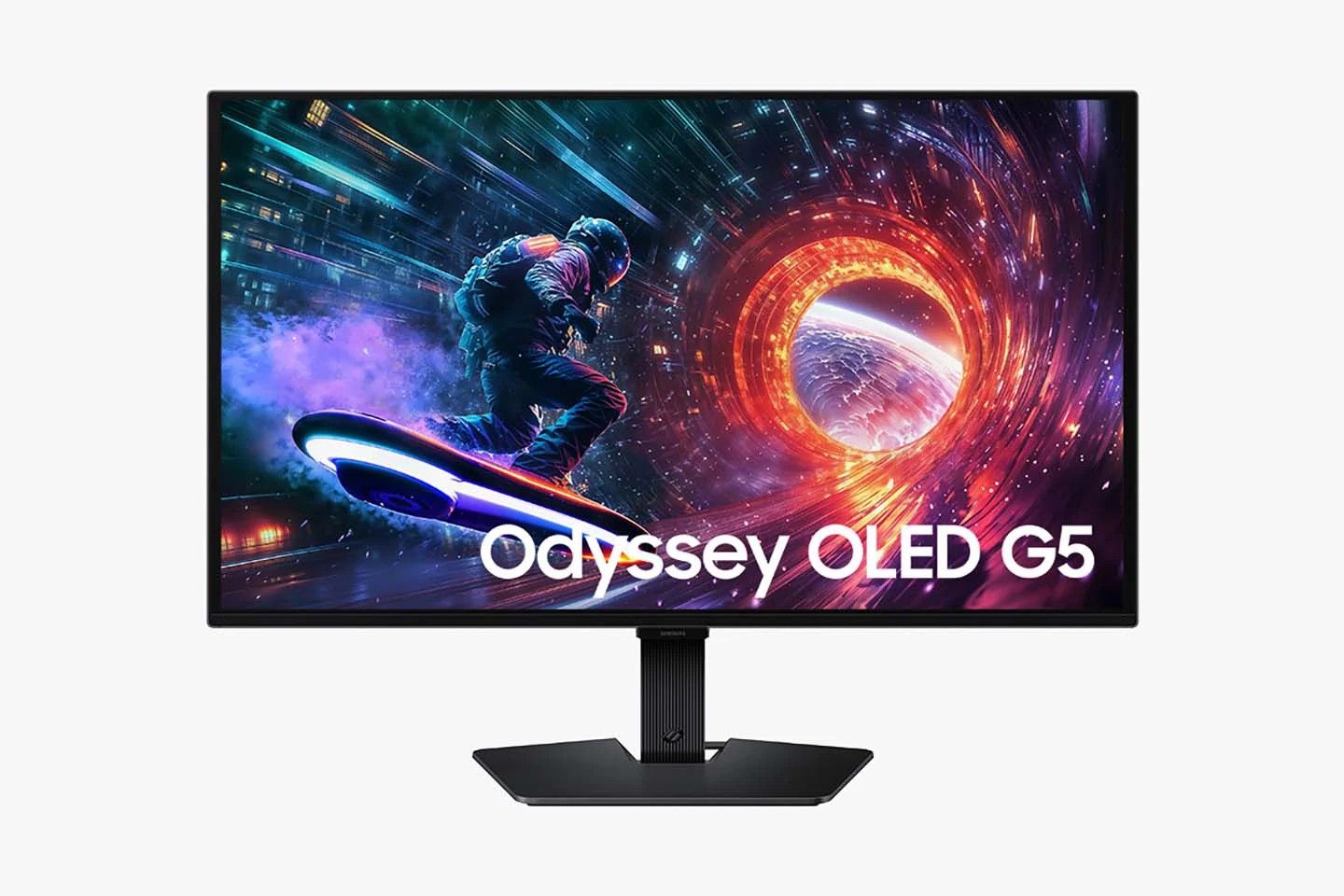
Motion is the pitch, and the feature list backs it up rather than padding it.
Pros: highly smooth motion handling backed by high refresh rates up to 280Hz on models like the 27GX700A-B. Ultra-low 0.03ms pixel response time virtually eliminates ghosting and motion blur in fast action games. VESA DisplayHDR True Black performance guarantees perfect blacks and infinite contrast ratios without backlight blooming. Highly adjustable ergonomic stand supports height, tilt, and swivel positioning for comfortable gaming sessions. Broad adaptive-sync support featuring both NVIDIA G-Sync compatibility and AMD FreeSync Premium Pro. Cons: without a quantum dot layer, color punch in bright HDR highlights is not this panel's headline strength. Its refresh ceiling also only pays off with a GPU that can actually feed it at 1440p. The louder gaming chassis will not suit every desk, and it sits above the Samsung in the OLED price ladder.
Pros & Cons: Samsung Odyssey QD-OLED G5
Consider the G50SF the friendlier door into QD-OLED on the desktop — real strengths, a couple of honest trade-offs.
Pros: Quantum Dot OLED panel delivers strong color volume and vivid saturation in HDR mode. Smooth 180Hz refresh rate paired with near-instantaneous 0.03ms GtG response times for fluid motion. Per-pixel dimming provides infinite contrast and deep, true blacks without backlight blooming. Broad adaptive-sync support with NVIDIA G-Sync compatibility and AMD FreeSync. Highly competitive value proposition for a modern 27-inch 1440p gaming panel. Cons: the 180Hz ceiling gives up 100Hz to the UltraGear, which ranked players will feel. Adaptive sync is listed as G-Sync Compatible and FreeSync rather than LG's Premium Pro tier, and the published HDR spec is a general support claim rather than a named VESA certification. Stand adjustment is more limited, too.
Real Buyer Scenarios
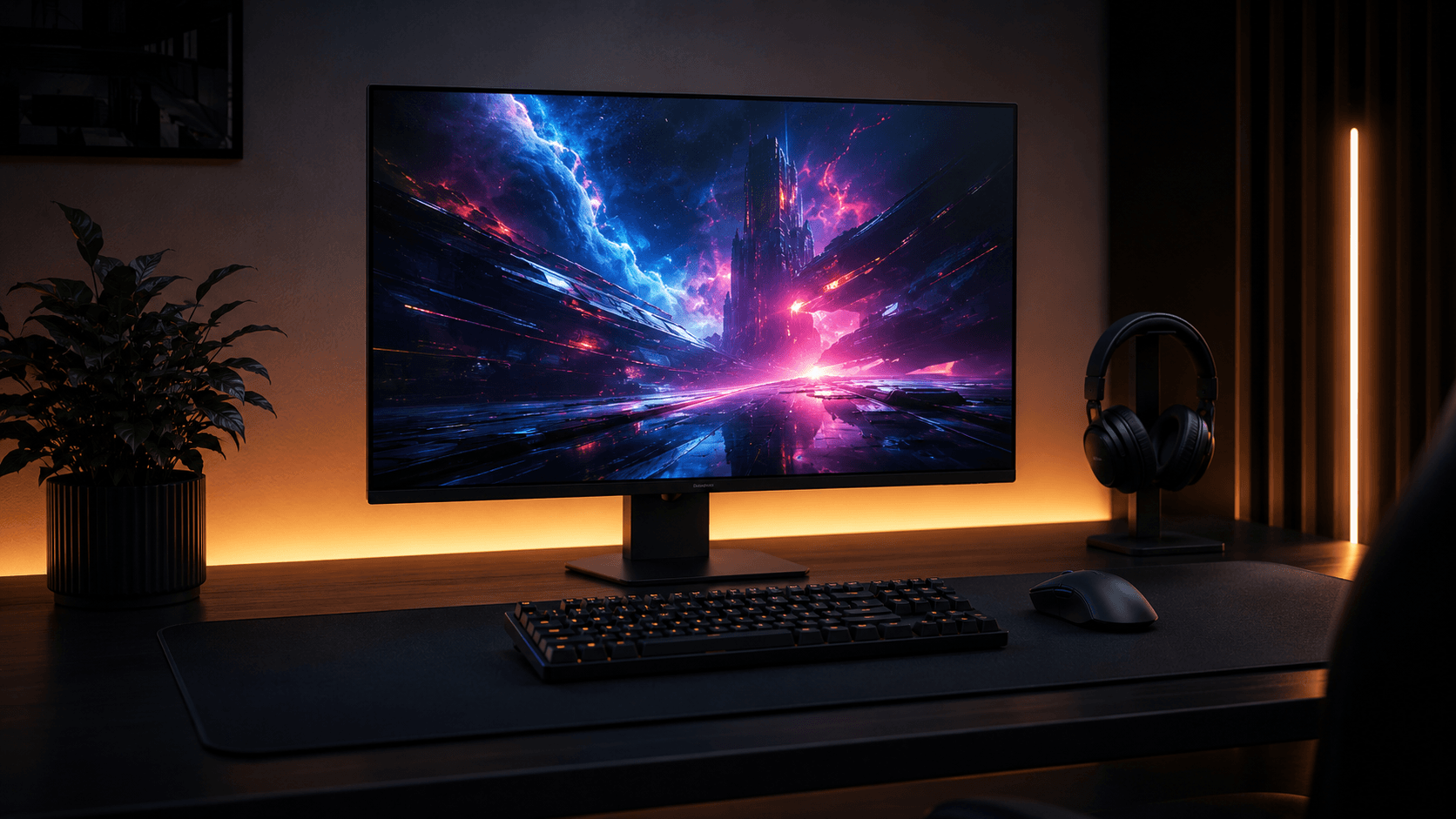
Competitive players who live in shooters have the easy call: the 27GX700A-B is built around high-frame-rate delivery, and its 280Hz refresh rate suits first-person shooters and battle royales where a single frame of motion clarity decides a duel. The adjustable stand matters more than people expect, too — being able to drop the height and swivel mid-session keeps your neck out of the argument.
Atmospheric gamers, media watchers, and mixed-use PC owners are better served by the G50SF. Its 27-inch 1440p QD-OLED panel gives story-driven single-player titles, open-world RPGs, and cinematic HDR video real color depth and pop. And 180Hz is plenty quick for anyone who is not chasing a leaderboard. Play a bit of everything? That refresh rate is the sweet spot for what a mid-range card can realistically push at 1440p.
Work by day, game by night, and both screens hand you the same razor-sharp QHD desktop. If the lights in your room stay on, Samsung's QD-OLED color layer holds its saturation better once ambient light hits the panel. Need ultra-high frame rates, full ergonomic freedom, and a named DisplayHDR certification instead? LG's high-refresh UltraGear is the one that fits.
Alternatives Worth Considering
Zoom out from 27 inches and the calculus shifts. These two represent the accessible end of desktop OLED, but form factor changes what the money buys you.
Bigger canvases are the obvious next step. Multi-format displays like the 32-inch LG UltraGear 32GS95UE offer dual-mode flexibility, letting you flip between 4K UHD immersion for single-player nights and a high-framerate mode when the ranked queue calls. Ultrawides are the other fork in the road, trading pixel density and desk space for peripheral vision — worth a look if sims and racing dominate your library rather than shooters.
Final Verdict
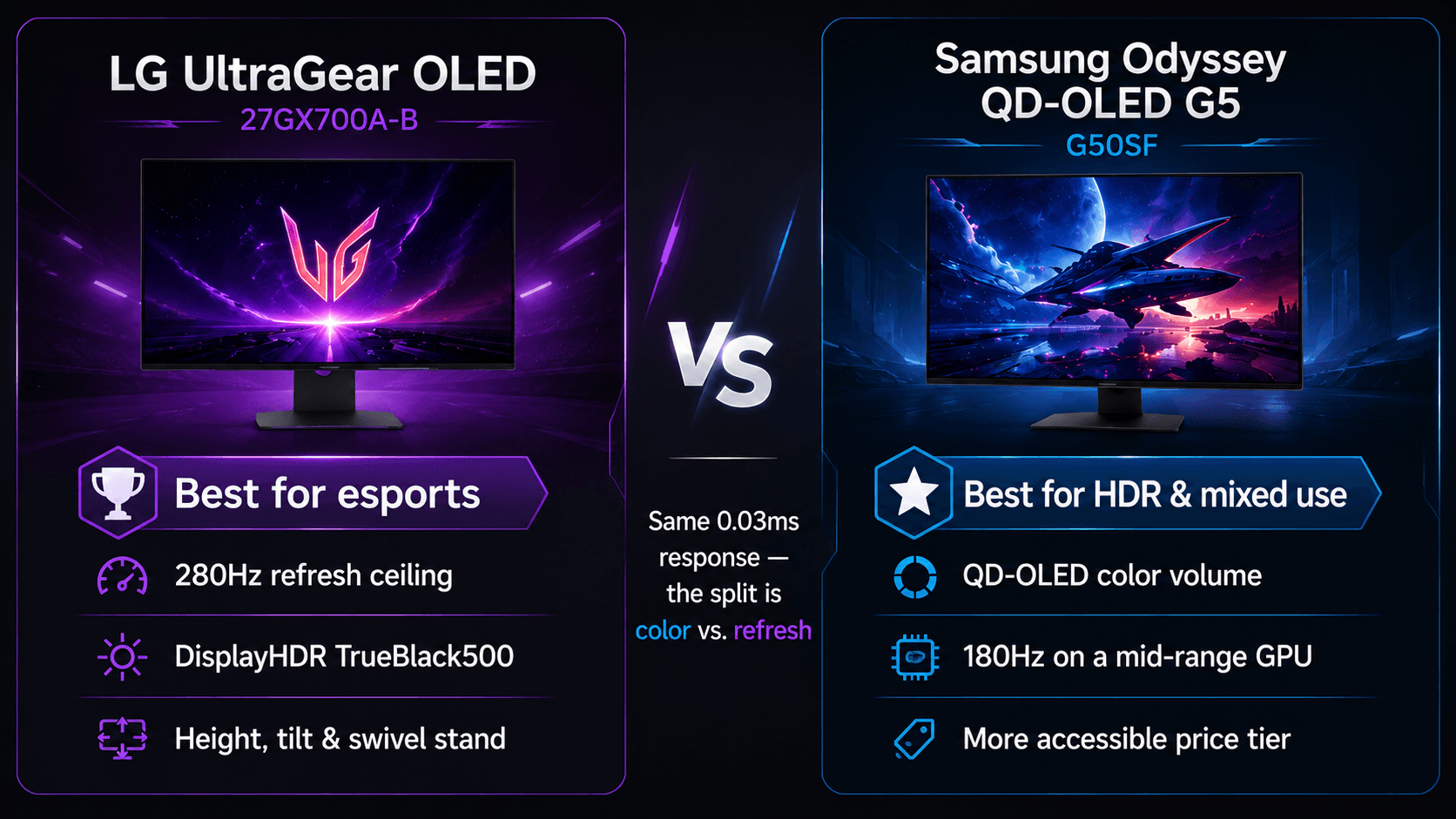
Two good panels, one clear split. Choose the LG UltraGear OLED if you play competitively — its 280Hz refresh rate is a real step up in frame delivery over 180Hz alternatives, giving fast-twitch multiplayer titles like Apex Legends and Overwatch 2 extra smoothness, and its VESA DisplayHDR TrueBlack500 certification ensures precise highlight control and 99.5% DCI-P3 color coverage. Add the height-and-swivel stand and it is the better dedicated esports desk, full stop. Choose the Samsung Odyssey QD-OLED G5 if your nights run toward single-player worlds, HDR video, and a room where the lights stay on. Its QD-OLED structure generates high color brightness in vivid highlights, enabling rich hues that resist washing out, and a 180Hz refresh rate paired with a 0.03ms response time keeps motion crisp without demanding a top-end GPU to hit maximum frame rates at 2560x1440. It is also the softer landing on price. So: ranked ladder, take the LG UltraGear OLED. Story mode, movies, and mixed work-and-play, take the Samsung Odyssey QD-OLED G5.
Sources & References
Specifications and claims in this analysis were cross-referenced against the sources below.
- 27 Inch UltraGear™ OLED Gaming Monitor - 27GX700A-B ...lg.com
- 26.5" LG 27GX700A - Specificationsdisplayspecifications.com
- LG 27GX700A-B Monitor Reviewrtings.com
- Игровой монитор LG UltraGear™ OLED 27'', 280 Гц, QHD ...lg.com
- 27” LG UltraGear™ OLED Gaming Monitor – 27GX700A-B | LG UKlg.com
- 27" UltraGear™ QHD 4th Gen. OLED Gaming Monitor ...lg.com
- [PDF] 27" Odyssey OLED G5 G50SF QHD 180Hz Gaming Monitortheinsidersnet.com
- LG 27GX700A-B 27-inch Ultragear QHD (2560 x 1440) OLED ...newegg.com
Frequently Asked Questions
Samsung. Its QD-OLED layer holds higher color brightness, so images keep their saturation when ambient light hits the screen. Both panels are OLED, so neither loves direct sunlight — control the worst glare regardless of which you buy.


