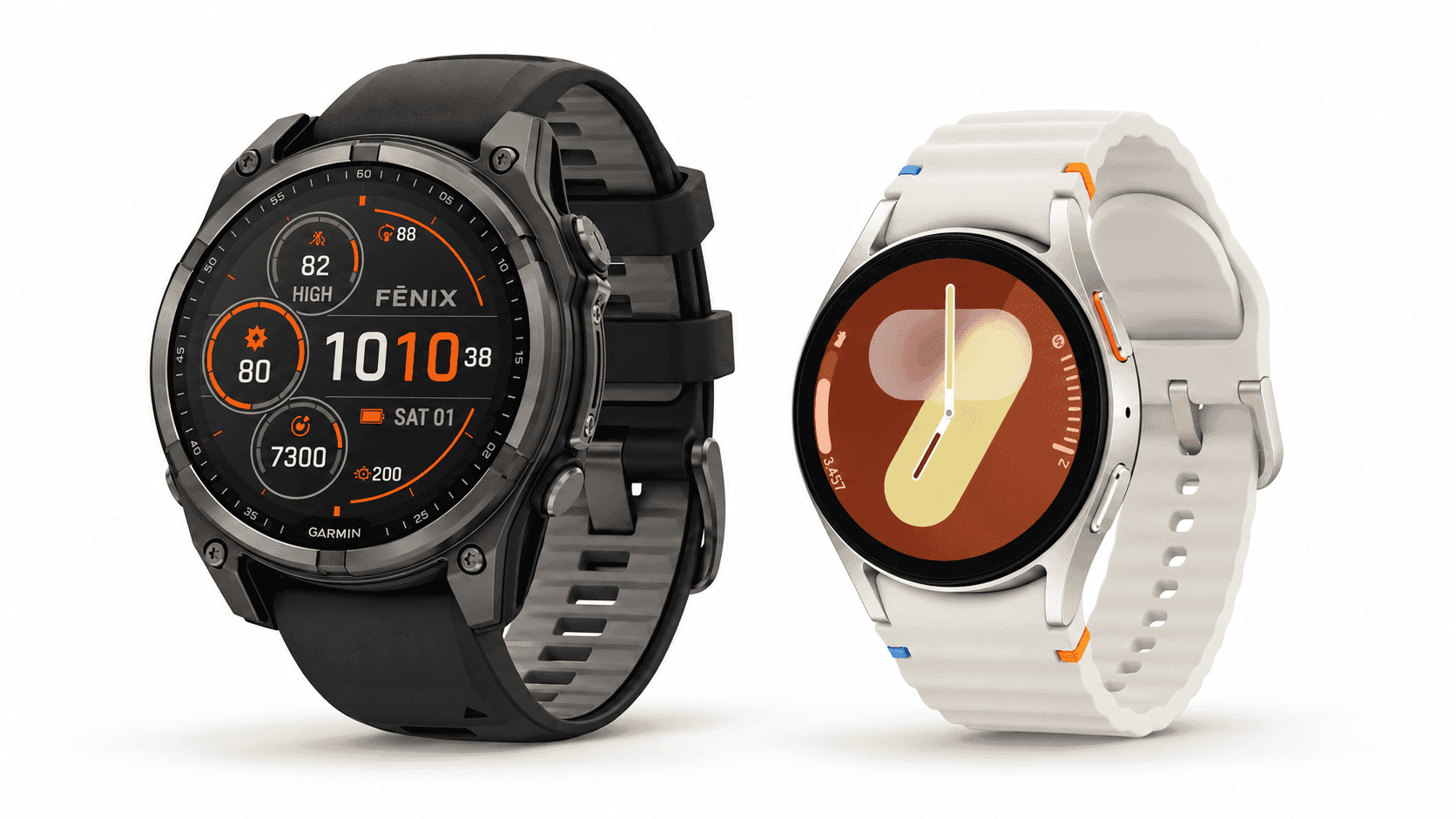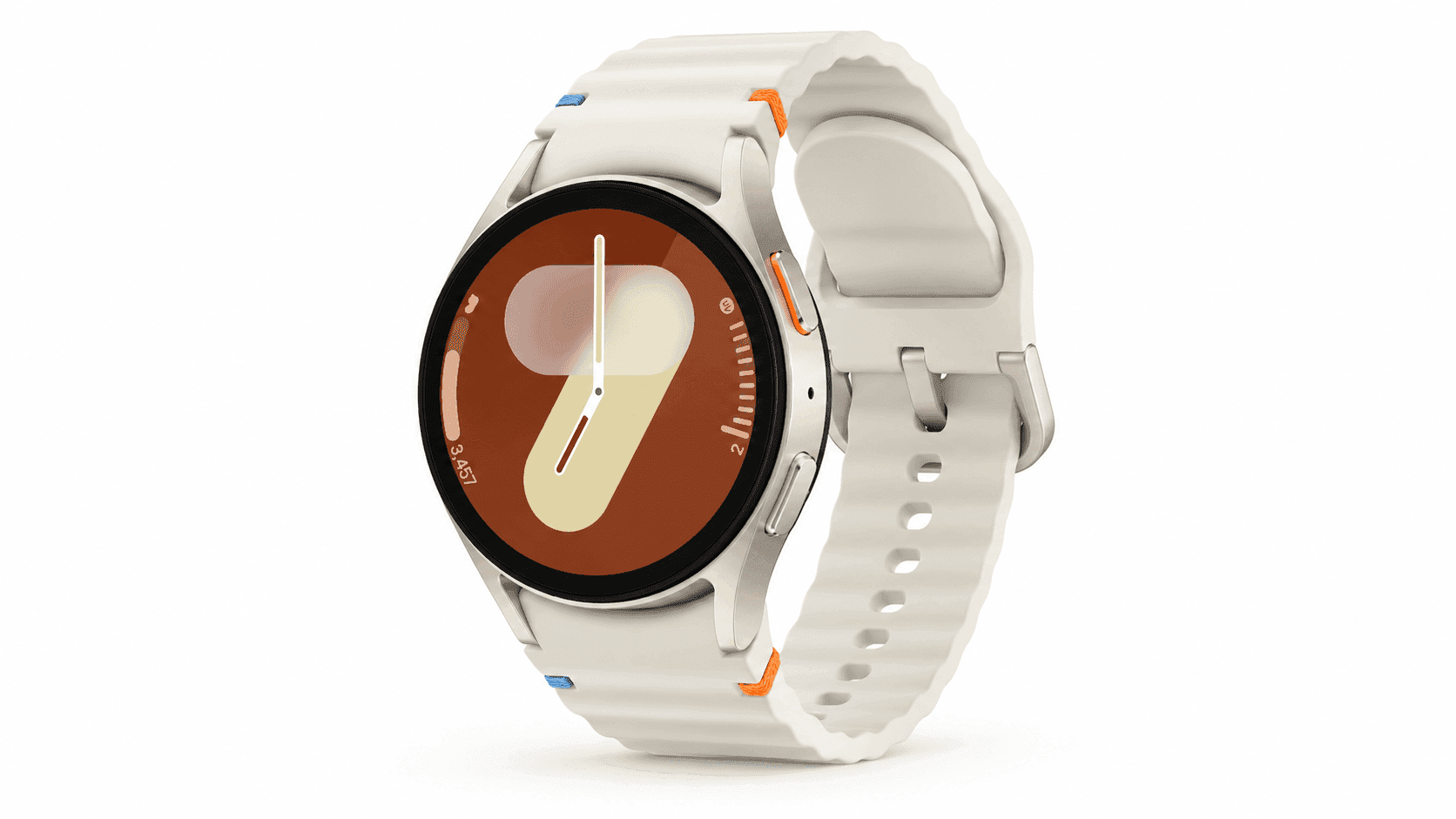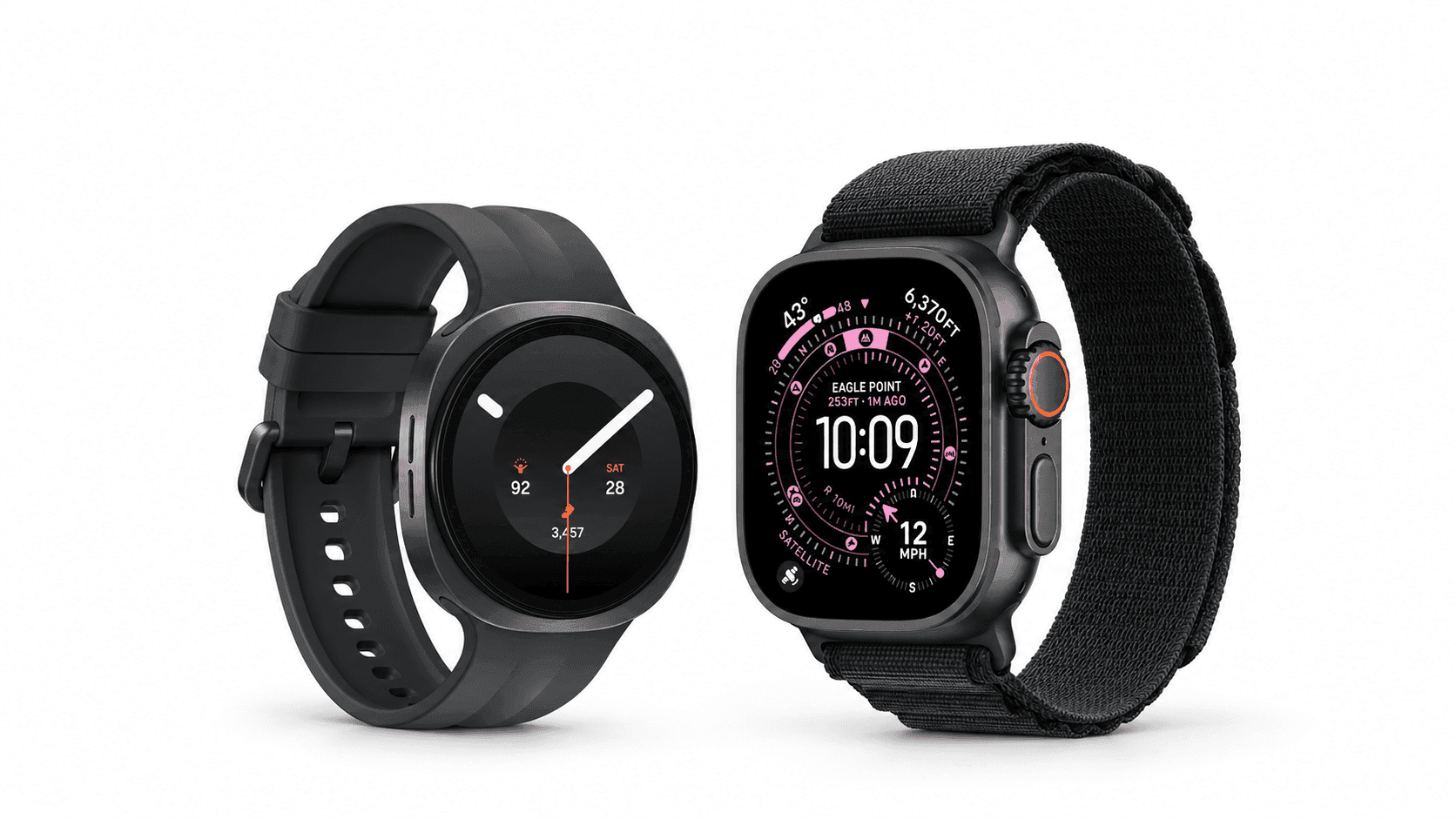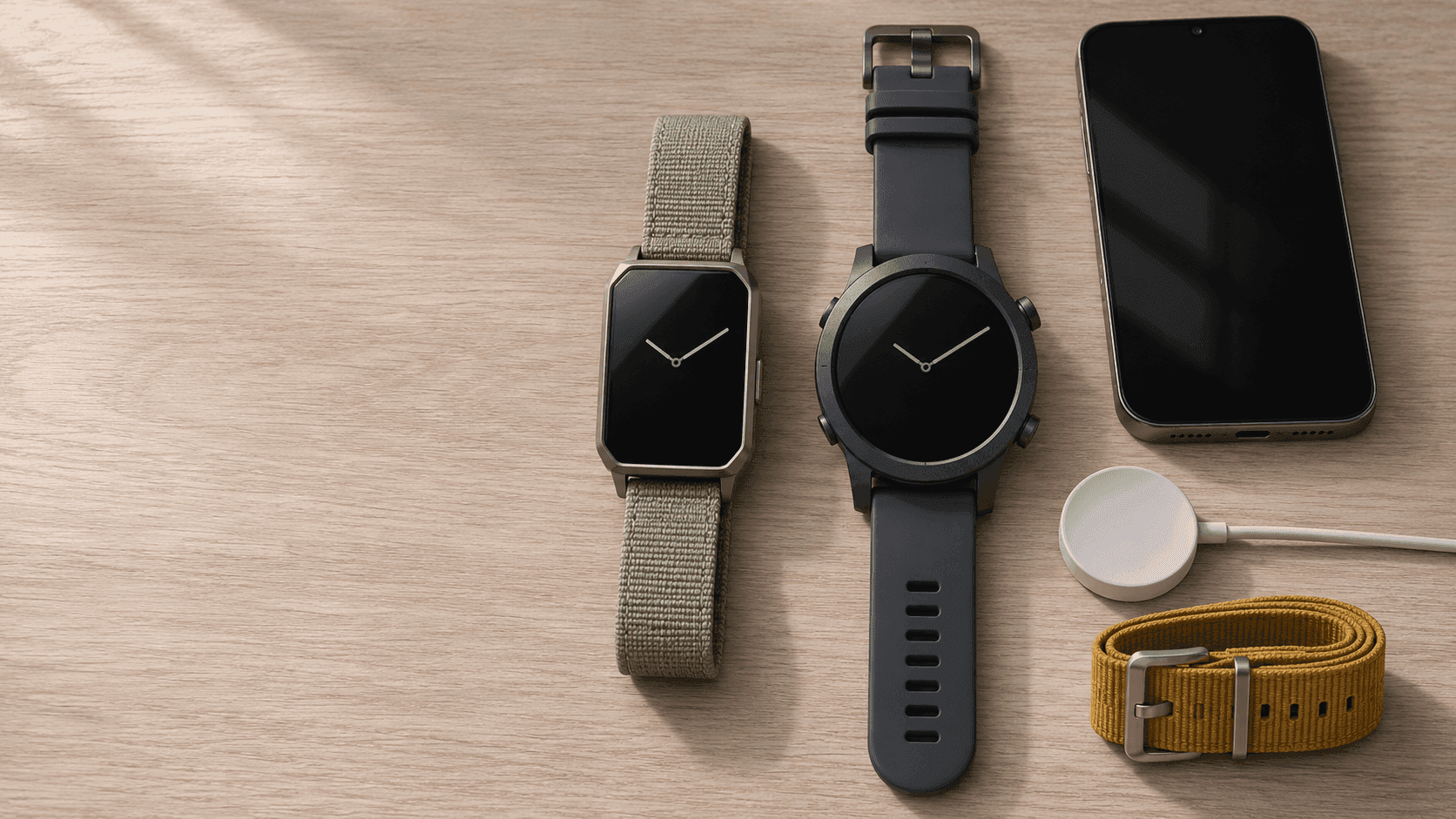
Phone compatibility comes first when deciding how to choose a smartwatch. Check whether the watch pairs with your handset, then confirm which calls, replies and apps work on that pairing. Support for both iPhone and Android does not guarantee identical features on each.
Charging is the next filter. Apple Watch Series 11 claims up to 24 hours in normal use, and Google Pixel Watch 3 claims up to 24 hours with its always-on display. The 45mm Garmin Instinct 3 AMOLED advertises up to 18 days with wrist-gesture activation, but that is a smartwatch-mode figure, not continuous GPS endurance.
If sleep tracking is the main job and you do not want a wrist display, a ring such as Oura Ring Gen3 belongs on a different shortlist. Decide whether you need communication, workout controls or overnight data before comparing extras.
The Quick Take
Start with Apple Watch for iPhone apps and communication, or compatible Wear OS hardware such as Pixel Watch 3 or Galaxy Watch7 for Android. Consider Instinct 3 AMOLED when physical controls and longer charging intervals matter more than phone-like interaction. Compare battery claims using the display and tracking modes you intend to use.
How to choose a smartwatch, step by step
First, check the exact phone and operating-system requirements. Apple Watch SE 3 and Series 11 require a compatible iPhone for standard pairing; Pixel Watch 3 requires compatible Android hardware. Garmin Instinct 3 AMOLED and Venu 3 support both platforms, but individual communication features can differ.
Second, choose a charging routine you can maintain. Pixel Watch 3 claims up to 24 hours with always-on enabled, while Galaxy Watch7 claims up to 30 hours in that mode. For longer intervals, Forerunner 165 advertises up to 11 days in smartwatch mode. Instinct 3 AMOLED 45mm claims up to 18 days with wrist gesture or seven days always-on. Check GPS figures separately before planning long tracked activities.
Third, list the features you will use each week. For calls, replies, calendars and downloadable apps, prioritize phone integration. For pacing, recovery information and outdoor routes, inspect the exact sport profiles, metrics and navigation tools. A sports-watch label does not confirm every training feature you might want.
Recommended product categories
Choose an app-focused watch when you want to act on notifications rather than only read them. Apple Watch Series 10, Galaxy Watch7 and Pixel Watch 3 illustrate this category, subject to phone compatibility. If leaving the phone behind is essential, check the cellular variant and supported carriers.
Choose a sports watch when workout controls and tracking endurance lead the purchase. Forerunner 165 is a running-focused example with an up-to-11-day smartwatch claim. Instinct 3 AMOLED combines a rugged case, multi-band GPS and physical buttons. Match its activity and navigation features to your outings instead of choosing on battery life alone.
Choose adventure hardware for a capability you actually need. Apple Watch Ultra 3 offers titanium construction, recreational diving support and satellite features subject to availability. Garmin Fenix 8 Solar Sapphire combines a titanium bezel, sapphire lens and dive functionality. Check activity ratings and service conditions for the exact model.
Common mistakes
Do not infer compatibility from branding or Bluetooth support. Apple Watch cannot pair with Android, and Pixel Watch 3 cannot pair with iPhone. Even cross-platform models have restrictions: Venu 3 supports both phones, but its text-response function is Android-only. Check replies and calls separately from notification display.
Do not compare battery numbers without their conditions. Instinct 3 AMOLED's 18-day claim uses wrist gesture, while GPS endurance is measured in hours. Fenix 8 Solar 47mm needs the specified solar exposure to reach its advertised 28-day smartwatch figure. Oura Ring Gen3 claims up to seven days. Read the mode and footnotes before choosing a charging interval.
Do not buy cellular hardware unless independent connectivity serves a purpose. If the phone stays with you, a GPS or Bluetooth model may cover the connected functions you need through it. For supported calls and data away from both phone and Wi-Fi, check the cellular version, carrier and service plan. Hardware alone does not activate a mobile connection.
Buying checklist
Compare the exact variant's specification sheet with your requirements. Remove models missing an essential feature before choosing a finish or band color.
1. Phone, features, and fit: Confirm the minimum phone model and OS version, supported calls and replies, and required workout or sleep features. Check case dimensions, thickness, weight and the included band's wrist range. A 40mm case label does not establish band fit.
2. Battery and ownership costs: Find separate claims for smartwatch mode, always-on display and your intended GPS setting. Check the charging cable and adapter requirements, cellular-plan terms and any feature membership. If the advertised battery mode differs from your routine, plan for more frequent charging or choose another model.
Recommended Products
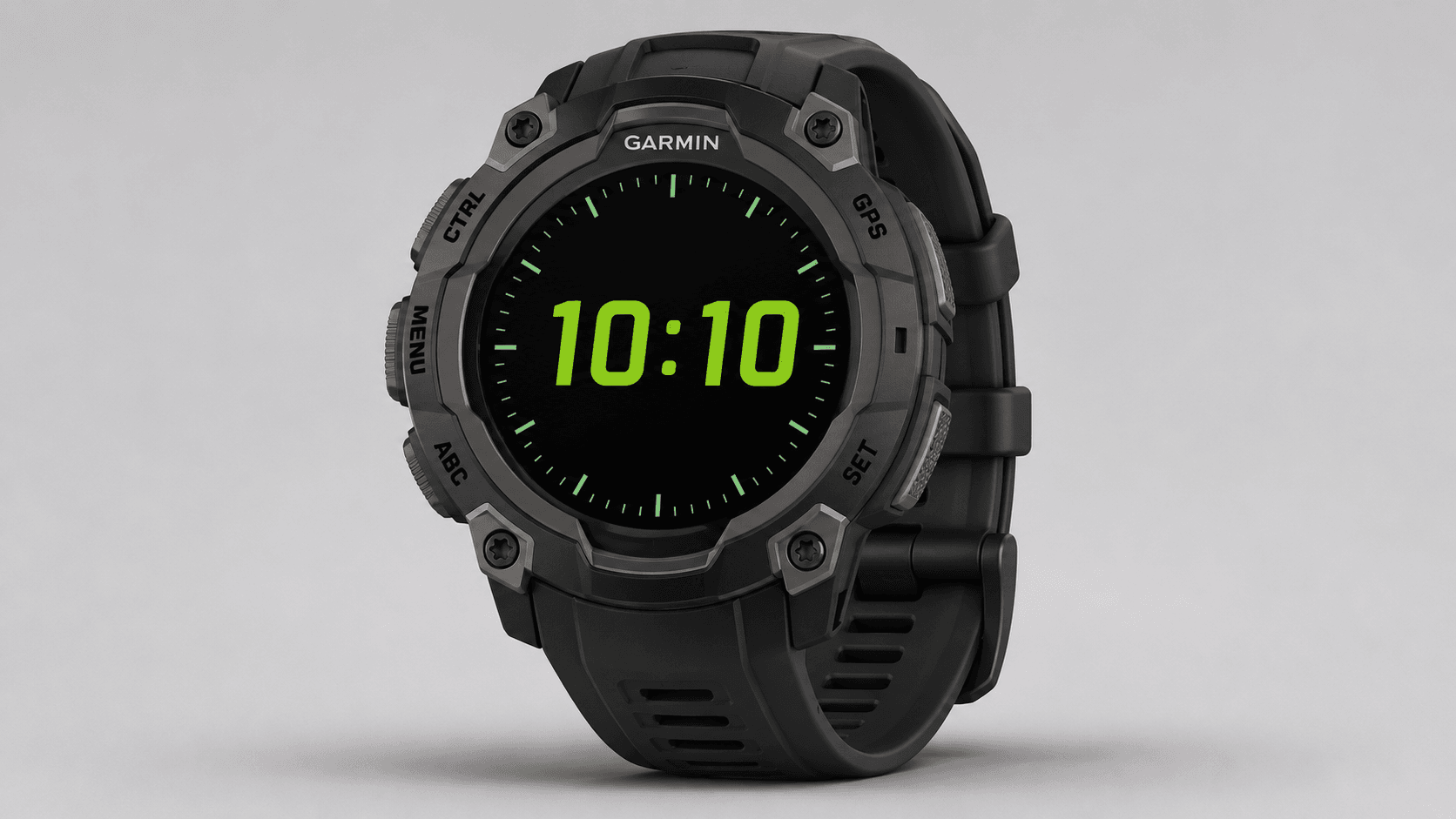
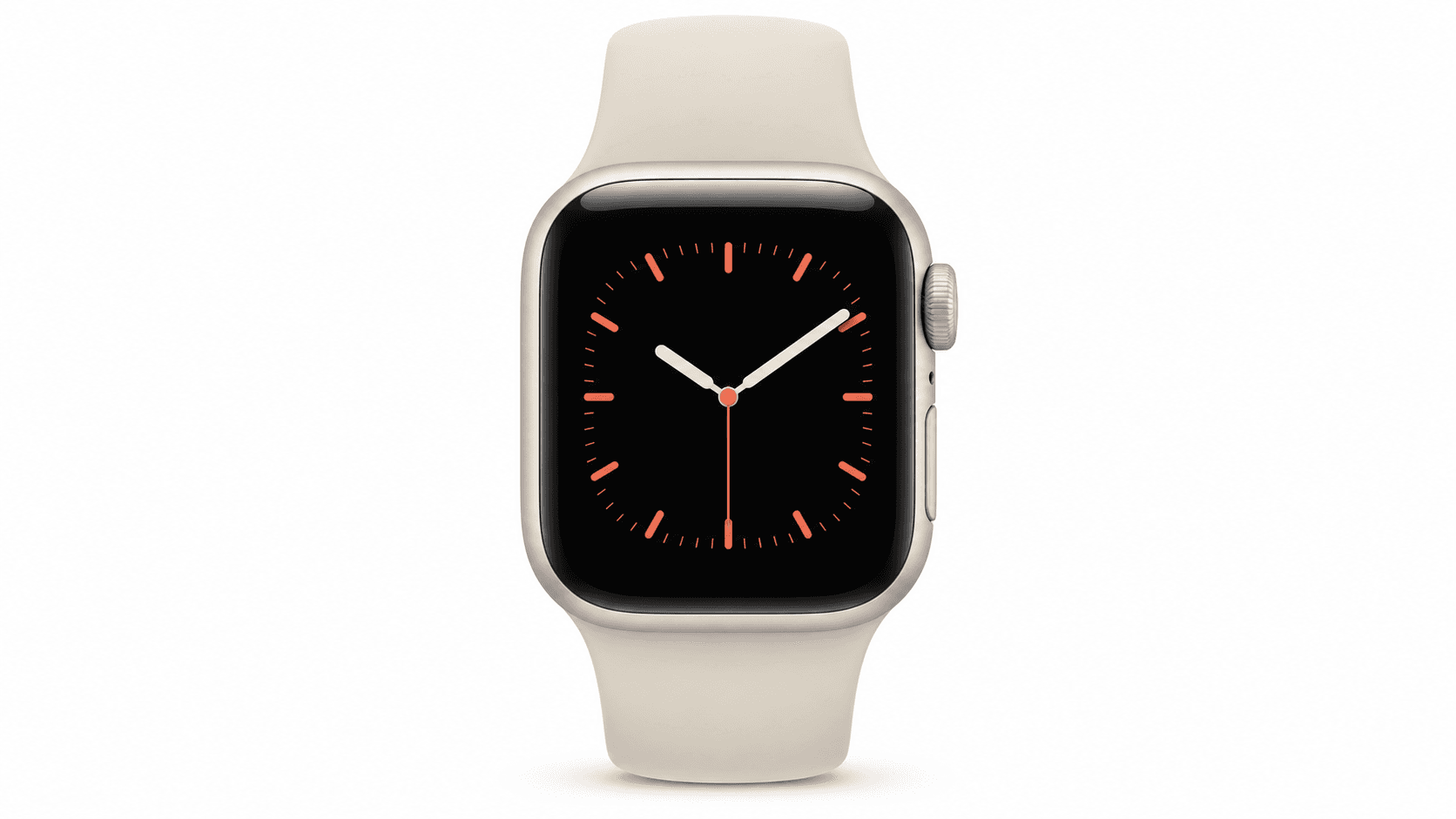
These examples address different needs: compatible-iPhone interaction on the SE 3, or button controls and longer charging intervals on the Instinct 3 AMOLED.
Apple Watch SE 3 GPS 40mm
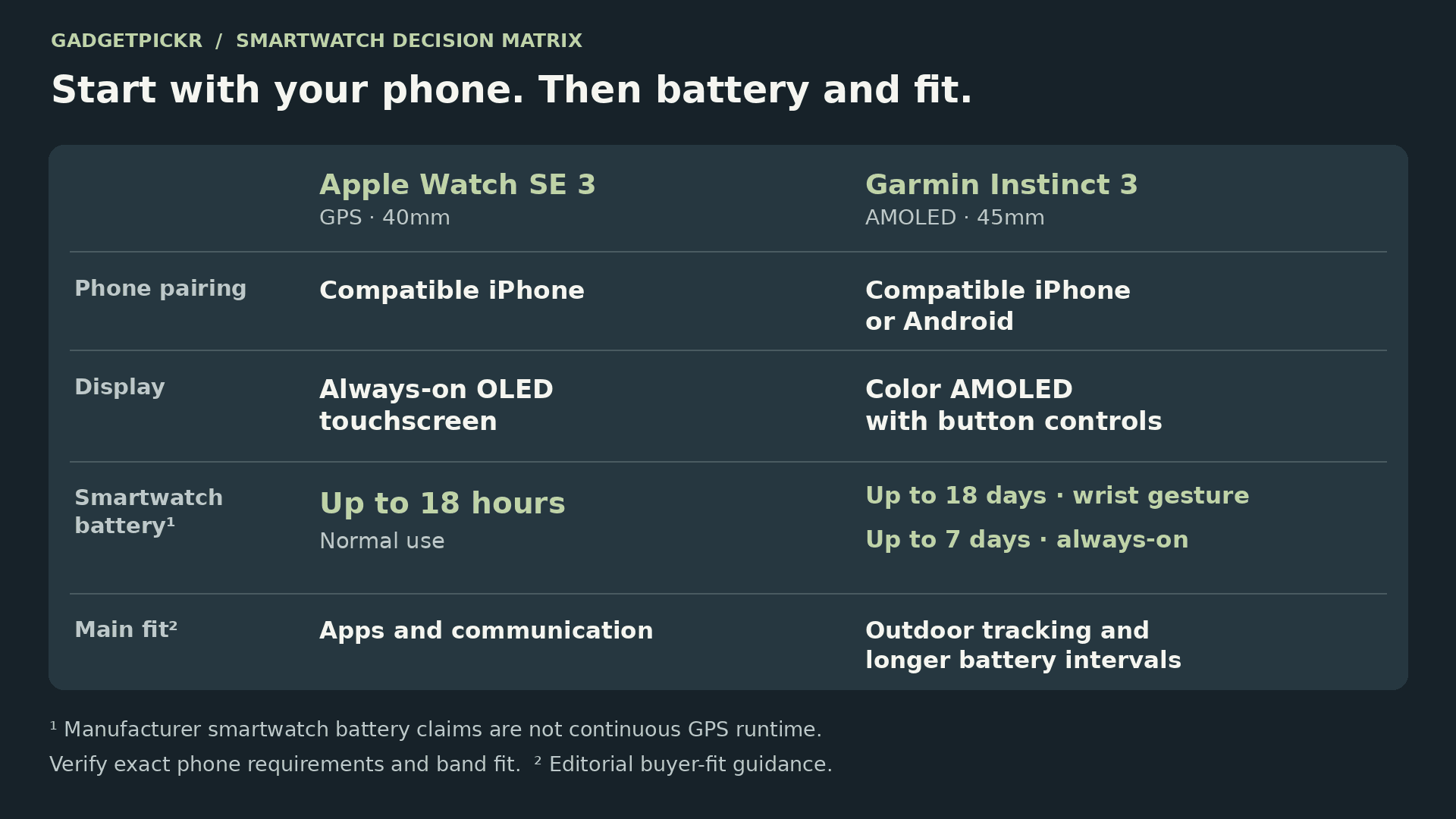
Choose the SE 3 for watchOS apps and wrist-based communication with a compatible iPhone. This GPS version has no independent cellular connection, so keep that distinction clear when comparing listings.
Pros
- watchOS apps, microphone, and speaker support everyday interaction
- Always-on OLED display
- Fast charging supports shorter charging breaks
Cons
- Requires a compatible iPhone; no Android pairing
- Up to 18 hours of normal use means frequent charging
Garmin Instinct 3 AMOLED 45mm
Choose this Instinct for physical controls and longer smartwatch-mode battery life. It has a color AMOLED display and button navigation. The monochrome Solar version is different hardware, not an interchangeable listing.
Pros
- Up to 18 days with wrist gesture, or seven days always-on
- Multi-band GPS and 10 ATM water rating
- Physical buttons and built-in LED flashlight
Cons
- No touchscreen; navigation uses buttons
- Smartwatch battery figures do not describe continuous GPS endurance
Final Smartwatch Buying Checks
Learning how to choose a smartwatch comes down to compatibility, charging and the main job you want it to do. Choose SE 3 for compatible-iPhone apps and communication, or Instinct 3 AMOLED for button-led outdoor tracking and longer charging intervals. Before checkout, confirm size, band fit, display version and GPS-versus-cellular configuration.
Sources & References
Specifications and claims in this analysis were cross-referenced against the sources below.
- Apple Watch Series 11apple.com
- Apple Watch Series 11 - Technical Specificationsapple.com
- Apple Watch Series 11 - Tech Specs - Apple Supportsupport.apple.com
- Instinct® 3 – 50 mm, AMOLEDgarmin.com
- Apple Watch Series 11 - Full phone specificationsgsmarena.com
- Garmin Instinct 3 | Rugged Solar Smartwatch with GPS | 45mmgarmin.com
- I've Tested Every Recent Apple Watch—This Is the Prime Day Deal I'd Shop Firstgoodhousekeeping.com
- Garmin | Product Comparegarmin.com
Frequently Asked Questions
No. Standard pairing requires a compatible iPhone. Pixel Watch 3 and Galaxy Watch7 are Android options. Garmin Instinct 3 AMOLED supports iPhone and Android, though some connected functions vary by platform.