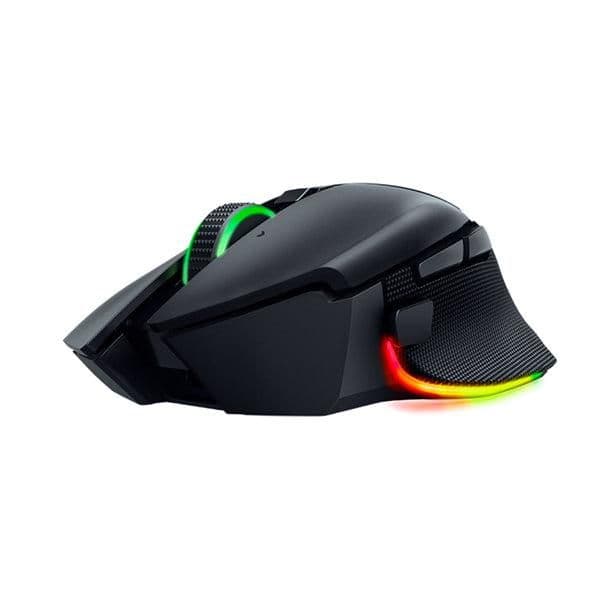
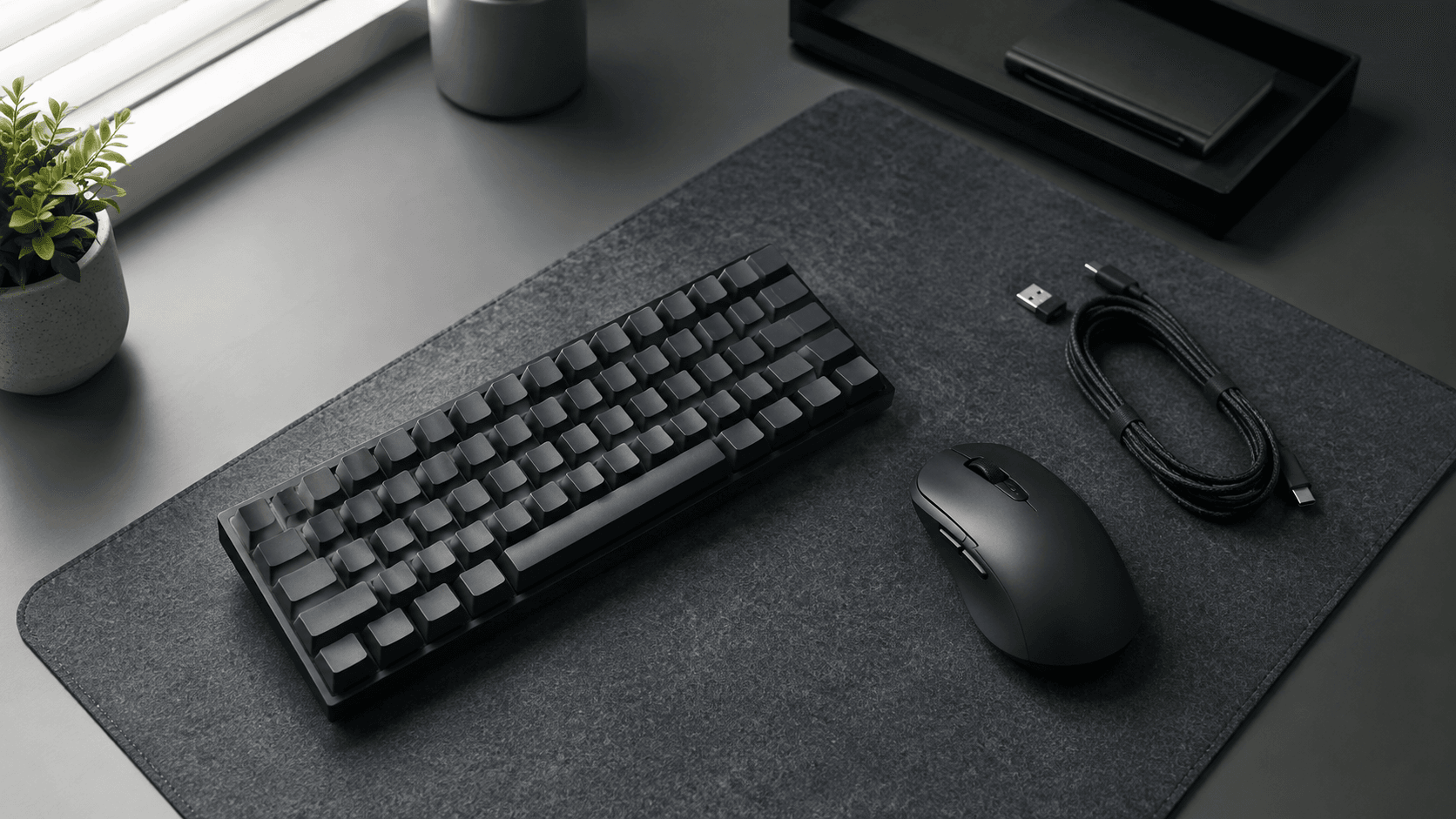
Cutting the cable used to cost you something. Extra grams, a connection that dropped at the worst moment, a cursor that arrived half a beat after your hand did. That trade has mostly evaporated. What replaced it is a spec sheet nobody asked for: 2.4GHz dongles against Bluetooth, sensor resolution against runtime, and half a dozen shell shapes that each claim to fit every palm. Working out how to choose wireless mice really means working out which of those numbers touches your day and which is packaging.
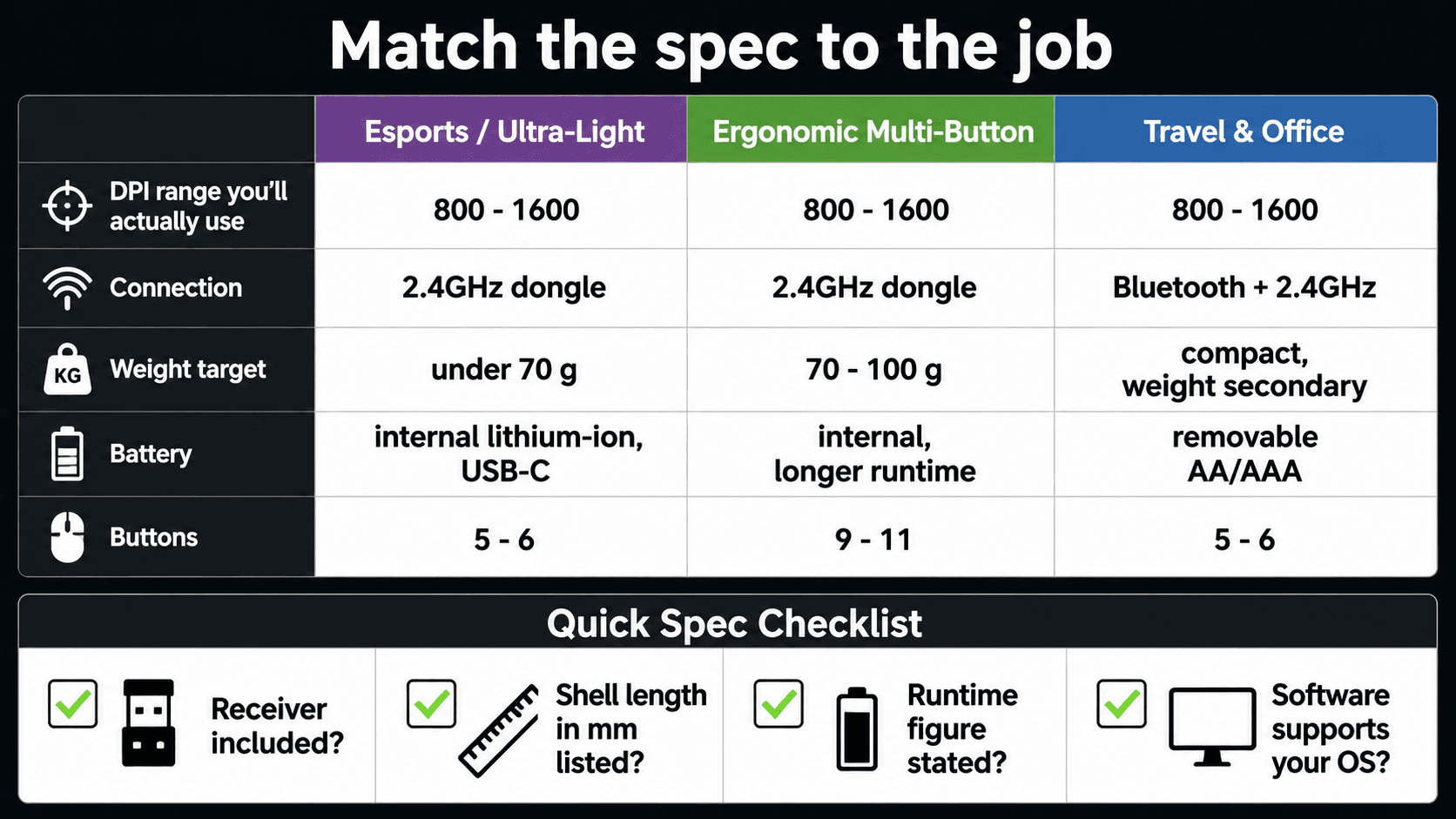
Here's the part buyers underestimate: a mouse that feels right for competitive shooters can be miserable eight hours into a spreadsheet. Ultra-light shells 68 g usually pay for that weight saving by shrinking the battery or dropping Bluetooth entirely. Load up on buttons, multi-device switching and a bigger cell and you get comfort — plus mass that fights you on fast flicks. Sensor behaviour, polling rate, switch type and power system are the four levers. Pull the ones your routine actually uses, ignore the rest, and you stop paying for features you'll never touch or living with a shape that leaves your hand aching by mid-afternoon.
The Quick Take
Match weight, connection type and battery system to the work you do most. Competitive play? Go sub-70-gram, insist on a dedicated 2.4GHz USB receiver, and pick optical or magnetic switches so clicks register without debounce delay. Everything else is preference.
How to Choose Wireless Mice: Step by Step
Start with your hand, not the spec table. If your fingers lie flat and your palm rests fully on the shell, you want a larger contoured right-handed body with arch support behind the knuckles. Claw and fingertip users need the opposite: a shorter, lower, more symmetrical shape that lets the fingers move independently. Travelling with the thing in a laptop sleeve? A compact shell like the Razer Orochi V2 beats a full-size desktop ergonomic every time, even if the spec sheet looks thinner.
Performance specs come second. For high-speed competitive gaming, seek lightweight designs 68 g paired with low-latency 2.4GHz wireless connections and high polling rates up to 8000Hz, seen in performance options like the Razer DeathAdder V3. Office work inverts that priority list. Polling rate barely registers when you're dragging cells around; what matters is a sensor that tracks on a glossy desk or a glass conference table without stuttering.
Battery architecture closes the decision. Two camps: internal lithium-ion charged over USB-C, or a replaceable AA or AAA cell. Replaceable options, like the single-battery slot system in the Orochi V2 or the AA setup in the Logitech G309 Lightspeed, eliminate cable tethering entirely and yield hundreds of hours of continuous runtime. If you travel or hate remembering to charge things, take the swappable cell. If every gram counts because you play at low sensitivity and make big arm sweeps, take the internal battery.
Recommended product categories
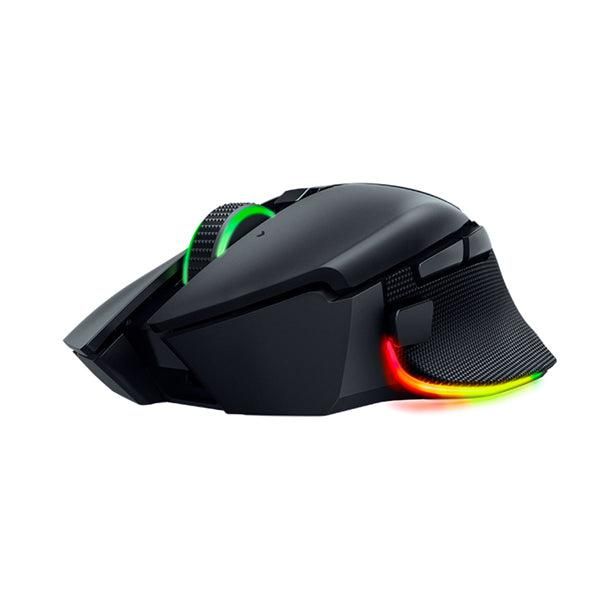
Shopping gets easier once you accept that the market splits into two camps, and that each camp deliberately gives something up. Figure out which sacrifice you can live with and the shortlist writes itself.
Esports & Ultra-Lightweight Wireless: minimal inertia, tight tracking, near-zero click latency. Models like the Logitech G Pro X2 Superstrike weigh around 61 grams and incorporate high polling rates up to 8000Hz alongside inductive haptic switches. What goes out the window is multi-device Bluetooth and elaborate lighting. Buy into this category only if you play ranked and know your grip; otherwise you're paying for weight savings you'll never feel.
Ergonomic & Multi-Button Gaming: long sessions, deep keybind maps, comfort over raw agility. Think SteelSeries Aerox 5 Wireless and Razer Basilisk V3 Pro. The Aerox 5 Wireless features 9 programmable buttons, IP54 AquaBarrier protection, and a lightweight 74g honeycomb shell. The Basilisk V3 Pro integrates 11 programmable controls, Gen-3 optical switches, and a Focus Pro 30K optical sensor, balancing ergonomic support with high-tier tracking. If you play MMOs or live in creative software with custom macros, this is your aisle.
Common mistakes
Almost everyone shops the headline numbers first and the ergonomics last. Backwards. Chasing peak DPI is the classic example: most people, including ranked players, sit somewhere between 800 and 1600 DPI and stay there. Crank it higher and you get jitter and a cursor you can't stop on a target. No benefit. None.
Battery placement trips people up next. Mice that utilize traditional removable AA or AAA cells—such as the Razer Orochi V2—rely on a single AA or AAA battery for power, and inserting a heavier alkaline cell can increase overall mass and shift the balance slightly. A lithium cell or a hybrid slot design claws some of that back. Skip this consideration and you'll blame the shape for fatigue that's actually coming from the power source.
Sizing errors are the expensive ones. Put a micro-sized chassis like the HyperX Pulsefire Haste 2 Mini Wireless under a large palm-grip hand and you'll cramp within an hour. Flip it: haul a bulky, button-heavy body like the Razer Basilisk V3 Pro into a fast arena shooter and your flicks get slower. One last trap — before you pay extra for 4K or 8KHz polling, confirm your PC has CPU headroom for the extra interrupt load, or those modes cost you frames instead of winning them.
Buying checklist
Take this to the product page and check each line against the listing before you hit buy. All four are things a retailer or manufacturer spec table will actually tell you.
1. Connectivity: does the listing name a bundled 2.4GHz USB receiver, or only Bluetooth? Gaming needs the dongle. If you switch between a laptop and a desktop all day, look for Bluetooth plus at least two paired-device slots.
2. Size against grip: find the length and width in millimetres on the spec table and compare them to your own hand, measured wrist crease to middle fingertip. Shells 68 g reward claw-grip flicking; taller sculpted bodies carry a full palm through a workday.
3. Power: check whether the listing says rechargeable lithium-ion with USB-C or a removable AA/AAA cell, and check the quoted runtime figure sits beside it. No stated runtime on the page is itself a signal.
Recommended Products
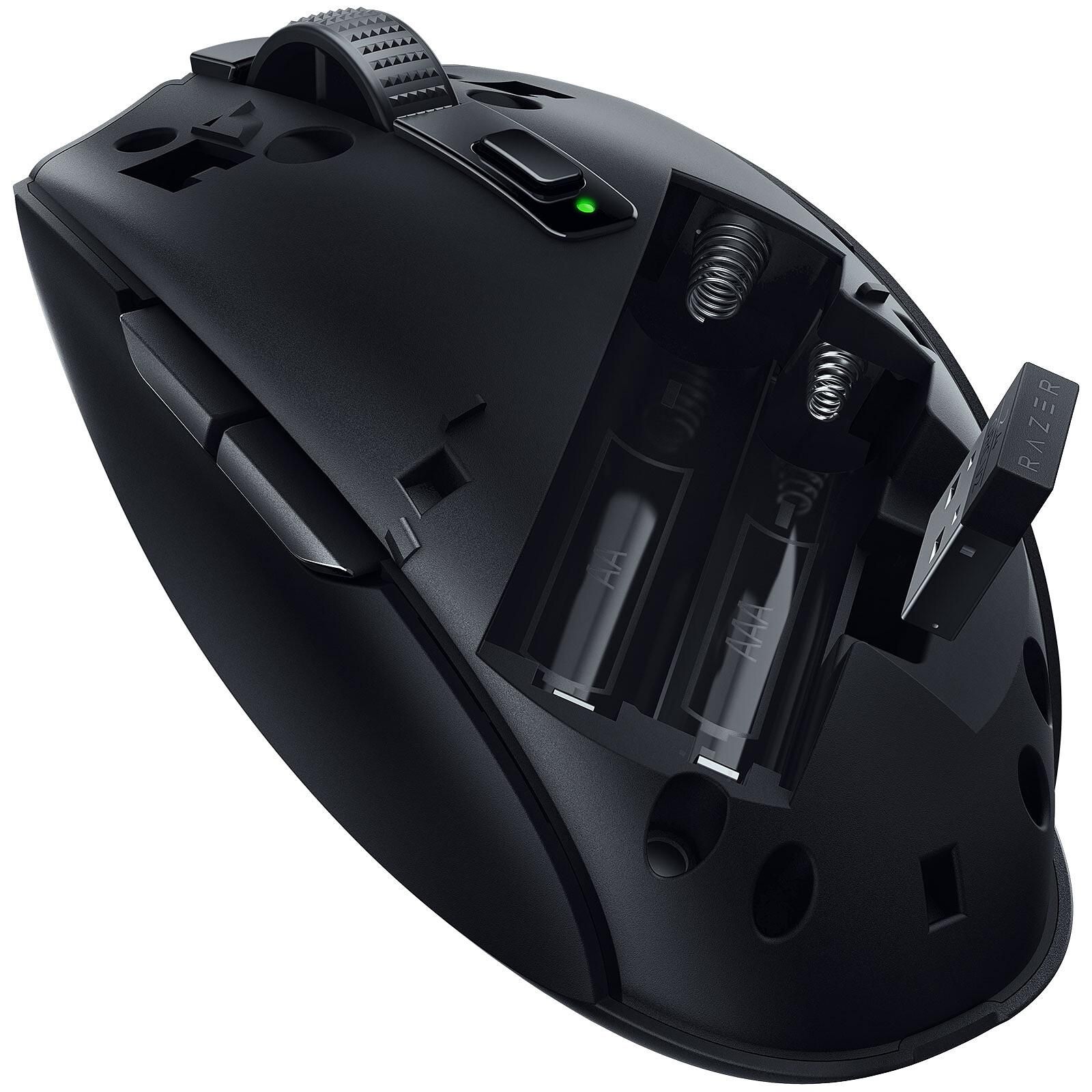
Two picks below, chosen because each one demonstrates a rule from this guide rather than because it wins on paper. The first shows the swappable-battery approach; the second shows what a small chassis buys you, and what it costs.
Logitech G309 Lightspeed Wireless Gaming Mouse
Pick this one if the rule that matters to you is battery independence. Running on a removable AA means you're never docked mid-session, and a lithium cell trims some of the mass an alkaline adds. Check the shell dimensions against your hand before ordering.
Pros
- Removable AA cell removes any need to dock or charge between sessions
- Lightspeed 2.4GHz receiver targets the low-latency connection competitive play needs
- Swapping the alkaline for a lithium cell is a straightforward way to cut weight
Cons
- A heavy alkaline cell shifts the balance point rearward and adds mass
- Exact variant, included accessories, and warranty terms can vary by retailer
- Price and availability can change by seller and region
HyperX Pulsefire Haste 2 Mini Wireless Gaming Mouse
Here's the size rule made concrete. A micro chassis lets the fingers steer instead of the whole forearm, which suits claw and fingertip grips. Large hands looking for palm support should scroll back up to the ergonomic category instead.
Pros
- Micro-sized shell suits claw and fingertip grips and smaller hand spans
- Compact footprint travels well in a laptop sleeve or bag pocket
- Specs can be compared directly against same-category alternatives
Cons
- Too small for palm-grip use on large hands — expect cramping on long sessions
- Exact variant, included accessories, and warranty terms can vary by retailer
- Price and availability can change by seller and region
Setup and Compatibility Checks
Last pass before you commit. Confirm there's a free USB-A port for the receiver, or budget for a hub if your laptop is all USB-C. Check that the configuration software runs on your operating system, since profile switching and DPI steps often live there and nowhere else. Then look at the return window — grip fit is the one thing no spec sheet can settle for you, and knowing how to choose wireless mice ultimately comes down to whether the shape suits your hand across a full day of work or play.
Sources & References
Specifications and claims in this analysis were cross-referenced against the sources below.
- Ultra-lightweight Ergonomic Esports Mouse - Razer DeathAdder V3razer.com
- Razer DeathAdder V3 HyperSpeed: Ultralight Wireless Esports Mouserazer.com
- Razer DeathAdder V3 HyperSpeed | RZ01-05140 Support & FAQsmysupport.razer.com
- Razer DeathAdder V3 | RZ01-04640 Support & FAQsmysupport.razer.com
- At a Glance: Razer DeathAdder V3 | RZ01-04640mysupport.razer.com
- At a Glance: Razer DeathAdder V3 HyperSpeed | RZ01-05140mysupport.razer.com
- Razer DeathAdder V3 Reviewtechpowerup.com
- Razer DeathAdder V3 Specs, Review & Fit Guide | MouseShapemouseshape.com
Frequently Asked Questions
Yes. A dedicated 2.4GHz receiver delivers the low latency competitive play depends on. Bluetooth is the better pick for travel and multi-device office work, where a slightly slower connection costs you nothing.


